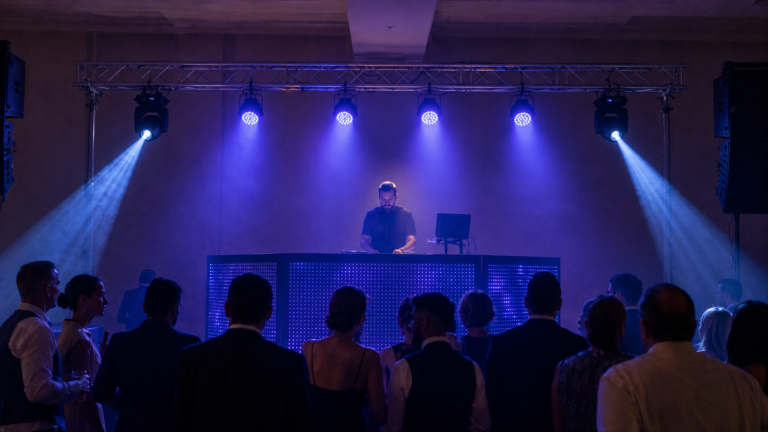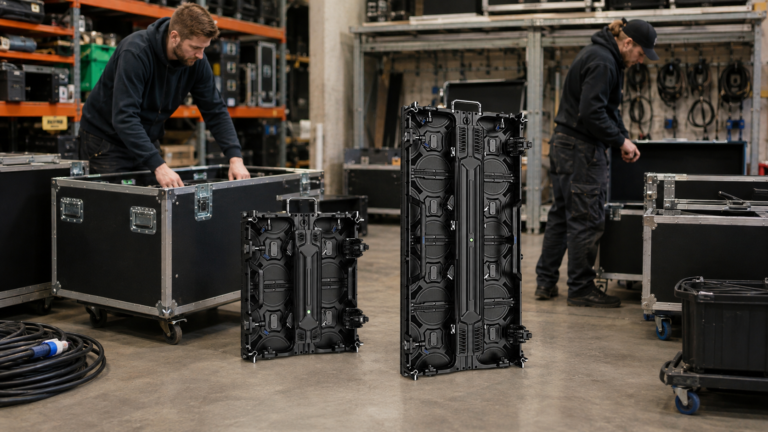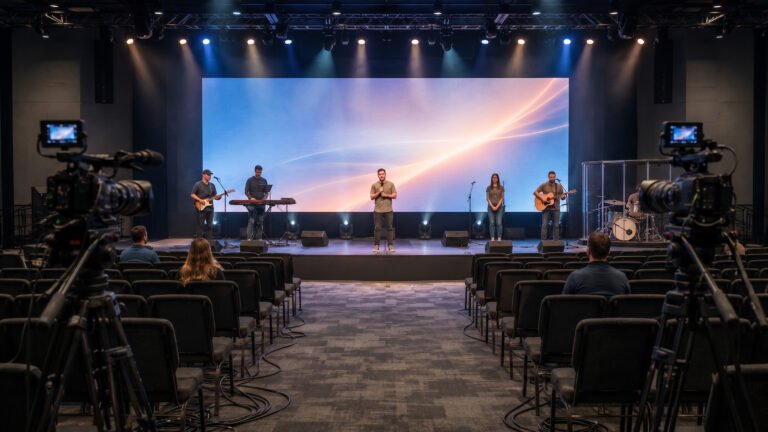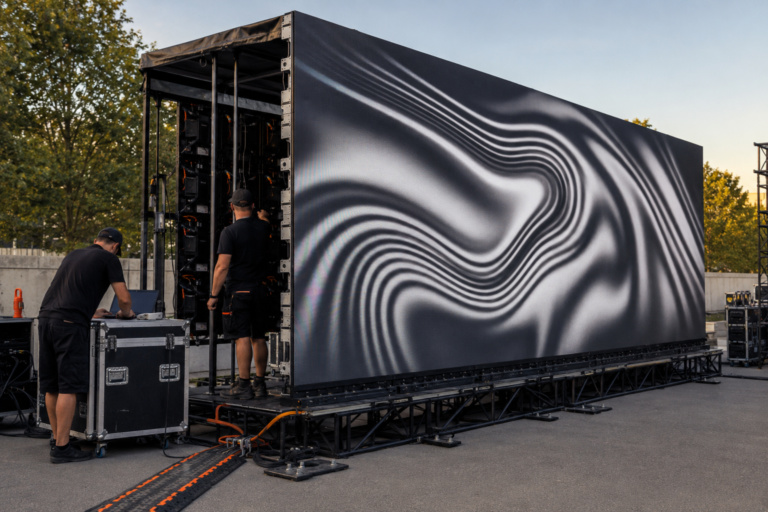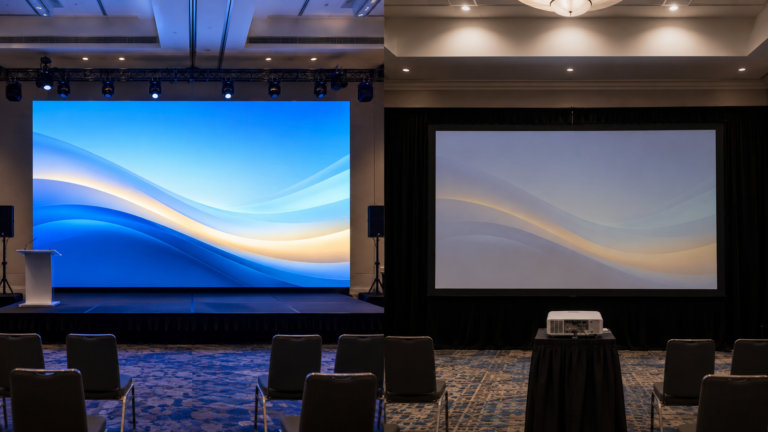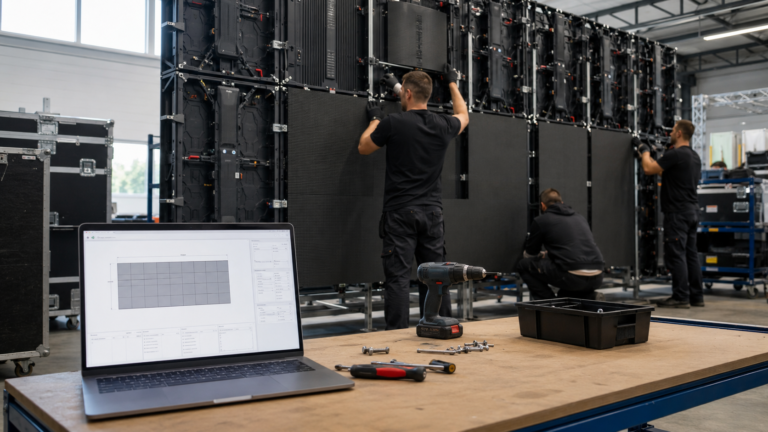




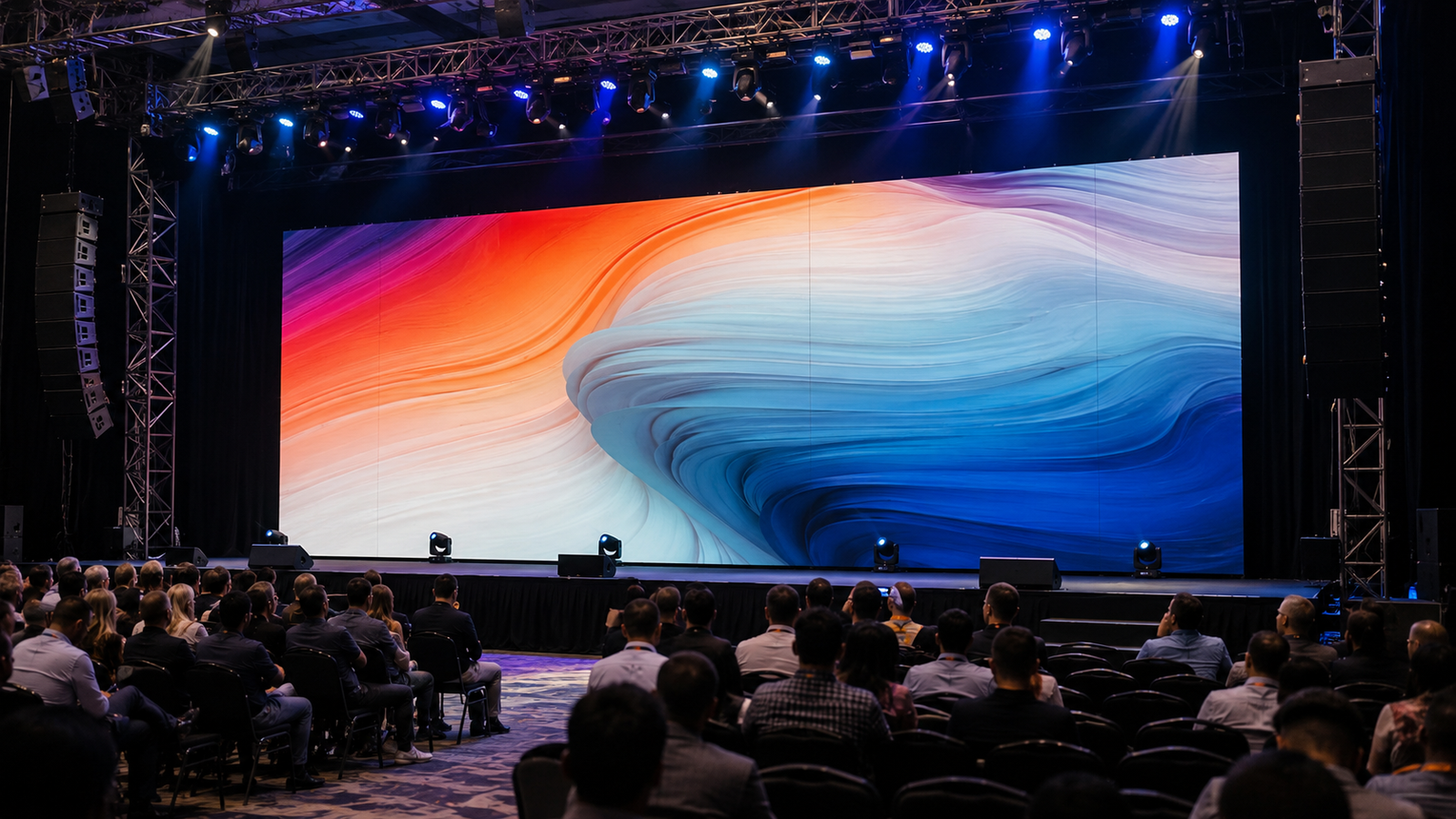
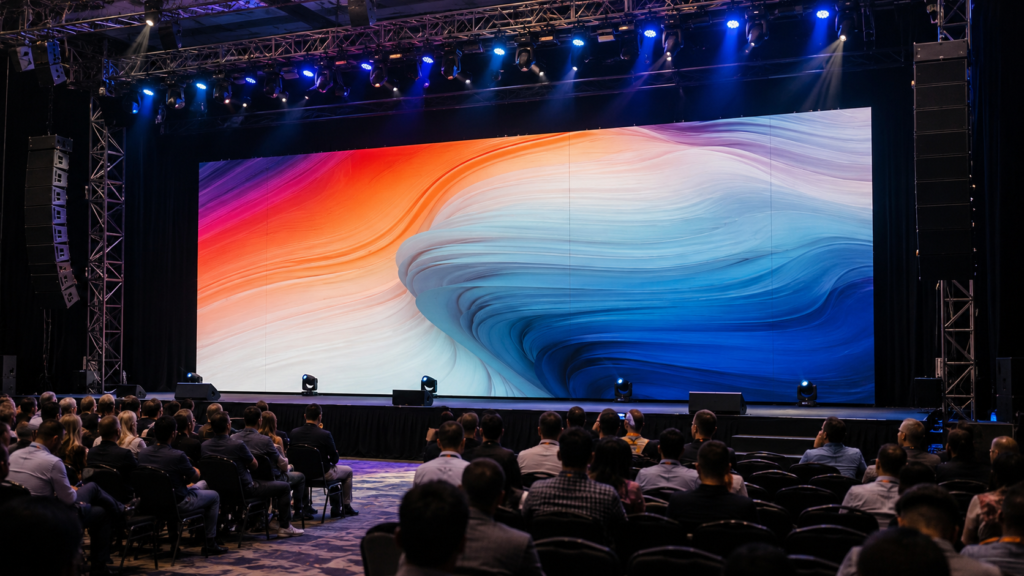
A P3.91 LED display uses pixels spaced approximately 3.91mm apart. It is commonly selected for rental stages, concerts, exhibitions, churches, conferences, and outdoor events where the audience normally views the screen from more than 4m away. For B2B buyers, however, pixel pitch is only the first decision. The project must also match the correct brightness, IP rating, cabinet size, refresh rate, installation method, and viewing environment.
This P3.91 LED display guide compares indoor and outdoor versions, explains the difference between 500x500mm and 500x1000mm rental cabinets, and gives buyers a practical specification checklist before requesting a quotation.
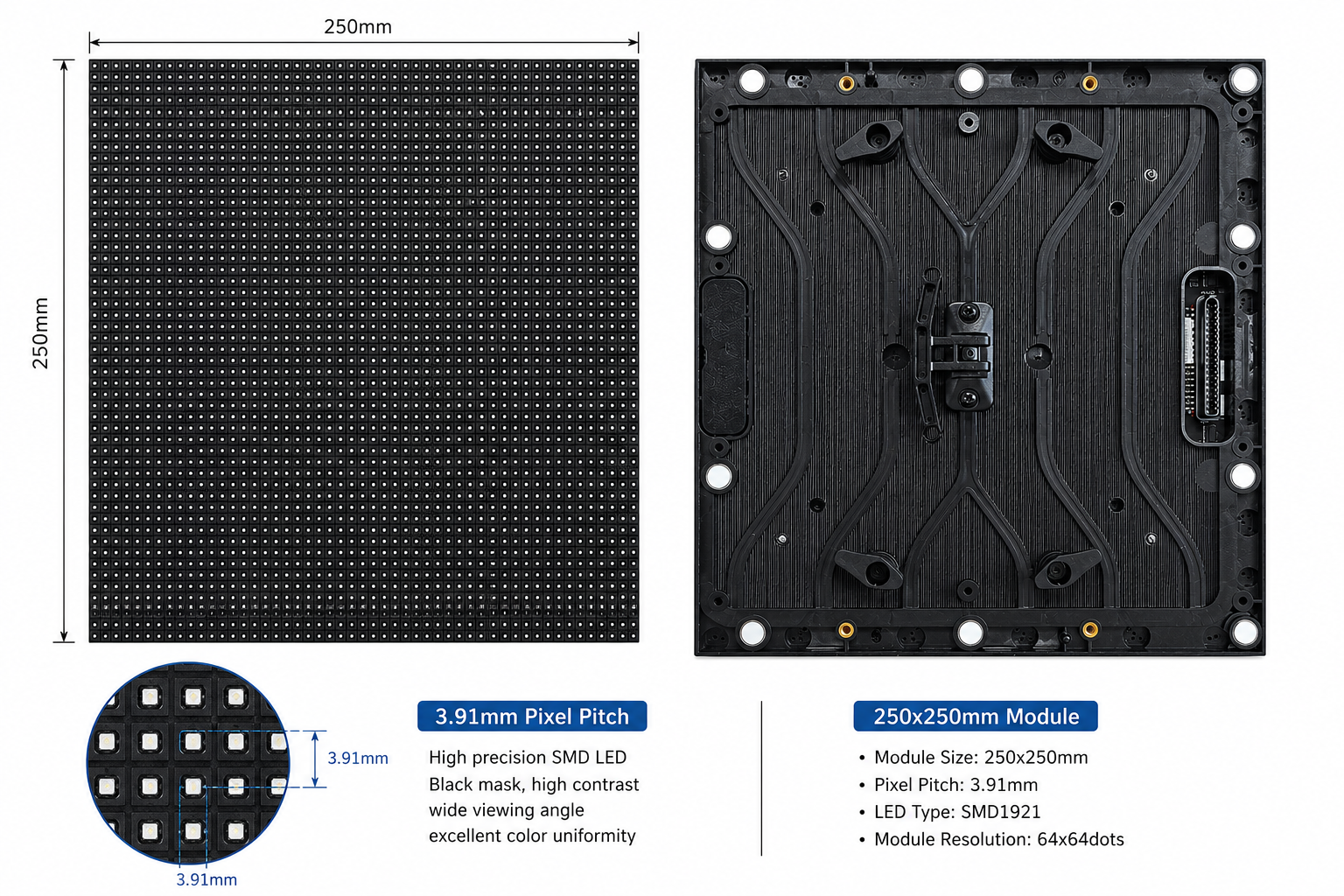
The “P” means pixel pitch, while 3.91 describes the approximate center-to-center distance between adjacent pixels in millimeters. A smaller pitch places more pixels into the same screen area. As a result, it can show finer detail at a shorter viewing distance, although it usually increases the number of LEDs and the overall system cost.
Based on the verified WUYESTAGE rental display specification table, a P3.91 module measures 250x250mm and has a resolution of 64×64 pixels. Therefore, the pixel density is 65,536 pixels per square meter. The recommended viewing distance is more than 4m, making P3.91 practical for medium and large event screens where guests are not standing directly beside the display.
P3.91 is not automatically better or worse than P2.976. Instead, it serves a different distance and budget range. P2.976 may be more suitable when viewers are closer, while P3.91 often provides a practical balance for stage and outdoor rental work.
Buyers who still need to compare P3.91 with other pixel pitches can begin with the WUYESTAGE LED screen product range.
The table below summarizes the verified baseline specifications for the current WUYESTAGE P3.91 rental display range.
| Specification | P3.91 Rental LED Display |
|---|---|
| Pixel pitch | 3.91mm |
| Module size | 250x250mm |
| Module resolution | 64×64 pixels |
| Pixel density | 65,536 pixels/sqm |
| Scan mode | 1/28 scan |
| Cabinet sizes | 500x500mm and 500x1000mm |
| Cabinet resolution | 128×128 pixels and 128×256 pixels |
| Cabinet weight | 7.5kg and 12.5kg |
| Indoor brightness | 800-1200 cd/sqm |
| Outdoor brightness | 3500-4200 cd/sqm |
| Indoor protection | IP31 |
| Outdoor protection | IP65 |
| Refresh rate | 7680Hz |
| Installation | Hanging or stacking |
| Recommended viewing distance | More than 4m |
These values should be included in the order specification. In addition, buyers should confirm the LED package, receiving card, power supply, cabinet material, connector type, spare-parts ratio, packing method, and control system for the exact production batch.
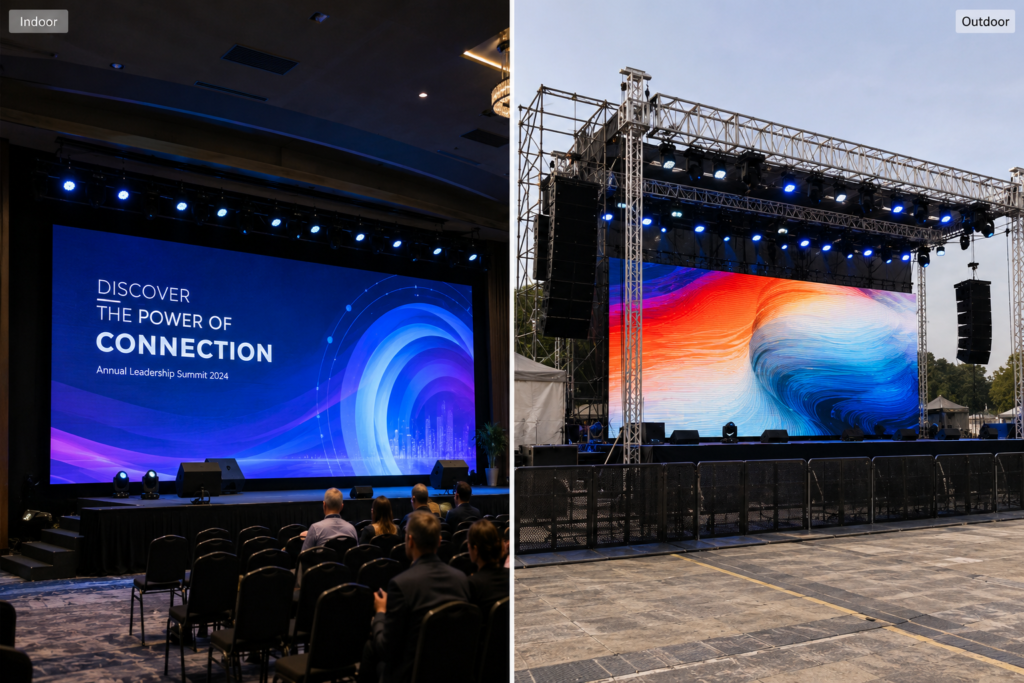
Indoor and outdoor P3.91 panels may share the same pitch and cabinet dimensions, but they are not interchangeable. Brightness and environmental protection create the most important differences.
| Selection Point | Indoor P3.91 | Outdoor P3.91 |
|---|---|---|
| Typical brightness | 800-1200 cd/sqm | 3500-4200 cd/sqm |
| Protection reference | IP31 | IP65 |
| Typical applications | Conferences, exhibitions, churches, indoor stages | Concerts, festivals, outdoor stages, temporary events |
| Main buyer priority | Controlled brightness and indoor image quality | Daylight visibility and weather resistance |
Choose an indoor version when the display will operate in a controlled environment without direct rain exposure. An output range of 800-1200 cd/sqm is designed for indoor event conditions, where excessive brightness can make the image uncomfortable and reduce usable camera exposure.
For compact modular builds, buyers can review the P3.91 indoor 500x500mm LED panel. Meanwhile, the P3.91 indoor 500x1000mm rental screen can reduce the number of cabinets needed for larger rectangular walls.
Choose an outdoor version when the screen may face daylight, dust, moisture, or changing weather. The verified outdoor brightness range is 3500-4200 cd/sqm, while the protection reference is IP65. However, buyers should still confirm the rating of the complete cabinet, including module seals, power and signal connectors, rear doors, and cable interfaces.
The P3.91 outdoor 500x500mm rental screen supports flexible event-wall configurations. For faster assembly of larger screens, compare the P3.91 outdoor 500x1000mm LED display.
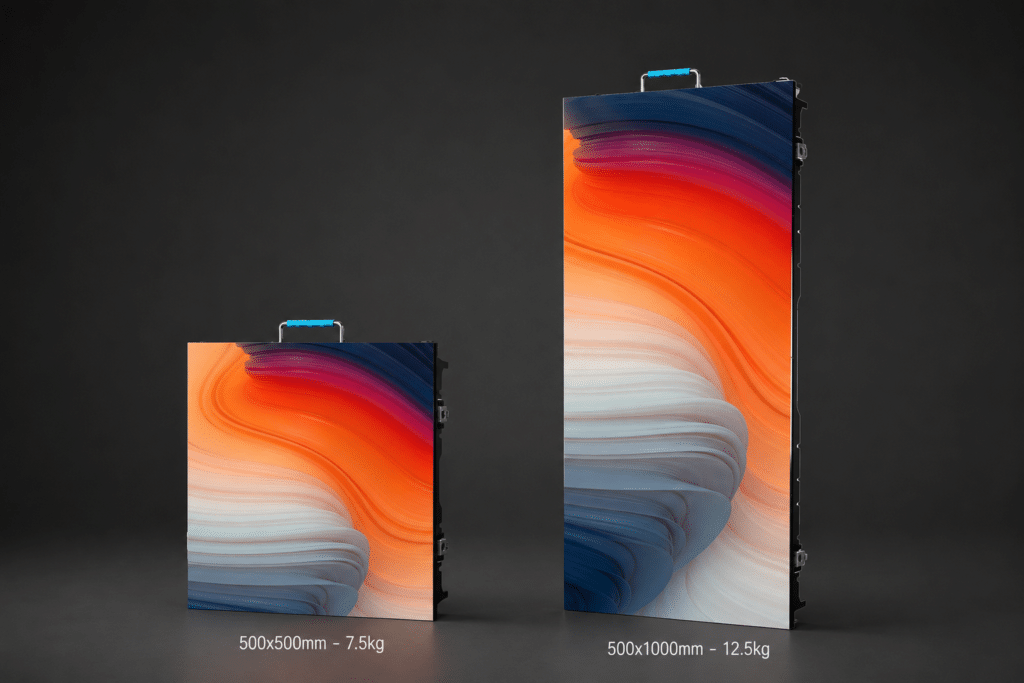
Both cabinet formats use the same 250x250mm module size. Nevertheless, they affect handling, screen configuration, installation speed, and spare inventory differently.
A 500x500mm cabinet has a verified resolution of 128×128 pixels and weighs approximately 7.5kg. Its square format gives rental companies more freedom when creating short walls, narrow side screens, irregular aspect ratios, or mixed-height stage layouts.
However, a large wall requires more cabinets, locks, connections, and installation steps.
A 500x1000mm cabinet has a verified resolution of 128×256 pixels and weighs approximately 12.5kg. Because each cabinet covers twice the area of a 500x500mm unit, a large rectangular screen can use fewer cabinets and connections. Consequently, assembly and dismantling may be faster for standard event-wall sizes.
On the other hand, the taller cabinet is heavier and offers fewer half-meter height adjustments. Therefore, choose according to crew size, transport, common screen dimensions, and layout needs.
They can be combined only when the cabinet structure, module alignment, locks, power, signal system, firmware, and color calibration are designed to work together. Do not assume that two P3.91 cabinets from different product families will align simply because their pixel pitch is the same. Before ordering, request confirmation that the 500x500mm and 500x1000mm versions are mechanically and electronically compatible.
The verified recommendation is a viewing distance of more than 4m. At that distance, the pixel structure becomes less distracting for typical event content, presentation graphics, live video, and stage backgrounds.
Still, viewing distance is not the only image-quality factor. Content resolution, screen dimensions, source scaling, ambient light, and audience expectations also matter.
If the audience will regularly stand closer than 4m, compare P2.976 or a smaller pixel pitch. If viewers are farther away and the wall is large, P3.91 may provide a more economical pixel count while remaining suitable for the application.
To convert the selected pixel pitch and screen size into cabinet quantities and resolution, use the WUYESTAGE LED wall calculator.
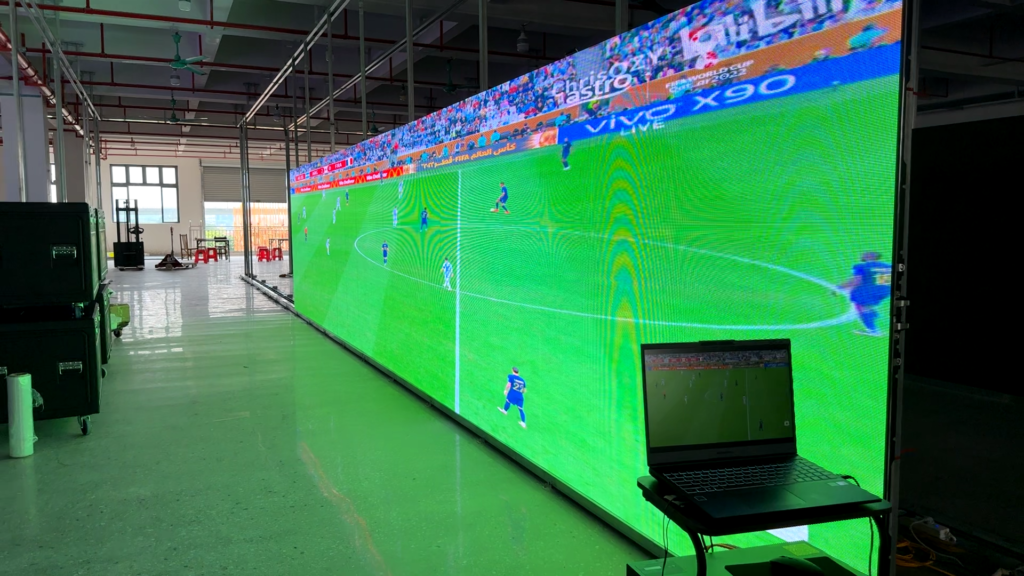
The verified P3.91 configuration uses a 7680Hz refresh rate. A high refresh rate is valuable for concerts, conferences, churches, broadcast work, and events where cameras record the screen. It can help reduce visible scan lines and flicker in camera footage when the controller, receiving cards, camera shutter, frame rate, and content system are configured correctly.
Even so, refresh rate alone does not guarantee perfect on-camera performance. Buyers should test the complete display system with the intended camera settings. In addition, ask the supplier to demonstrate low-brightness performance, grayscale, color consistency, and video playback rather than relying only on one refresh-rate number.
Start with an outdoor IP65 version, 3500-4200 cd/sqm brightness, hanging or stacking installation, and a cabinet format that matches the crew workflow. For large standard walls, 500x1000mm cabinets can reduce unit count. Meanwhile, 500x500mm cabinets provide more layout flexibility.
For additional planning on brightness, structure, camera use and outdoor event requirements, review the stage LED screen buying guide.
Use an indoor version when the environment is protected and brightness is controlled. Confirm whether the audience stays beyond 4m and test small text from the nearest seat. A 7680Hz configuration is also useful when services, presentations, or events are recorded on camera.
Rental companies should base the cabinet choice on their most frequent screen sizes. In practice, square cabinets support flexible combinations, while tall cabinets speed up standard large-wall assembly. Buyers should also calculate flight-case capacity, truck space, spare cabinet quantity, and the number of power and signal jumpers required.
Before requesting a final quotation, confirm the following items in writing:
As a result, the supplier can quote the correct configuration instead of offering a generic “P3.91 screen” that may not match the project.
For B2B rental and event buyers, begin with the WUYESTAGE rental LED display range and choose the product page that matches the real environment and cabinet format:
| Requirement | Recommended Product Page |
|---|---|
| Indoor, compact and flexible cabinet combinations | P3.91 Indoor 500x500mm LED Panel |
| Indoor, faster assembly for larger walls | P3.91 Indoor 500x1000mm Rental Screen |
| Outdoor, flexible square-cabinet layouts | P3.91 Outdoor 500x500mm Rental Screen |
| Outdoor, fewer cabinets for large rectangular walls | P3.91 Outdoor 500x1000mm LED Display |
Final selection should follow the venue, nearest viewing distance, brightness requirement, weather exposure, common screen size, crew workflow, and camera needs.
P3.91 means the pixels are spaced approximately 3.91mm apart. The verified WUYESTAGE P3.91 module is 250x250mm with 64×64 pixels, resulting in 65,536 pixels per square meter.
The verified recommendation is more than 4m. However, the final choice also depends on content detail, screen size, audience expectations, and the nearest seat or standing position.
P3.91 can be configured for both. Indoor versions use 800-1200 cd/sqm and an IP31 reference, while outdoor versions use 3500-4200 cd/sqm and an IP65 reference. Choose by environment rather than pixel pitch alone.
The 500x500mm cabinet is lighter and more flexible for custom layouts. By contrast, the 500x1000mm cabinet covers twice the area and can speed up assembly of large standard walls. Many rental companies select according to their most common project dimensions.
It is particularly useful for camera-facing events, live streaming, conferences, churches, and concerts. Nevertheless, buyers should test the complete system because camera settings, processing, grayscale, and brightness also affect recorded results.
Send WUYESTAGE your screen width and height, nearest viewing distance, indoor or outdoor environment, installation method, camera requirements, preferred cabinet size, target quantity, and destination. We can help calculate the P3.91 cabinet layout, compare 500x500mm and 500x1000mm options, confirm the specification, and prepare a quotation for a sample or bulk rental-display order.Contact WUYESTAGE to request a P3.91 LED display configuration and quotation for your project.