
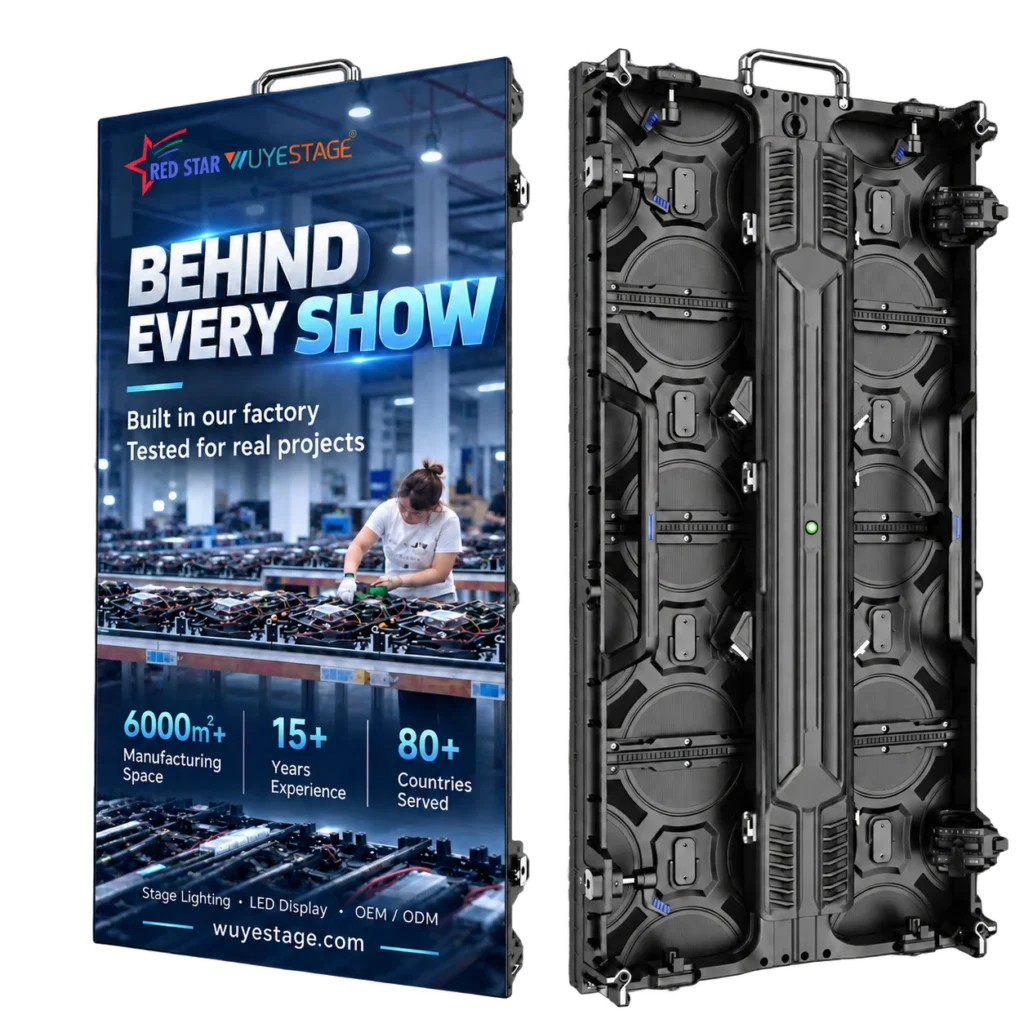
INDOOR RENTAL LED DISPLAY SERIES
Indoor Rental LED Display Cabinet Series overview
Indoor Rental LED Display Cabinet Series. Build an indoor rental LED wall around the viewing distance, camera requirements and screen geometry. The series covers P1.953 GOB, P2.604, P2.976 and P3.91, with 500×500mm and 500×1000mm cabinet options for hanging or stacking projects. For controller setup, use NovaStar’s official downloads for the selected processor; compatibility is confirmed for the ordered system.
Pixel-pitch options
Select P1.953 GOB, P2.604, P2.976 or P3.91 around viewing distance and budget.
Cabinet formats
Combine 500×500mm and 500×1000mm formats after mechanical compatibility is confirmed.
High-refresh choices
P2.604, P2.976 and P3.91 are listed at 7680Hz; P1.953 is available from 1920–7680Hz.
Rental and event use
Plan conference, stage, worship, exhibition and temporary event screens from complete cabinets.
PIXEL-PITCH DECISION
Choose Pixel Pitch by Viewing Distance.
Pixel pitch is not a badge to maximize. The right choice is the one that resolves the content from the nearest important seat, fits the full screen pixel load and leaves enough budget for processing, structure, spares and transport.
- Density
- 262,144 dots/m²
- Brightness
- 800–1200 cd/m²
- Refresh
- 1920–7680Hz
- Density
- 147,456 dots/m²
- LED
- SMD1515
- Refresh
- 7680Hz
- Density
- 112,896 dots/m²
- LED
- SMD1515
- Refresh
- 7680Hz
- Density
- 65,536 dots/m²
- LED
- SMD2020
- Refresh
- 7680Hz
CABINET SIZE OPTIONS
Choose the Right Cabinet Format.
Both formats use the same current cabinet appearance shown in the supplied material. Treat mixed-size builds as project-specific and confirm frame batch, locks, receiving-card mapping and power configuration before quotation.
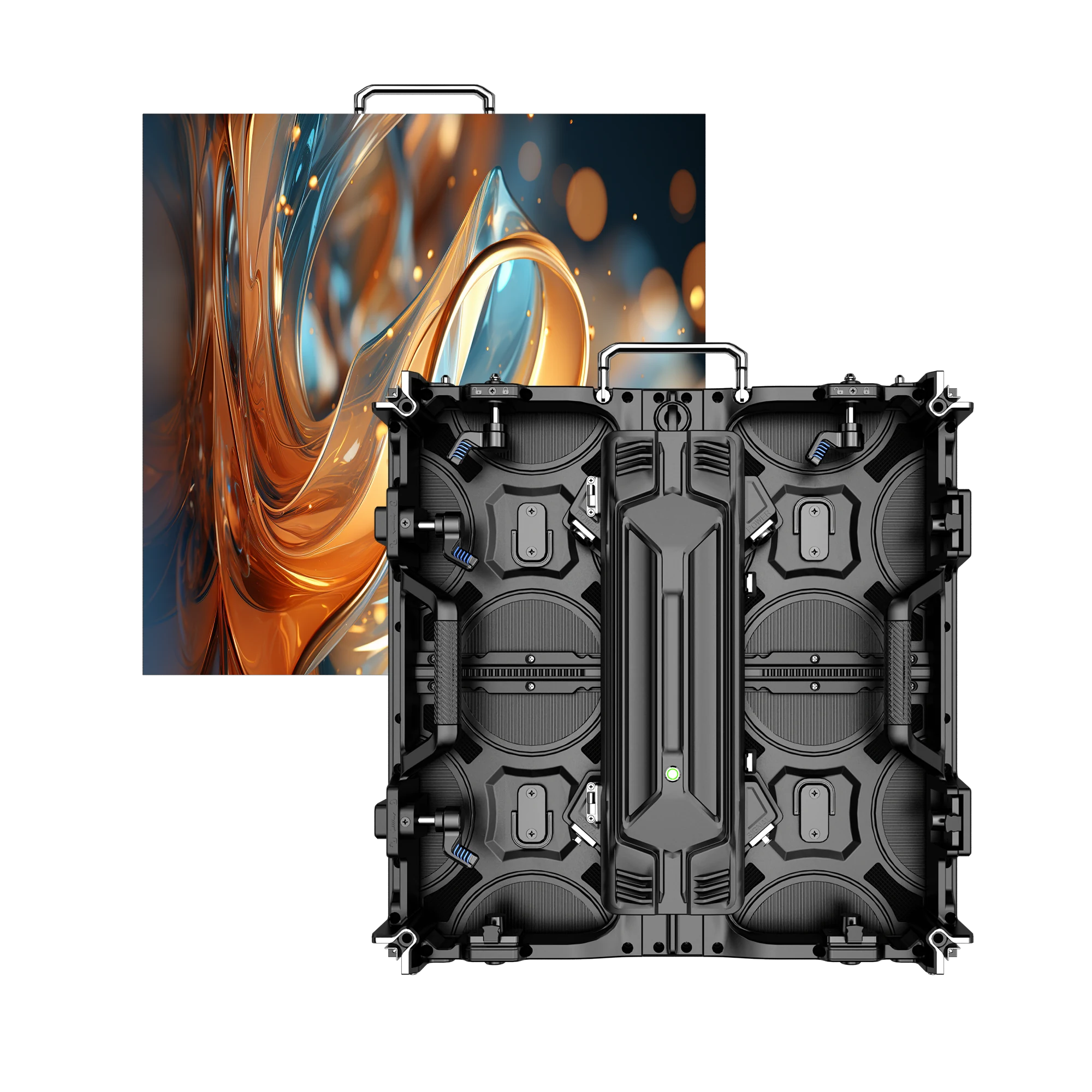
500×500mm Cabinet
- Format
- Square cabinet
- Best fit
- Flexible rows, corners and partial-height layouts
- P1.953 reference weight
- 7.5kg
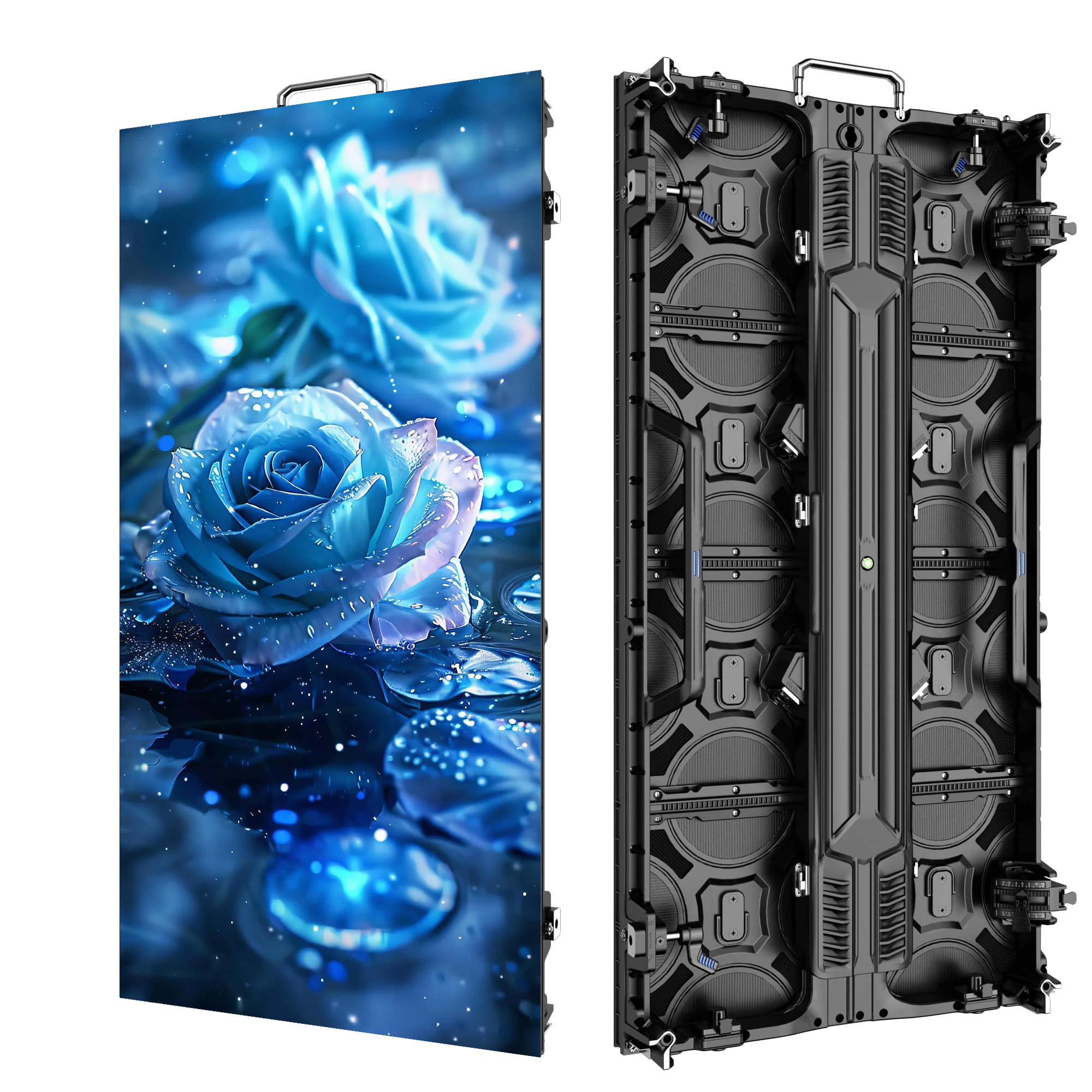
500×1000mm Cabinet
- Format
- Portrait cabinet
- Best fit
- Standard large rectangular rental walls
- P1.953 reference weight
- 12.5kg
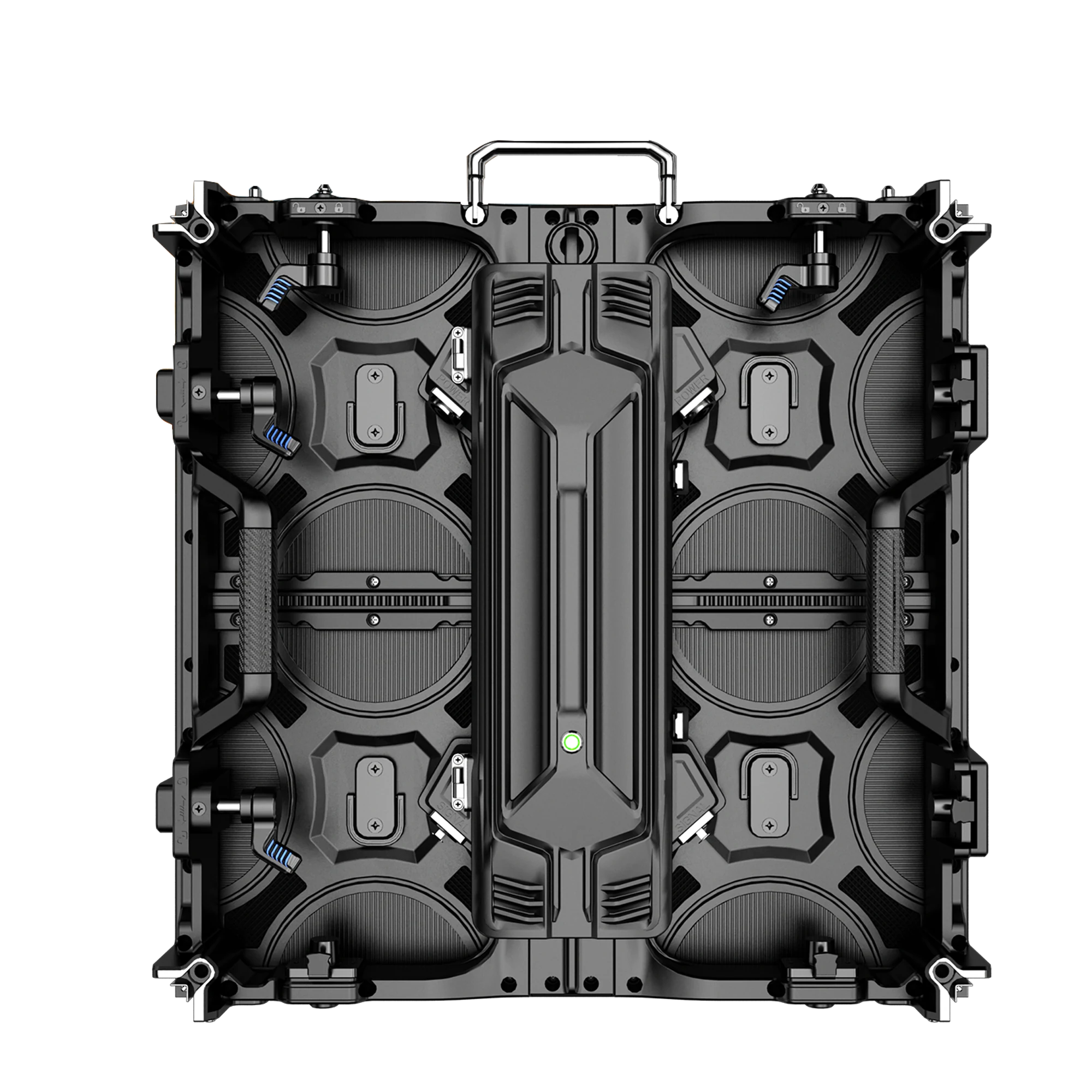
The cabinet photographs document the shared housing appearance. Indoor performance values on this page must not be used as outdoor protection or brightness claims.
CABINET DETAILS
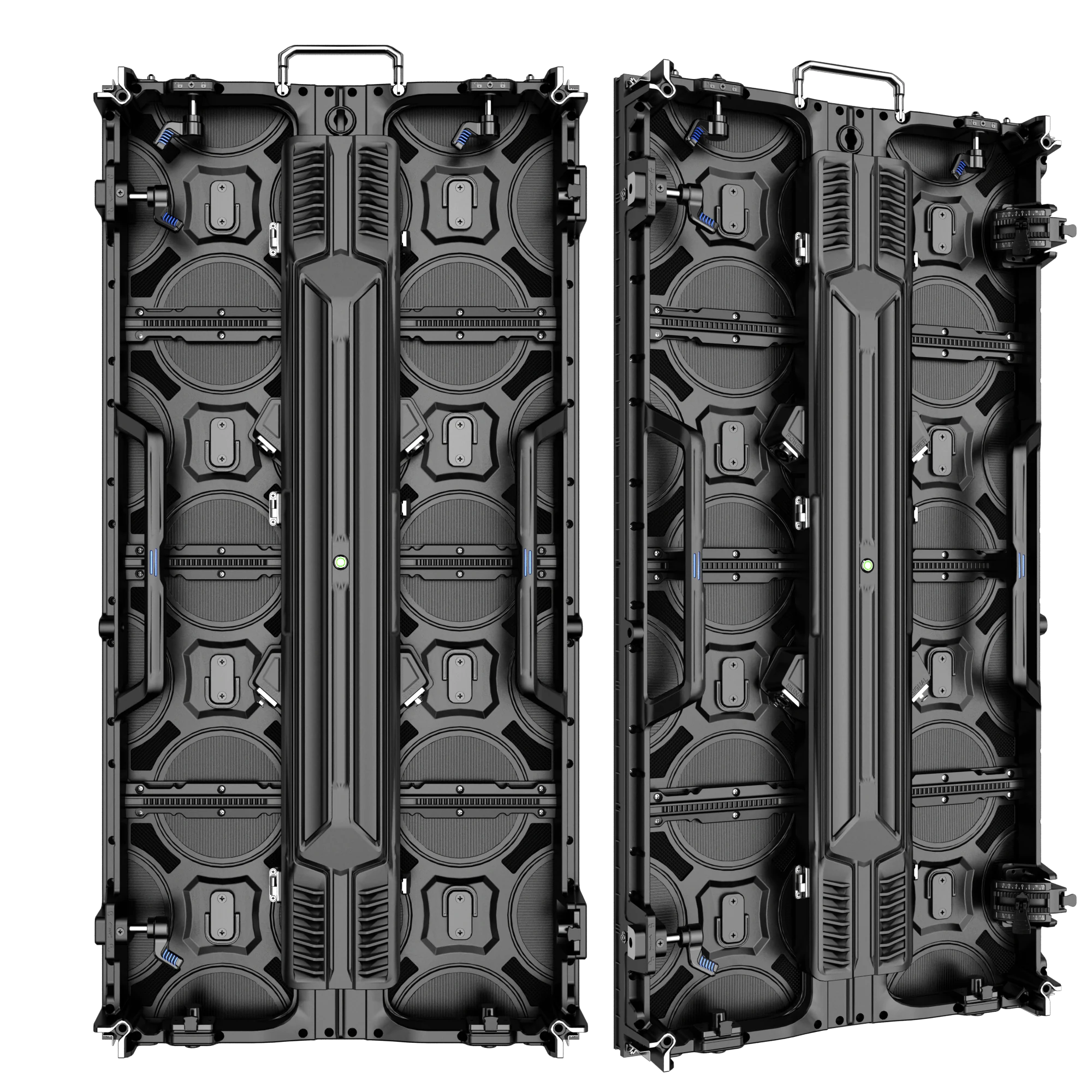
See Both Cabinet Formats in Full.
The supplied images show the current cabinet appearance from direct and angled views. Confirm connectors, lock configuration, curve hardware and service layout for the ordered batch.
PIXEL-PITCH COMPARISON
Compare Four Indoor Configurations.
Values below are the supplied series references. P3.91 module size remains excluded until the module geometry is reconfirmed.
| Configuration | P1.953 GOB | P2.604 | P2.976 | P3.91 |
|---|---|---|---|---|
| LED / protection | GOB | SMD1515 | SMD1515 | SMD2020 |
| Pixel density | 262,144 dots/m² | 147,456 dots/m² | 112,896 dots/m² | 65,536 dots/m² |
| Module | 250×250mm · 128×128 | 250×250mm · 96×96 | 250×250mm · 84×84 | 64×64 resolution |
| Brightness | 800–1200 cd/m² | 600–800 cd/m² | 600–800 cd/m² | 600–800 cd/m² |
| Refresh rate | 1920–7680Hz | 7680Hz | 7680Hz | 7680Hz |
| Scan mode | 1/32 scan | Confirm per batch | Confirm per batch | Confirm per batch |
CABINET RESOLUTION MATRIX
Plan Native Resolution by Cabinet Size.
Cabinet resolution changes with pixel pitch and cabinet height. Use these native values for early planning, then verify receiving-card mapping for the final batch.
| Pixel pitch | 500×500mm cabinet | 500×1000mm cabinet |
|---|---|---|
| P1.953 GOB | 256×256 px | 256×512 px |
| P2.604 | 192×192 px | 192×384 px |
| P2.976 | 168×168 px | 168×336 px |
| P3.91 | 128×128 px | 128×256 px |
SCREEN PLANNING EXAMPLES
See How Cabinet Size Changes the Build.
These two examples use complete cabinets and show native resolution before processor selection. They are planning references, not structural or electrical approvals.
3m × 2m screen
6 cabinets wide × 4 cabinets high · 24 cabinets total
- P1.953
- 1536×1024 px
- P2.604
- 1152×768 px
- P2.976
- 1008×672 px
- P3.91
- 768×512 px
4m × 2m screen
8 cabinets wide × 2 cabinets high · 16 cabinets total
- P1.953
- 2048×1024 px
- P2.604
- 1536×768 px
- P2.976
- 1344×672 px
- P3.91
- 1024×512 px
Specifications
Technical specifications
| Model | P1.953 GOB / P2.604 / P2.976 / P3.91 |
|---|---|
| IP rating | P1.953 GOB: IP31 |
| Pixel pitch | P1.953 GOB / P2.604 / P2.976 / P3.91 |
| Brightness | 600–1200 cd/m², configuration dependent |
| Refresh rate | 1920–7680Hz, configuration dependent |
| Cabinet size | 500×500mm / 500×1000mm |
| Cabinet weight | P1.953 reference: 7.5kg / 12.5kg |
| Scan mode | P1.953: 1/32 scan; other options confirm per batch |
PERFORMANCE BY CONFIGURATION
Compare Performance by Configuration.
The series shares a cabinet platform, but not every specification applies to every pixel pitch. Use the cards below to separate the confirmed P2.604 / P2.976 / P3.91 references from the P1.953 GOB configuration.
Gray scale
Listed for P2.604, P2.976 and P3.91 configurations.
Viewing angle
Horizontal and vertical reference angles for P2.604, P2.976 and P3.91.
Power per square meter
Listed maximum and average power references for P2.604, P2.976 and P3.91.
Maintenance access
Rear-maintenance configuration listed for P2.604, P2.976 and P3.91.
Final receiving-card, scan, refresh, protection and power configuration must be confirmed against the ordered batch before system approval.
APPLICATION FIT
Match the Screen to the Indoor Venue.
WHAT BUYERS SHOULD CONFIRM
Confirm the Complete LED Wall System.
For Indoor Rental LED Display Cabinet Series projects, a useful quotation should match the visible screen, signal system, installation method and operating workflow—not just list a panel quantity. Compare related LED display systems before finalizing the rig or screen configuration.
Buildable dimensions
Target width and height must resolve into complete 500mm cabinet increments.
Nearest important seat
Use real viewing distance and content detail to select the pixel pitch.
Refresh and scan
Confirm the ordered refresh configuration, scan mode and camera workflow.
Total pixel load
Match inputs, outputs, backup and processor capacity to the complete screen.
Hanging or stacking
Confirm rigging, ground support, access, venue limits and safety engineering.
Power, spares and service
Plan distribution, spare modules, receiving cards, packing and maintenance access.
B2B PROJECT FLOW
Turn the Screen Plan Into a Quotation.
INDOOR LED DISPLAY FAQ
Questions Before You Select a Cabinet.
Direct answers about pixel pitch, cabinet size, refresh rate, installation and quotation planning.
Which pixel pitches are available in this indoor series?
The listed options are P1.953 GOB, P2.604, P2.976 and P3.91. Choose around viewing distance, content detail, camera use, screen size and budget.
What cabinet sizes can I choose?
The series is offered in 500×500mm and 500×1000mm cabinet formats. Mixed-size builds require confirmation of frame, locks, mapping and electrical compatibility.
Which option is best for close viewing?
P1.953 has the highest listed pixel density at 262,144 dots/m² and a stated best viewing distance above 2m. Final choice depends on the real audience and content.
Which configurations support 7680Hz refresh?
P2.604, P2.976 and P3.91 are listed at 7680Hz. P1.953 is offered with a listed range of 1920–7680Hz, so the ordered refresh option must be confirmed.
Can the cabinets be hung or stacked?
Hanging and stacking are listed installation approaches. Rigging, support, ballast and safety engineering must be designed for the actual venue and screen size.
Is this page for outdoor LED screens?
No. This page covers indoor configurations. The cabinet appearance may also be used to illustrate a future outdoor series, but outdoor brightness and protection specifications must come from that separate configuration.
How do I calculate total screen resolution?
Multiply the cabinet native resolution by the number of cabinets across and high. The processor and receiving-card plan must then be checked against the full pixel load.
What information is needed for a quotation?
Send target screen dimensions, pixel pitch preference, viewing distance, venue, installation method, camera use, quantity, destination, processor needs, spares, packing and project schedule.
START YOUR PROJECT
Request Product Information.
Tell us the quantity and delivery requirements. Our sales team will prepare suitable options for your project.