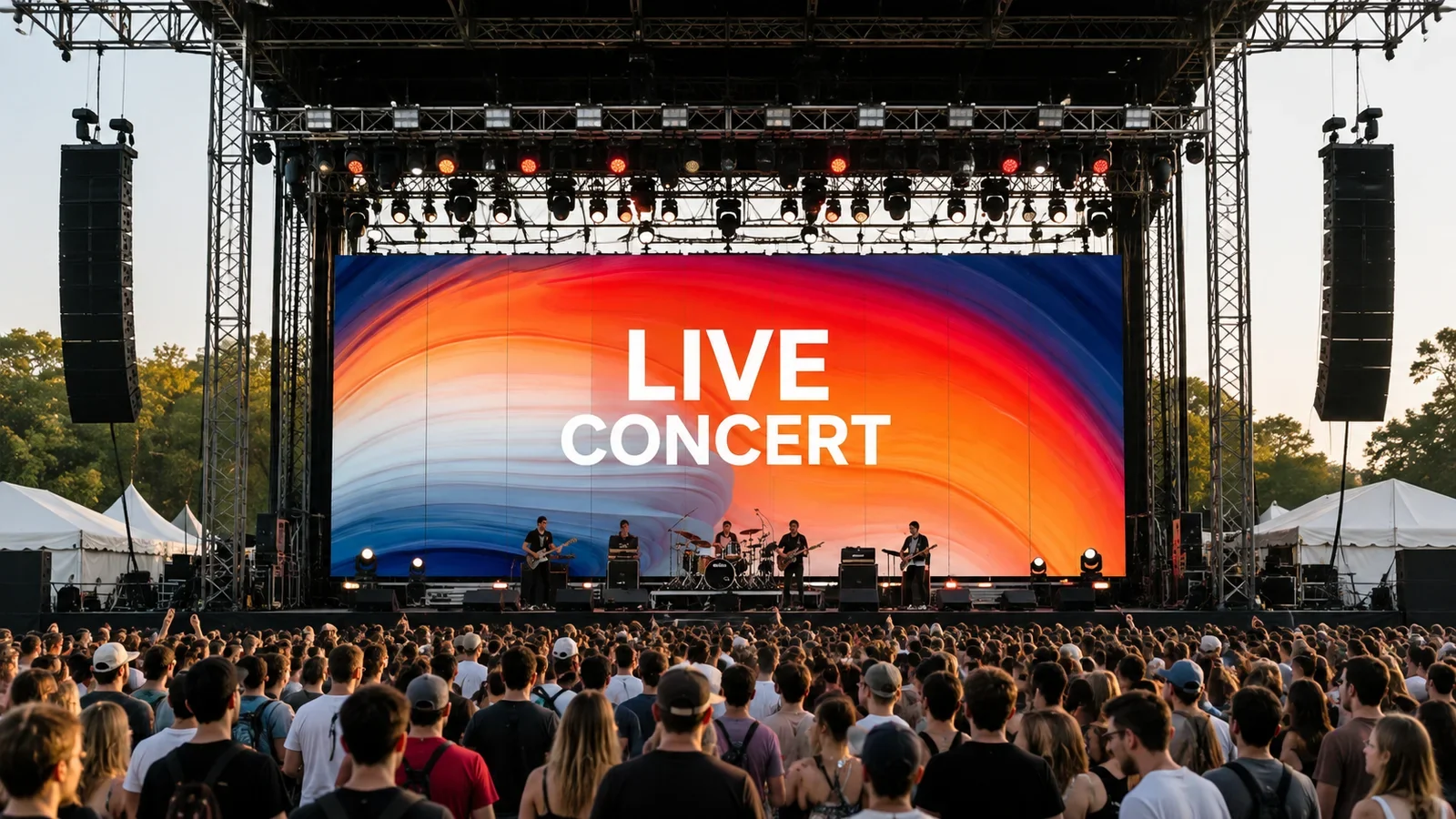
A stage LED screen should be selected as a system, not a cabinet-only purchase. Buyers need to match pixel pitch, screen dimensions, brightness, cabinet format, refresh rate, installation method, processing, power, transport, and crew workflow to the venue. For outdoor concerts and rental projects, weather protection and structural planning are important.
P3.91 is a practical starting point when the audience normally views the screen from over approximately four meters. A 500x1000mm rental cabinet can also reduce the number of cabinets required for a large rectangular wall. However, the correct configuration still depends on the nearest viewer, daylight, cameras, content, screen size, installation structure, and local project requirements.
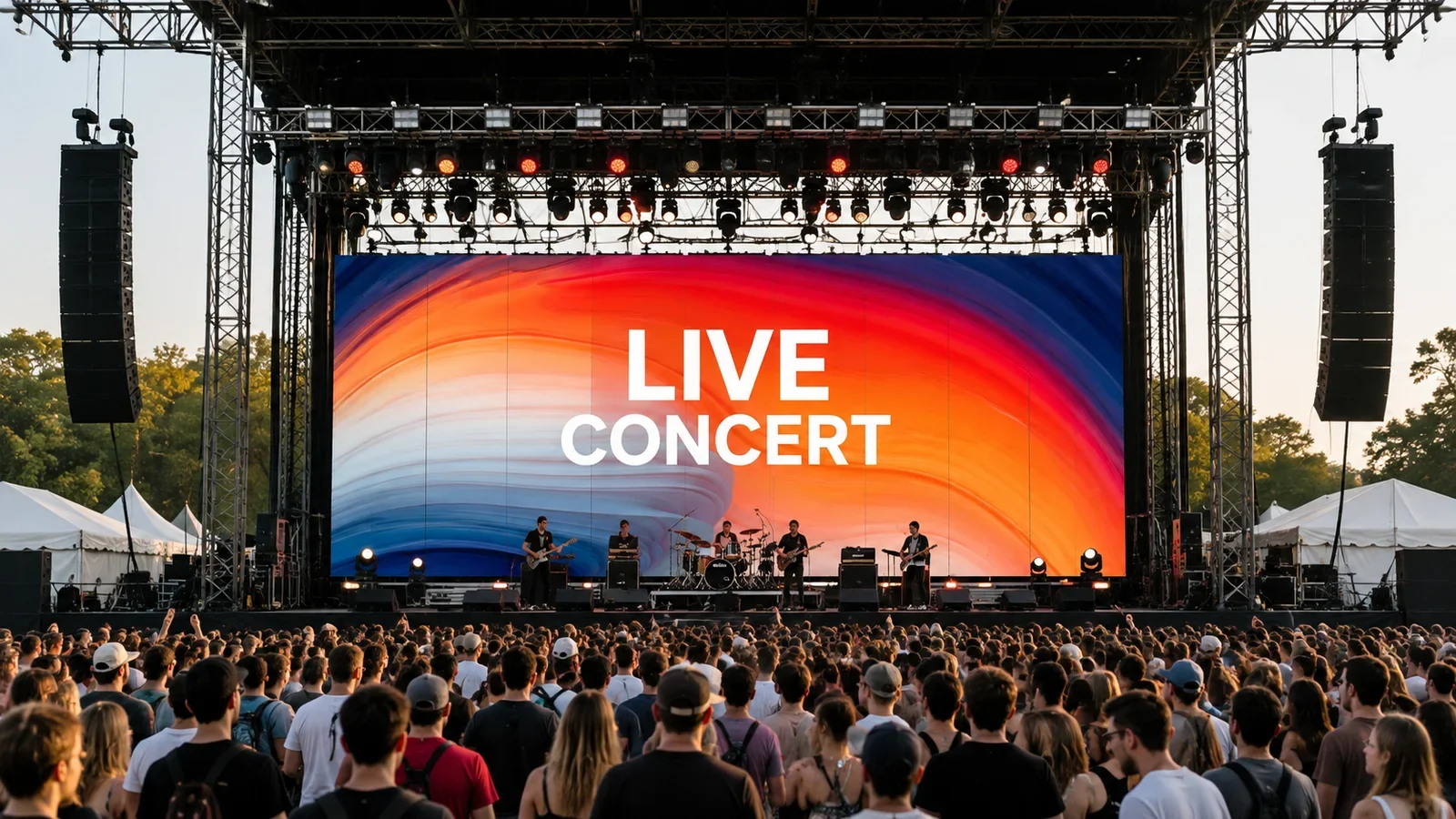
Start With the Stage and Audience
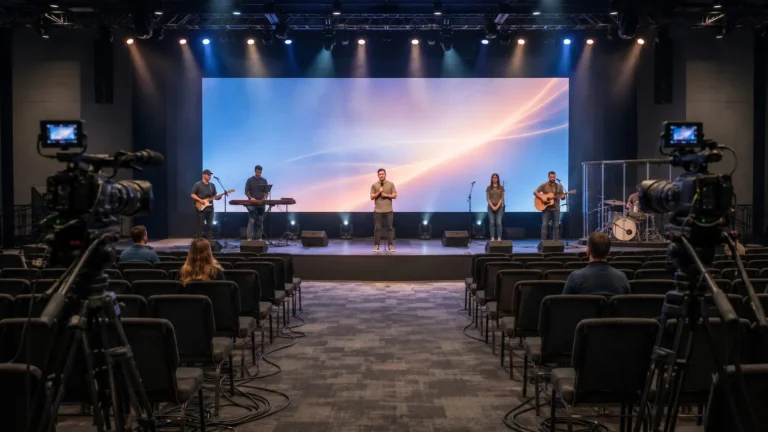
Before comparing LED specifications, define the job the screen must perform. A concert backdrop, festival side screen, corporate event wall, and touring video system may use similar cabinets but require different dimensions, brightness, redundancy, and processing.
Prepare the following information:
- Stage width, height, and available screen positions
- Nearest and farthest viewing distances
- Main screen, side screen, or scenic-screen role
- Indoor, covered outdoor, or exposed outdoor environment
- Daytime, evening, or mixed operating schedule
- Camera, livestream, and recording requirements
- Hanging or ground-stacked installation
- Typical setup and dismantling time
- Vehicle, flight-case, storage, and crew limits
These inputs define the useful screen area and prevent specification-only purchasing.
Choose Pixel Pitch by Viewing Distance
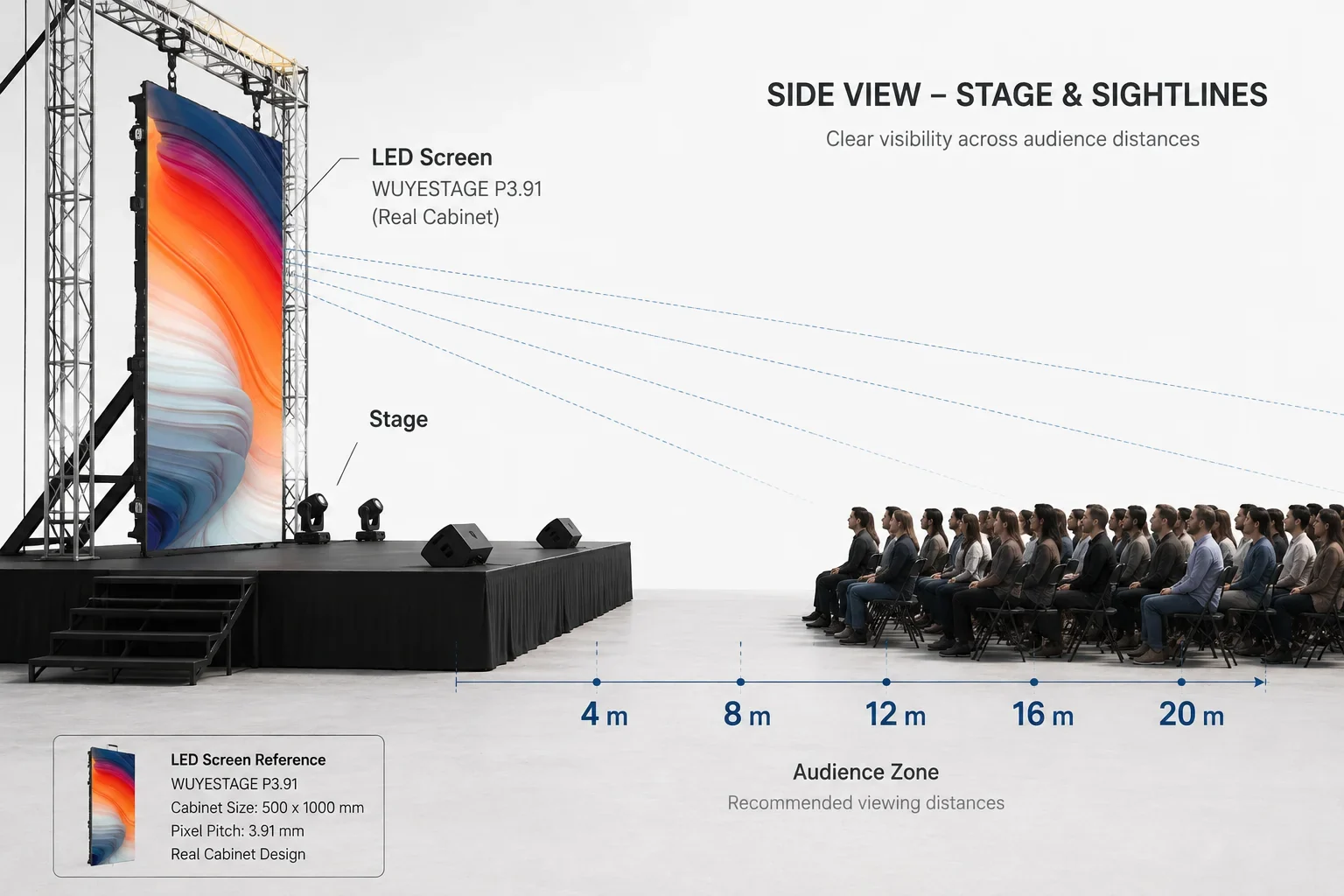
Pixel pitch is the center-to-center spacing between adjacent pixels. A smaller pitch places more pixels into the same area and can support closer viewing, but it also increases system resolution and may increase cost, processing load, and power requirements.
The verified WUYESTAGE P3.91 configuration uses 250x250mm modules with 64×64 pixels and a density of 65,536 pixels per square meter. Its recommended viewing distance begins above approximately four meters. This makes P3.91 relevant to medium and large stages where the audience is not standing directly beside the display.
Use the nearest regular viewer as the first check. Then evaluate the content. Fine text, detailed sponsor graphics, and close camera shots may require a smaller pitch than large video images viewed from farther away. The existing P3.91 LED display guide provides a broader comparison of indoor and outdoor configurations and cabinet sizes.
Match Brightness to Outdoor Conditions
An outdoor stage LED screen must remain readable under the expected ambient light. The verified P3.91 outdoor range is approximately 3500-4200 cd/m2. The required operating level depends on screen direction, shade, event time, content, camera exposure, and direct sunlight.
More brightness is not always better. Excessive output during an evening show can overpower performers, reduce camera balance, and make content uncomfortable to view. Specify the required outdoor brightness range, then test representative content under expected conditions.
Outdoor protection must also be confirmed for the complete supplied configuration. The current P3.91 outdoor reference uses an IP65 configuration, but buyers should still confirm the cabinet, modules, rear access, connectors, cabling, and installation plan. Weather protection does not replace professional drainage, structures, power distribution, wind planning, inspection, or emergency procedures.
Compare Rental Cabinet Formats
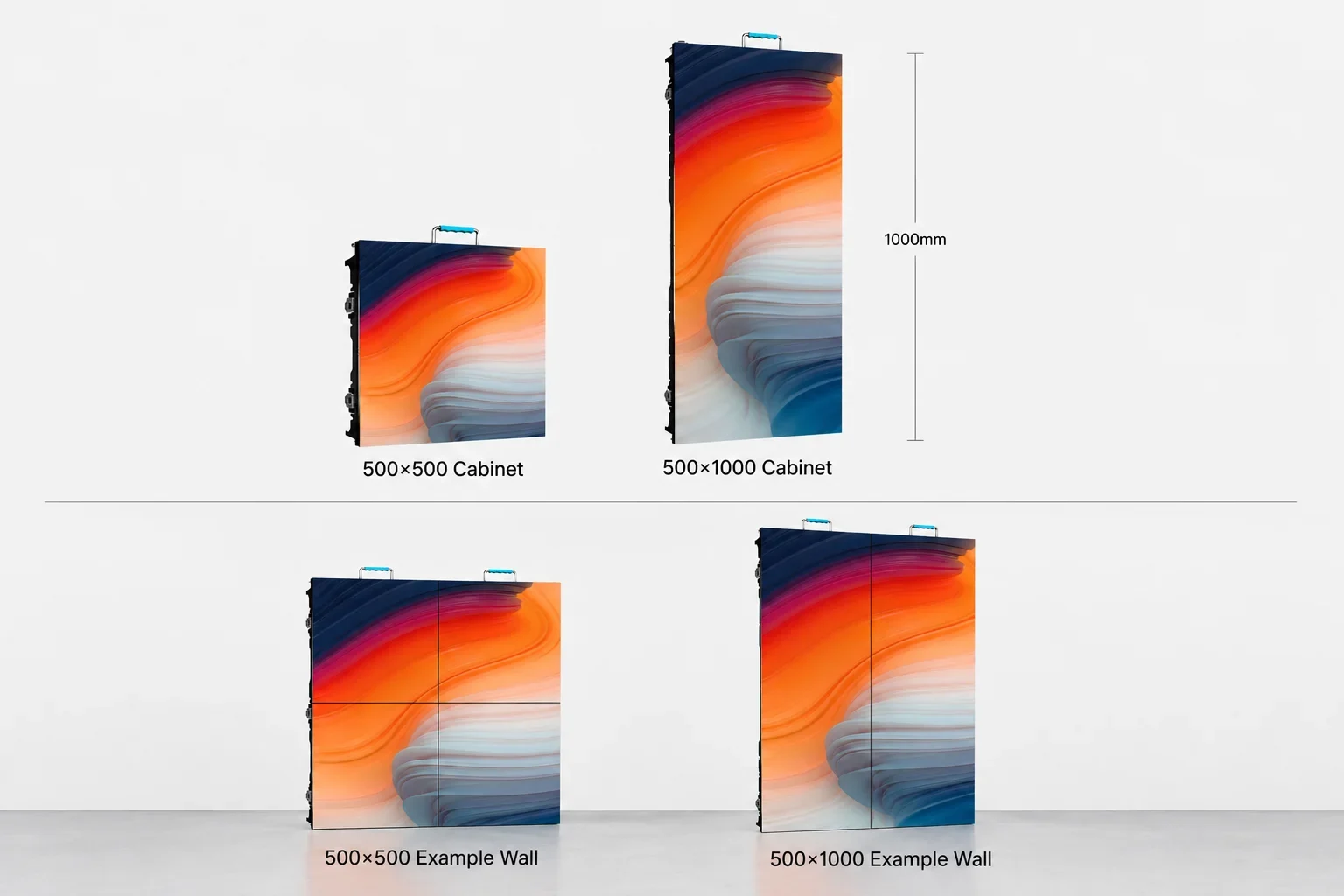
Rental cabinets affect far more than the shape of the screen. They influence unit count, handling, connection count, case capacity, spare inventory, and setup speed.
| Cabinet format | Verified resolution | Approximate weight | Best planning use |
|---|---|---|---|
| 500x500mm | 128×128 pixels | 7.5kg | Flexible heights, corners, and mixed layouts |
| 500x1000mm | 128×256 pixels | 12.5kg | Faster assembly of large standard rectangular walls |
A 500x1000mm cabinet covers twice the area of a 500x500mm cabinet. Therefore, crews can build a large wall with fewer units and connections. The taller cabinet may be useful for concert backdrops, festival screens, and repeated standard-size rental builds.
The square format provides more half-meter height adjustments and can be easier for irregular screen layouts. Some projects use both sizes, but compatibility must be confirmed. Matching pixel pitch alone does not guarantee that locks, module alignment, receiving cards, firmware, power, calibration, or color will work together.
Why P3.91 500×1000 Works for Fast-Build Stages
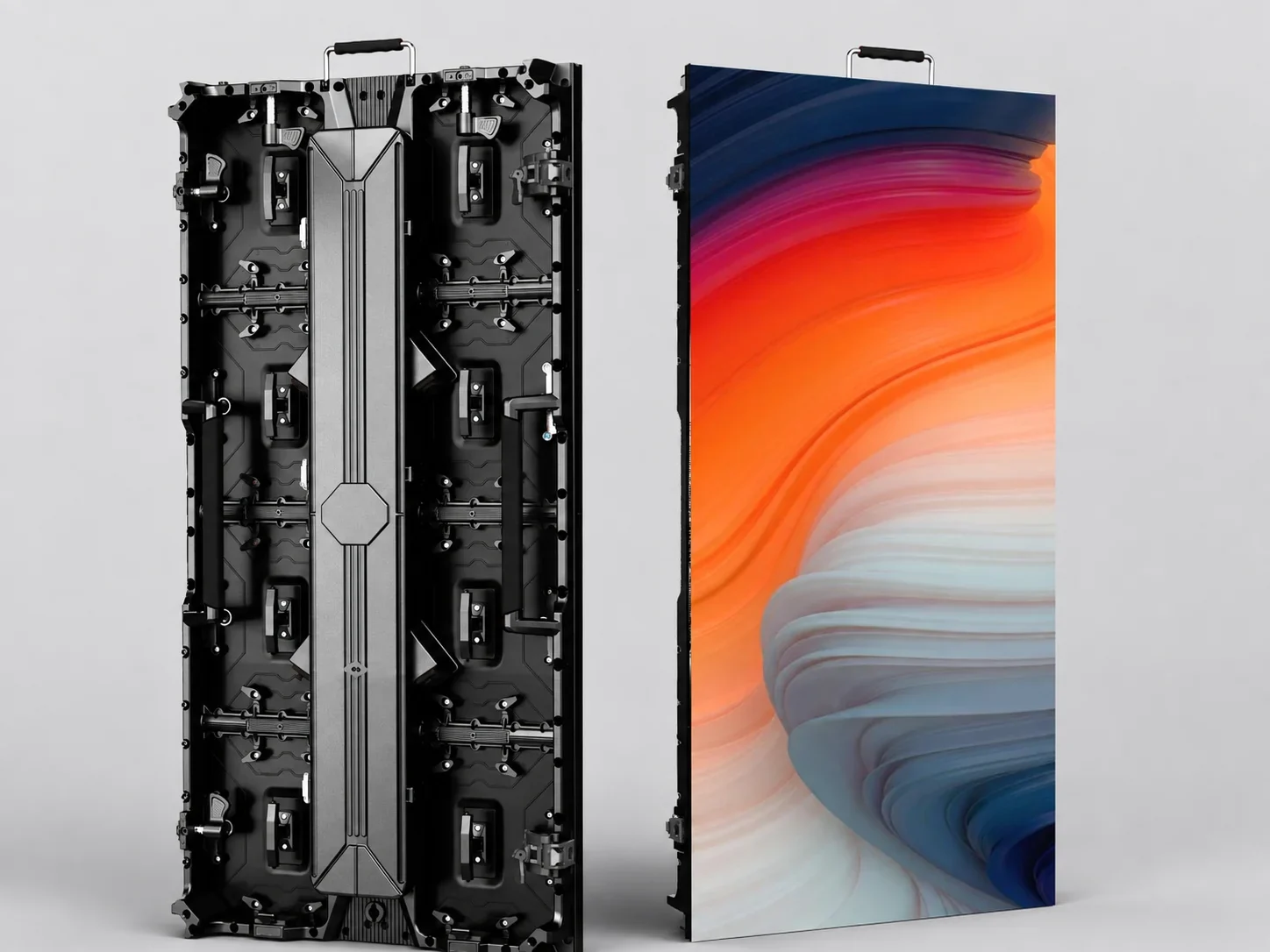
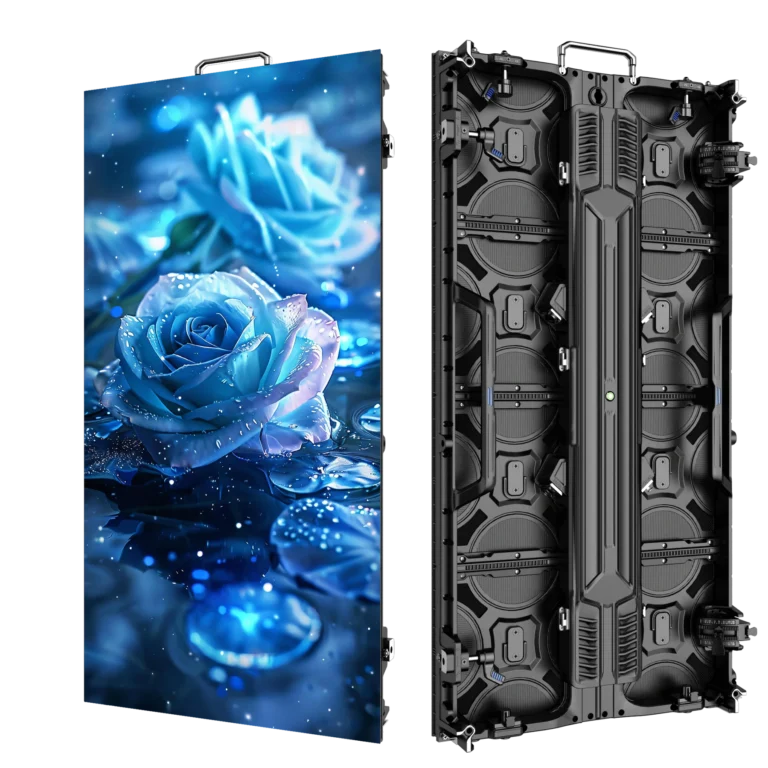
The WUYESTAGE P3.91 500×1000 LED display is configured for outdoor rental and event projects. The verified product data includes:
- P3.91 pixel pitch
- 250x250mm modules at 64×64 pixels
- 500x1000mm rental cabinet at 128×256 pixels
- Approximately 12.5kg cabinet weight
- Approximately 3500-4200 cd/m2 outdoor brightness
- Up to 7680Hz refresh rate
- 1/28 scan
- IP65 outdoor configuration
- Hanging or stacking installation
The larger cabinet format can reduce cabinet count on standard rectangular walls. Buyers should still calculate the complete layout before ordering, including spare cabinets, modules, power supplies, receiving cards, signal cables, power jumpers, flight cases, structure, processors, and distribution equipment.
The product landing page includes a cabinet calculator for preliminary planning. Enter the target screen width and height to estimate cabinet count, actual assembled dimensions, resolution, total pixels, and display area. Treat the result as an estimate rather than a final engineering plan.
Plan Screen Size and Aspect Ratio
Start with the content format and stage geometry. For a preliminary rectangular build:
- Divide the target width by the cabinet width.
- Divide the target height by the cabinet height or selected orientation.
- Round to whole cabinets.
- Recalculate the actual physical size.
- Multiply the cabinet count by the cabinet resolution.
- Confirm that the processor can support the resulting total pixels and layout.
Because cabinets cannot be divided, send the supplier both the requested dimensions and the acceptable final range.
Check Refresh Rate With Real Cameras
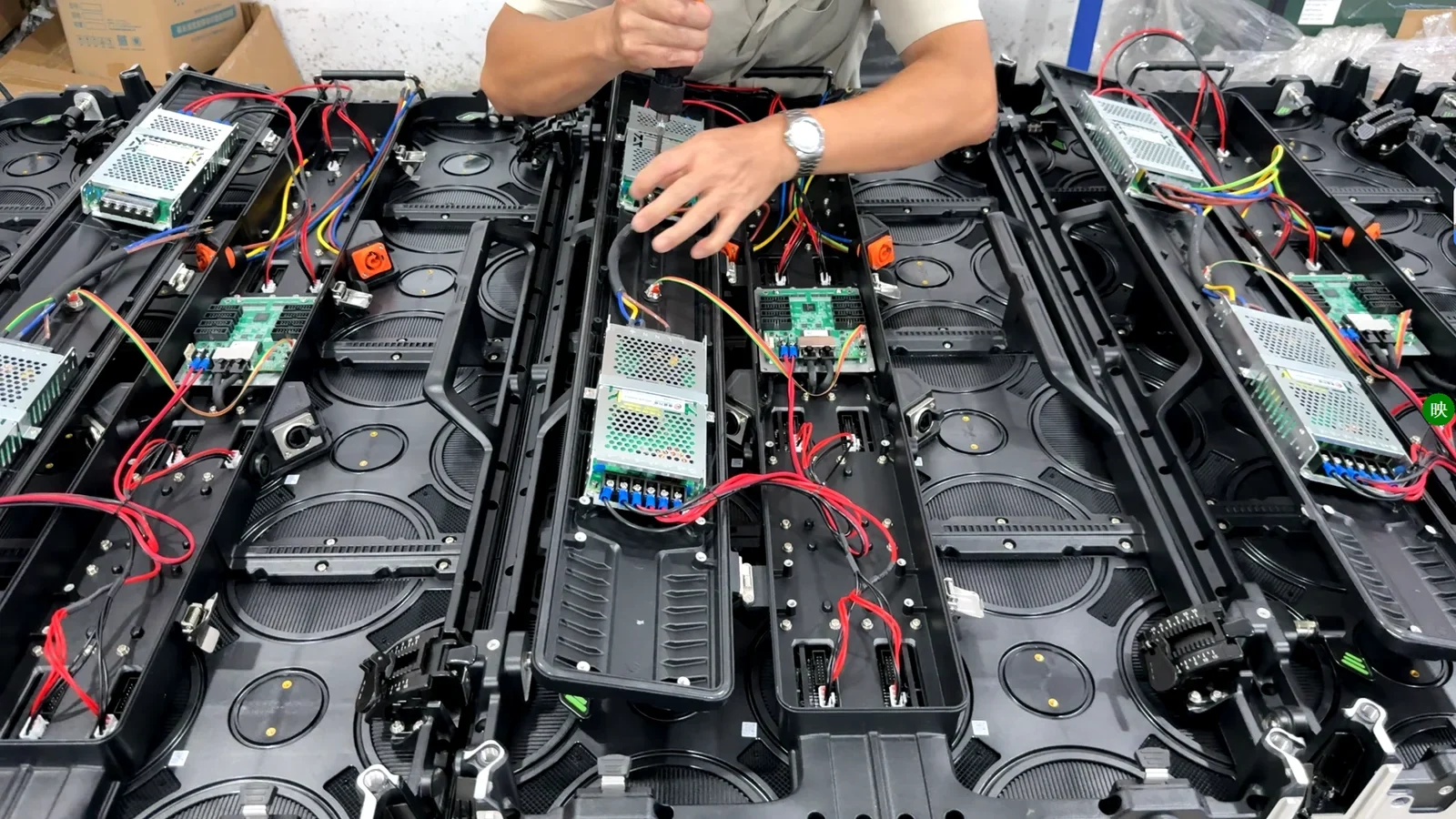
A 7680Hz LED display is useful for camera-facing events. It can help reduce visible scan lines and flicker, but it does not guarantee perfect recorded results.
Camera performance depends on receiving cards, driver configuration, grayscale, brightness, shutter speed, frame rate, exposure, processor settings, and content. Test the complete system with the cameras and settings expected at the event. Include low-brightness scenes, fast motion, solid colors, gradients, and live camera feeds.
Record the exact cabinet, module, receiving-card, control, and firmware configuration used during acceptance testing.
Select the Video Processor and Control System
The processor is part of the complete system, not an automatic cabinet accessory. Choose it after calculating screen resolution, total pixels, inputs, output mapping, scaling, backup requirements, and operator workflow.
Current WUYESTAGE project options include CMS130, CMS260, and NovaStar VX1000. CMS130 is the primary recommended and highest-selling recorded option; the appropriate model still depends on the project.
Before confirming a processor, provide the final resolution and cabinet map, required inputs, main and backup signals, camera or playback workflow, switching needs, and cable distances.
Plan Hanging or Stacking Installation
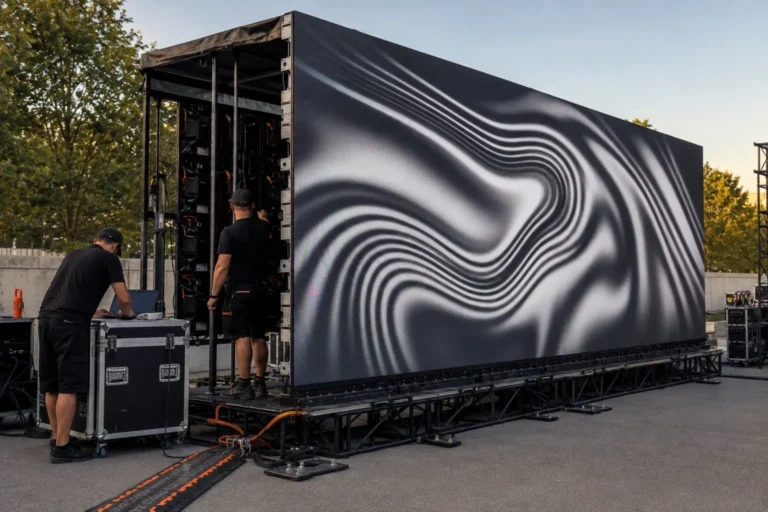
Rental LED cabinets may be flown from a suitable structure or installed on a professionally designed ground-support system. The chosen method affects hardware, access, ballast, wind planning, cable routing, screen height, and crew procedure.
For hanging systems, confirm the hanging bar, structural loads, lifting method, secondary measures, connection sequence, and inspection responsibility. For stacking systems, confirm the base, rear support, ballast or anchoring, allowable height, ground condition, and public separation.
Use qualified professionals and follow applicable local rules and the authority responsible for the venue. Cabinet locks are connection components; they are not a substitute for an approved support design.
Build a Rental Workflow Around the Screen
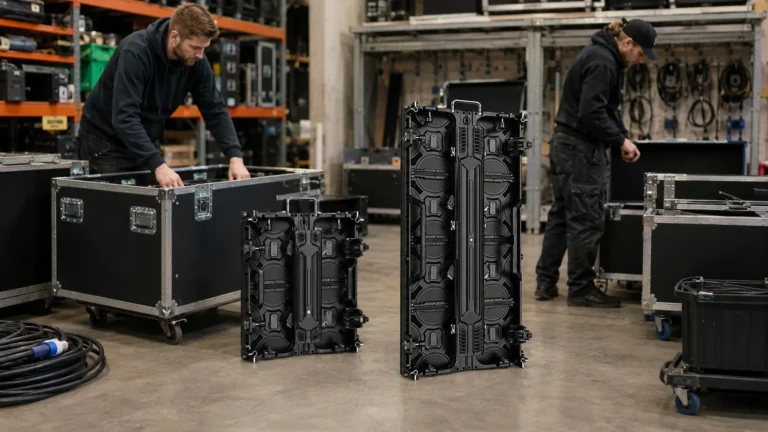
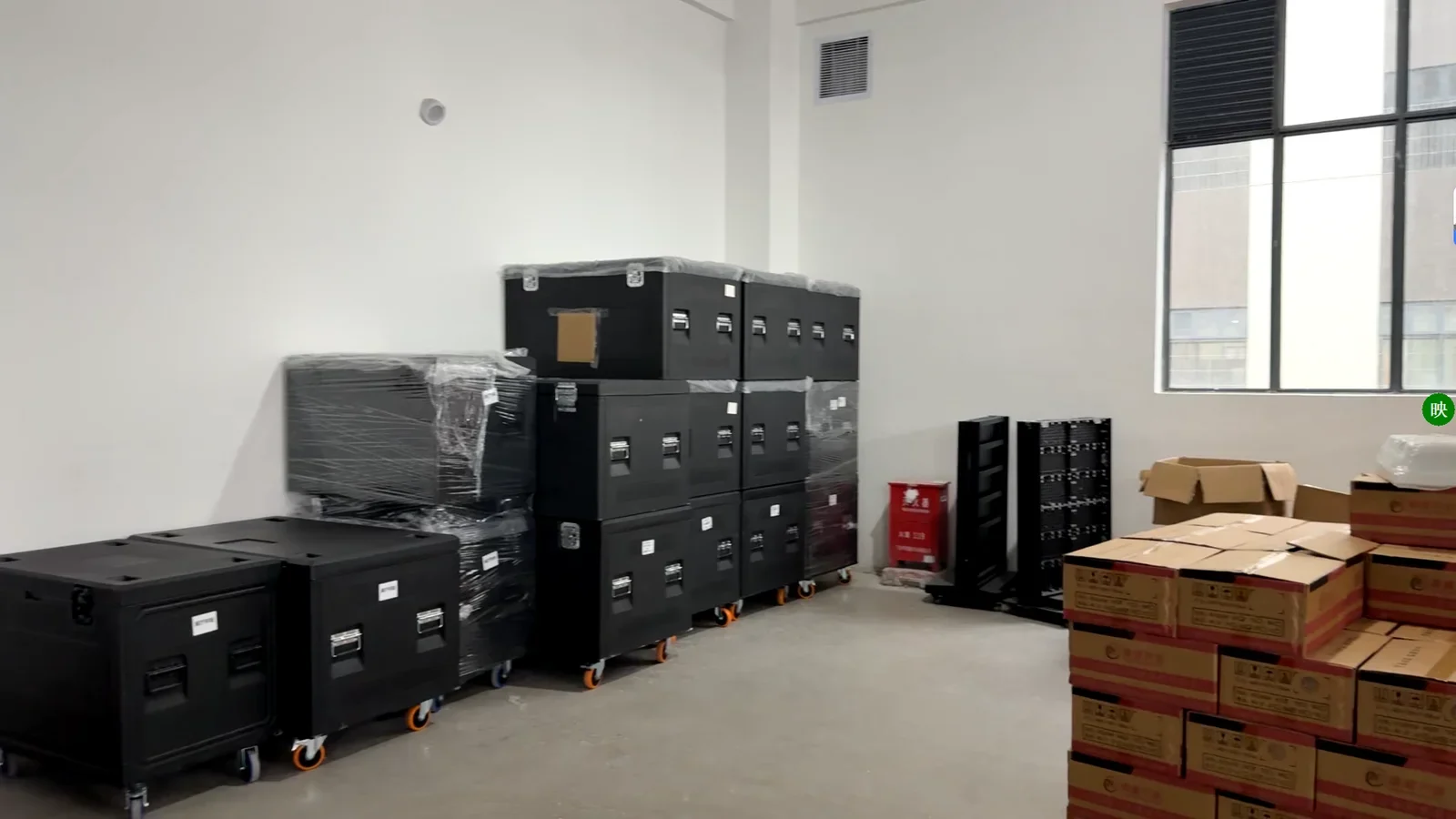
A stage LED screen rental inventory must survive repeated counting, packing, loading, installation, testing, dismantling, and storage. The buying decision should include the complete workflow.
Check:
- Cabinet handles, locks, alignment, and service access
- Flight-case capacity and loaded handling weight
- Power and signal jumper quantities
- Spare modules, receiving cards, and power supplies
- Cabinet and case identification
- Test pattern and pre-show inspection procedure
- Module and cabinet calibration records
- Replacement-parts and technical-support process
Create a packing list for each standard screen size. This reduces missing cables and helps crews prepare predictable systems for repeated events.
Test Before a Bulk Purchase
Use a sample or pilot system to verify more than basic power-on operation:
- Image: Check pixels, cabinet consistency, grayscale, gradients, motion, text, and seams.
- Camera: Record at expected frame rates, shutter settings, and brightness levels; confirm the exact 7680Hz configuration.
- Assembly: Build and dismantle a section; check locks, alignment, connectors, hardware, cable access, and real crew time.
- Outdoor: Confirm the ordered protection, inspect interfaces, review daylight brightness, and verify weather and power planning separately.
Record the accepted configuration before approving bulk production.
Stage LED Screen Procurement Checklist
Send the supplier:
- Event type and environment
- Required screen width and height
- Nearest viewing distance
- Main, side, or scenic-screen role
- Daytime and evening operating conditions
- Hanging or stacking method
- Camera and livestream requirements
- Input sources and processor needs
- Required cabinet and spare quantities
- Flight cases, cables, structure, and accessories
- Local voltage, destination, and delivery schedule
- Sample, inspection, documentation, and support requirements
For additional product options, review the rental LED display range. If a project needs more flexible half-meter height changes, compare the P3.91 outdoor 500x500mm rental screen with the fast-build 500x1000mm format.
To compare indoor, outdoor, rental and other display types before selecting a stage system, browse our LED screen category.
Frequently Asked Questions
What pixel pitch is suitable for a stage LED screen?
Choose pixel pitch from the nearest viewing distance and content detail. P3.91 is a practical option when regular viewing begins above approximately four meters. Closer audiences or fine text may require a smaller pitch.
Is P3.91 suitable for outdoor concerts?
Yes, when the ordered configuration matches the outdoor project. The verified P3.91 reference includes approximately 3500-4200 cd/m2 brightness and an IP65 outdoor configuration. The complete cabinet, connectors, structure, power, and weather plan must still be confirmed.
Is a 500x1000mm cabinet faster to install?
It can reduce cabinet and connection count on a large rectangular wall because it covers twice the area of a 500x500mm cabinet. Actual setup time also depends on cases, crew, structure, cabling, alignment, and test procedures.
Does 7680Hz guarantee flicker-free camera footage?
No. It is a useful high-refresh configuration, but recorded performance also depends on receiving cards, grayscale, brightness, processor settings, camera frame rate, shutter, exposure, and content. Test the complete system with the intended cameras.
Can 500x500mm and 500x1000mm cabinets be mixed?
Only when the supplier confirms mechanical and electronic compatibility. Locks, module alignment, power, receiving cards, firmware, calibration, and color must work together; matching pixel pitch alone is insufficient.
What information is needed for a stage LED screen quotation?
Provide screen dimensions, viewing distance, environment, installation method, camera needs, inputs, processor requirements, cabinet format, accessories, spare quantities, destination, and schedule. This allows the supplier to prepare a project-specific configuration instead of a cabinet-only quote.
Request a Stage LED Screen Configuration
Planning an outdoor concert, festival, touring show, rental inventory, or event-stage video wall? Contact WUYESTAGE with your screen width and height, nearest viewing distance, installation method, operating environment, camera requirements, input sources, destination, and schedule. We can help calculate the cabinet layout, compare 500x500mm and 500x1000mm options, confirm a suitable P3.91 configuration, and prepare a quotation for the complete project.