OUTDOOR RENTAL SYSTEM
P3.91 500×1000 Outdoor Rental LED Display overview
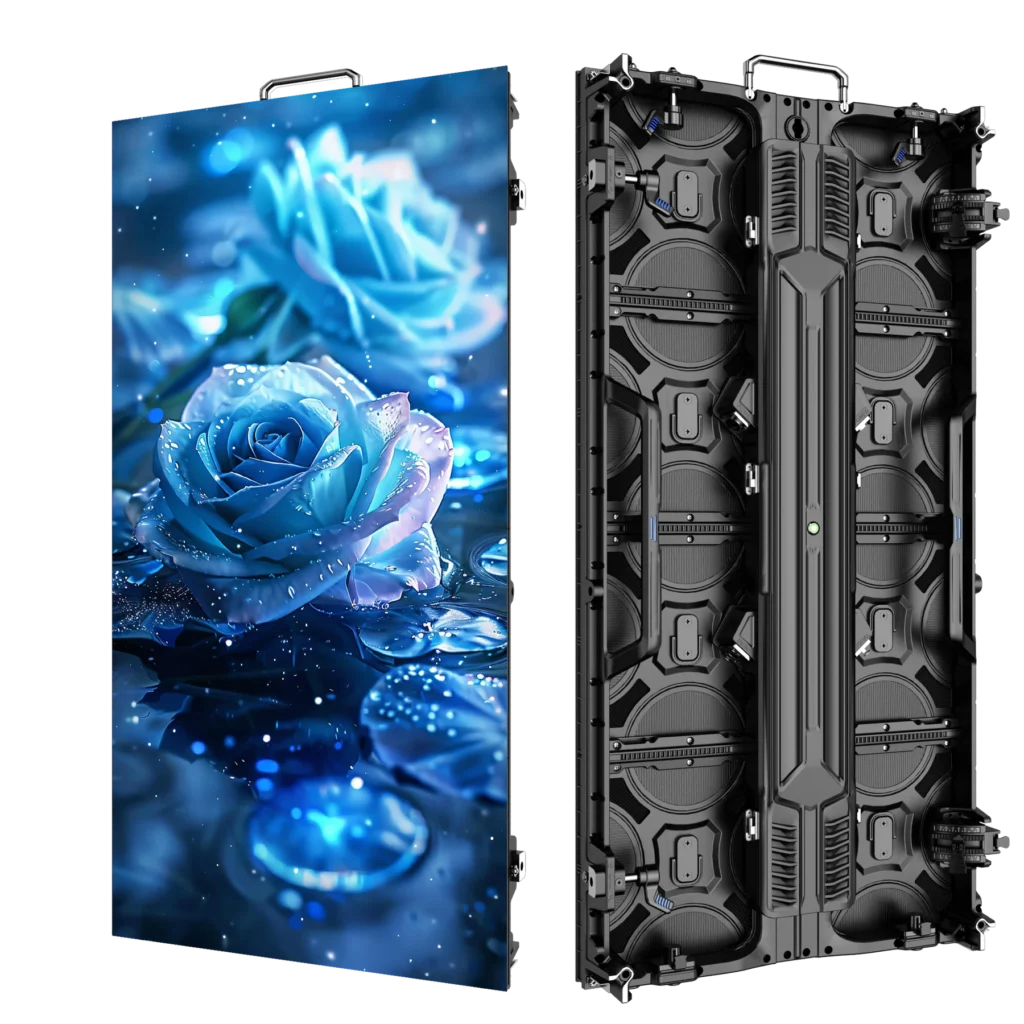
This P3.91 outdoor rental LED display uses 500×1000mm cabinets for temporary stage and event walls. Start with screen dimensions, audience distance and camera use: the cabinet format determines the layout, while the listed 7680Hz refresh and 3500–4200 cd/m² brightness inform the system choice. IP65 applies to the confirmed outdoor cabinet configuration.
500×1000 Cabinet
A larger rental format for faster planning of standard rectangular LED walls.
7680Hz Refresh
High refresh performance for camera-facing event and stage workflows.
Outdoor Reference
3500–4200 cd/m² brightness and IP65 protection for the confirmed outdoor configuration.
Hanging or Stacking
Plan the cabinet system around the venue, structure and temporary-event workflow.
CABINET STRUCTURE
Rental hardware designed around repeat setup.
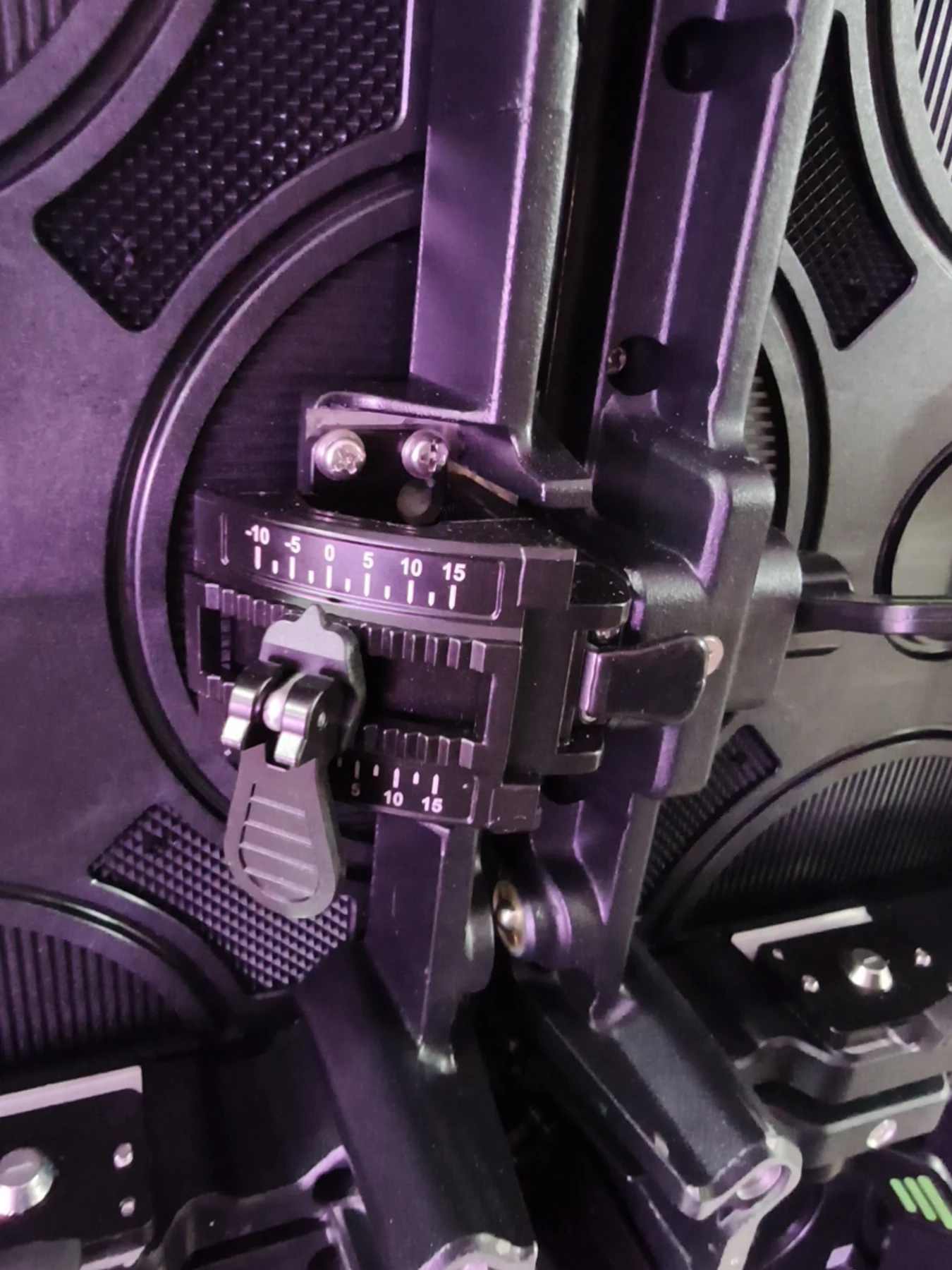
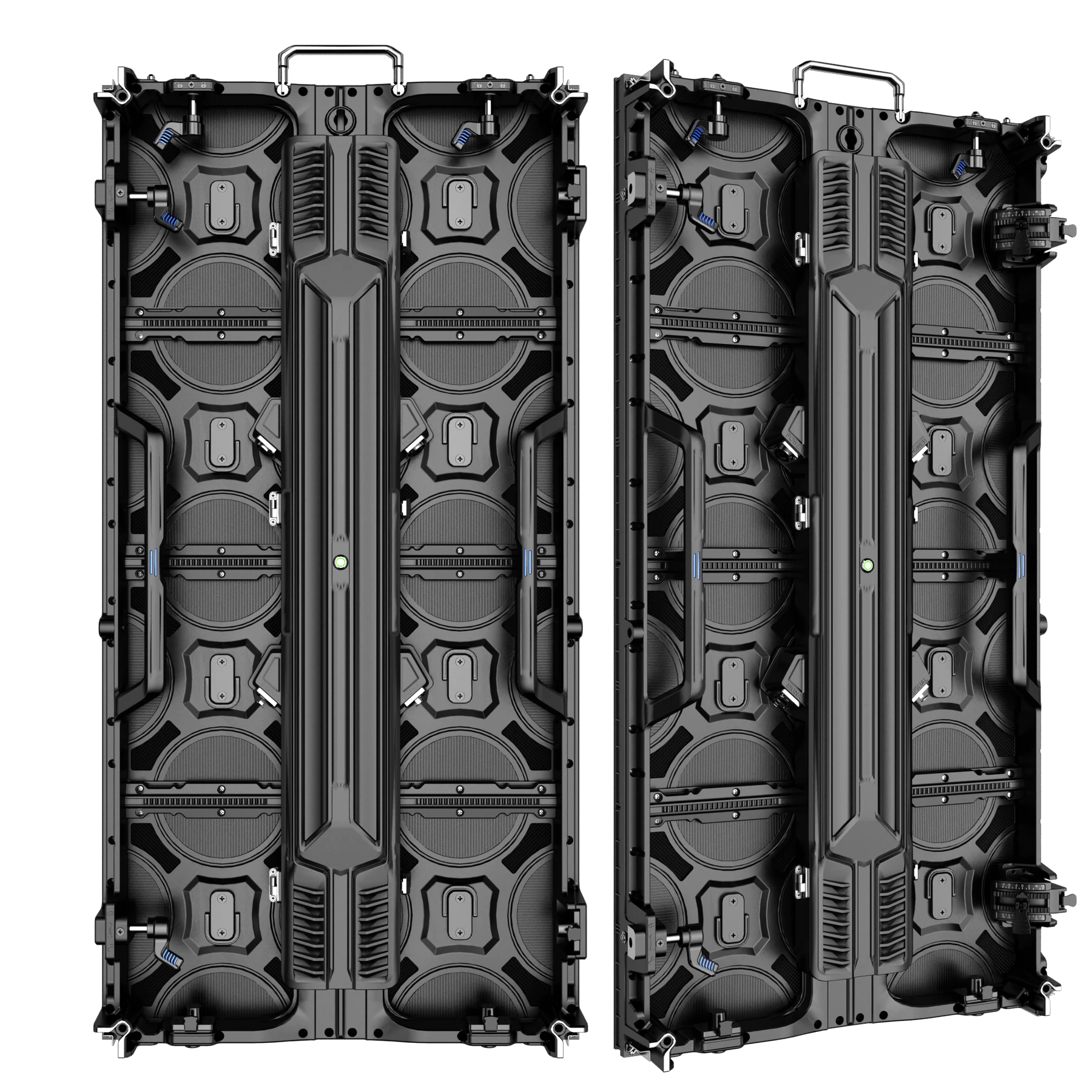
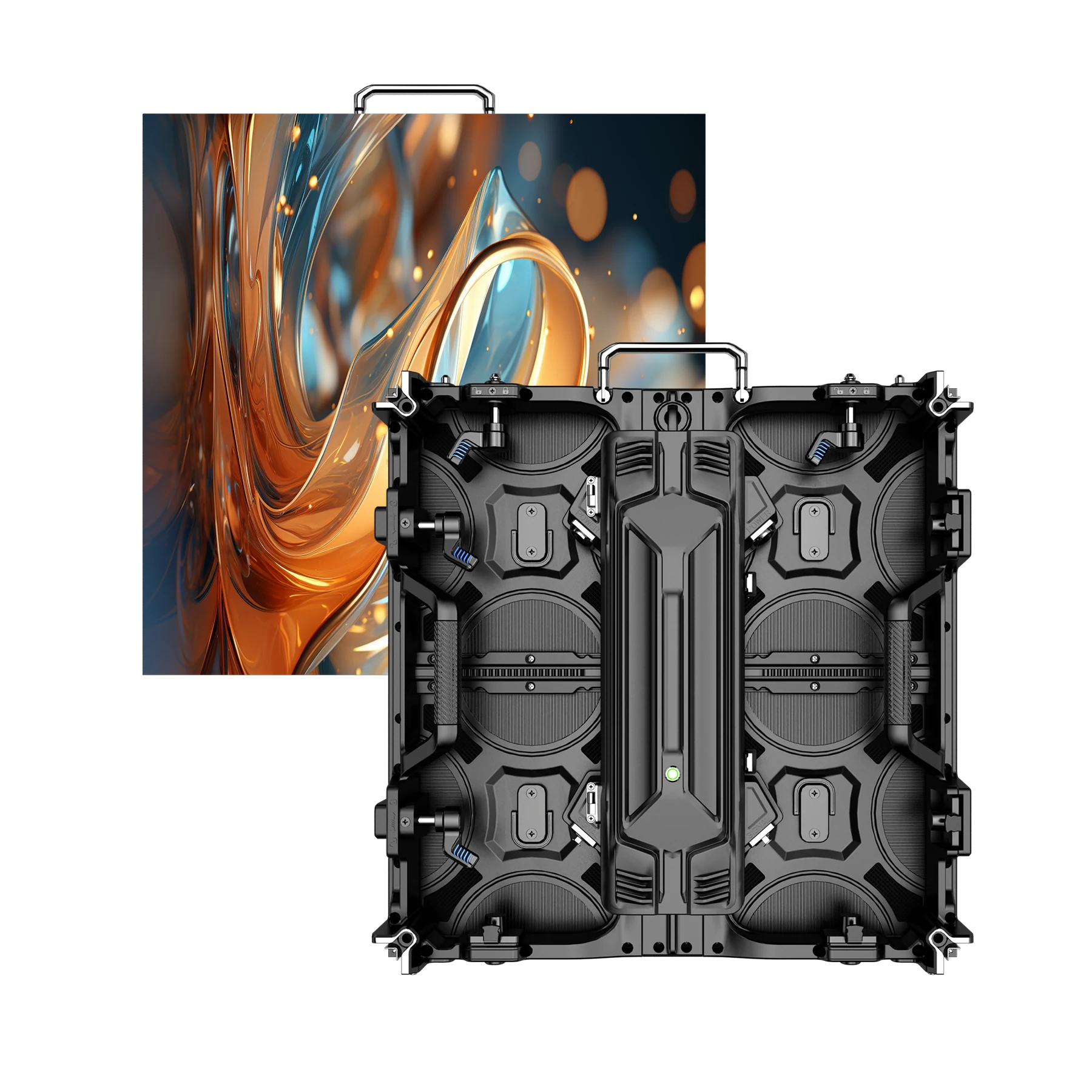
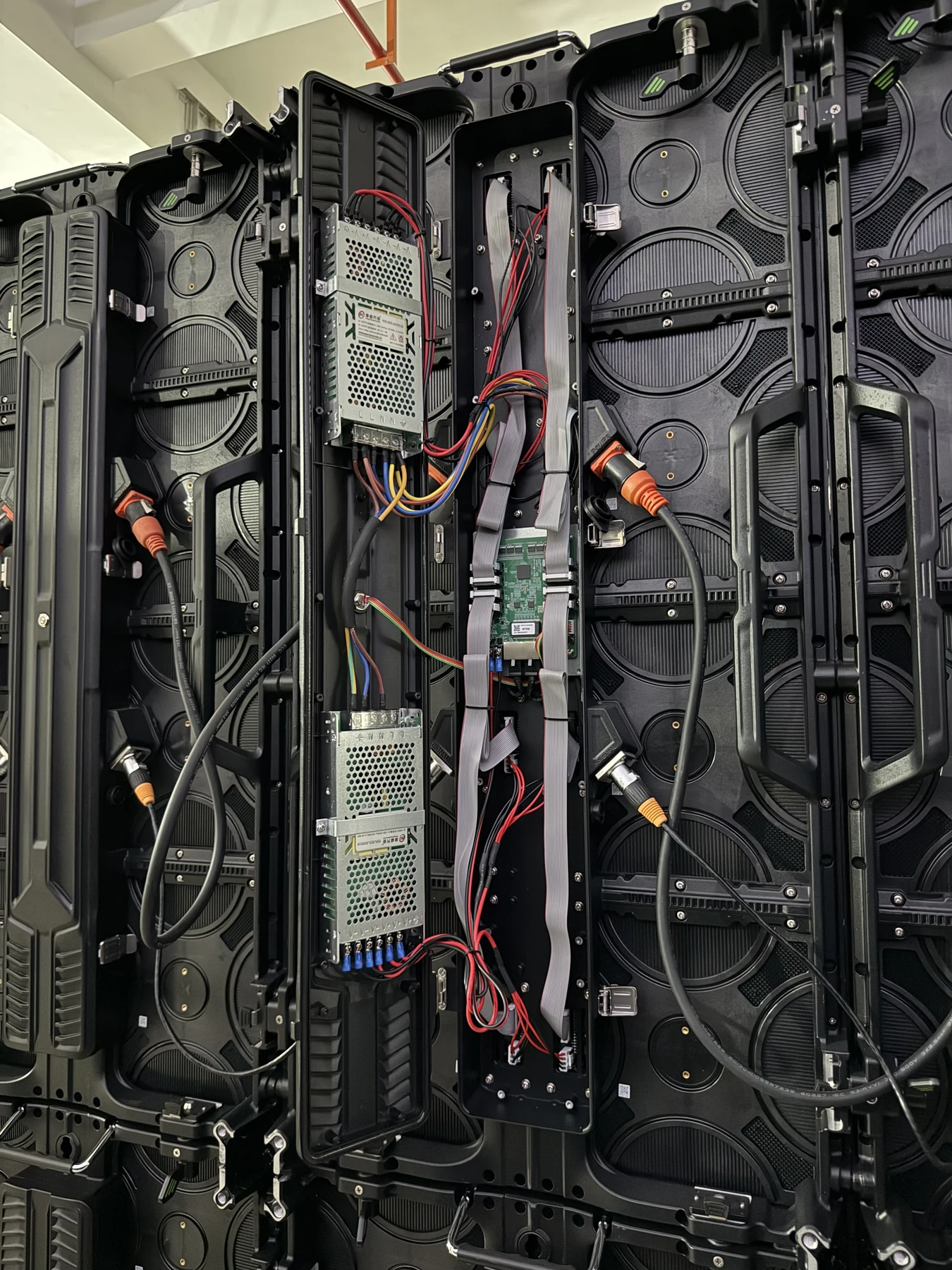
The standard cabinet uses integrated handles, edge locks and serviceable rear hardware for repeated event assembly. The photographed curve-lock assembly is an optional configuration, not a standard included component. Confirm curve direction, angle range and cabinet compatibility before quotation.
CABINET SIZE COMPARISON
Choose the cabinet format around the screen geometry.
Choose 500×1000mm cabinets when a rectangular wall fits the larger format: one cabinet covers 0.5m², the same area as two 500×500mm cabinets. The listed net weights are 12.5kg versus 15kg for two smaller cabinets; these are cabinet weights, not shipping weights. Use 500×500mm cabinets for finer layout increments, and confirm compatibility before mixing sizes.
500×1000mm Cabinet
- Reference weight
- 12.5kg
- Native resolution
- 128×256 px
- Best fit
- Standard large rental walls
500×500mm Cabinet
- Reference weight
- 7.5kg
- Native resolution
- 128×128 px
- Best fit
- Flexible rows and partial-height layouts
Mixing 500×1000mm and 500×500mm cabinets is project-specific. Lock positions, frame batch, receiving-card mapping and power configuration must be confirmed before quotation. Compare sizes and viewing requirements in the P3.91 LED display buying guide and use the LED wall cabinet calculator for an initial layout.
REAL PRODUCT EVIDENCE
See the assembled screen, cabinet structure and workshop process.
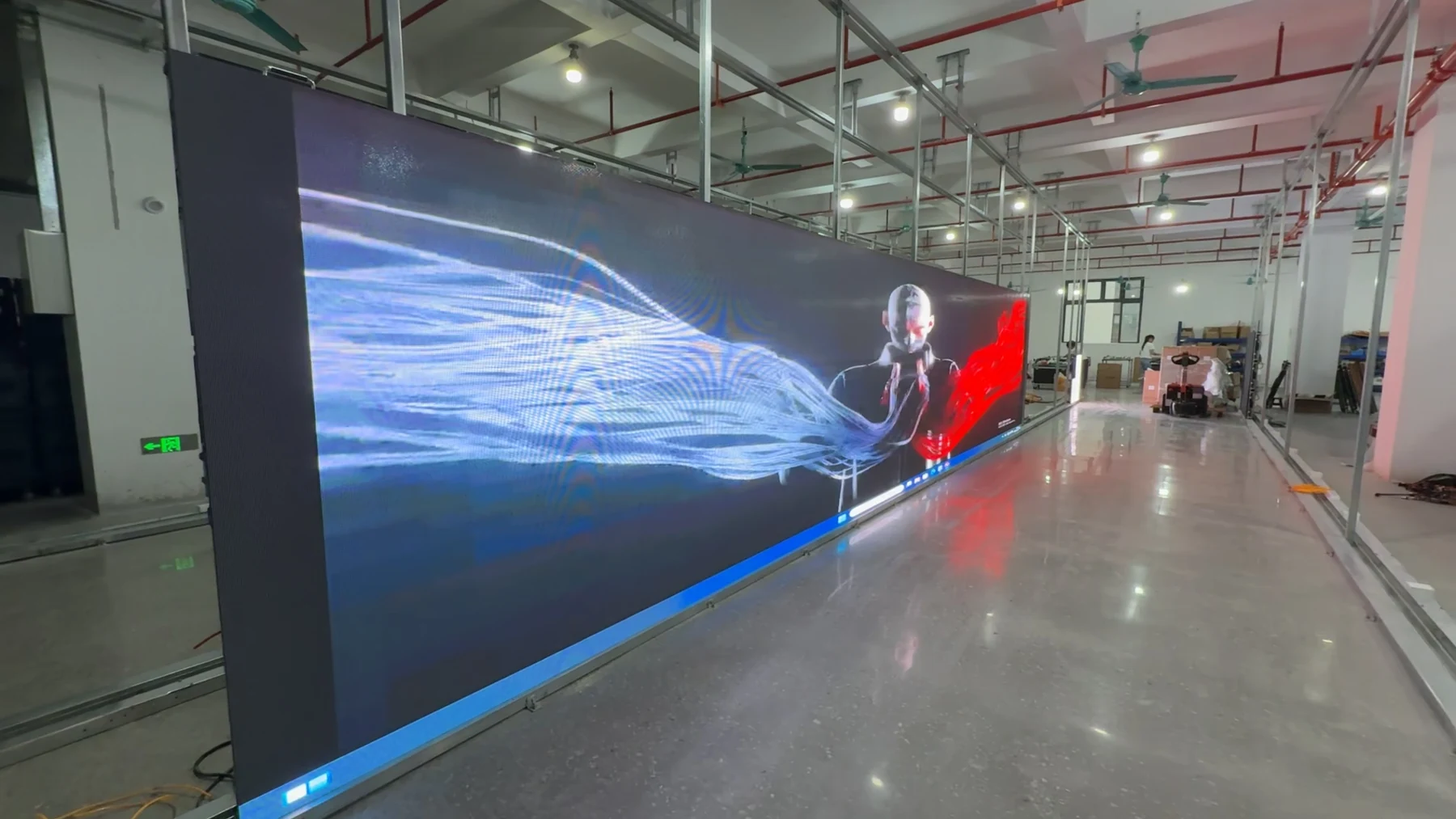
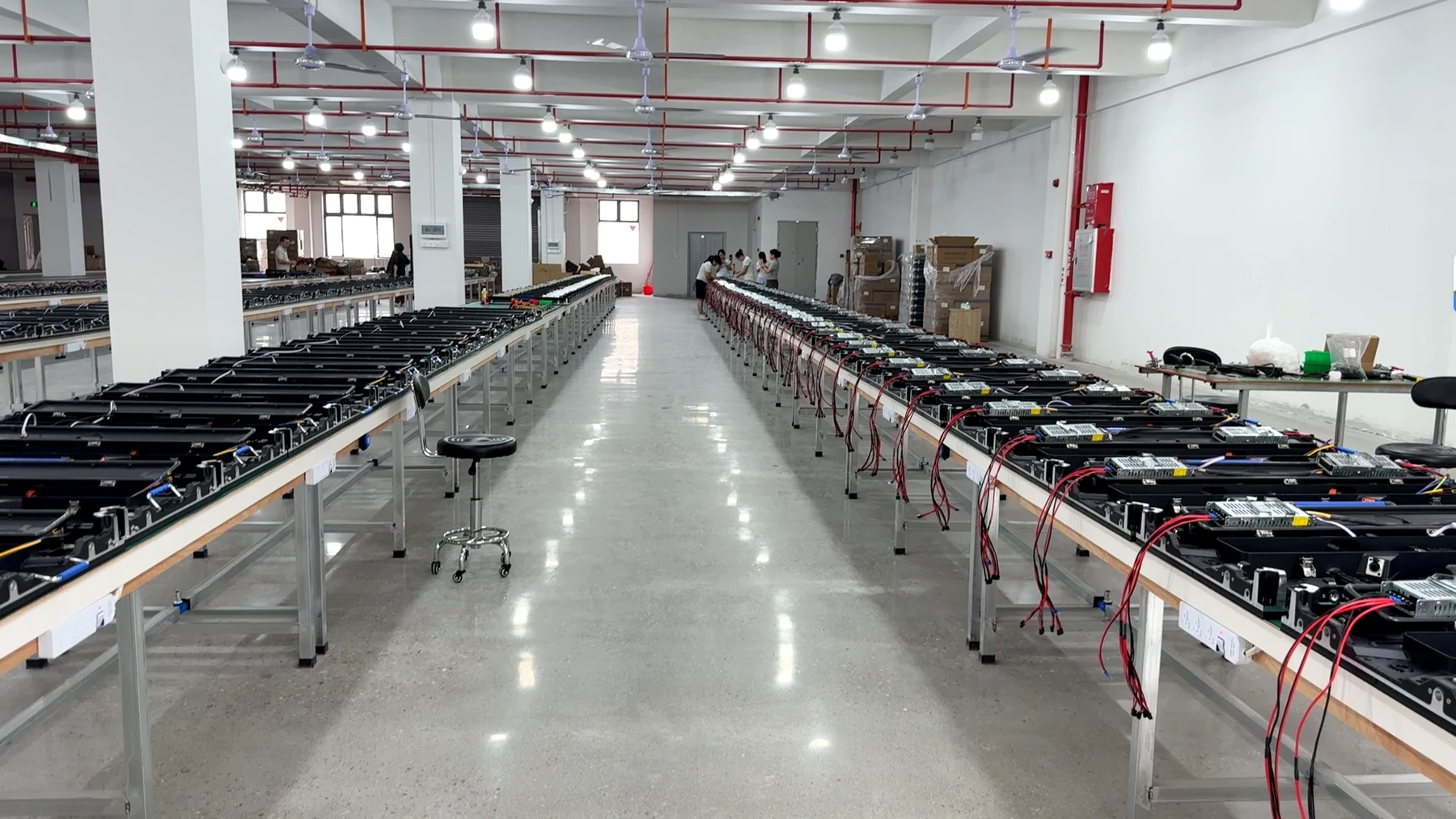
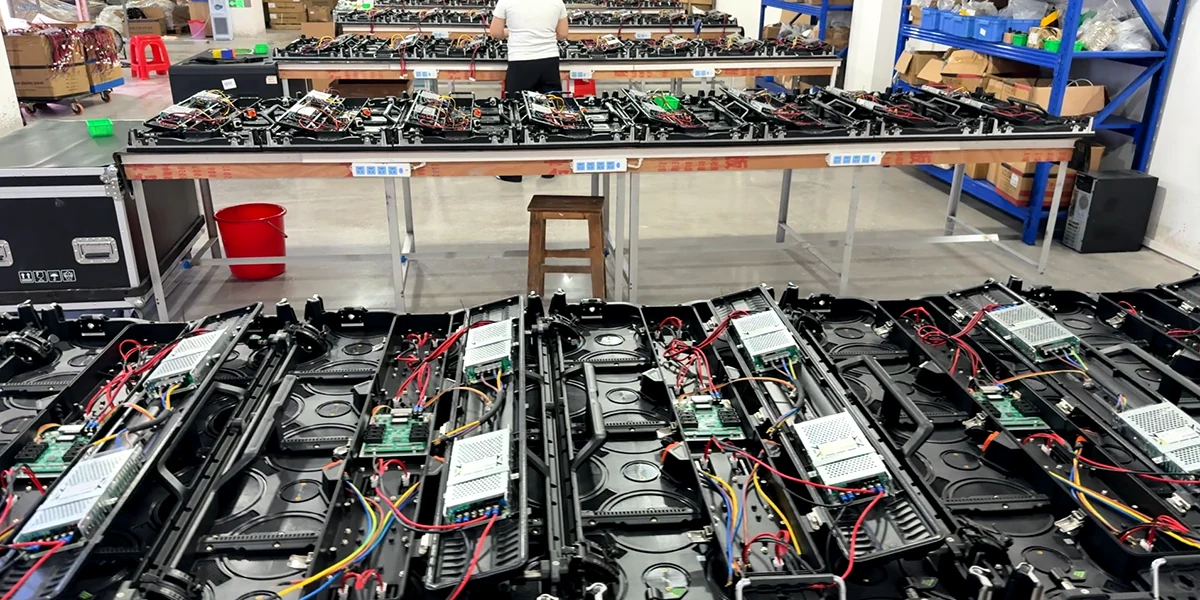
Use the assembled-screen images to review the wall format, and the cabinet photographs to inspect handles, locks and rear access. The workshop views show the supplied product in process; the final mounting structure and service space still need to match your event layout.
VIDEO PROCESSOR OPTIONS
Match the processor to the complete screen system.
Size the processor from the complete wall, not one cabinet. For example, a 6×4m wall using portrait 500×1000mm cabinets has 12 columns × 4 rows = 48 cabinets; at 128×256 pixels each, the wall is 1536×1024 pixels, or 1,572,864 pixels. Confirm output-port loading, inputs and backup against that layout. CMS130, CMS260 and NovaStar VX1000 are project options, not automatically included accessories. For camera-facing events, use the refresh-rate and camera test checklist; 7680Hz alone does not guarantee clean footage.



SETUP VIDEO
Watch the 500×1000mm rental panel in a fast-build workflow.
The video demonstrates the cabinet format and setup approach. Use the verified specification table below for this outdoor configuration, and confirm the complete structure, power and processor plan before ordering.
Specifications
Technical specifications
| Model | P3.91 |
|---|---|
| IP rating | IP65 |
| Pixel pitch | P3.91 mm |
| Brightness | 3500–4200 cd/m² (outdoor configuration) |
| Refresh rate | 7680Hz |
| Cabinet size | 500×1000mm / 500×500mm |
| Cabinet weight | 12.5kg / 7.5kg |
| Scan mode | 1/28 scan |
APPLICATION FIT
Best matched to temporary outdoor event screens.
Use this cabinet for temporary outdoor concert, touring and rental walls where the rear-service layout can be maintained. Plan a removal path and working access behind the screen; the front versus rear service checklist helps identify access needs. IP65 does not certify the complete structure or power distribution. Compare rental LED display cabinets for other event-screen configurations.
B2B ORDER FLOW
Turn screen dimensions into a project-ready quotation.
PRODUCT FAQ
Questions Before You Plan the Screen.
P3.91 500×1000 Outdoor Rental LED Display: specifications, control and order planning.
What is the native resolution of one 500×1000mm P3.91 cabinet?
With verified 250×250mm modules at 64×64 pixels, a 500×1000mm cabinet corresponds to 128×256 pixels in portrait orientation. Final receiving-card mapping should still be confirmed for the supplied cabinet configuration.
Is this P3.91 LED display suitable for outdoor events?
The confirmed outdoor configuration uses a 3500–4200 cd/m² brightness reference and IP65 cabinet protection. The complete structure, power, cabling and weather plan require separate project approval.
Can the cabinets be hung or stacked?
Yes. Hanging and stacking are both listed installation methods. The supporting structure, ballast, rigging hardware and wind-loading plan must be designed for the actual site.
Can 500×1000mm and 500×500mm cabinets be mixed?
The two sizes can support flexible planning, but mixed-build compatibility must be confirmed against the exact cabinet frame, lock positions, receiving configuration and batch.
Does the cabinet support curved LED walls?
An adjustable curve-lock assembly is available as an optional configuration; it is not included as standard. The usable angle range, inward or outward curve and compatibility between cabinet sizes must be confirmed before the layout is approved.
Which video processor should I choose?
CMS130, CMS260 and NovaStar VX1000 are available project options. Selection depends on total pixels, inputs, backup, camera workflow and the complete signal plan; no processor is a universal fixed accessory.
Where can I estimate the cabinet count?
Use our separate LED Wall Calculator, linked in the cabinet comparison section. It rounds the requested dimensions up to complete cabinets and calculates buildable size, resolution, pixels and area from verified cabinet geometry. It is an early planning tool, not a structural, electrical or signal-system approval.
What information is needed for a quotation?
Share target screen width and height, application, indoor or outdoor use, viewing distance, installation method, quantity, destination, input sources, processor preference, spares and packing requirements.
START YOUR PROJECT
Request Product Information.
Tell us the quantity and delivery requirements. Our sales team will prepare suitable options for your project.