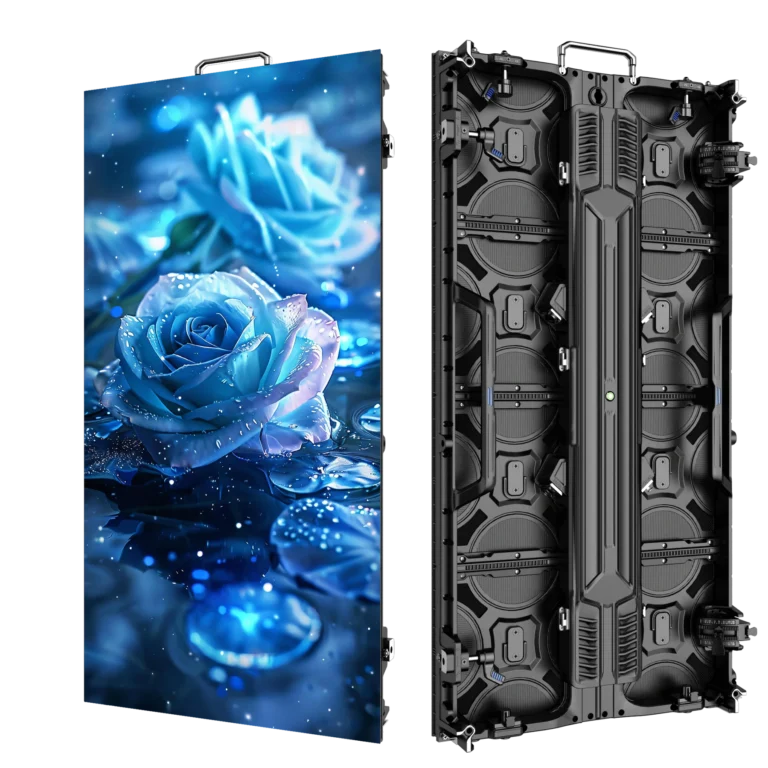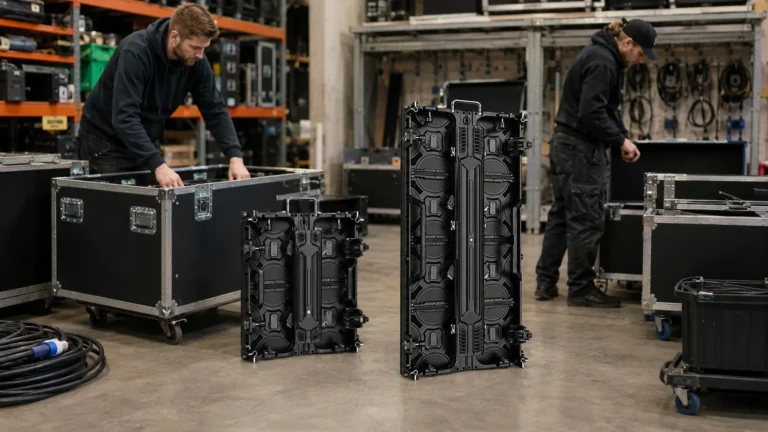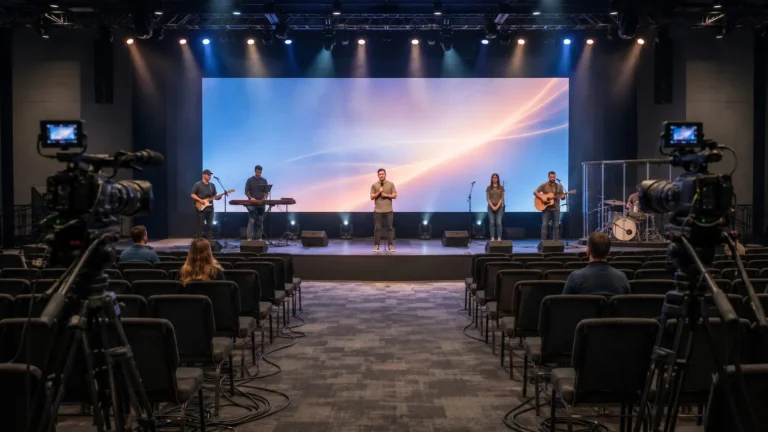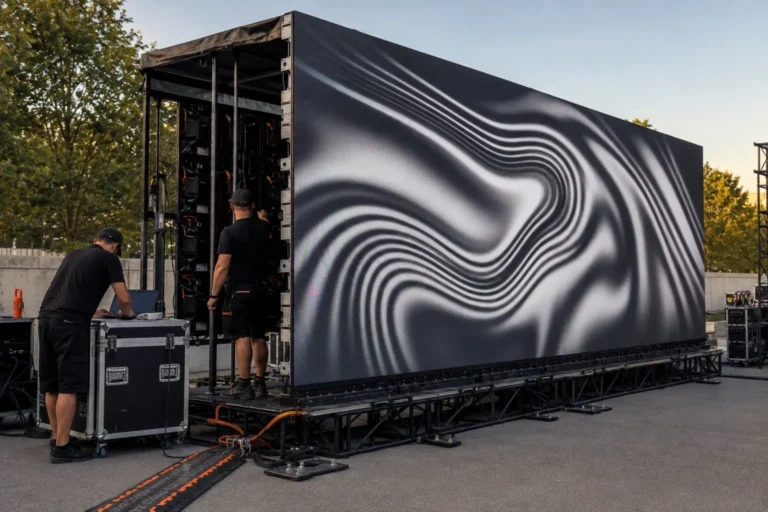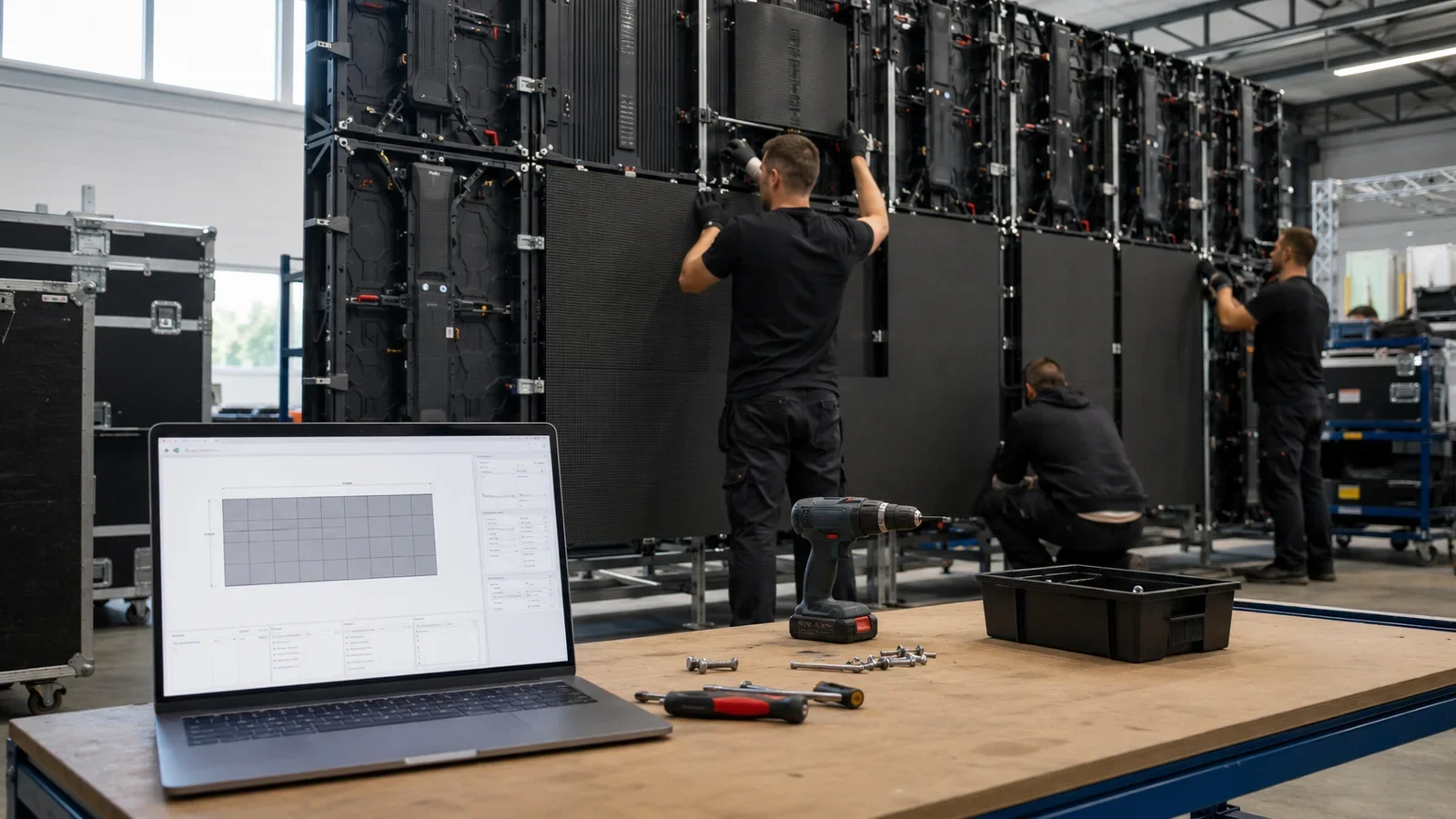
An LED wall calculator turns a target screen size into a practical cabinet layout. To make a preliminary estimate, enter the required width and height, cabinet dimensions, cabinet orientation and the pixel resolution of one cabinet. The calculation should return the number of cabinets, the buildable screen size, screen resolution, total pixels and display area.
The important word is preliminary. A calculator can organize the first stage of an LED display project, but it cannot approve the supporting structure, power distribution, signal design or processor configuration. Those items still require project-specific verification.
This guide explains the formulas, applies them to real P3.91 rental LED display specifications and shows what information a supplier needs before issuing a formal solution.
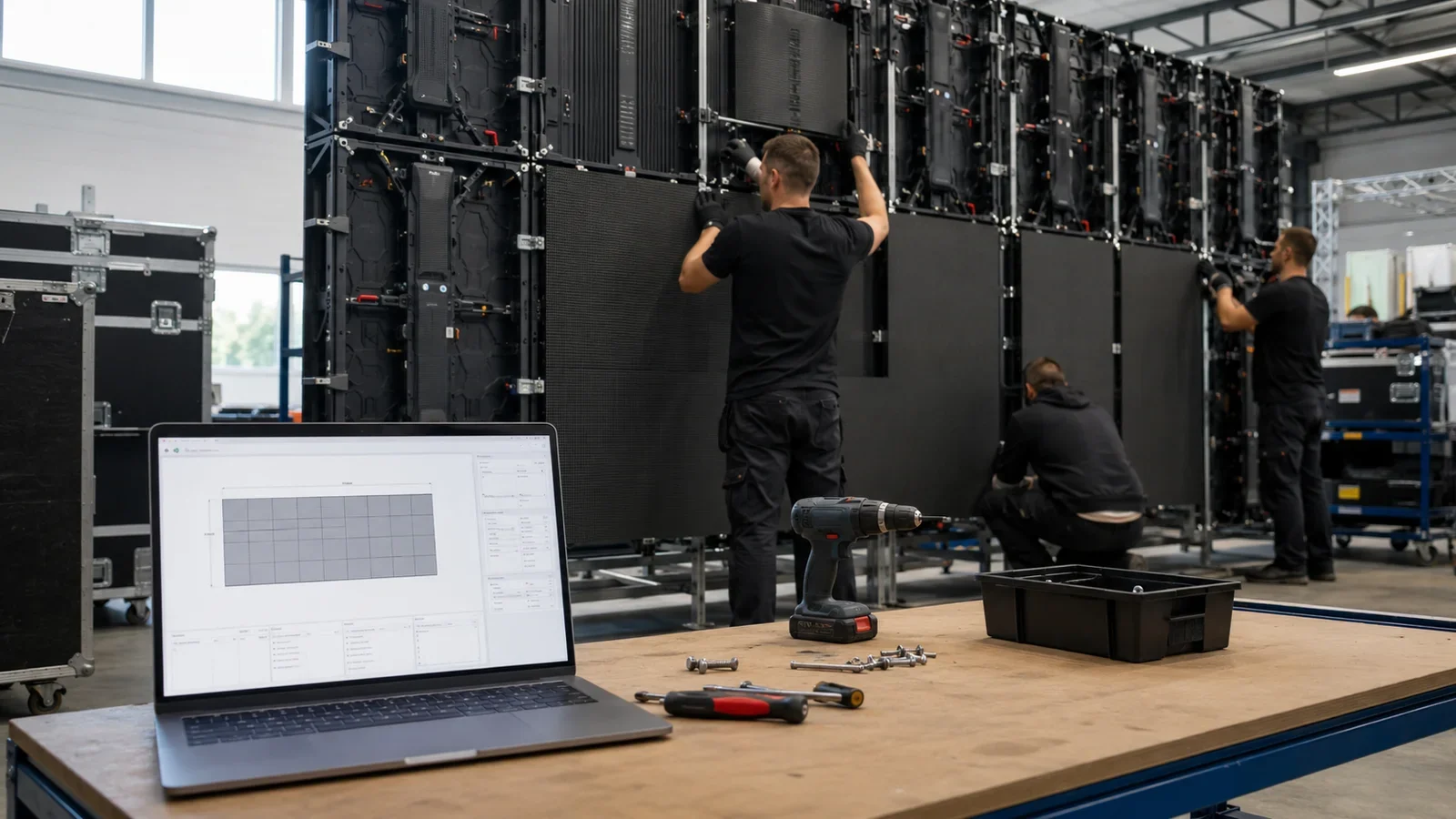
Preliminary Configuration
Calculated from the selected physical cabinet format.
CMS130 is the most frequently selected option. Confirm its loading capacity, signal inputs and port layout against the calculated total resolution before quotation.
Preliminary estimate only. Final cabinet quantity, physical size, processor, structure, power, signal routing and accessories must be verified before quotation and installation.
What Information Does an LED Wall Calculator Need?
A useful result depends on five verified inputs:
- Target screen width and height: Use the visible display dimensions requested by the venue or production designer, measured in metres.
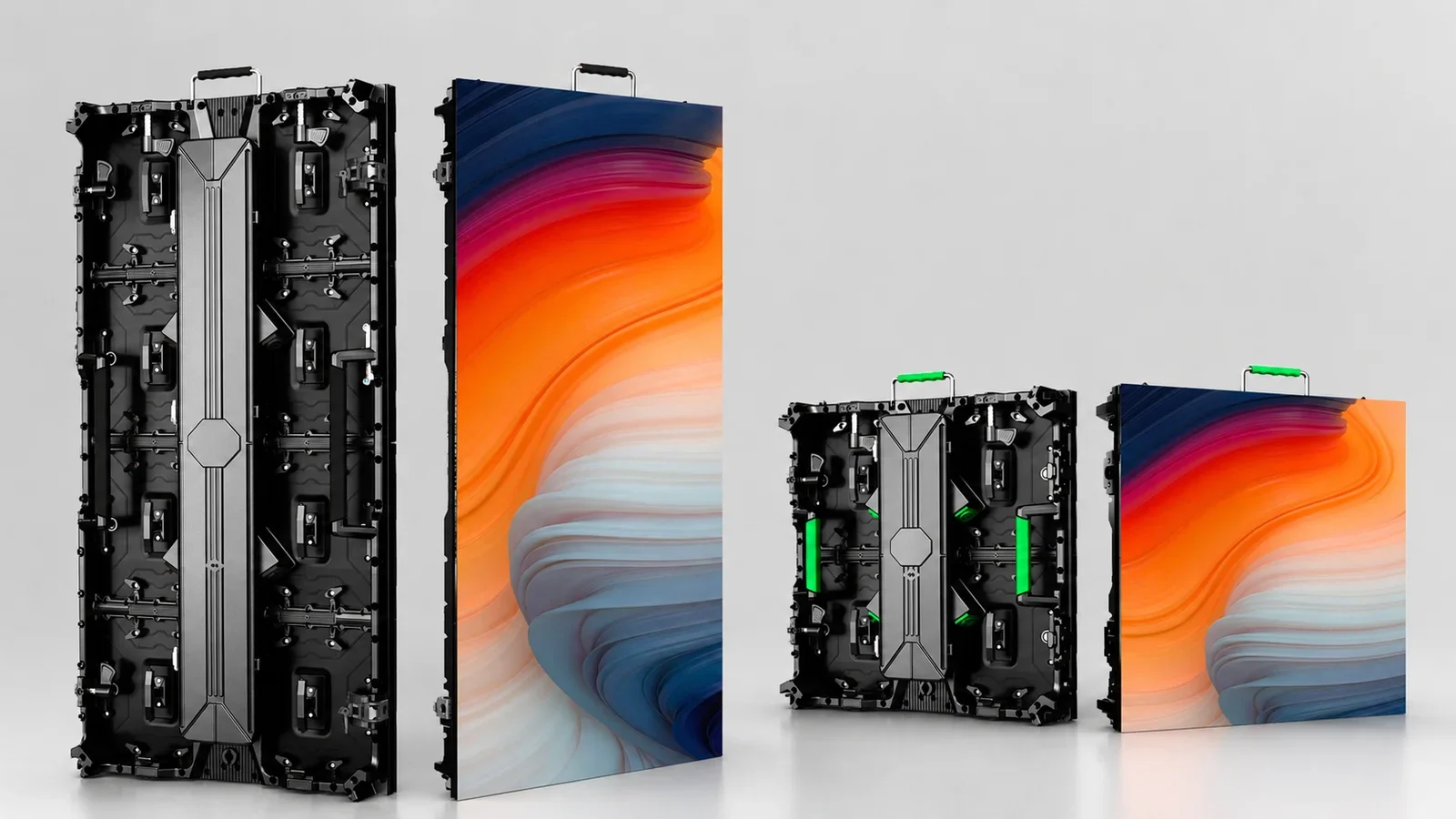
- LED cabinet size: Common rental cabinet formats include 500 x 500 mm and 500 x 1000 mm. Cabinet dimensions determine which screen sizes can actually be assembled.
- Cabinet orientation: A 500 x 1000 mm cabinet may be installed vertically or horizontally when the cabinet design and project structure permit it. The orientation changes the number of cabinets across and high.
- Pixels per cabinet: Resolution must be calculated from the verified cabinet resolution, not guessed from the product name alone.
- Pixel pitch and environment: Viewing distance, indoor or outdoor use, required brightness and installation method affect product selection even when two products can build the same physical dimensions.
For example, WUYESTAGE’s verified P3.91 500 x 1000 LED display uses 128 x 256 pixels in a 500 x 1000 mm cabinet and 128 x 128 pixels in a 500 x 500 mm cabinet. Those values provide a reliable basis for the worked calculations below.
LED Wall Calculator Formulas
Because an LED wall is assembled from complete cabinets, divide the requested dimension by the cabinet dimension and round up to the next whole cabinet.
Cabinets across = ceiling(target width / cabinet width)
Cabinets high = ceiling(target height / cabinet height)
Total cabinets = cabinets across x cabinets high

Actual width = cabinets across x cabinet width
Actual height = cabinets high x cabinet height
Display area = actual width x actual height

Screen width in pixels = cabinets across x cabinet pixel width
Screen height in pixels = cabinets high x cabinet pixel height
Total pixels = screen pixel width x screen pixel height
The ceiling function matters. If a customer requests a 5.3 m wide screen and each cabinet is 0.5 m wide, 10.6 cabinets are mathematically required. Since 0.6 of a cabinet cannot complete the screen, the practical layout needs 11 cabinets and becomes 5.5 m wide.
Use the manufacturer’s cabinet resolution for the final pixel calculation. A pitch-based density formula can provide a rough comparison, but nominal pitch labels and actual module geometry may create small differences. Procurement documents should use verified cabinet and module data.
Worked Example: A 6 x 4 m P3.91 LED Wall
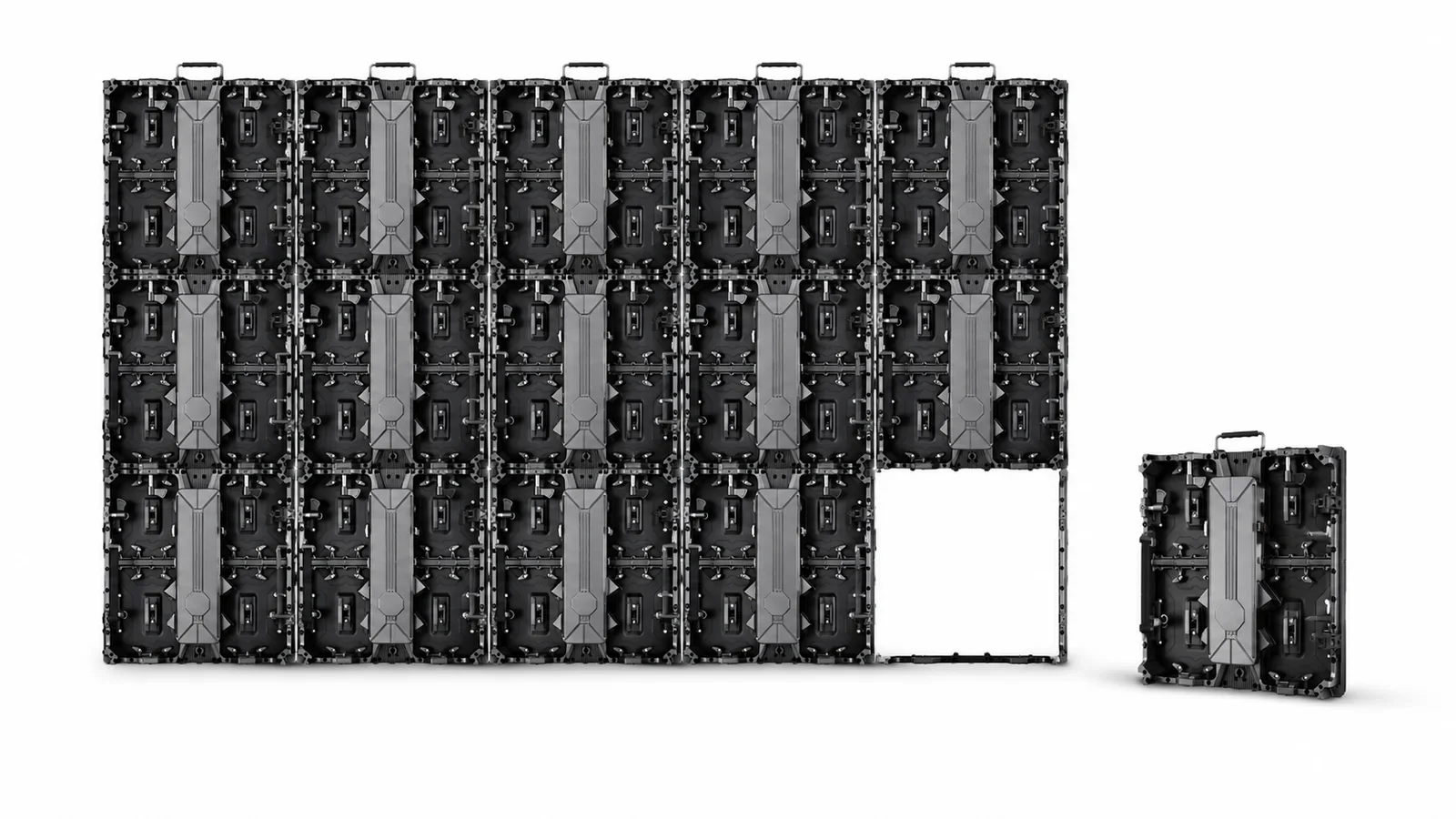
Consider a 6 m wide by 4 m high rental display built with P3.91 500 x 1000 mm cabinets in vertical orientation.
| Calculation | Result |
|---|---|
| Cabinets across | 6 / 0.5 = 12 |
| Cabinets high | 4 / 1.0 = 4 |
| Total cabinets | 12 x 4 = 48 |
| Actual screen size | 6 x 4 m |
| Screen resolution | 1536 x 1024 pixels |
| Total pixels | 1,572,864 |
| Display area | 24 m2 |
This layout matches the requested dimensions exactly. Based on the verified 12.5 kg cabinet weight, the 48 LED cabinets alone weigh approximately 600 kg. That number excludes hanging bars, connectors, cables, flight cases, spare modules and supporting structure, so it must not be used as the final rigging load.
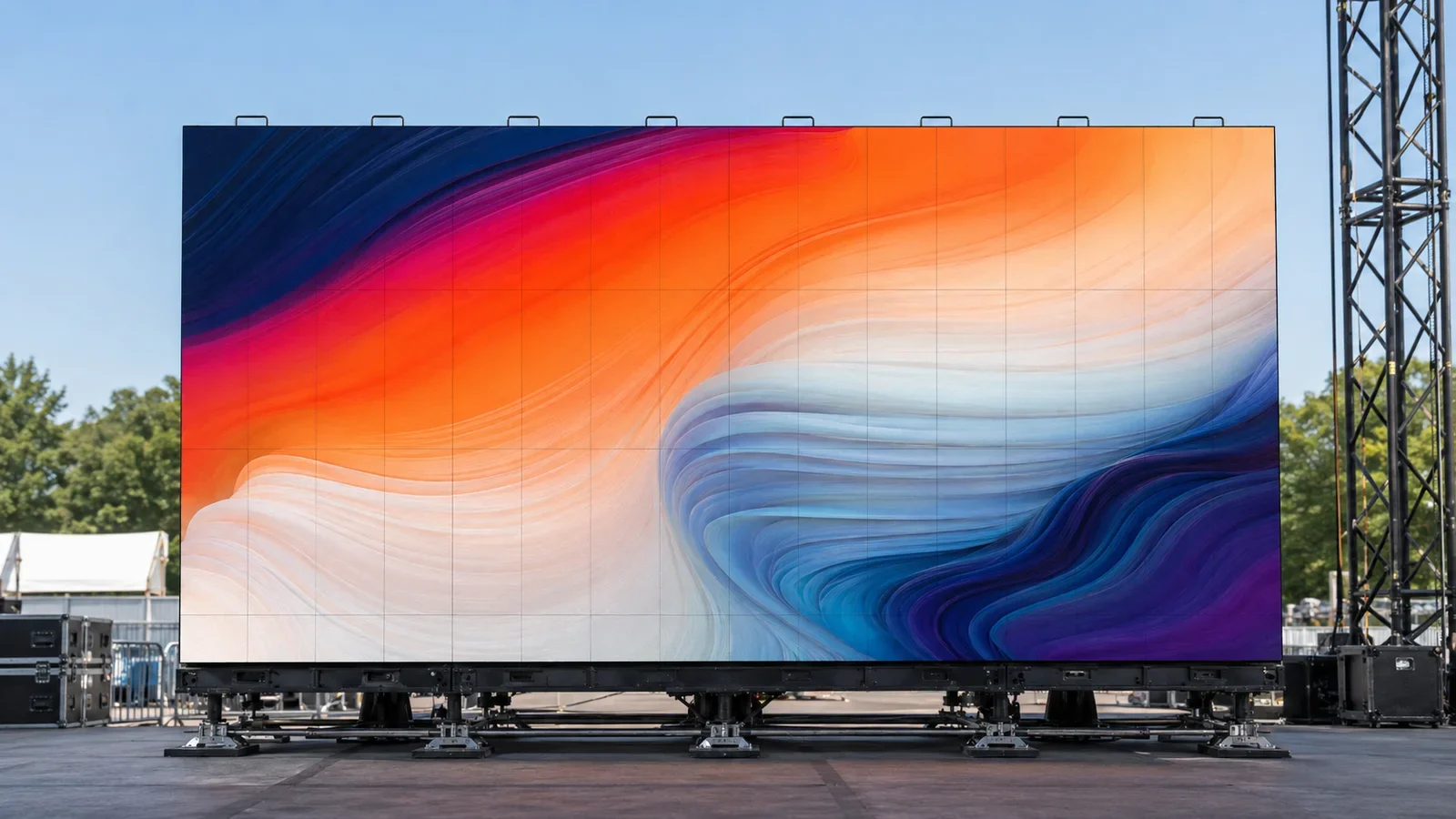
The screen’s total pixel count is an essential processor input, but it does not select the processor by itself. Inputs, output mapping, redundancy, camera workflow, cable routes and future expansion also affect the control-system design.
When the Requested Size Does Not Match the Cabinet Grid
A 5.3 x 3.2 m request demonstrates why a calculator should report the actual buildable size instead of repeating the target dimensions.
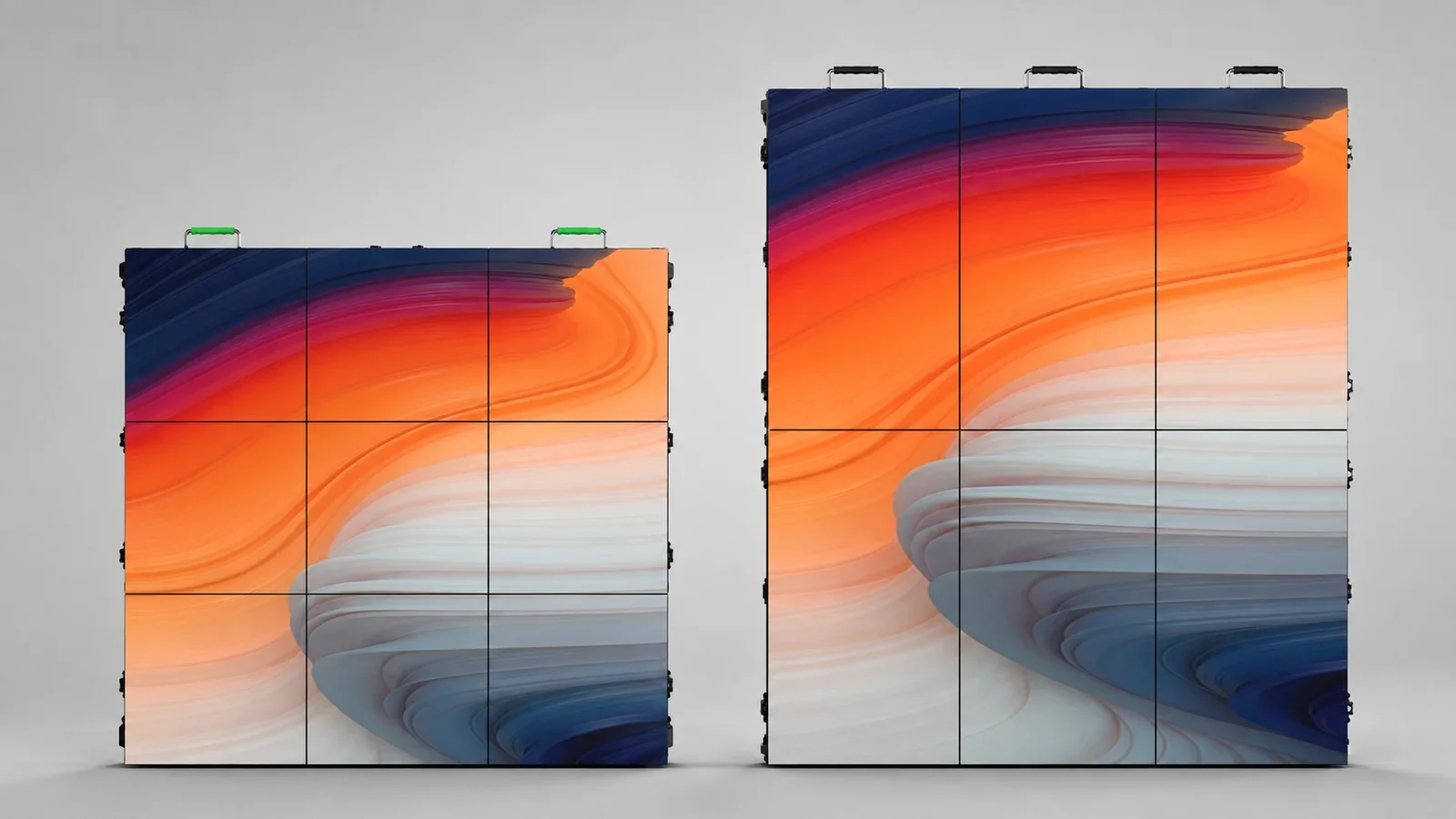
Option A: 500 x 500 mm Cabinets
The layout needs 11 cabinets across and 7 cabinets high. It uses 77 cabinets and produces an actual screen measuring 5.5 x 3.5 m. With 128 x 128 pixels per cabinet, the screen resolution is 1408 x 896 pixels, or 1,261,568 pixels in total. The display area is 19.25 m2.
At 7.5 kg per cabinet, the LED cabinets weigh approximately 577.5 kg before accessories and structure are added.
Option B: 500 x 1000 mm Cabinets in Vertical Orientation
The layout needs 11 cabinets across and 4 cabinets high. It uses 44 cabinets and produces a 5.5 x 4 m screen. With 128 x 256 pixels per cabinet, the resolution becomes 1408 x 1024 pixels, or 1,441,792 pixels in total. The display area is 22 m2.
At 12.5 kg per cabinet, the LED cabinets weigh approximately 550 kg before accessories and structure are added.
Neither option is automatically better. The 500 x 500 mm layout is closer to the requested height, while the 500 x 1000 mm layout uses fewer cabinets and connections. The production team must compare stage clearance, content aspect ratio, inventory, handling time, structural design and budget.
How Pixel Pitch Changes the Result
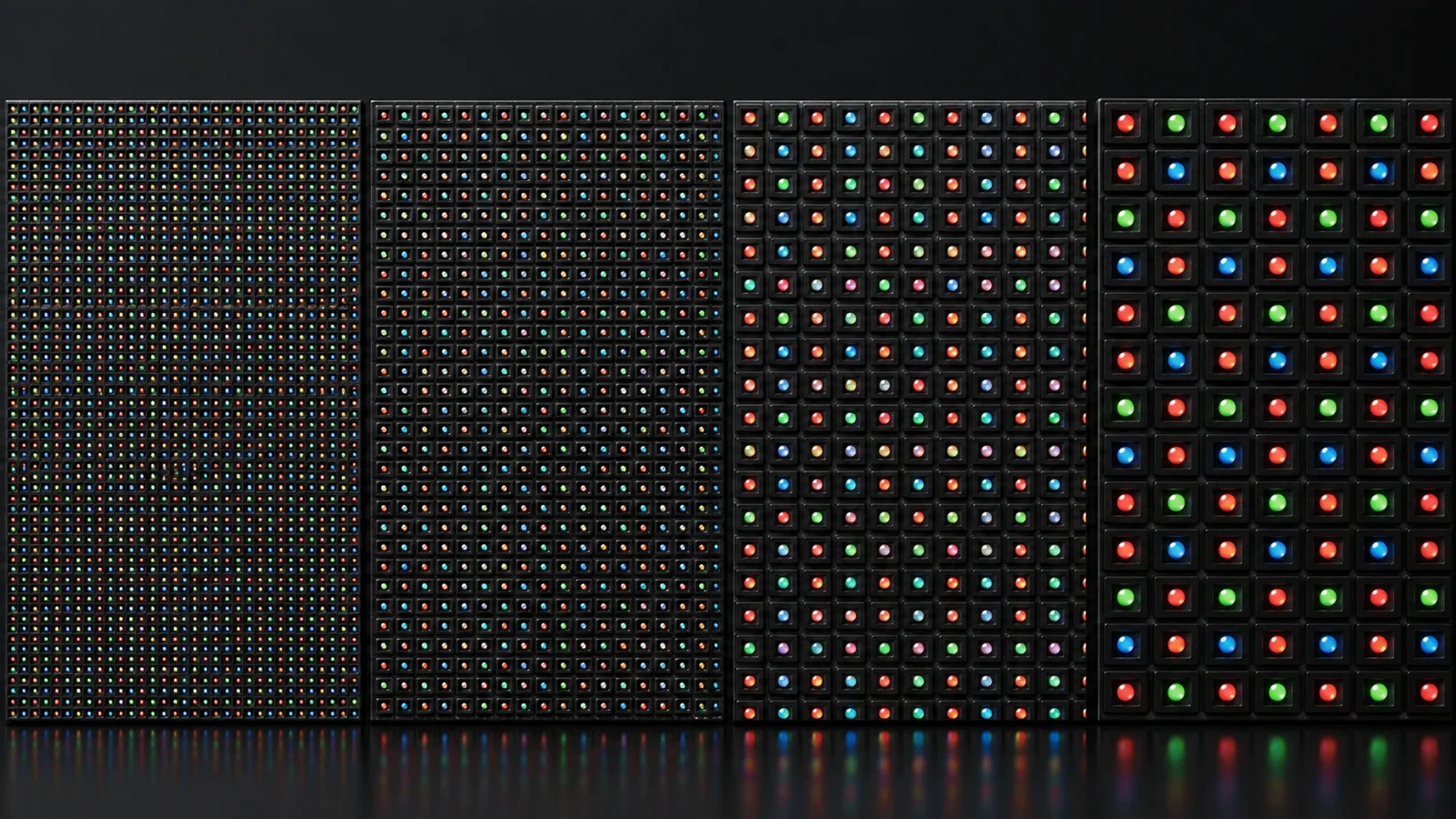
Physical size and resolution answer different questions. Two LED walls can both measure 6 x 4 m, yet the finer-pitch wall contains more pixels and normally supports a closer viewing distance.
| Pixel pitch | Verified pixel density | Reference minimum viewing distance | Typical planning question |
|---|---|---|---|
| P1.953 | 262,144 pixels/m2 | More than 2 m | Will viewers or cameras be close to the screen? |
| P2.604 | 147,456 pixels/m2 | More than 2.6 m | Is a balance of detail and rental flexibility needed? |
| P2.976 | 112,896 pixels/m2 | More than 3 m | Is the screen for a medium viewing distance? |
| P3.91 | 65,536 pixels/m2 | More than 4 m | Is this a larger event screen viewed from farther away? |
These figures are product-planning references, not universal viewing guarantees. Content type, camera distance, screen brightness, venue depth and audience expectations can change the practical choice. Buyers comparing rental formats can also review the P3.91 LED display guide before fixing the screen specification.
Environment matters as well. The verified P3.91 range lists 800-1200 cd/m2 for indoor use and 3500-4200 cd/m2 for outdoor use, with IP31 and IP65 configurations respectively. An indoor cabinet should not be selected for exposed outdoor use simply because its dimensions fit the calculator.
Can an LED Wall Cost Calculator Give an Exact Price?
No universal LED wall cost calculator can produce a dependable final price from width and height alone. The same screen dimensions may require different pixel pitches, cabinet types, processors, structures and service packages.
A realistic quotation separates at least these cost groups:
- LED cabinets, spare modules and spare power or receiving components
- Video processor and control-system hardware
- Hanging or stacking structure
- Power distribution, signal cables and connection accessories
- Flight cases, transport and packing
- Installation, commissioning or technical support when required
- Shipping terms, destination charges and project-specific documentation
The calculator results still help. Cabinet quantity, total pixels, screen area and approximate cabinet-only weight give the supplier a much clearer starting point. They should be treated as quotation inputs rather than a final price.
What the Calculator Cannot Approve
An LED wall calculator should not be used as structural, electrical or signal-system approval. It does not know the venue’s roof capacity, local safety requirements, wind conditions, cable paths or available power circuits.
Before an order is confirmed, verify:
- Structure: hanging or ground-stacked method, support points, total system load and any outdoor wind requirements
- Power: cabinet power data, distribution method, voltage, phase arrangement, connectors and circuit capacity
- Signal: total pixels, screen mapping, input sources, cable distances, backup route and camera requirements
- Processor: output capacity, layer and scaling needs, input formats, redundancy and future expansion
- Service inventory: spare modules, power supplies, receiving cards, cables and maintenance access
For P3.91 projects, WUYESTAGE commonly evaluates CMS130 as the main recommendation, CMS260 as an upgrade option and NovaStar VX1000 for larger or higher-loading configurations. This is not a fixed selection rule. Final processor choice must follow verified pixel load, inputs, backup strategy and operating workflow.
A Better Way to Send an LED Wall Inquiry
Send the calculator result together with the project conditions. A useful inquiry includes:
- Target width and height, plus acceptable size tolerance
- Indoor or outdoor use and whether the screen may face rain or direct sunlight
- Minimum and typical viewing distance
- Hanging, stacking or fixed installation method
- Preferred cabinet size, if inventory or transport creates a constraint
- Required video inputs, camera use and backup expectations
- Destination, project date and expected operating period
- Whether structure, processor, spares, flight cases and cables are required
This information allows the supplier to check whether the calculated layout is practical rather than quoting cabinet quantity in isolation. Buyers who are still comparing complete systems can review the stage LED screen buying guide or browse available rental LED display solutions.
For a broader comparison of indoor, outdoor, rental and other display options, browse our LED screen category.
Frequently Asked Questions
What does an LED wall calculator calculate?
It estimates cabinets across, cabinets high, total cabinet quantity, actual buildable dimensions, screen resolution, total pixels and display area. Some project calculators may also provide preliminary weight or processor information when verified product data is available.
How many 500 x 1000 mm cabinets are needed for a 6 x 4 m LED wall?
Using the cabinets vertically, the screen needs 12 cabinets across and 4 high, for a total of 48 cabinets. The exact cabinet model must support that orientation and system layout.
How do I calculate LED wall resolution?
Multiply the number of cabinets across by the horizontal pixels in one cabinet. Then multiply the number of cabinets high by the vertical pixels in one cabinet. For 12 x 4 P3.91 cabinets at 128 x 256 pixels each, the screen resolution is 1536 x 1024 pixels.
Why is the calculated LED wall larger than my target size?
LED walls are assembled from complete cabinets. When the requested dimension is not divisible by the cabinet dimension, the layout must round up to the next complete cabinet. A 5.3 m target built with 0.5 m wide cabinets therefore becomes 5.5 m wide.
Can I calculate LED wall price from square metres?
Square metres provide an initial scale reference, but they do not determine the final system price. Pixel pitch, indoor or outdoor configuration, processor, structure, power and signal accessories, spares, packing, shipping and service scope must also be defined.
What should I send to receive an accurate LED wall quotation?
Send the target dimensions, environment, viewing distance, installation method, acceptable size tolerance, input sources, destination and required accessories. Include the calculated cabinet layout and total pixels if available.
Calculate First, Then Verify the Complete System
An LED wall calculator is most valuable when it converts a rough screen request into checkable project data. Use it to estimate the cabinet grid, actual dimensions, resolution, pixel load and area, then ask the supplier to verify the product configuration, processor, structure, power, signal path and accessories.
Contact WUYESTAGE with your target screen size and project conditions. We can check the cabinet layout and prepare a system recommendation based on the application rather than screen area alone.