LED DISPLAY SYSTEMS
LED Displays Planned From Viewing Conditions to Service Access
Start with where the screen will operate, who will view it and how it will be installed. Pixel pitch and cabinet choice come after those project inputs.
PROJECT INPUTS
Define the viewing and operating conditions before choosing a screen.
A useful LED display specification begins with the audience, environment, content and installation workflow.
Viewing geometry
Closest and farthest viewers, screen dimensions, height and sightlines.
Environment
Indoor or outdoor exposure, ambient light, temperature and access.
Content and cameras
Text scale, video, live feeds, frame rates and camera expectations.
Installation model
Rental stacking, hanging, fixed mounting, front service or rear service.
SYSTEM BOUNDARIES
The display is more than panels and pixel pitch.
Cabinets, modules, receiving cards, power, processing, structure, cabling and spares form one operating system.
Image system
Pixel pitch, resolution, brightness, color, refresh and processing.
Mechanical system
Cabinet format, structure, tolerances, service access and transport.
Power and data
Load planning, distribution, redundancy, cable paths and signal workflow.
Operating lifecycle
Calibration, spare modules, receiving cards, training and fault recovery.
DISPLAY FAMILIES
Choose the system family from the installation model.
Rental, fixed, poster, floor and flexible systems solve different mechanical and operating problems.
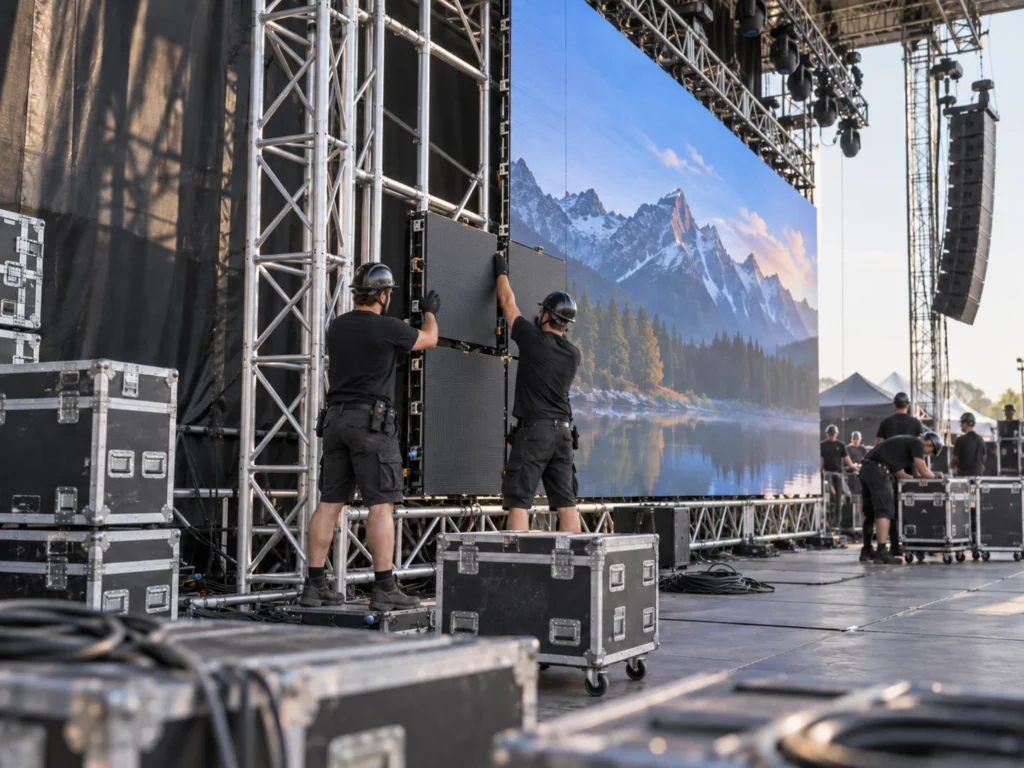
Rental and touring
Fast assembly, repeated handling, transport, mixed cabinet formats and fault recovery.

Indoor and outdoor fixed
Long-term structure, access, brightness, protection and maintenance planning.
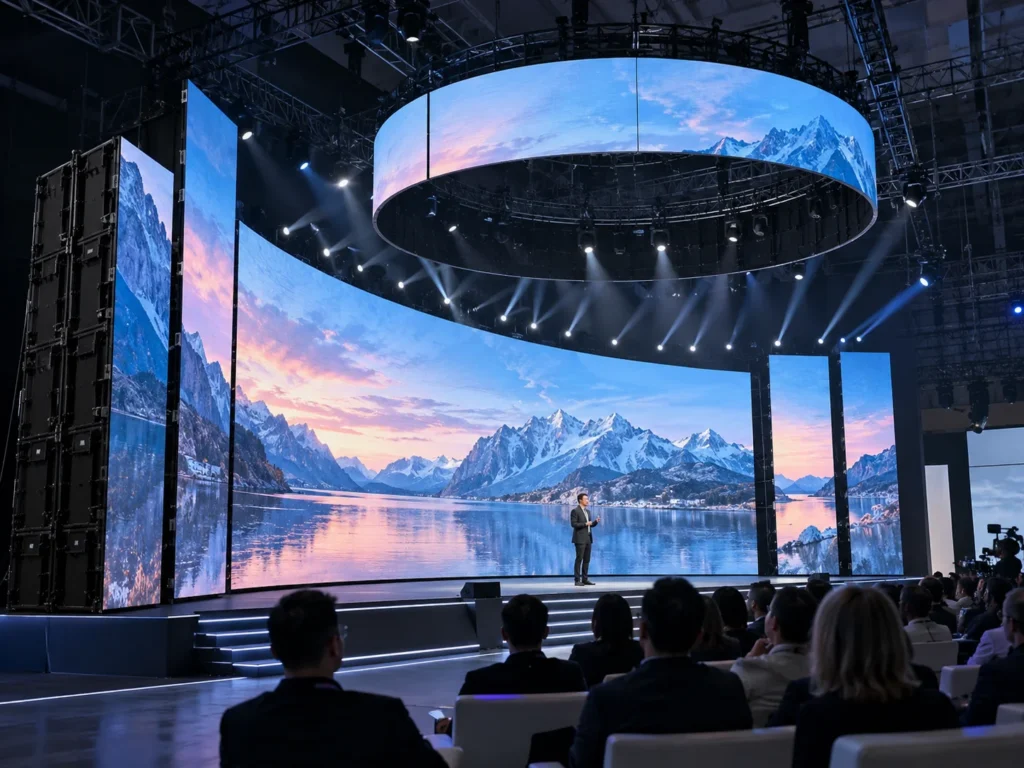
Creative and specialty
Poster, floor, curved and custom forms with application-specific structures.
LED DISPLAY RANGE
Compare products in the context of the intended project.
Open the full model page to review documented specifications, configuration and application details.
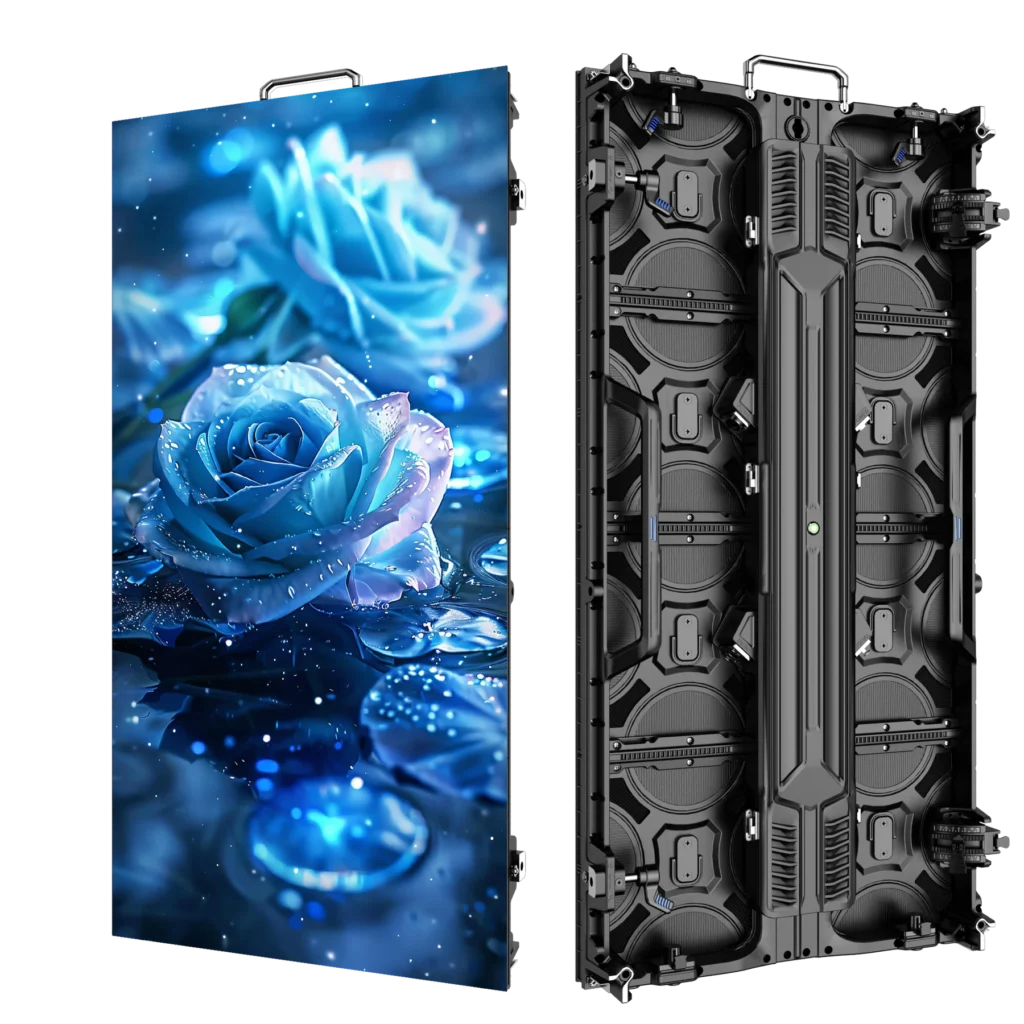
LED DISPLAY · Outdoor P3.91
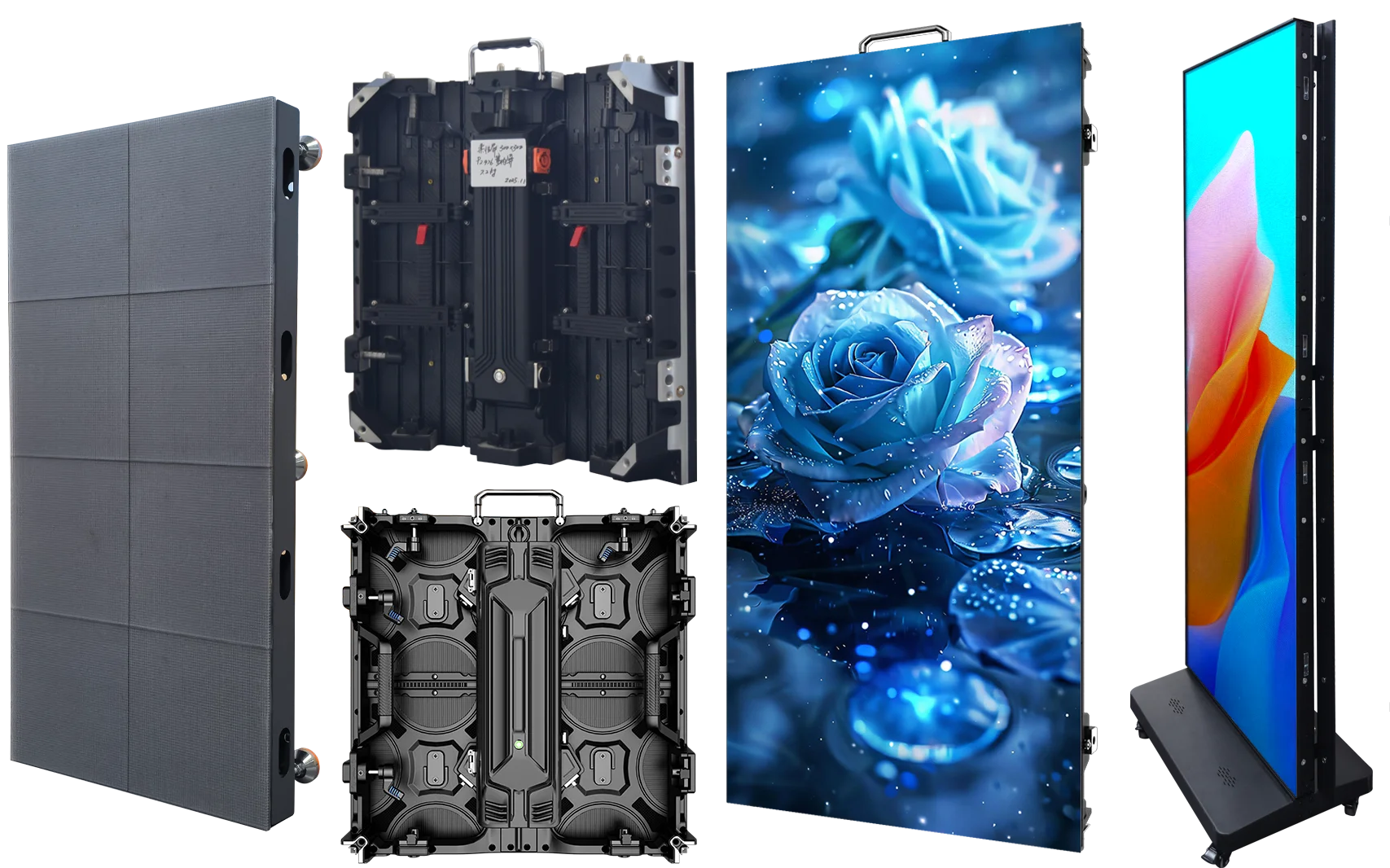
P3.91 500×1000 Outdoor Rental LED Display
A 500×1000mm P3.91 outdoor rental LED cabinet with 7680Hz refresh, 3500–4200 cd/m² brightness and IP65 protection for event and stage projects.
- P3.91 mm
- IP65
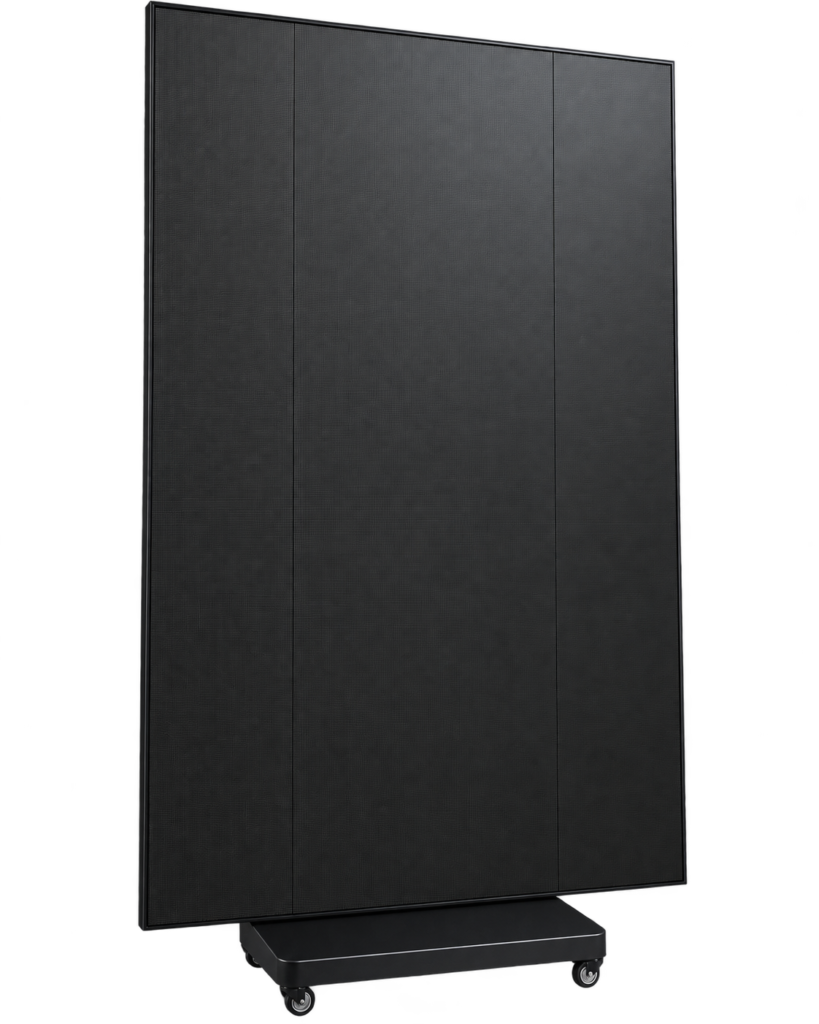
LED DISPLAY · GOB Tri-Fold LED Display P1.86
P1.86 GOB Tri-Fold LED Display
P1.86 GOB LED display with a tri-fold structure and a floor-standing caster base. Review the product video and cabinet details to plan your display…
- P1.86 / 1.86 mm
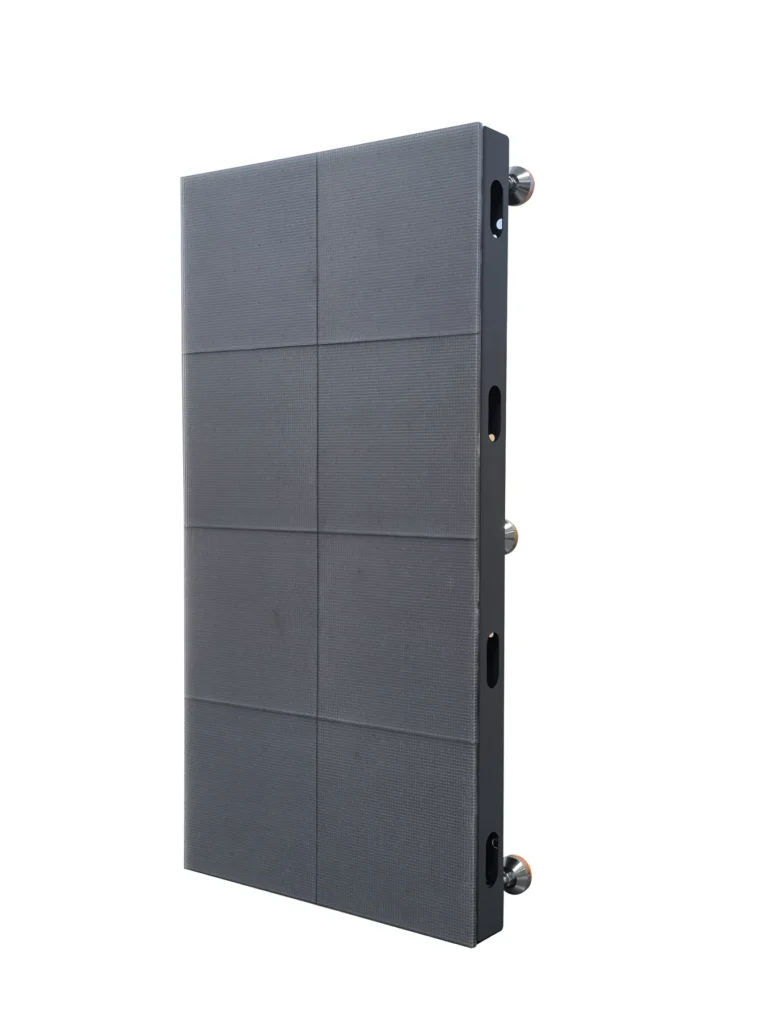
LED DISPLAY · Interactive LED Floor Screen
Interactive LED Floor Screen P2.5–P3.91
Interactive LED floor screen with 500×1000mm cabinets, P2.5–P3.91 pixel-pitch options, 7680Hz refresh and standard or high-brightness configurations for immersive floor-based display projects.
- P2.5 / P2.604 / P2.976 / P3.91

LED DISPLAY · Modular Foldable LED Poster Display
Modular Foldable LED Poster Display P1.25–P2.5
Modular foldable indoor LED poster display with a 1280×1920mm cabinet, P1.25–P2.5 options, 600–800cd/m² brightness, 7680Hz refresh and rear service access.
- P1.25 / P1.538 / P1.86 / P2 / P2.5
- IP31
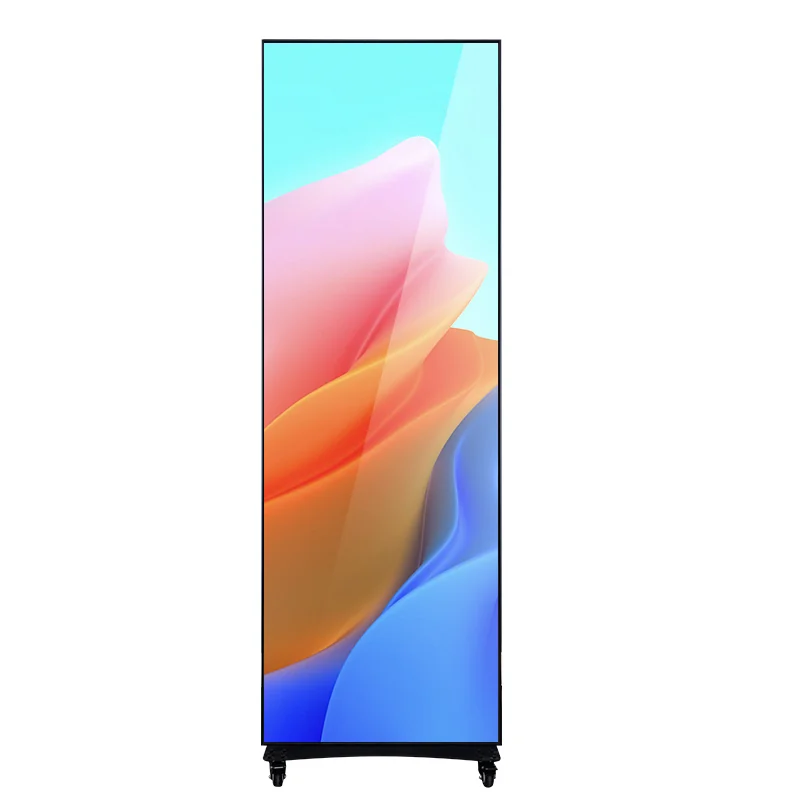
LED DISPLAY · Indoor LED Poster Display
Indoor LED Poster Display P1.25–P2.5
Mobile indoor LED poster display in P1.25–P2.5, with 640×1920mm or 960×1920mm cabinet formats, 7680Hz refresh and a caster base for commercial display projects.
- P1.25 / P1.538 / P1.86 / P2 / P2.5
- IP31
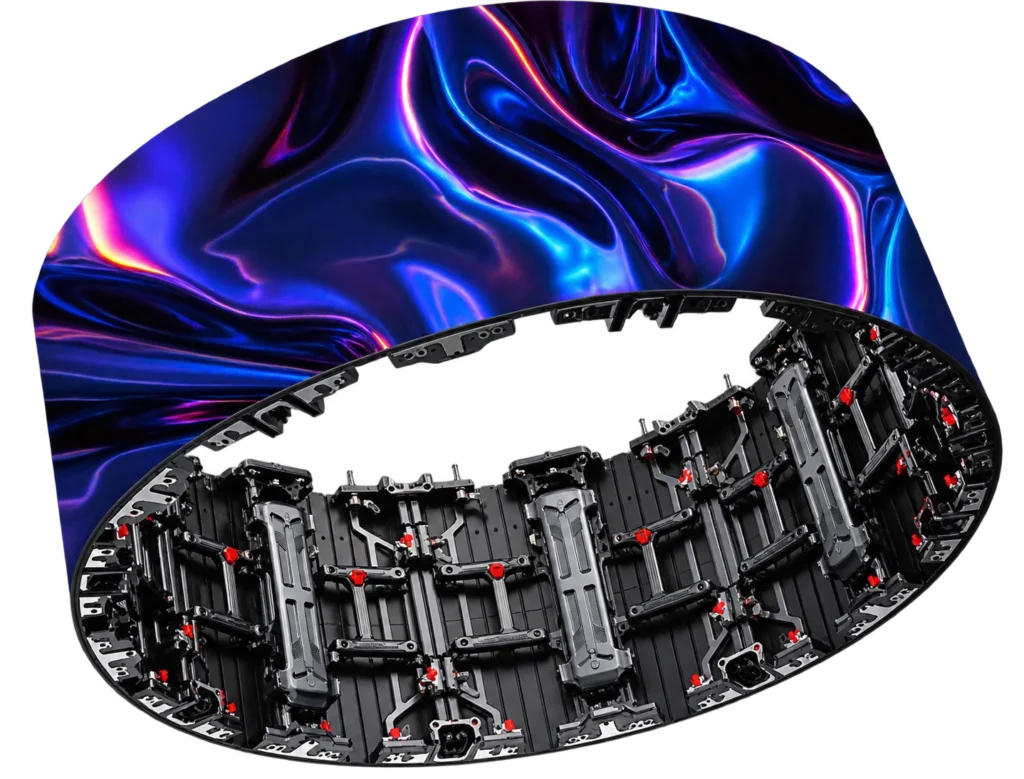
LED DISPLAY · Indoor Flexible P2.604 / P2.976
Indoor Flexible Curved LED Screen P2.604 / P2.976
Indoor flexible curved LED screen cabinets in P2.604 and P2.976, with 500×500mm and 500×1000mm formats, 7680Hz refresh and real curved-wall workshop references.
- P2.604 / P2.976
DISPLAY EVIDENCE
Inspect the complete system at representative scale.
Use full-screen images and close views that reveal seams, modules and service details.
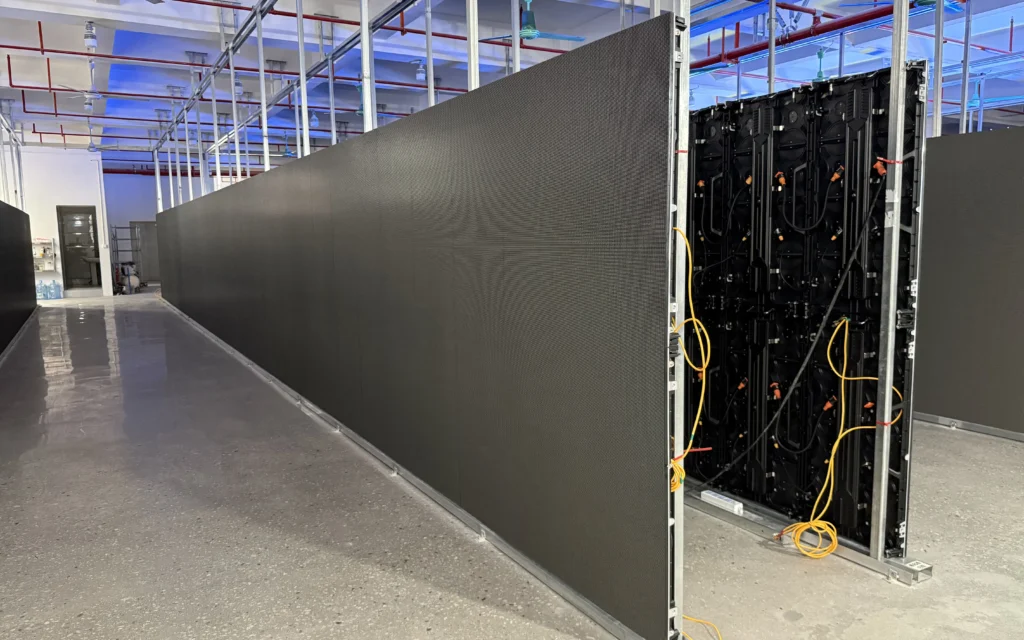
Full-screen image
Show the display at a useful viewing distance with representative content.

Module and cabinet detail
Show seams, cabinet alignment, module access and the quoted construction.

Signal and service workflow
Show the relevant processor, cabling and maintenance access for the proposed system.
DISPLAY RFQ
Send the project geometry before requesting a quotation.
The quotation depends on a buildable screen, system scope and delivery responsibilities.
Screen geometry
Width, height, orientation, quantity and viewing distance.
Site conditions
Indoor/outdoor, ambient light, mounting, access and power.
Content system
Sources, resolution, cameras, processor and control workflow.
Delivery scope
Structure, cases, spares, installation, destination and schedule.
BUYER FAQ
Resolve category-level decisions before comparing quotations.
Model-specific claims still need to be checked on the exact product and ordered sample.
How should buyers choose an LED display?
Start with viewing distance, screen size, environment, content, cameras, installation and service access. Then compare pixel pitch, cabinet format and system specifications.
Does a smaller pixel pitch always mean a better screen?
No. It can increase resolution at close distance, but cost, power, viewing conditions, content and service requirements still determine the practical choice.
What is included in a complete LED display system?
Scope can include cabinets or modules, control and processing, power and data distribution, structure, cabling, cases, spares and installation support. Confirm the quotation line by line.
How should a display be tested before ordering?
Review the exact configuration for dead pixels, seams, uniformity, color, refresh, cameras, processing, redundancy and service workflow.
What information is needed for an LED display quotation?
Provide dimensions, viewing distance, environment, mounting, content, camera needs, power, control, destination, schedule and required accessories or services.
Need to compare the complete product catalogue?
View All ProductsBUYING DECISIONS
Which LED display architecture should you buy?
Choose the job and installation first: repeated walls, exposed outdoor use, portrait signage, supported curves or a walkable floor. Pixel pitch is a choice within the right architecture, not a substitute for it.
01ORDER CHECK
Rental wall or outdoor project
For repeated builds, compare handling, cabinet compatibility and recoverable faults in the rental range. For exposed sites, add orientation, weather, structure and connection protection. Confirm the exact outdoor version rather than relying on a shared cabinet appearance.
Start with rental wall systems02ORDER CHECK
Portrait, curved or floor
A wheeled poster supports portrait information; flexible cabinets follow a confirmed geometry; floor screens need floor-specific access and load evidence. These architectures have different supports, control and service routes. Choose a specialist range before comparing model specifications.
Review curved-screen requirements03ORDER CHECK
Define the complete purchase
Send screen dimensions, viewing positions, content, location, installation and schedule. Request the cabinet/module configuration, processing, cables, spares, cases and delivery terms as separate quotation lines so two suppliers are pricing the same scope.
Prepare a buildable screen sizeSTART YOUR PROJECT
Let’s Talk About
Your Project.
Tell us who you are, what products you need and your expected order size. Our team will review your requirements and recommend the right next step.