
INDOOR LED DISPLAY SYSTEMS
Indoor LED Displays Designed From the Closest Viewer
Indoor selection begins with viewing distance, content detail, ambient light and installation access—not with the smallest available pixel pitch.
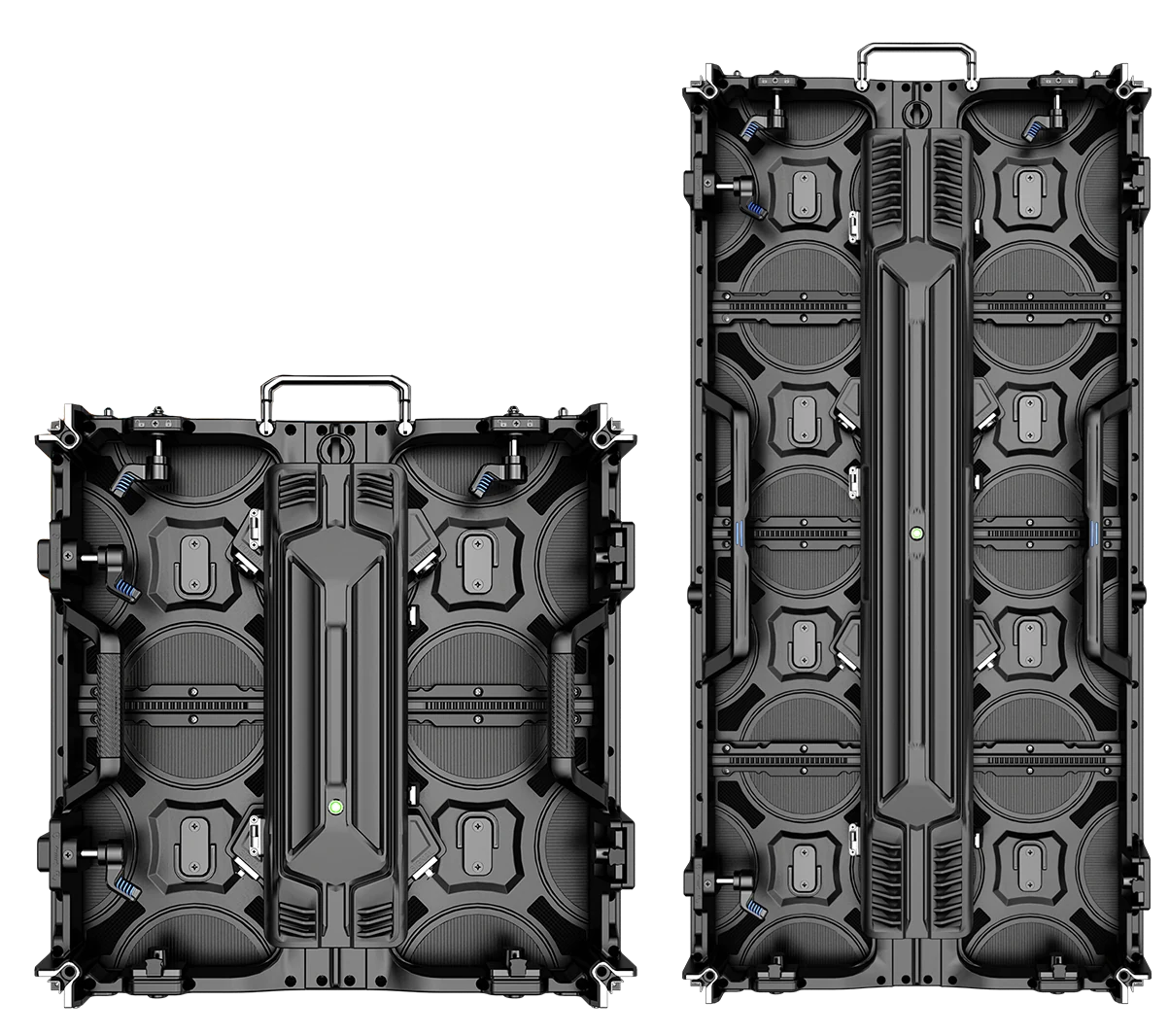
VIEWING MODEL
Match pixel pitch and screen size to real viewers and content.
A close audience, small text and camera use place different demands on the system.
Closest viewer
Define the nearest normal viewing position and critical content detail.
Screen geometry
Define physical dimensions, resolution target and aspect ratio.
Ambient light
Review room lighting, windows, reflections and brightness control.
Camera use
Review refresh, scanning, shutter settings and processor workflow.
INDOOR LED DISPLAY RANGE
Compare products in the context of the intended project.
Open the full model page to review documented specifications, configuration and application details.
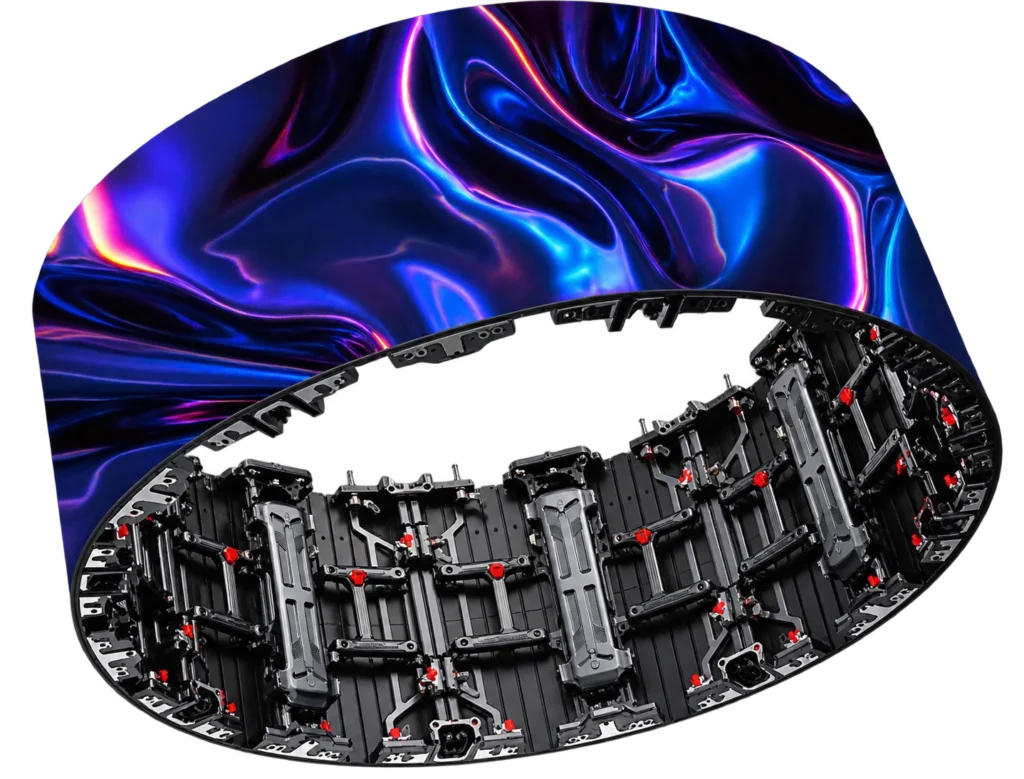
INDOOR LED DISPLAY · Indoor Flexible P2.604 / P2.976
Indoor Flexible Curved LED Screen P2.604 / P2.976
Indoor flexible curved LED screen cabinets in P2.604 and P2.976, with 500×500mm and 500×1000mm formats, 7680Hz refresh and real curved-wall workshop references.
- P2.604 / P2.976
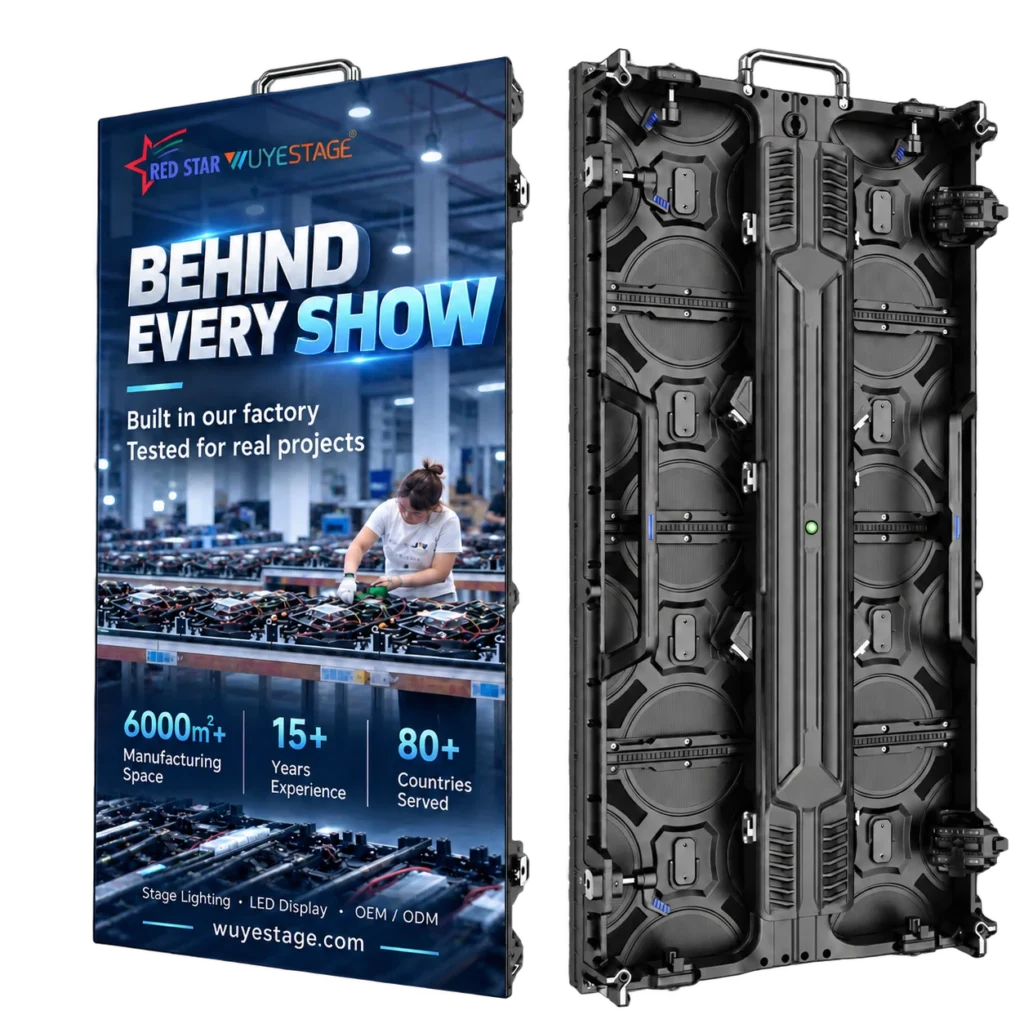
INDOOR LED DISPLAY · Indoor Rental LED Display Series
Indoor Rental LED Display Cabinet Series
Compare P1.953 GOB, P2.604, P2.976 and P3.91 indoor rental LED display cabinets in 500×500mm and 500×1000mm formats, with up to 7680Hz refresh for stage,…
- P1.953 GOB / P2.604 / P2.976 / P3.91
- P1.953 GOB: IP31
INSTALLATION CHOICE
Service access and structure shape the indoor system.
The right cabinet or module architecture depends on the wall, available depth and maintenance route.
Front service
Useful where rear access is unavailable; confirm module, card and power access.
Rear service
Useful where a service corridor exists; confirm depth, ventilation and safe access.
Rental or temporary
Prioritize cabinets, locks, alignment, cases and repeated setup.
INDOOR IMAGE TEST
Test close-view detail and low-brightness behavior.
Indoor screens often operate below maximum brightness and closer to viewers.
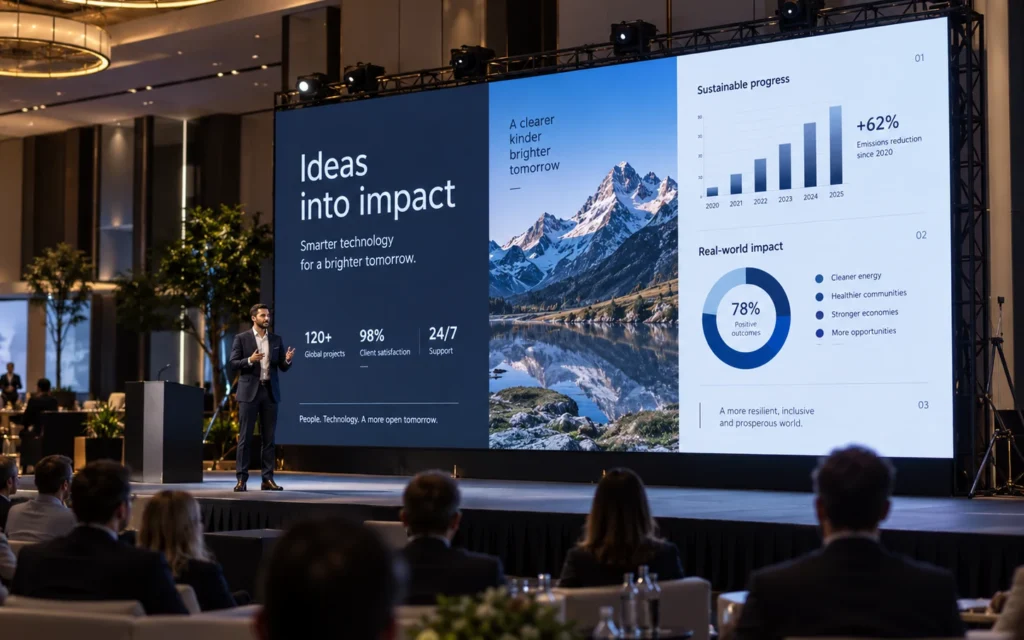
Text and fine detail
Show representative fonts, graphics and viewing distances.
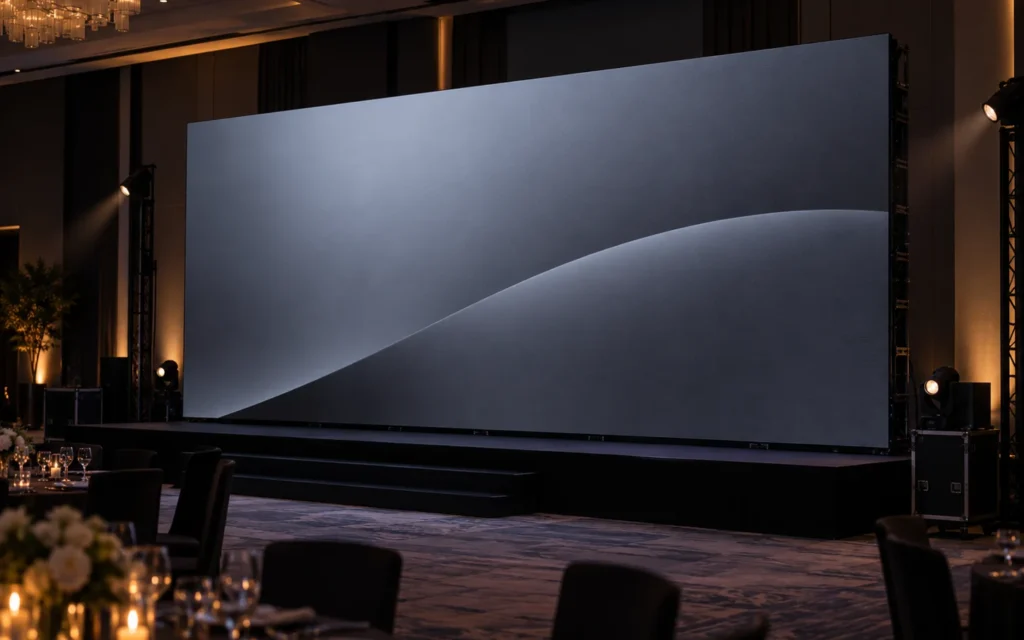
Low-brightness uniformity
Check gray levels, color, seams and module consistency in the real room.
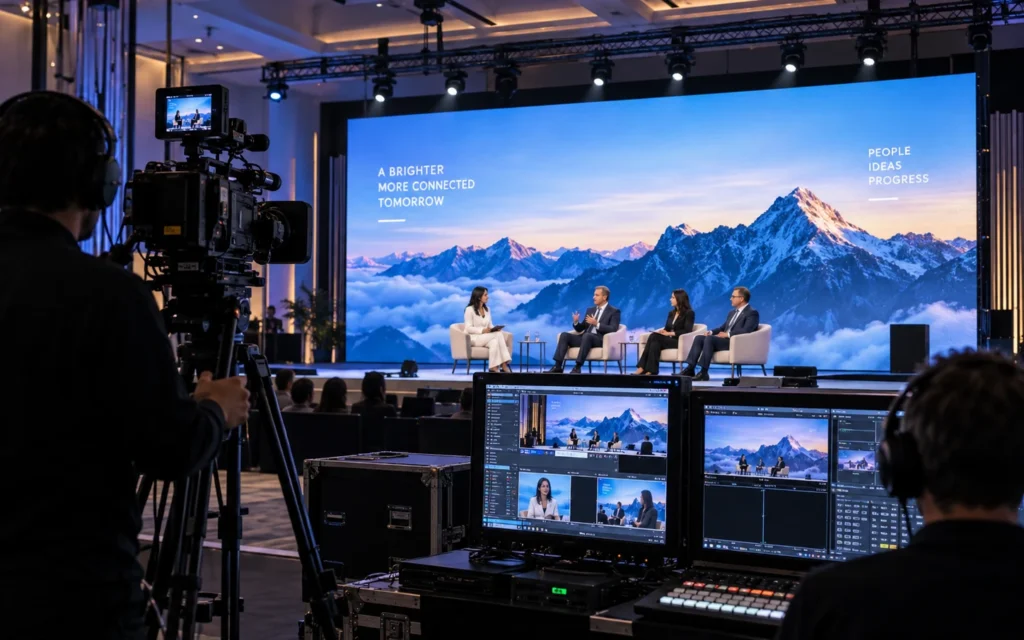
Camera and processor
Test the intended content chain and camera settings.
INDOOR RFQ
Provide the room, viewers and service route.
This prevents unnecessary pitch and cabinet assumptions.
Room and viewers
Dimensions, closest distance, sightlines and ambient light.
Screen and content
Size, aspect, text scale, sources and resolution needs.
Installation
Wall or structure, front/rear access, depth and ventilation.
System scope
Processor, cameras, redundancy, spares, destination and schedule.
INDOOR APPLICATIONS
The room determines the useful display architecture.
Retail, control rooms, venues and temporary events require different priorities.
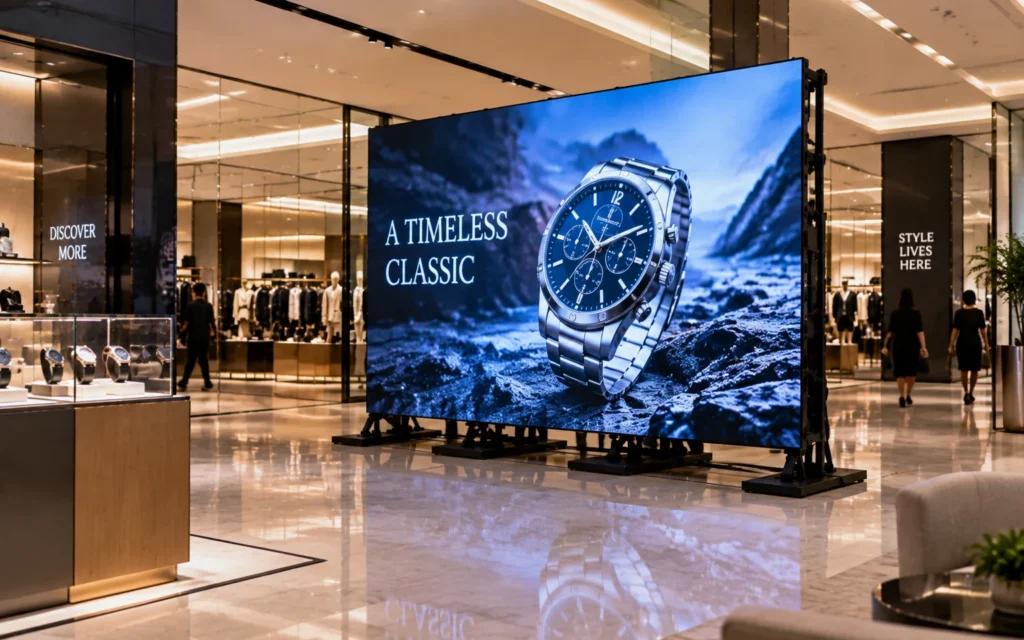
Retail and showrooms
Plan content detail, viewing paths, brightness, service access and daily operation.
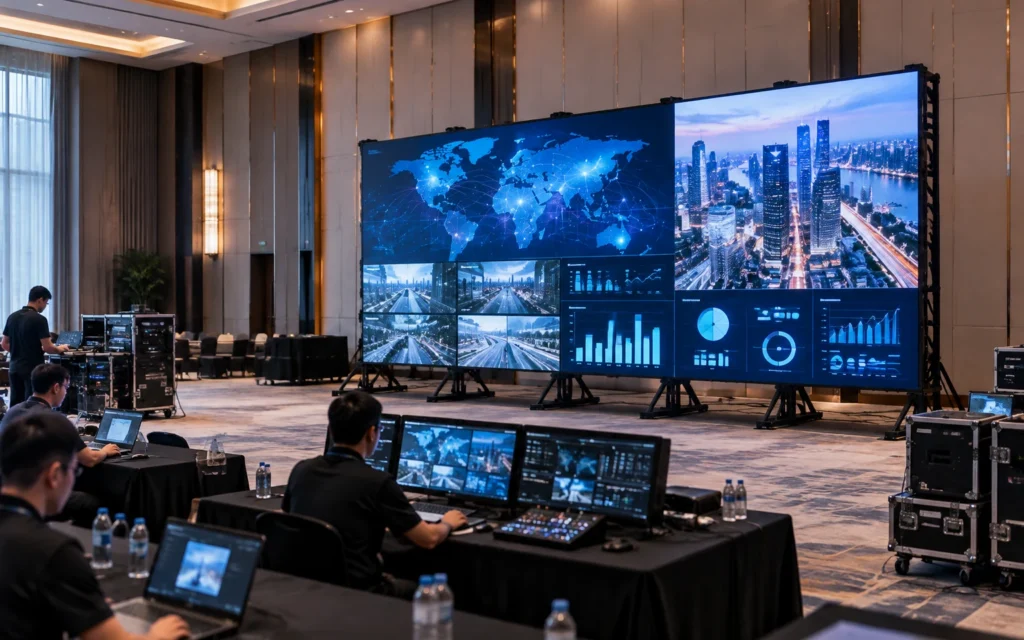
Conference and control rooms
Plan fine detail, camera use, redundancy and long viewing periods.
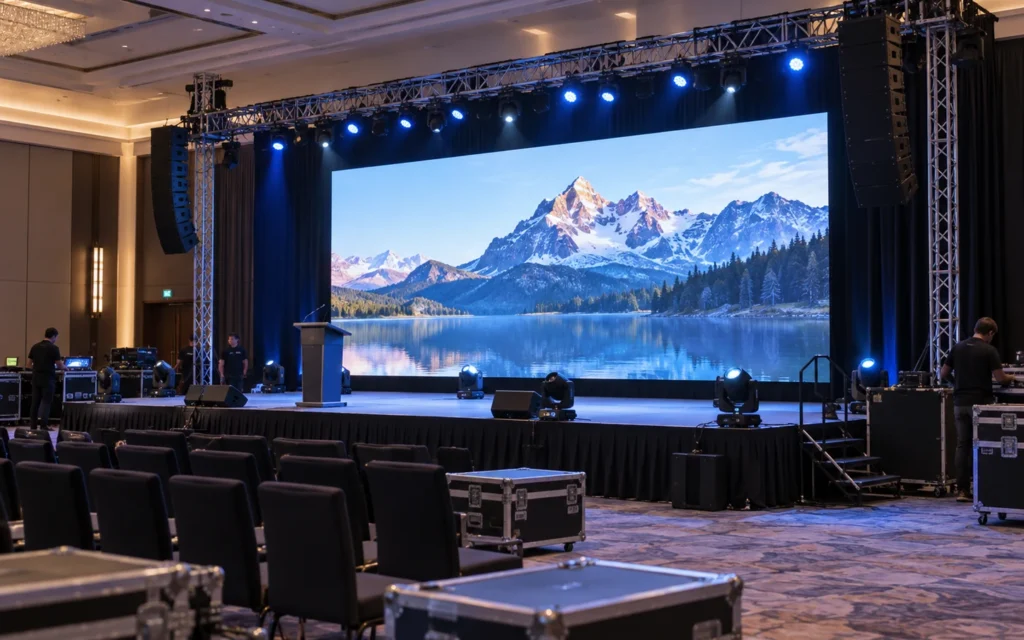
Stages and indoor events
Plan temporary structure, viewing distance, cameras, transport and setup.
BUYER FAQ
Resolve category-level decisions before comparing quotations.
Model-specific claims still need to be checked on the exact product and ordered sample.
How should indoor LED display pixel pitch be selected?
Use the closest normal viewing distance, content detail, screen size, resolution target and budget. Smaller pitch is not automatically the best system choice.
How bright should an indoor LED display be?
Required brightness depends on ambient light, windows, reflections and camera use. The system should also perform cleanly at normal reduced brightness.
What is front-service access?
It allows modules and selected components to be serviced from the viewing side, which can help installations without rear access. Confirm the exact service scope.
How should an indoor display be tested?
Review text, fine detail, seams, uniformity, low-brightness gray levels, processor workflow and cameras in representative room conditions.
What information is needed for an indoor LED display quotation?
Provide room dimensions, viewing distance, screen size, content, ambient light, mounting, service access, cameras, processor, destination and schedule.
Need an outdoor, rental or creative display?
Compare LED Display CategoriesBUYING DECISIONS
Which indoor LED system should you order?
Select an indoor rental cabinet, poster, curved screen or floor system by placement and operation. Then compare pitch and native pixels using the nearest viewer and the content that must remain readable.
01ORDER CHECK
Recurring event walls
Choose the indoor rental series for repeated wall builds. A 4×2m wall made from 500×500mm cabinets has eight columns and four rows, or 32 cabinets. Screen size, pitch and cabinet resolution together determine the processor load.
Compare indoor rental cabinets02ORDER CHECK
A fixed position or tight access
If rear space is restricted, confirm the replacement route for modules, power supplies and receiving cards individually. A front-access module does not establish front access to every component, nor does it remove the need for cable and ventilation space.
Plan component service access03ORDER CHECK
Readable content before purchase
Provide the nearest viewing position, smallest text, room light and cameras. Test that content at the proposed canvas and brightness. Poster, curved and floor products solve different placement tasks; they should not be chosen merely because all are indoor LED displays.
Compare the display architecturesSTART YOUR PROJECT
Let’s Talk About
Your Project.
Tell us who you are, what products you need and your expected order size. Our team will review your requirements and recommend the right next step.