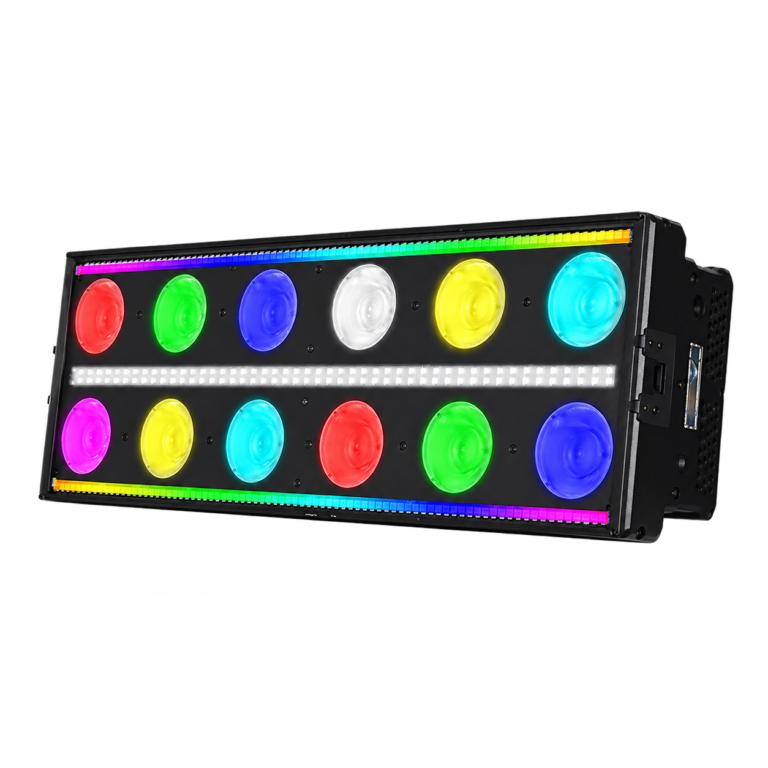
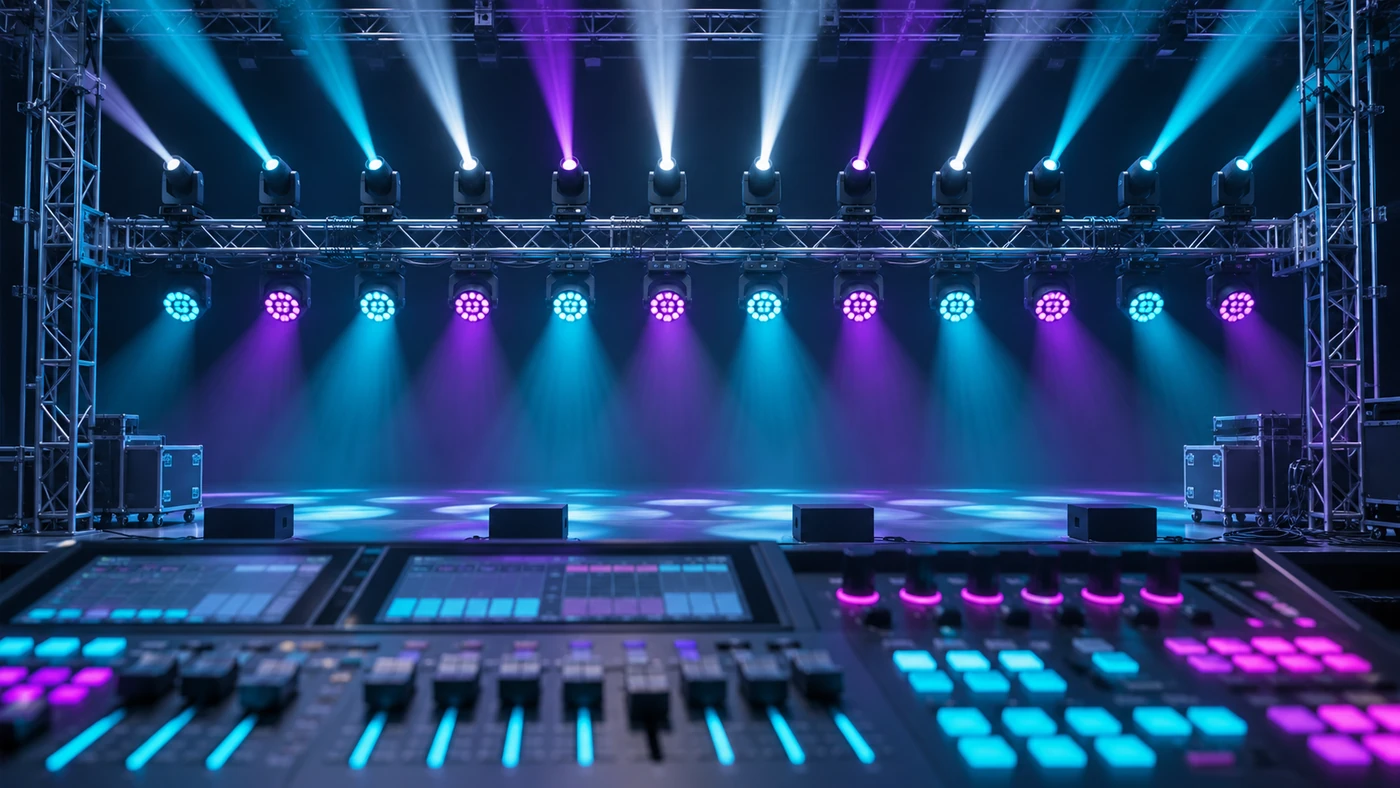
DMX addressing is the single step that turns a truss full of moving heads, LED PARs, strobes, and lasers into a controllable lighting rig instead of a flickering mess. Every fixture on a DMX512 line listens to the same 512-slot data stream simultaneously—its DMX starting address tells that fixture which exact slot to read first so it obeys its own faders without stealing commands meant for the light next to it.
Across lighting forums and rental crews, the same four problems account for most show-day panics: overlapping channel ranges in mixed rigs, forgetting that budget 192-channel DJ controllers lock each fixture button to 16-channel gaps, misreading binary 9-pin DIP switches on older fixtures, or trying to locate an unknown DMX address on a fixture already bolted six meters in the air.
This hands-on DMX addressing guide walks through the exact starting-address formula, includes an interactive DMX address calculator with instant 9-pin DIP switch readout, compares LCD menus vs. DIP switches vs. RDM, contrasts 192-channel DJ boards against 512-channel consoles, maps a real multi-fixture WUYESTAGE club and stage patch sheet, and gives you a field-tested checklist to find unknown addresses and fix patch conflicts fast. If you also want a conceptual deep dive on channel footprints and modes, pair this setup tutorial with our companion guide on DMX channels for fixture planning.
1. What Is a DMX Address and How Many Addresses Fit in a DMX Universe?
Direct answer: A DMX address (from 001 to 512) is the starting channel slot where a fixture begins reading control data from a DMX512 console. One standard DMX512 universe contains exactly 512 addresses (slots 1 through 512)—never 512 fixtures. How many fixtures actually fit inside one universe depends strictly on each fixture’s selected DMX channel mode.
Think of a DMX512 universe like a row of 512 numbered mailboxes (1 to 512):
- A compact 8-channel LED PAR light set to DMX starting address
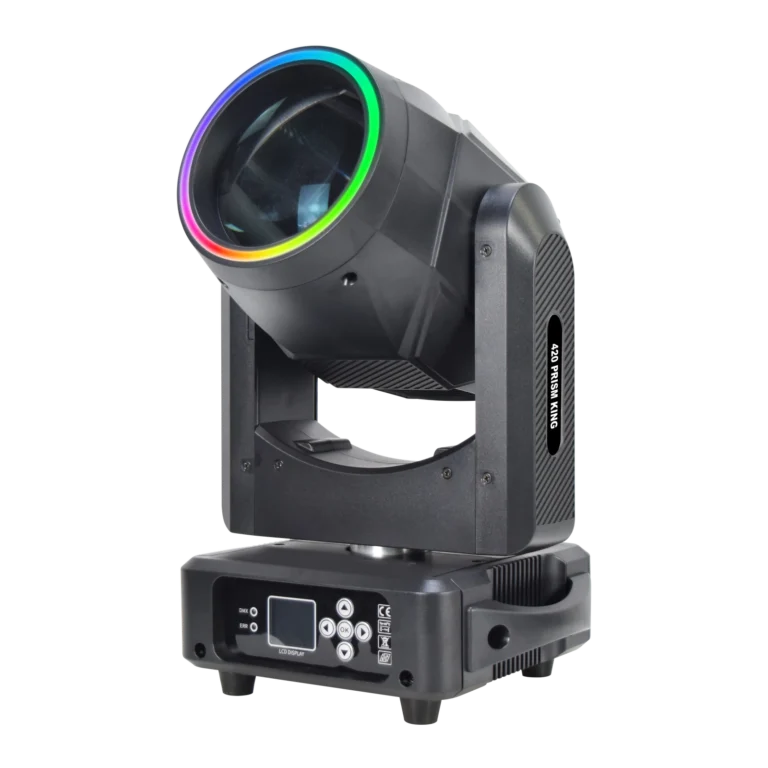
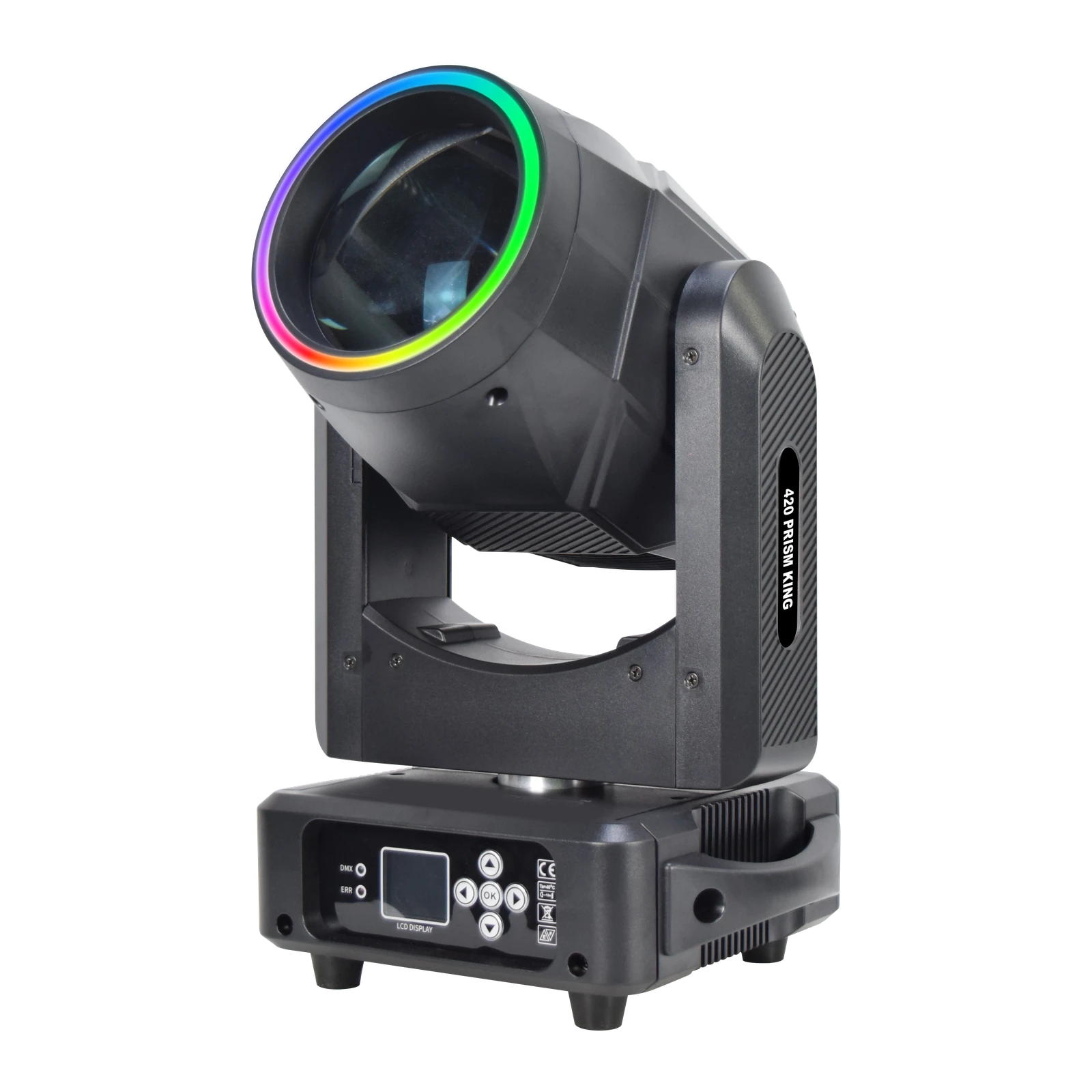
001consumes mailboxes1through8. The next independent fixture must start at009(or higher)—never008. - An 18-channel 420 Prism King Beam Moving Head Light set to starting address
001consumes mailboxes1through18. The next independent beam starts at019. - If two identical lights share the same DMX starting address (for example, both set to
001in 18CH mode), they mirror each other in unison. Intentional mirroring saves channels; accidental overlap causes chaotic cross-triggering.
The Universal DMX Starting Address Formula
Occupied Range: Start Address through (Start Address + Channel Count − 1)
Next Fixture’s Starting Address: Previous Start Address + Previous Channel Count
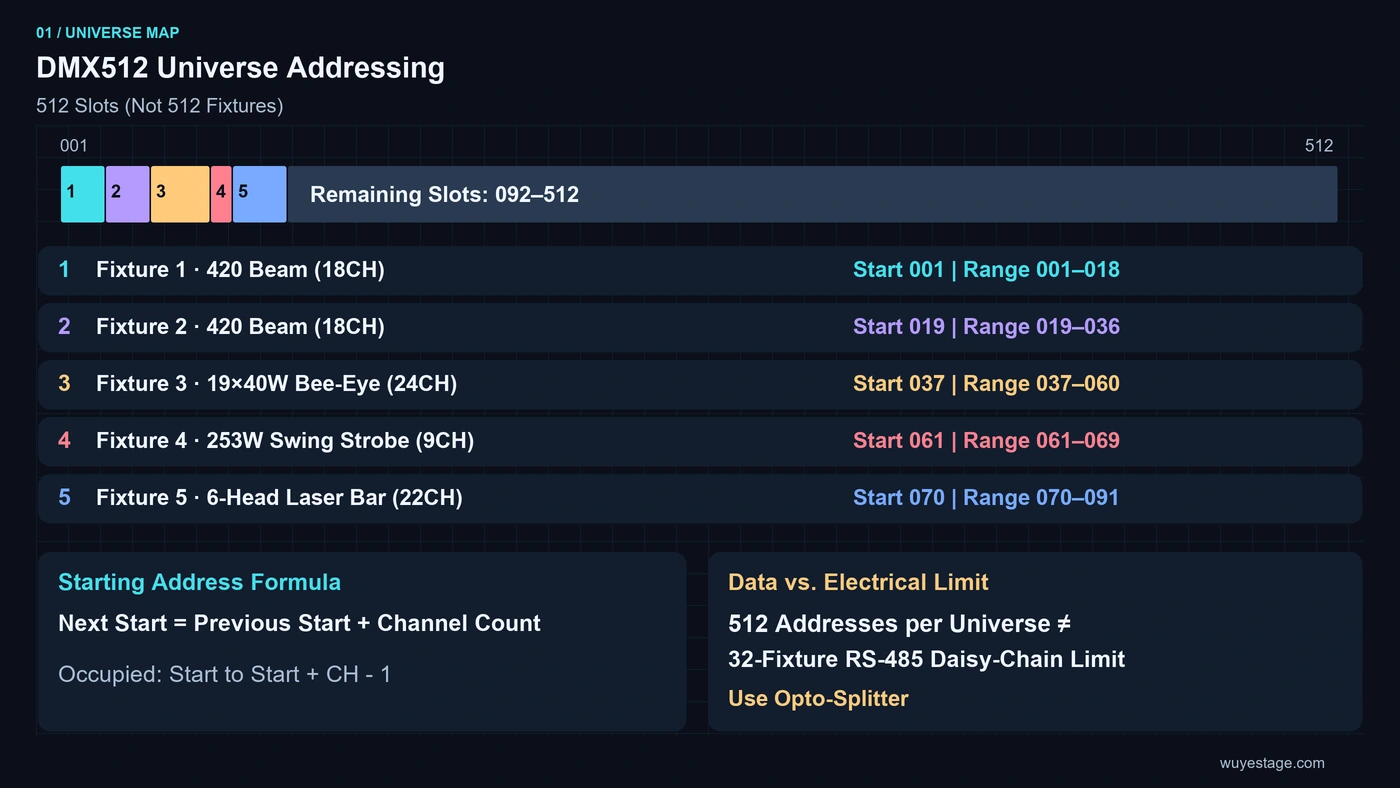
| Example Fixture | Selected Mode | DMX Starting Address | Occupied Channel Range | Next Available Address |
|---|---|---|---|---|
| Fixture 1 (420 Beam) | 18 CH | 001 | 001 – 018 | 019 |
| Fixture 2 (420 Beam) | 18 CH | 019 | 019 – 036 | 037 |
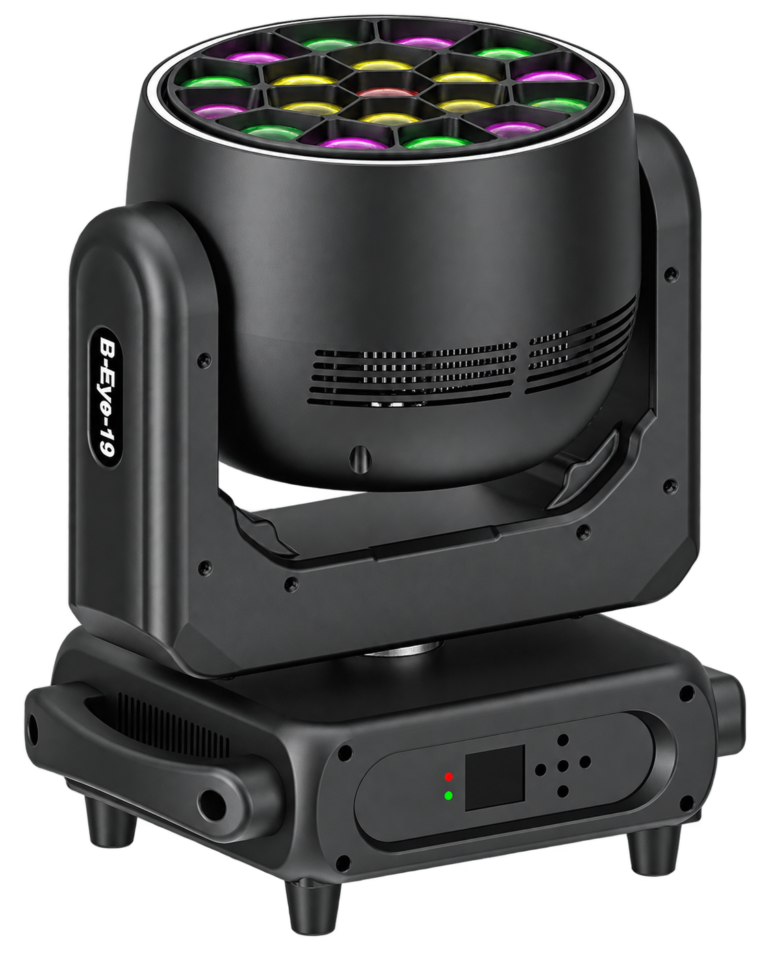
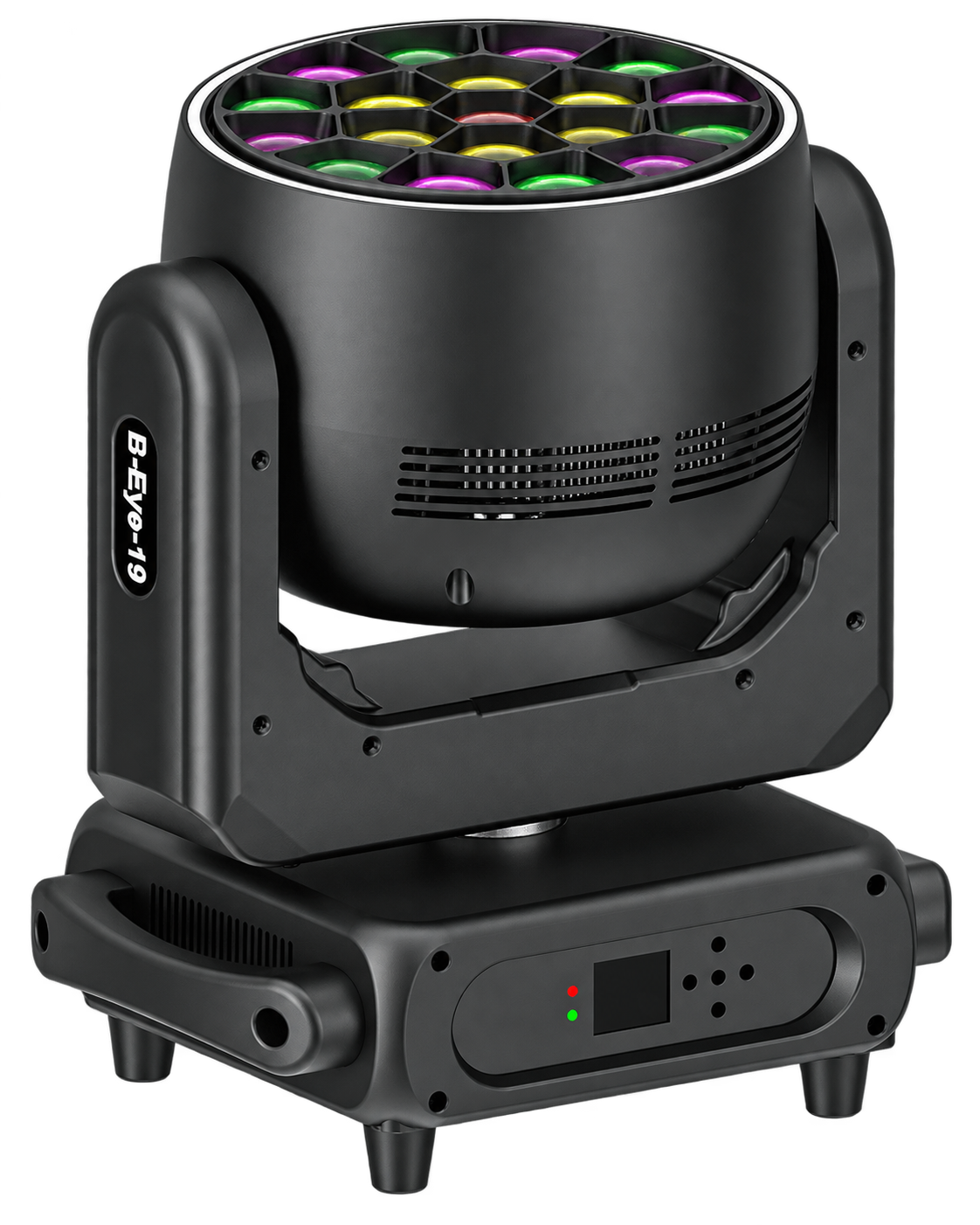
| Fixture 3 (19×40W Bee Eye) | 24 CH | 037 | 037 – 060 | 061 |
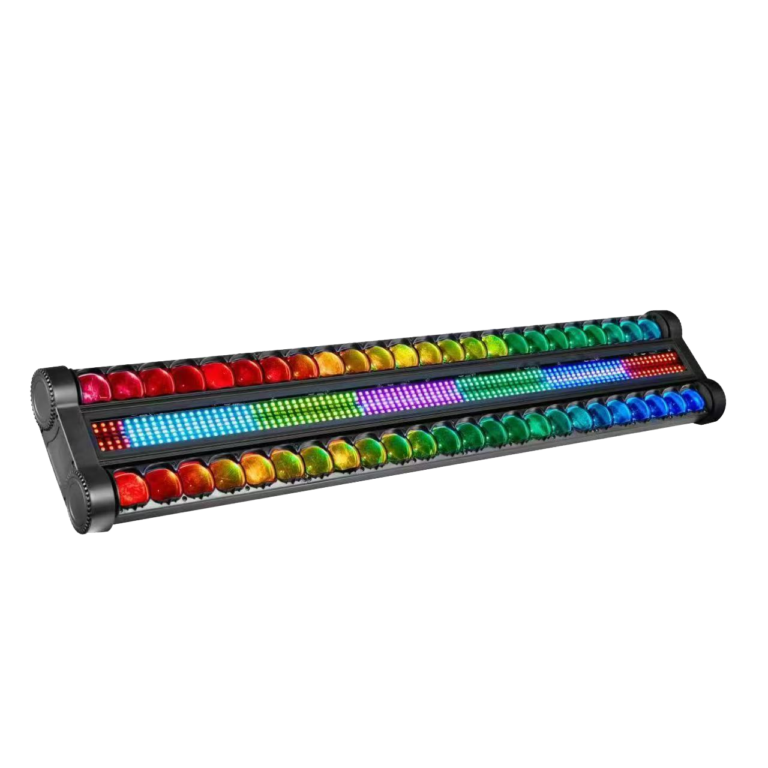
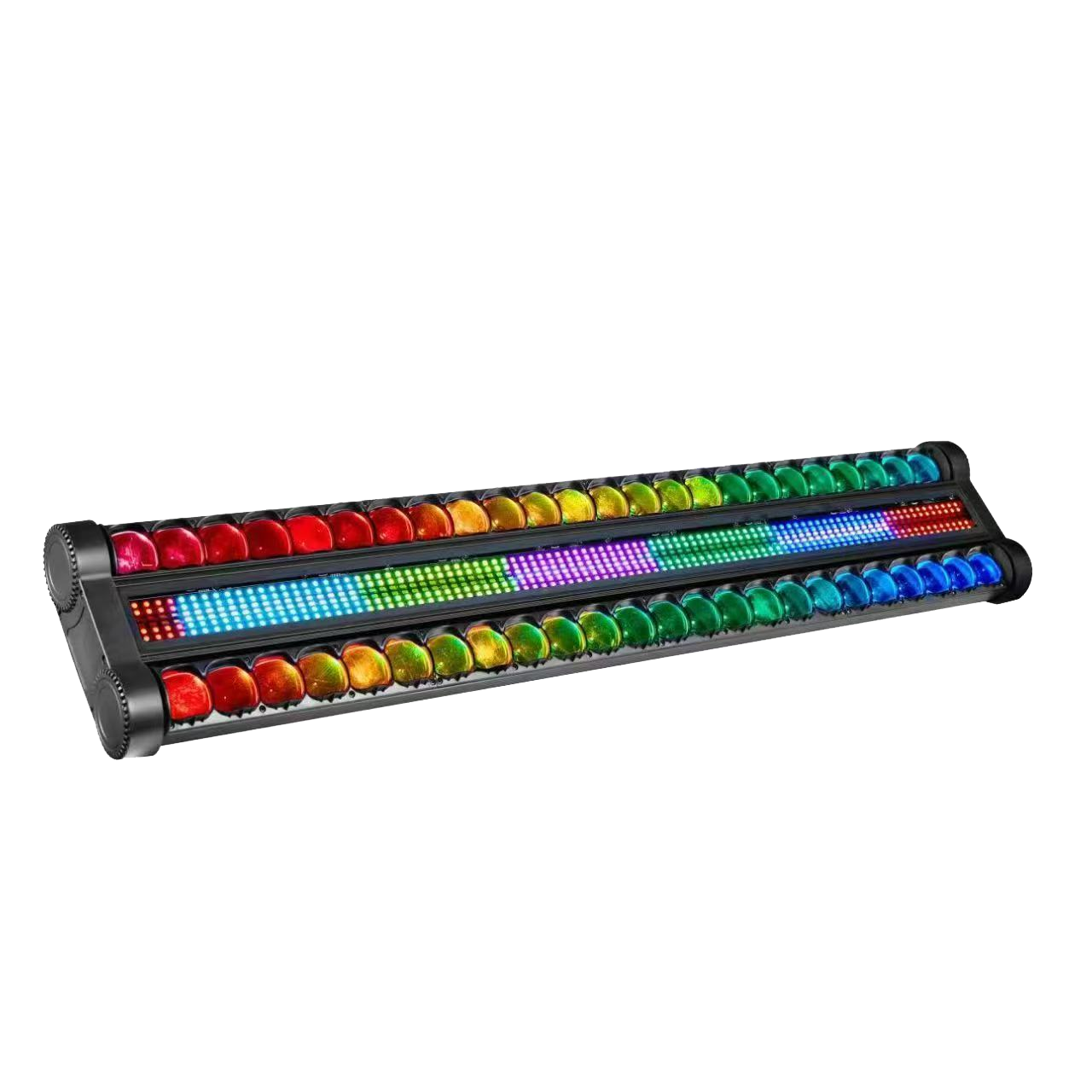
| Fixture 4 (253W Swing Strobe) | 9 CH | 061 | 061 – 069 | 070 |
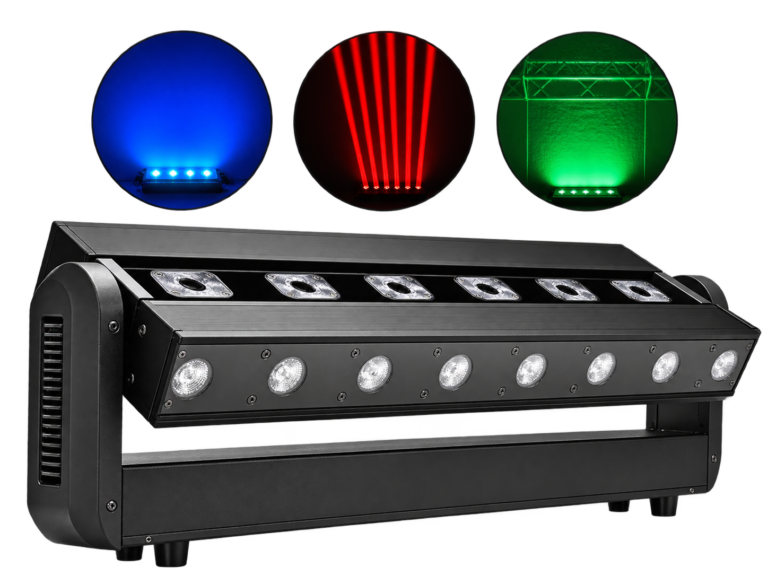
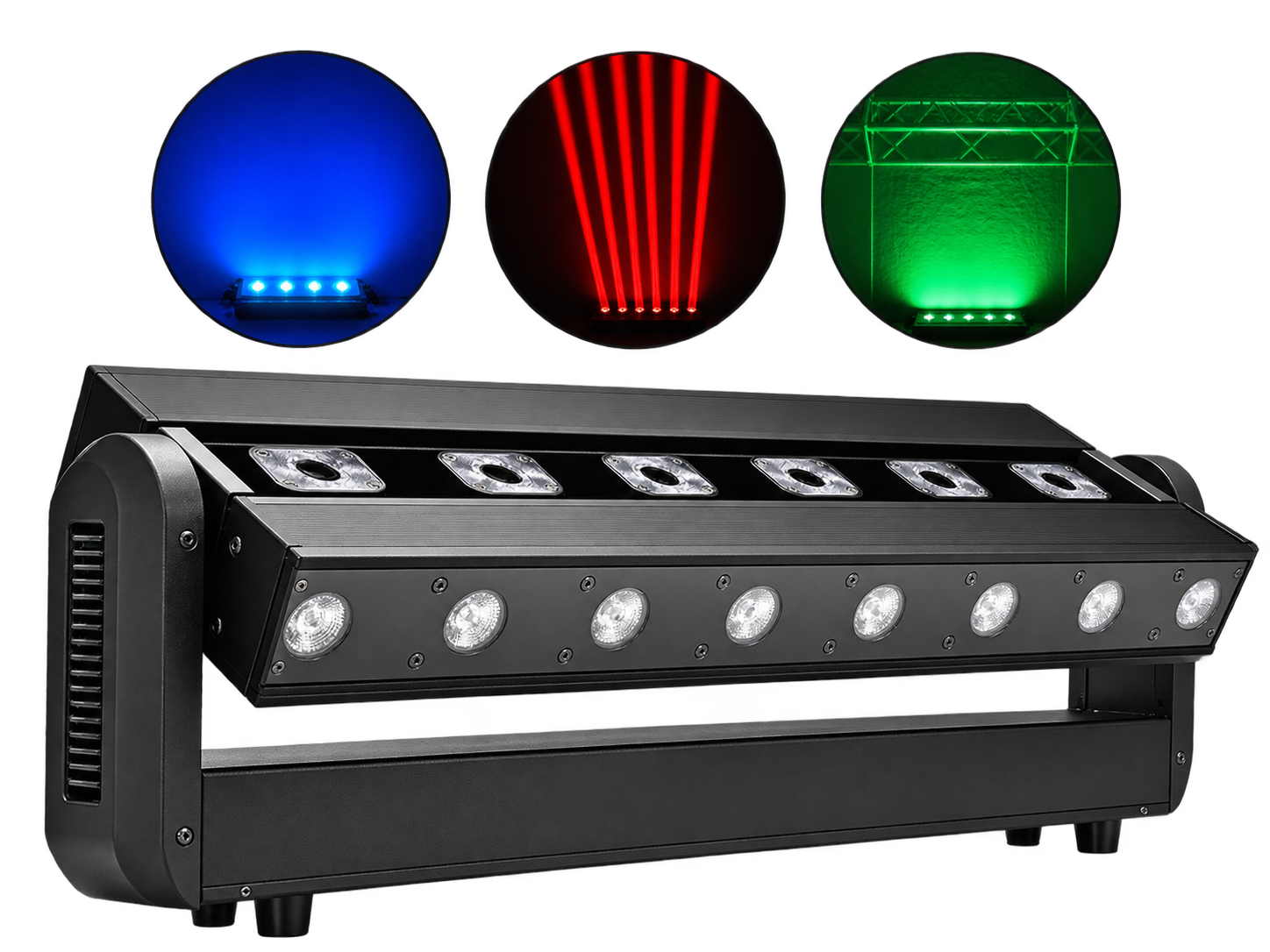
| Fixture 5 (6-Head Laser Bar) | 22 CH | 070 | 070 – 091 | 092 |
Important boundary: Do not confuse the 512-address data limit with the 32-device electrical daisy-chain limit of RS-485 hardware. Even if 40 compact 8-channel PARs only use 320 / 512 addresses, running all 40 fixtures on one unbuffered cable run violates the 32-unit RS-485 load limit—use an optically isolated DMX splitter to branch long rigs cleanly.
2. Interactive DMX Starting Address & 9-Pin DIP Switch Calculator
Use this built-in DMX address calculator to build a zero-overlap patch sheet before hanging a single clamp. Add your fixture groups (or click a verified WUYESTAGE preset), switch between 512CH Tight Packing and 192CH Fixed 16-Slot spacing, and click any address in the table to inspect its exact 9-pin DIP switch ON/OFF binary settings.
DMX Starting Address & 9-Pin DIP Switch Calculator
| Fixture # | Name | Mode | Universe | Start Addr | Range | DIP Switches ON |
|---|
3. Three Ways to Set a DMX Address on Any Stage Light
Every modern or legacy lighting fixture sets its DMX starting address through one of three interfaces. Understanding all three keeps your DMX addressing fast in any rental warehouse or mixed house rig.
Method 1: Digital LCD / OLED Menu (d001 or A001) — Modern Moving Heads & LEDs
Almost all contemporary moving head lights, rotating bee-eyes, LED strobe bars, and laser effect bars use a 4-button digital screen (MENU, UP, DOWN, ENTER):
- Press
MENUuntil the display showsAddr,DMX,d001, orA001. - Press
ENTER, useUP/DOWNto dial in your exact DMX starting address (001–512), and pressENTERagain to lock it into memory (forgetting the finalENTERpress is the #1 reason fixtures revert to001after a power cycle). - In the same menu tree, open
Chnd/Mode/Run Modeand confirm the fixture’s DMX channel mode (for example,18CHvs.22CHon the 420 Prism King, or24CHvs.102CHon the 19×40W Rotating Bee Eye) matches the personality patched in your lighting console. - Confirm the fixture is in DMX mode—not
Auto,Sound, orMaster/Slave.
Method 2: 9-Pin Binary DIP Switches (Legacy PARs, Dimmer Packs & Compact Bars)
Older fixtures, architectural LED decoders, and budget dimmer packs use a bank of 9 or 10 miniature toggle switches (DIP switches). Switches 1 through 9 represent powers of two (1, 2, 4, 8, 16, 32, 64, 128, 256). Adding the values of every switch flipped ON gives the fixture’s DMX address (maximum 511). Switch 10, when present, usually enables DMX mode or standalone functions—always verify switch 10 on the chassis label.
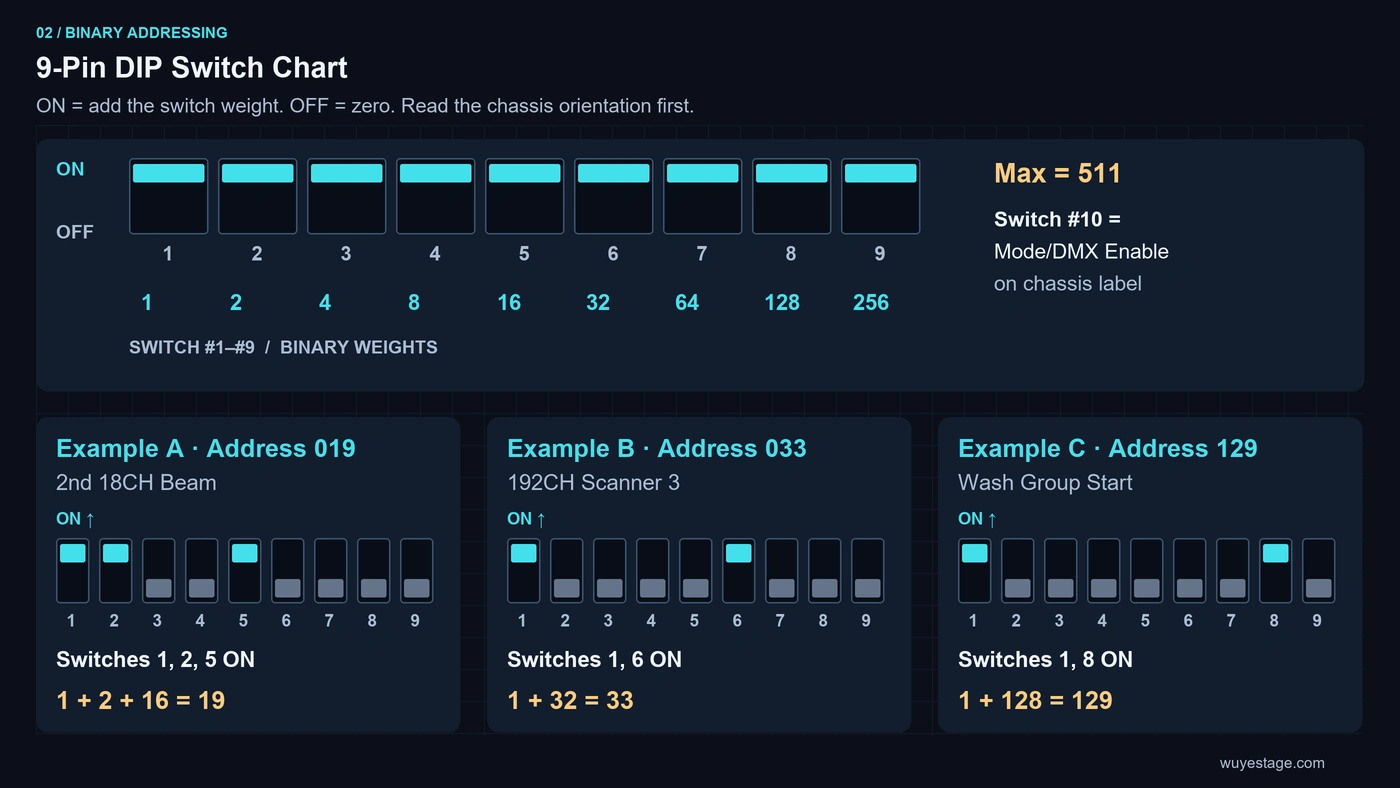
| Target DMX Address | Switches Flipped ON | Verification Math | Typical Use Case |
|---|---|---|---|
| 1 | 1 | 1 | Fixture 1 (Start of Universe) |
| 9 | 1, 4 | 1 + 8 | Second 8CH LED PAR |
| 17 | 1, 5 | 1 + 16 | Fixture 2 on a 192CH DJ Controller (Scanner 2) |
| 19 | 1, 2, 5 | 1 + 2 + 16 | Second 18CH 420 Beam Moving Head |
| 25 | 1, 4, 5 | 1 + 8 + 16 | Second 24CH Bee-Eye Wash |
| 33 | 1, 6 | 1 + 32 | Fixture 3 on a 192CH Controller (Scanner 3) |
| 49 | 1, 5, 6 | 1 + 16 + 32 | Fixture 4 on a 192CH Controller (Scanner 4) |
| 65 | 1, 7 | 1 + 64 | Fixture 5 on a 192CH Controller (Scanner 5) |
| 81 | 1, 5, 7 | 1 + 16 + 64 | Fixture 6 on a 192CH Controller (Scanner 6) |
| 97 | 1, 6, 7 | 1 + 32 + 64 | Fixture 7 on a 192CH Controller (Scanner 7) |
| 129 | 1, 8 | 1 + 128 | Clean Group Block Start (e.g., Wash Bank) |
| 257 | 1, 9 | 1 + 256 | Clean Second-Half Universe Start (e.g., Strobes/Lasers) |
Method 3: Remote Addressing via DMX RDM (No Ladder Required)
When fixtures are already rigged on a 6-meter overhead truss, RDM (Remote Device Management) lets a compatible console discover each fixture’s UID over the existing DMX cable and remotely change its starting address or channel mode from front-of-house. Note that standard unidirectional opto-splitters block RDM return packets—you need RDM-capable splitters and fixtures. Review full rental checks in our DMX RDM remote addressing guide.
4. 192-Channel DJ Controller vs. 512-Channel Pro Console Addressing
One of the biggest sources of DMX addressing confusion for mobile DJs and small venues is trying to apply tight sequential math (001, 009, 017...) to a 192-channel entry-level DJ controller (the classic 12-scanner, 8-fader + Page A/B desk).
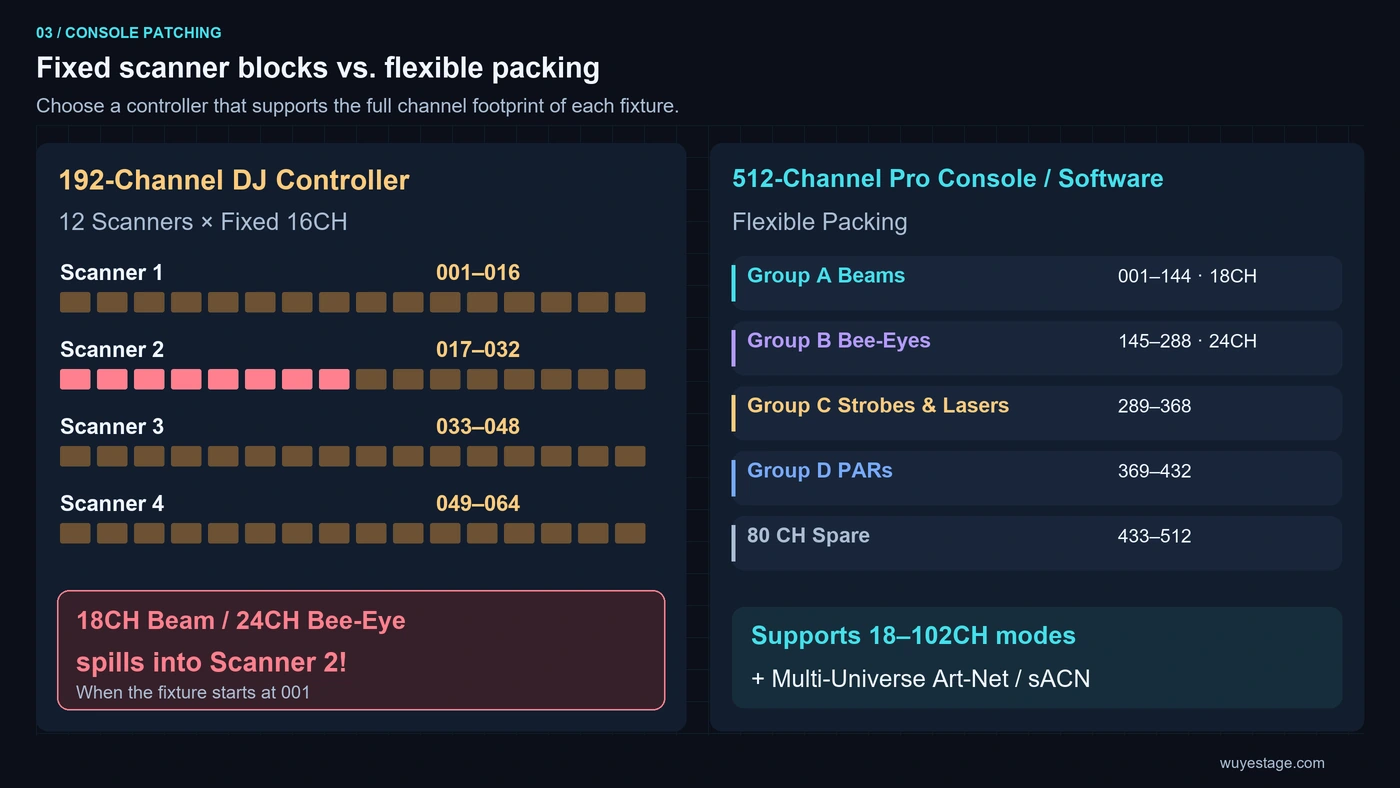
| Control Platform | Address Spacing Rule | Fixture 1 – 6 Starting Addresses | Key Limitation to Watch |
|---|---|---|---|
| 192-Channel DJ Controller (12 Scanner Buttons × 16 CH) | Fixed 16-channel slots per Scanner button (1, 17, 33, 49...) | 001, 017, 033, 049, 065, 081 | Cannot control fixtures exceeding 16CH cleanly on one button (an 18CH beam or 24CH bee-eye spills into Scanner 2). |
| Software DMX / Standalone Pro Desk (Wolfmix, SoundSwitch, ChamSys, grandMA, Avolites) | Flexible tight or grouped packing (1–512 per universe; multi-universe via Art-Net/sACN) | Example: Beams 001, 019...; Bee-Eyes 145, 169...; PARs 369, 377... | Supports full 18–102CH modes, fixture libraries, clean group gaps, and multiple universes. |
Practical rule for buyers: If your rig includes 18/22CH beam moving heads, 24–102CH rotating bee-eye fixtures, or 22–61CH multi-head laser bars, skip 192-channel hardware desks. Use a 512-channel (or multi-universe) DMX console or software interface so every fixture runs in its full intended channel mode without spilling across adjacent scanner buttons. See our how to program moving head lights tutorial and DJ lighting setup guide for console workflow tips.
5. Worked Multi-Fixture DMX Patch Sheet (Real WUYESTAGE Stage & Club Rig)
Experienced lighting designers group identical fixture models into clean sequential blocks so adding a spare unit or troubleshooting on-site takes seconds. Here is a worked 1-Universe (512-channel) mixed stage and club rig built strictly from verified WUYESTAGE fixture channel modes—fitting 28 fixtures in 432 channels with 80 spare slots:
| Group & Fixture Type | Qty | Selected DMX Mode | Starting Addresses (Sequential) | Occupied Range | Channels Used |
|---|---|---|---|---|---|
| Group A: Aerial Beams — 420 Prism King Beam Moving Head | 8 | 18 CH | 001, 019, 037, 055, 073, 091, 109, 127 | 001 – 144 | 144 CH |
| Group B: Wash & Vortex — 19×40W Rotating Bee Eye | 6 | 24 CH (compact) | 145, 169, 193, 217, 241, 265 | 145 – 288 | 144 CH |
| Group C: DJ Backdrop — 253W Double-Row Beam Swing Strobe | 4 | 9 CH (compact) | 289, 298, 307, 316 | 289 – 324 | 36 CH |
| Group D: Overhead Lasers — 6-Head Red Laser, Beam & RGB Bar | 2 | 22 CH (compact) | 325, 347 | 325 – 368 | 44 CH |
| Group E: Wall & VIP Wash — LED PAR Lights (8CH class) | 8 | 8 CH | 369, 377, 385, 393, 401, 409, 417, 425 | 369 – 432 | 64 CH |
| Spare / Expansion Headroom | — | — | 433 – 512 (Hazer, spares, or extra PARs) | 433 – 512 | 80 CH free |
Verified Hardware Layers in This 5-Group Patch Sheet
Group A (001–144): Eight 420 Prism King Beam Moving Heads in 18CH mode (also supports 22CH) for tight 2° aerial geometry across the dance floor or stage.
Group B (145–288): Six 19×40W Rotating Bee Eye Moving Heads in 24CH compact mode (expandable up to 102CH pixel mode on Universe 2).
Group C (289–324): Four 253W Double-Row Beam Swing Strobe Lights in 9CH compact mode (or 36CH/52CH extended control for DJ backdrop chases).
Group D (325–368): Two 6-Head Red Laser, Beam & RGB Moving Bars in 22CH compact mode (or 28CH/61CH extended chase modes) mounted strictly above audience head height.
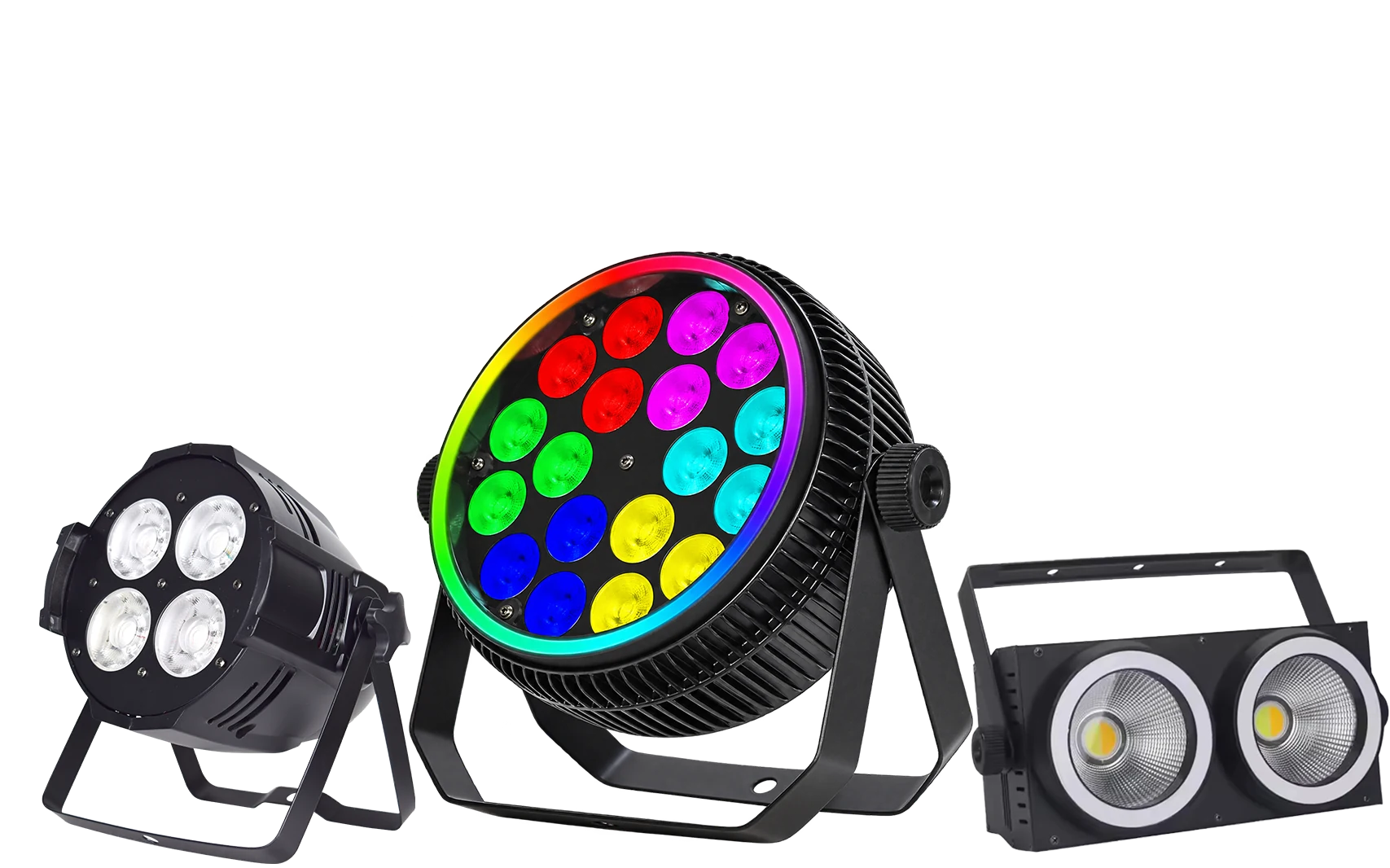
Group E (369–432): Eight static LED PAR lights in 8CH class mode grouped cleanly at the top of the universe for independent wall, column, and VIP dimming.
When Must You Split Into Universe 2 (Art-Net / sACN)?
Look what happens to the exact same 28-fixture rig if your lighting programmer switches Group B from 24CH to full pixel-mapping 102CH mode (6 × 102 = 612 CH alone) or adds RGBW Stage Effect Lights in 119CH pixel mode:
- Universe 1 (Main Moving Heads & Lasers): 8 × 420 Beams (
144 CH) + 4 × 253W Swing Strobes in36CH(144 CH) + 2 × 6-Head Laser Bars in61CH(122 CH) + 8 × LED PARs (64 CH) =474 / 512 CH. - Universe 2 (High-Channel Pixel Bee-Eyes): 6 × 19×40W Rotating Bee Eyes in
81CH(486 / 512 CH, or 5 units per universe in102CH=510 / 512 CH).
For multi-universe network cabling and protocol selection, see our Art-Net vs. sACN guide and nightclub lighting design blueprint. Always document every final address on a printed stage lighting plot taped next to the console.
6. How to Find the DMX Address on a Light (When Labels Are Missing)
A classic show-day emergency is walking into a venue where a fixture is already bolted six meters up with zero patch sheet. Follow this 4-step method to find the DMX address on any light quickly:
- Check the fixture’s front LCD or rear DIP switches first: On digital lights, wake the screen (
MENUor arrow button) to readd###/A###. On DIP-switch lights, read which pins1–9are pushed ON and sum their binary values (1, 2, 4, 8, 16, 32, 64, 128, 256). - Run an RDM discovery scan from the console: If your console, splitters, and fixture support RDM, trigger
RDM Discover—the console immediately lists the fixture’s current starting address, channel mode, and model ID without touching a ladder. - Use the Console Binary Halving Sweep for unreachable lights: Clear the programmer, then bring channels
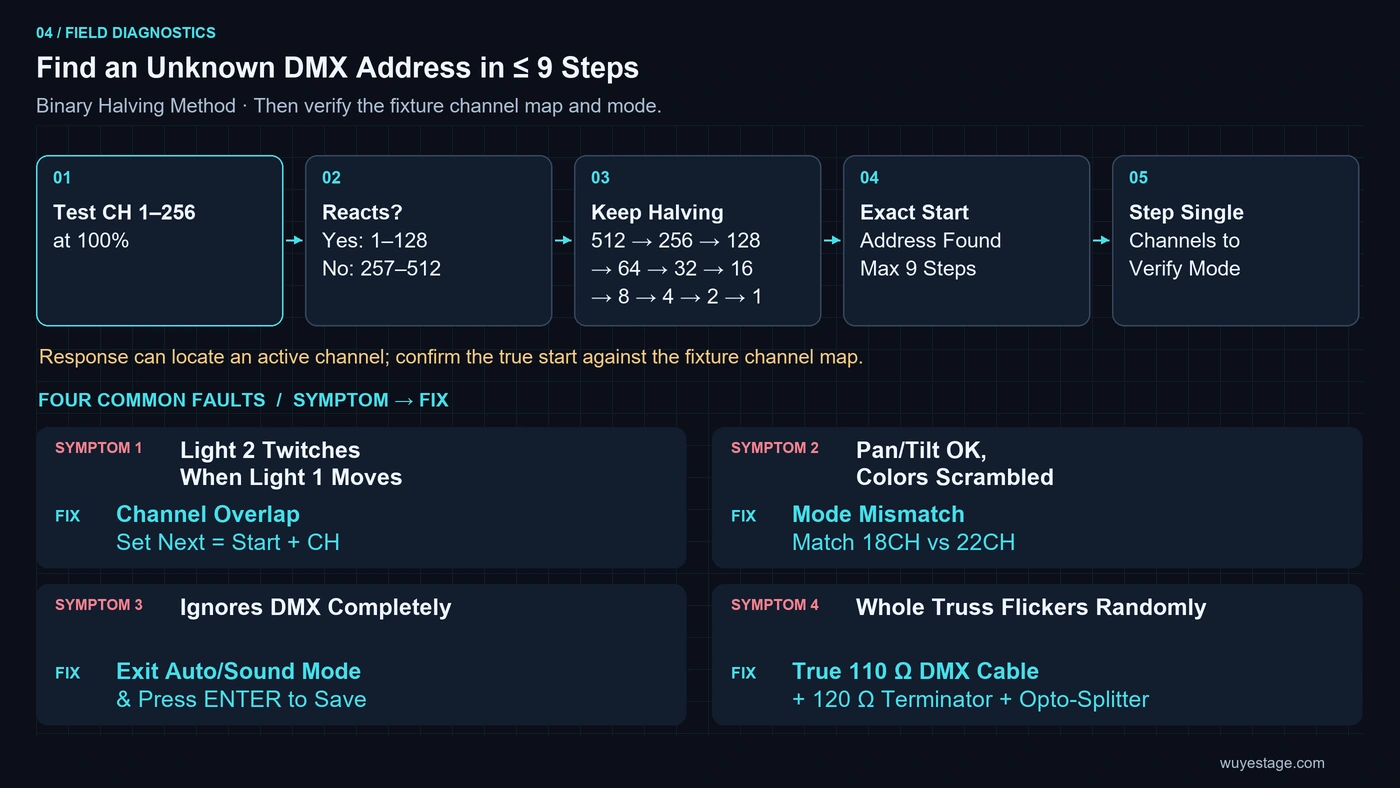
1–256to full (100%). If the mystery light reacts, test1–128next; if not, test257–512. Halving narrows any unknown address inside a 512-channel universe to an active channel in at most 9 steps (512 → 256 → 128 → 64 → 32 → 16 → 8 → 4 → 2 → 1). - Confirm the true starting address and channel mode: Step single channels upward and downward around the first reactive channel to map Pan, Tilt, Dimmer, Shutter, and Color against the fixture manual so you confirm the exact start slot and active mode (e.g.,
18CHvs.22CH).
7. Six Classic DMX Addressing Mistakes (and Instant Fixes)
| On-Stage Symptom | Root Cause in DMX Addressing | 60-Second Fix |
|---|---|---|
| Moving fixture 1 makes fixture 2 twitch or strobe randomly | Channel overlap: Fixture 2’s starting address falls inside Fixture 1’s occupied channel range (e.g., F1 is 18CH at 001 but F2 was set to 017). | Move Fixture 2 to 019 (1 + 18) on both the fixture menu and console patch. |
| Fixture pan/tilt works, but colors and dimmer are scrambled | Personality / channel mode mismatch: Console patched 18CH, but the fixture LCD is set to 22CH (or 24CH vs. 38CH). | Match the exact mode on the fixture screen and console library; re-check all downstream addresses. |
| Fixture ignores DMX completely, even with cable plugged in | Fixture stuck in Auto / Sound / Slave mode, or ENTER wasn’t pressed to save the new address, or wrong universe port. | Set fixture run mode to DMX, press ENTER to save address, and verify DMX indicator LED is blinking. |
| Two fixtures move identically when you only select one | Duplicate starting address: Both units share the same start address (common right out of factory cartons when every light defaults to 001). | Give each independent unit its own non-overlapping starting address; share addresses only when intentional mirroring is desired. |
| Lights flicker or glitch randomly across the whole truss | Signal reflection / bad cabling (not an address error): Audio microphone XLR cable used instead of 110 Ω DMX cable, >32 fixtures without a splitter, or missing 120 Ω DMX terminator. | Swap to true DMX cable, add a 120 Ω terminator on the final fixture’s DMX OUT, and split branches via an opto-splitter. |
| Every light after Fixture #4 stops responding on a 192CH board | Fixture exceeds 16 channels and spilled across Scanner button boundaries, or Page A/B confusion. | Switch fixtures to ≤16CH mode if available, or upgrade to a 512CH console or DMX software interface. |
Frequently Asked Questions
What is the difference between a DMX channel and a DMX address?
A DMX channel is an individual control parameter inside a fixture (such as Pan, Tilt, Dimmer, Red, Green, Blue, or Prism). A DMX address (or DMX starting address) is the specific slot number (001–512) inside the universe where that fixture starts listening for its block of channels. For example, an 18-channel moving head set to DMX address 001 uses channels 1 through 18.
Can two DMX lights have the same starting address?
Yes. Giving two identical fixtures the exact same DMX starting address and the same channel mode makes them respond identically to the same faders—a useful shortcut for symmetrical wall PARs or mirrored left/right beams when conserving universe channels. Never assign the same address to two different fixture models, because their channel maps will conflict.
Do DMX addresses have to match the physical cable daisy-chain order?
No. Because DMX512 is a broadcast bus, every fixture on the line receives all 512 channels simultaneously. You can cable Fixture 055 before Fixture 001 physically along a truss and both will work normally. Matching physical left-to-right order to ascending addresses is simply best practice for fast troubleshooting.
How many DMX addresses are in one DMX universe?
One DMX512 universe always contains 512 addresses (001 to 512). Total fixtures per universe equals 512 divided by channels per fixture (for example, up to 28 eighteen-channel beams or 21 twenty-four-channel bee-eyes), while keeping physical unbuffered cable chains within the RS-485 32-device electrical limit.
How do I calculate a DMX starting address with DIP switches?
Each of the first 9 DIP switches corresponds to a power of two (1, 2, 4, 8, 16, 32, 64, 128, 256). Flip switches ON until their sum equals your target starting address—for example, address 19 is Switch 1 (1) + Switch 2 (2) + Switch 5 (16) = 19. You can generate any 1–511 combination instantly using our calculator above.
What if my lighting rig needs more than 512 DMX addresses?
When your combined fixture channel counts exceed 512 (common with high-channel rotating bee-eye washes, pixel strobe bars, or large clubs), split fixtures across Universe 2, Universe 3, or higher using a multi-universe console or Ethernet distribution via Art-Net or sACN. Each new universe restarts addressing cleanly at 001.
Need Factory DMX Channel Charts & Pre-Addressed Rig Planning?
Ordering moving heads, bee-eyes, strobes, PARs, or laser bars for a club, venue, or rental inventory? WUYESTAGE supplies complete DMX addressing charts, channel mode tables, universe patch recommendations, and matched multi-fixture packages with every project quote. Send your fixture count, venue type, console model, and voltage standard via our contact page—or explore our full moving head lights, LED PAR lights, LED strobe bars, and laser effect bars.