When comparing pixel control vs built-in effects, ask who chooses each zone’s output. Direct zone control gives the external controller access to documented groups or cells. A built-in effect uses the fixture’s internal pattern, with whatever selection, speed or color controls the mode provides. Both can be useful; neither term proves the other capability.
An attractive chase video is not enough to identify the control method. It might show an internal macro, sound-triggered playback or a console-generated sequence. Rental buyers need to know whether the ordered version can reproduce their required cue with the controller, mode and available programming time they actually have.
1. Count documented control zones rather than LED packages for pixel control vs built-in effects
The number of physical LEDs does not necessarily equal the number of externally addressable pixels. A fixture may expose groups, rows, rings, segments or individual cells depending on its design and channel mode. Ask for a zone map linked to the current channel chart.
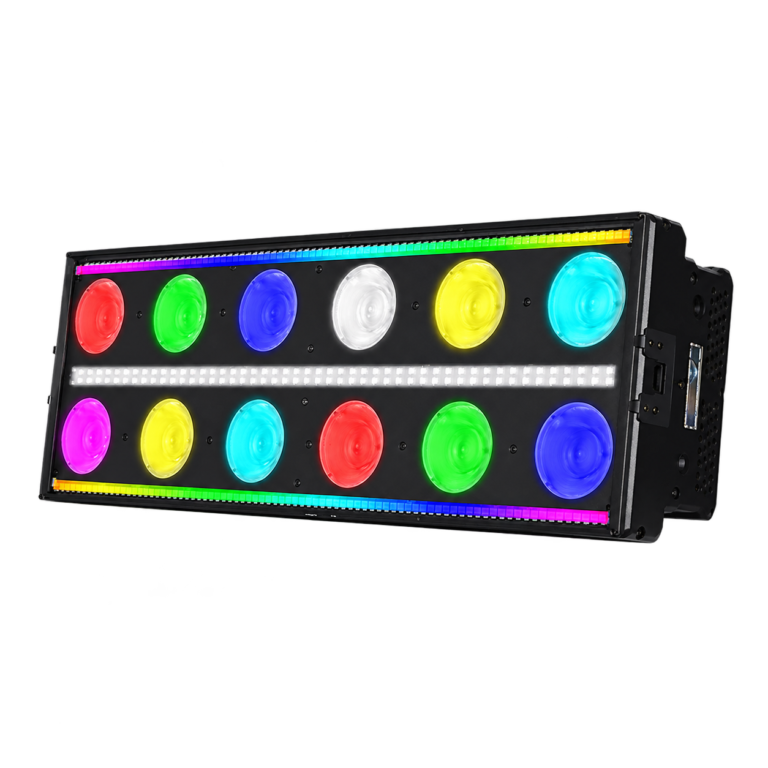
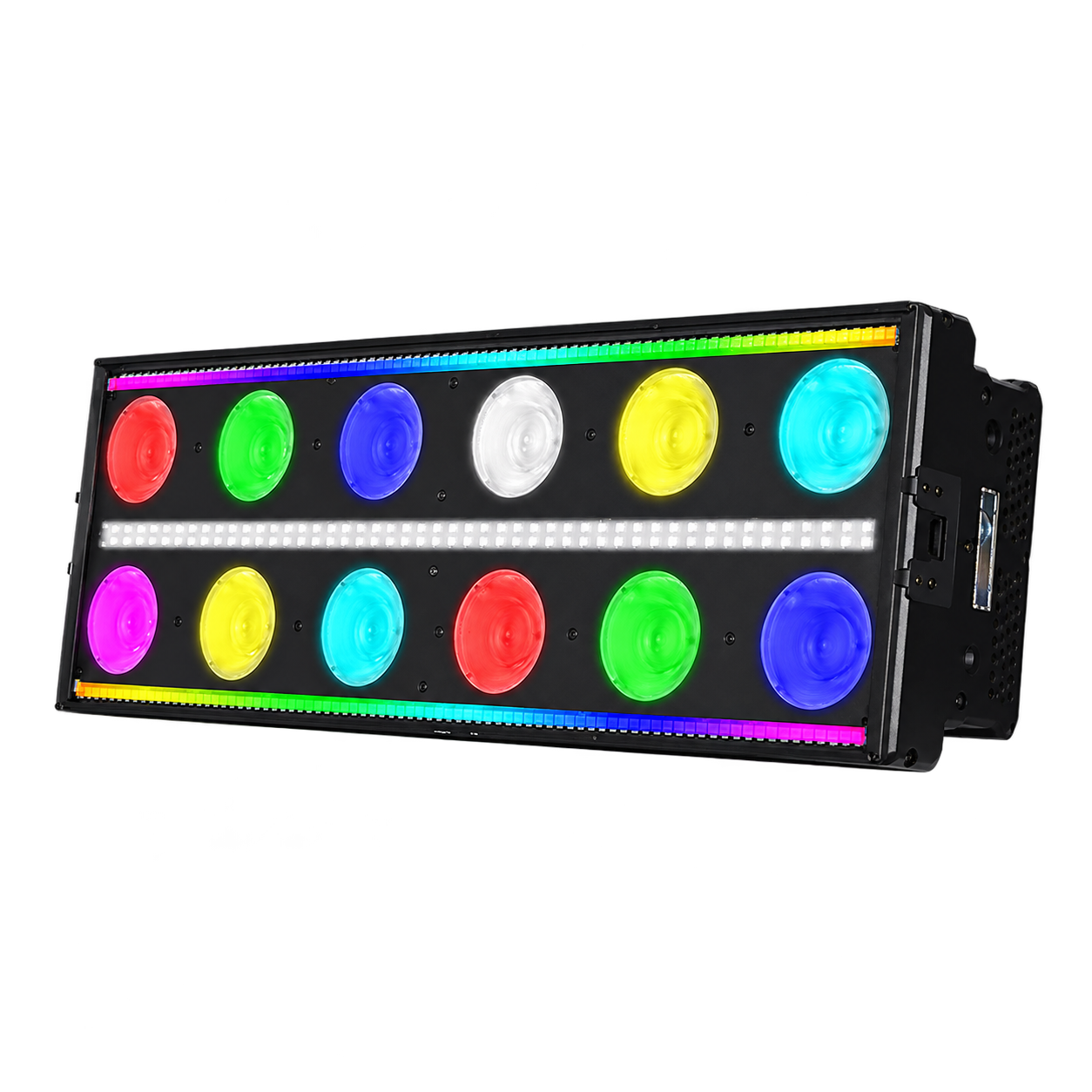
The RGBW Stage Effect Light lists twelve main RGBW sources, a separate white-strobe layer and an eight-segment linear RGBW layer. Its listed modes are 10, 46 and 119 channels. Those facts identify several layers and footprints; the exact chart must establish which controls are available in the selected mode.
Keep the separate white layer and color layer distinct in the request. “Control the bar” can mean a single whole-fixture color, a segmented color chase or a strobe cue. Write the requested layer and visual result explicitly, without inferring per-LED control from a physical source count.
2. Separate an internal macro from a programmed sequence
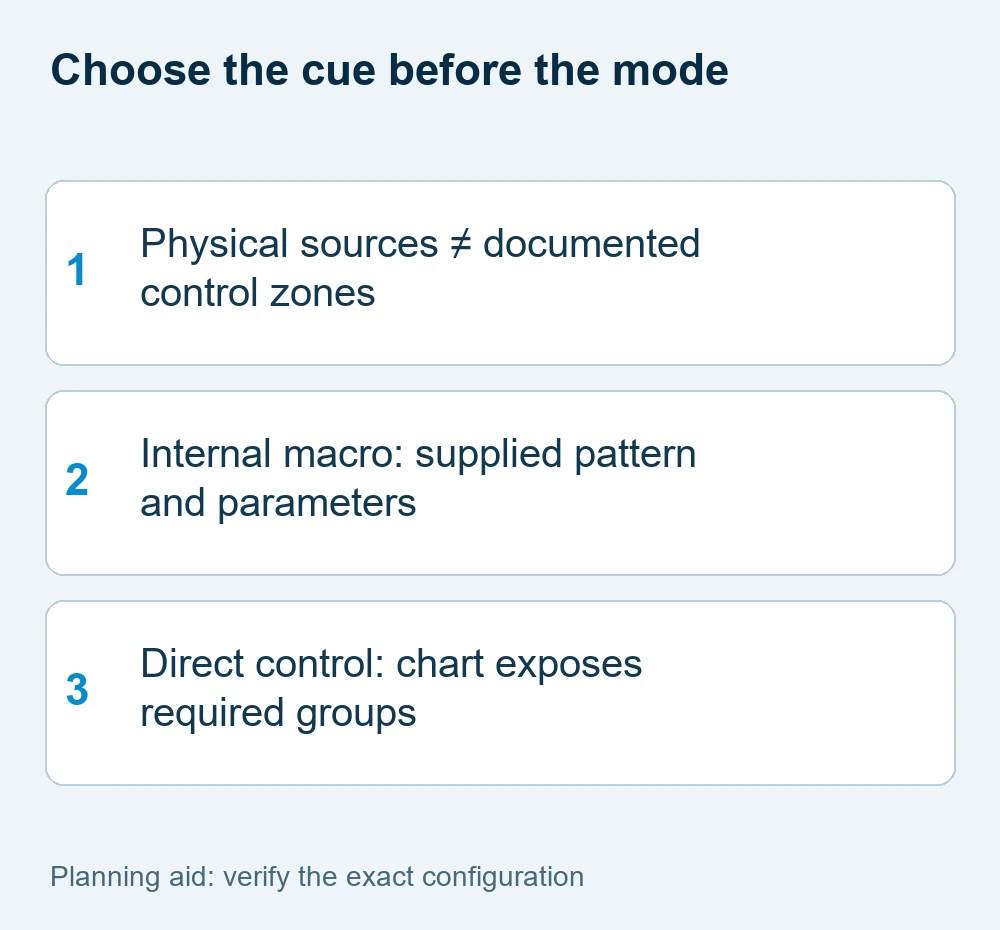
An internal macro is useful when a supplied pattern meets the brief and the available controls can produce the required timing. Direct zone control is useful when the programmer needs a specific sequence, static color placement or transitions not supplied by the macro. A larger footprint is a tradeoff, not an automatic improvement.
For a simple comparison, request a left-to-right color step, a static alternating color pattern and a transition into a steady scene. Ask which are internal patterns and which are created by the console. Record any limitations in direction, speed, colors, restart behavior and synchronization.
This comparison does not promise that the named product can perform every test in every mode. It provides a buying acceptance brief. If a required cue is unavailable, the choices are a supported alternative cue, another mode with the correct controller resources or a different fixture configuration.
3. Budget the chosen mode across the whole rig
Four fixtures in a verified 119-channel mode use 476 control slots. If allocated contiguously from address 1 in an otherwise empty universe, the starts are 1, 120, 239 and 358, with the last fixture ending at 476. A fifth such footprint would extend beyond the conventional 512-slot universe.
This is address-budget arithmetic, not a physical wiring limit or a guarantee of console capacity. Other equipment, reserved slots and the controller’s available outputs also matter. The DMX planning guide explains those distinctions and the non-overlapping patch calculation.
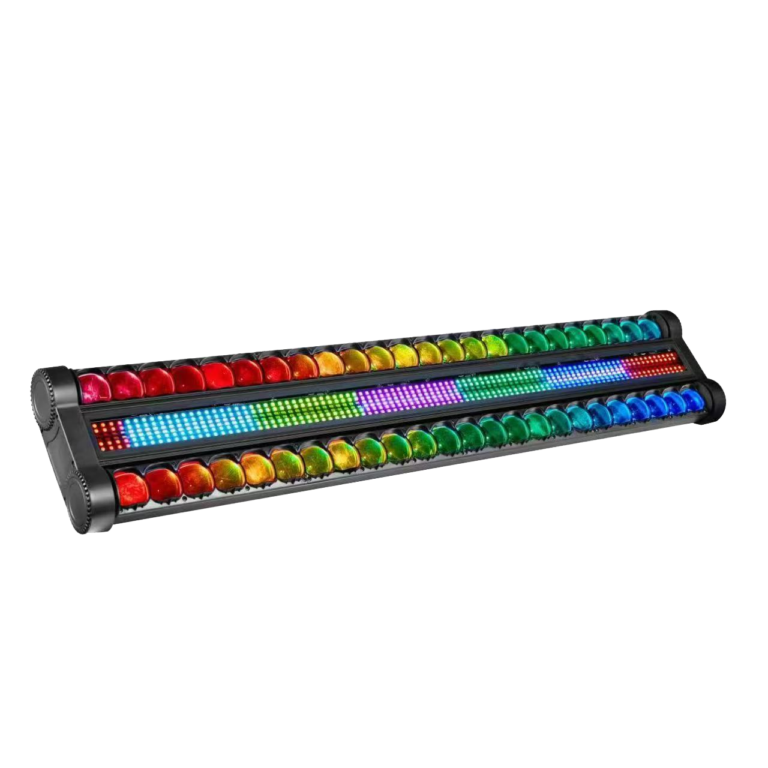
The double-row beam swing and strobe configuration lists 16, 23, 42, 86 and 369-channel modes. Two 369-channel footprints require 738 slots, so they cannot both fit in one empty conventional universe. Compare the required cue and available control resources before selecting an extended mode.
The ESTA DMX512-A guide explains conventional control slots and the 512-slot universe. Fixture-specific zone or coarse/fine assignments still come from the ordered version’s chart.
4. Match the profile, orientation and playback behavior
Use the supplied firmware and exact mode in the console personality. A profile for a similar-looking fixture may map the wrong attributes, cell ordering or values. Verify the zone order with a static cue before evaluating fast-moving sequences.
Mounting orientation also changes what the audience perceives as left or right. Record the physical orientation and the intended sequence direction. Do not assume an automatic reversal function exists; verify whether the console arrangement, profile or documented fixture settings provide the required behavior.
Check what happens when a cue starts, stops and is recalled. A macro that looks right once may not restart in the way a tightly timed show requires. A direct sequence can also fail if the programmer’s layout or playback priority is wrong. Judge repeatability under the planned workflow rather than choosing pixel control vs built-in effects from terminology alone.
| Cue request | What must be established | Acceptance record |
|---|---|---|
| Static alternating colors | Required zones accessible | Zone map, mode, profile |
| Supplied chase | Macro selection and parameters | Direction, speed and restart |
| Custom ordered steps | Controller can drive required zones | Sequence and playback record |
5. Include an acceptance sequence in the purchase request
A useful record shows the selected mode, controller/profile, firmware, orientation, layer, zone order and three required cues. Include a stable scene and a return from effects, so the comparison is about controllable output rather than an uninterrupted showroom chase.
When a camera is part of the event, test those cues with the intended exposure and frame-rate settings. Fast changes and flash effects require an event-specific review; a DMX chart does not establish camera appearance or audience suitability. The strobe buyer guide covers the separate flash-effect decision.
Request the available control documentation and demonstration before accepting the final configuration. Shortlist relevant equipment in the stage effect category, then send the supplier your fixture quantity, controller resources, desired sequences, mounting layout and destination. Do not treat unknown direct-control capability as a feature already included in the quotation.
For a touring or rental handover, store a short reference show file together with its mode and profile identification. Include the approved static pattern, supplied chase and return-to-steady cue. A replacement fixture is accepted only after it reproduces those tasks under the same configuration. A printed channel count without the tested mode and playback record is not enough to reconstruct the show after a version change.
pixel control vs built-in effects FAQ
For pixel control vs built-in effects, are physical LEDs and DMX pixels the same count?
Not necessarily. A selected mode may expose groups or segments rather than each physical source. The zone map and exact channel chart establish the actual control structure.
Are built-in effects inferior to direct pixel control?
No. A built-in pattern can suit a simple repeatable cue with a smaller footprint. Direct control is valuable when the controller must create a particular zone sequence or color arrangement.
Can four 119-channel fixtures fit one DMX universe?
Their footprints total 476 slots, which fits an otherwise empty conventional 512-slot universe. Other equipment, reserved addresses and controller/output requirements still need checking.
What demonstrates the control method?
A configuration-matched test with the exact mode, chart, firmware and console profile, showing static zone order and required starts, stops and transitions.
Request a configuration-specific proposal
Use these pixel control vs built-in effects checks to record the mandatory task and the information already available. Send WUYESTAGE your project brief, required quantity, destination and controller or system needs. The exact supply configuration and acceptance conditions should be agreed before an order is approved.