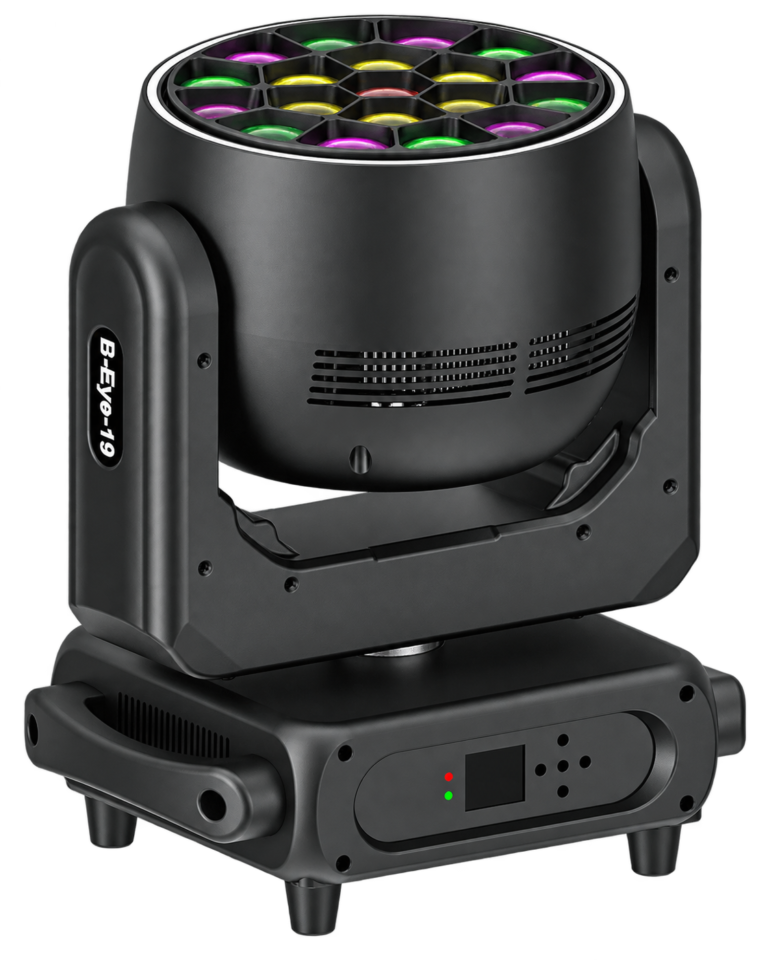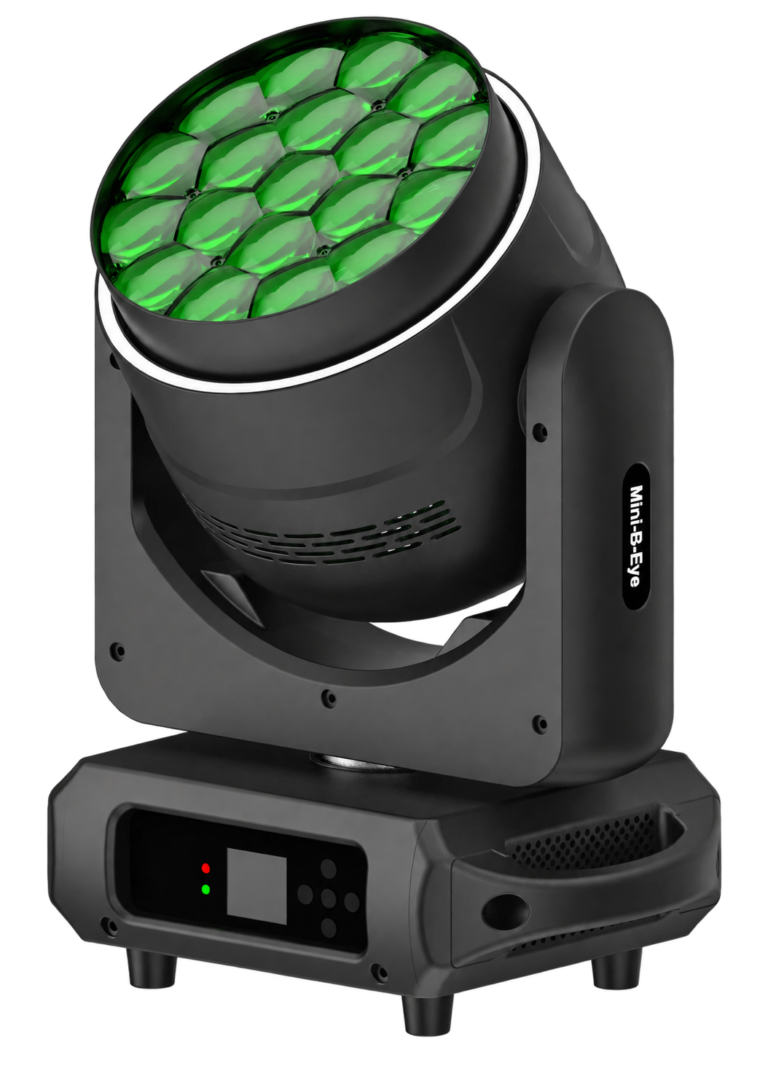
For buyers comparing bee eye vs wash fixtures, the terms describe different things: “bee eye” usually identifies a multi-lens effect design, while “wash” describes the job of covering an area with light. A bee-eye fixture may provide useful wash coverage, but its lens face and moving effects do not establish how evenly it lights your stage. Choose the required visual role first, then test the exact product at the intended distance.
This distinction matters when rental buyers compare two fixtures with similar lens counts. One show may need broad, stable color over a band; another may need a visibly rotating pattern behind the performers. Those requirements can share a fixture only if its actual optics, controls and accepted cues support both. A brighter showroom clip cannot settle that decision.
1. Define the coverage target before choosing the lens face for bee eye vs wash
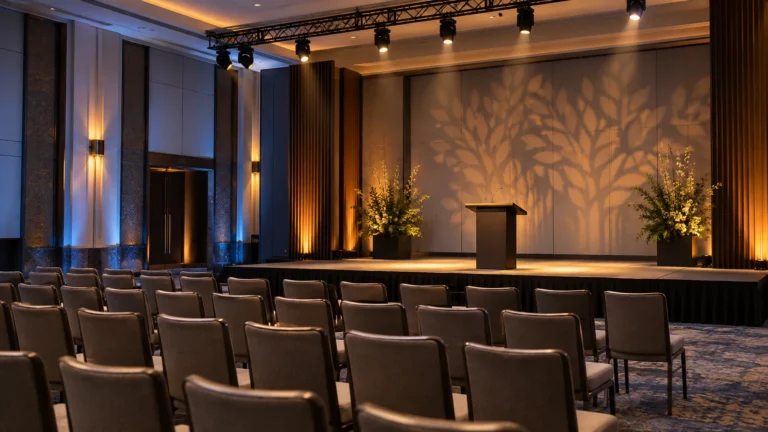
Write down what must receive useful light: a scenic wall, an instrumentalist zone, the full stage floor or performers’ faces. Add working distance, mounting position, ambient light and the visible boundaries. “A wash for a six-metre stage” is incomplete without the throw and the area that actually needs coverage.
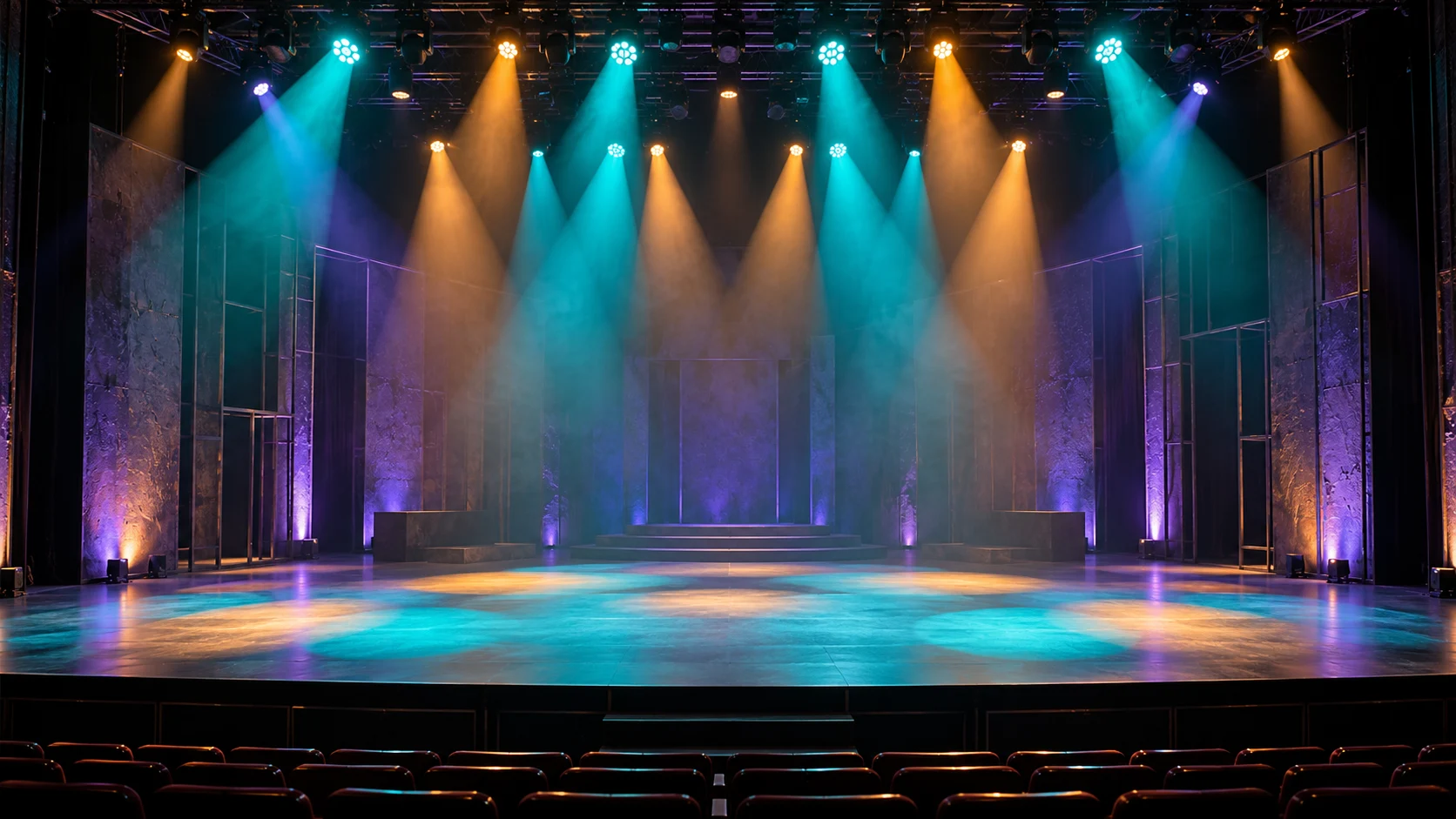
Judge an area cue at its center, edges and overlap with neighboring fixtures. A broad catalogue angle can still produce an unsuitable field at the available position. Check for visible holes, distracting hot spots and changes in color where adjacent fields overlap. Keep the other stage lighting in the same state during each comparison.
For face lighting, examine the people or a suitable representative target under the intended camera conditions. A supplied color-temperature range does not prove color rendering, broadcast suitability or flattering skin tones. If that is the primary task, require a specific acceptance cue rather than selecting a fixture because it belongs to the wash category.
2. Separate zoom, head movement and rotating optics
Pan and tilt move the fixture’s direction. A focus or zoom-related function changes the optical field according to the product design. A rotating front lens plate produces another effect. These functions should not be treated as interchangeable, and a fixture’s name does not establish which combination is supplied.
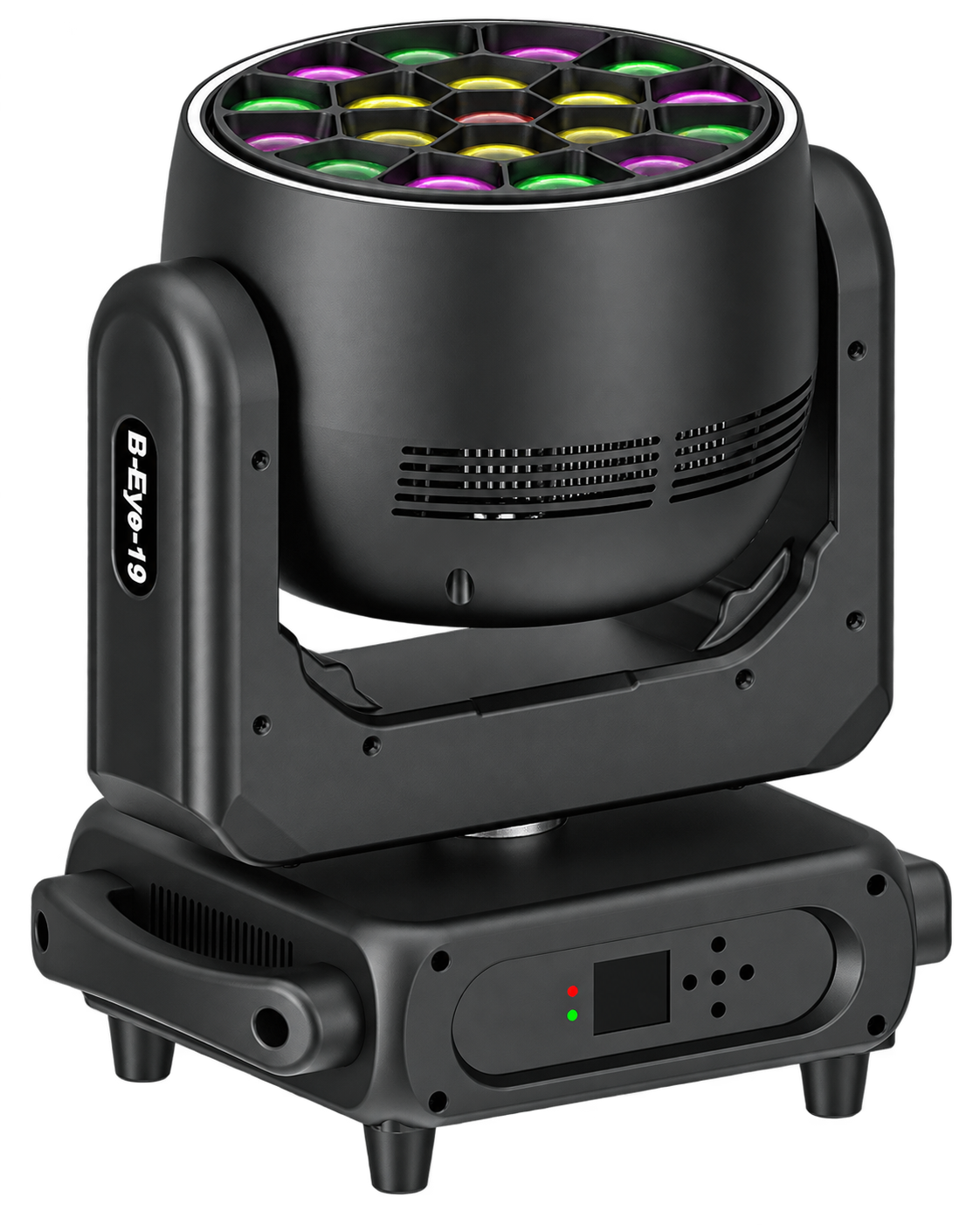
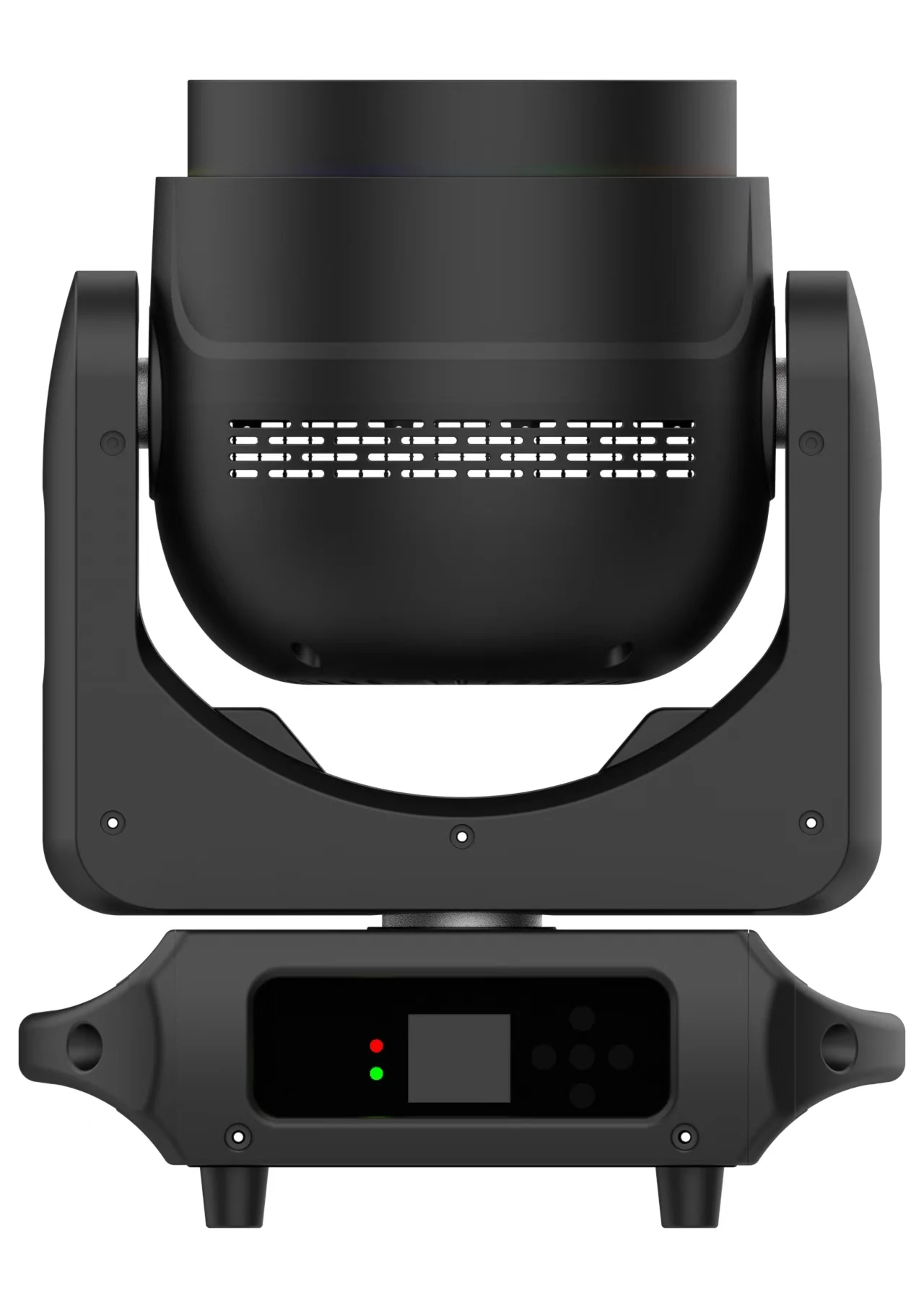
The RG-1940B rotating bee-eye moving head lists nineteen 40W four-in-one LED sources, a supplied 4–60° angle range and continuous front-lens rotation for vortex and kaleidoscope effects. Those are useful shortlist facts. They are not a measured coverage map or proof that every intermediate angle produces identical field quality.
The 19×15W focusing bee-eye configuration also lists a 4–60° range and continuous front-plate rotation. Compare its actual cue against the nineteen-40W version; do not infer fixture electrical input, brightness ratios or identical performance simply by multiplying source wattages.
3. Compare a stable wash and an effect cue separately
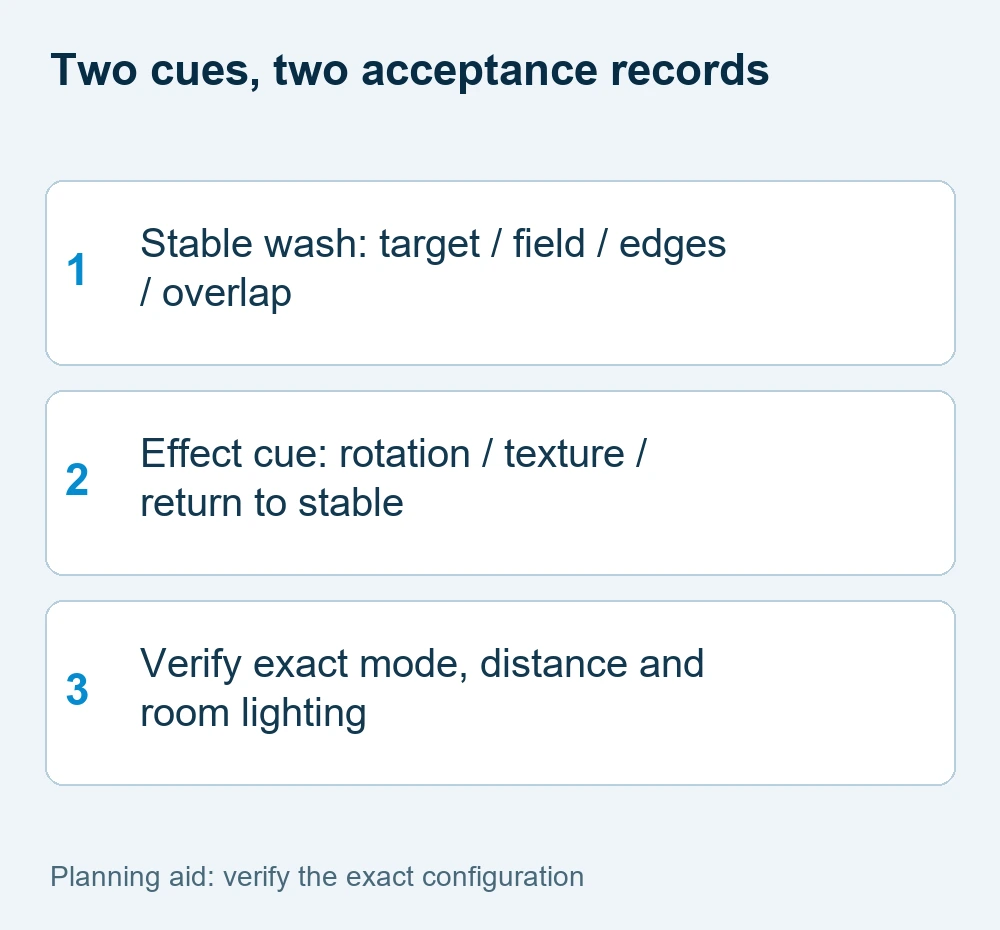
Prepare two short test cues. The first holds a stable color and field on the coverage target. The second demonstrates the requested rotating or textured effect. If the stable cue is essential, approve it independently before considering the effect as a reason to buy.
For example, a small live-music stage might request a steady blue scenic wash between songs and a rotating pattern during an instrumental section. That brief does not require the moving effect during the stable scene. Check that the selected version can reproduce each cue and return to the approved stable state through the planned controller.
Keep the scenic effect separate from performer visibility. A rotating look can be successful on the backdrop while distracting on faces. This is a planning example, not a claimed customer installation or a measured result for either fixture. The Beam, Spot and Wash role guide explains the wider optical-role decision.
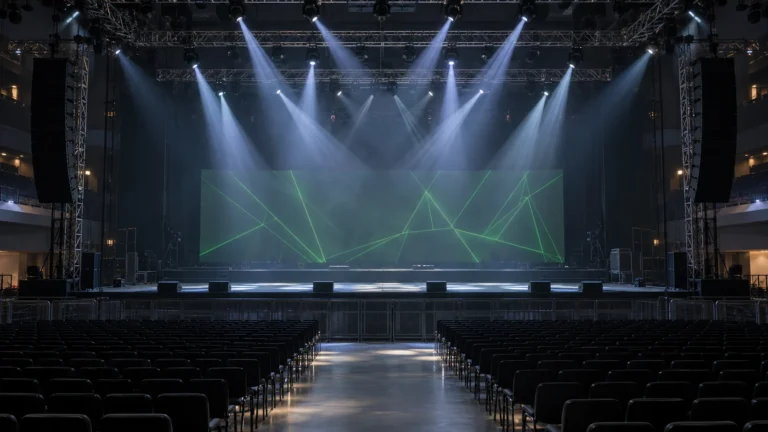
For aerial effects, compare the permitted atmosphere too. SDSU’s atmospheric-scattering explanation describes why airborne particles affect the visibility of a light path. That mechanism does not establish the field quality of either fixture on a surface.
4. Verify what the chosen control mode exposes
Obtain the actual channel chart, firmware identification and console profile for the offered version. The two configurations above list several channel modes, but a list of footprints does not establish which cells, rings, rotations or macros are independently available in each mode.
Ask the supplier to demonstrate your stable cue and effect cue using the intended mode. Record the fixture settings and profile alongside the video. A demonstration in an extended mode is not evidence that a small controller using a compact mode can reproduce the same selection and transitions.
Allocate addresses from the verified footprint, not the lens count. If the selected mode changes, update the patch and repeat the cue checks. Use the existing DMX channels and mode-planning guide for address arithmetic; this bee eye vs wash comparison concerns optical roles and buying acceptance, rather than a new addressing method.
| Acceptance item | Stable wash | Rotating effect |
|---|---|---|
| Target | Defined area, center and edges | Backdrop or other approved effect zone |
| Observation | Field continuity and color overlap | Pattern, movement and return cue |
| Record | Distance, angle, room lighting | Same setup plus effect settings |
5. Approve the exact configuration and quotation scope
A useful comparison record includes the two target cues, mounting geometry, angle settings, color, room lighting, atmosphere, console mode and result. Compare the visible outcome at the actual target. Use the same camera exposure if filmed material is part of acceptance, and note what the camera cannot prove.
Ask for electrical input and installation requirements for the exact offered version. Nineteen 40W sources and a separate RGB strip describe source configuration, not complete-fixture electrical consumption. Do not substitute another similarly named model’s power, weight or outdoor rating.
For the quotation, identify quantity, role, required controller, destination, accessories and packing. Specify which cue is mandatory and which is optional. Explore the LED wash product range once these conditions are clear; a catalogue category helps shortlist products, while your acceptance record decides suitability.
When a supplier demonstration shows only moving effects, request a separate hold cue before accepting coverage. Record a useful outcome in plain terms: the left scenic zone is covered at the chosen position, the right edge remains visible and the steady color can be recalled after the effect. If the test misses a mandatory target, change the layout or shortlist rather than explaining the failure away with the lens count.
bee eye vs wash FAQ
For bee eye vs wash, can a bee-eye moving head work as a wash?
It can if the exact configuration provides acceptable coverage at the working distance. Test the stable field, edges and overlap rather than assuming that a multi-lens face guarantees an even wash.
Does a rotating lens mean individual pixel control?
No. Lens rotation is an optical function. Independent cell or ring control must be verified in the supplied channel chart and selected mode.
Is a 19×40W fixture automatically better than a 19×15W fixture?
Source wattage alone cannot decide suitability or a brightness ratio. Compare the required coverage and effect cues under matched conditions, and request electrical input separately.
What should a buyer send for a bee eye vs wash comparison?
Send the coverage target, stage layout, throw, mounting positions, stable and effect cues, controller, camera conditions, quantity and destination. Ask for evidence from the exact configuration.
Request a configuration-specific proposal
Use these bee eye vs wash checks to record the mandatory task and the information already available. Send WUYESTAGE your project brief, required quantity, destination and controller or system needs. The exact supply configuration and acceptance conditions should be agreed before an order is approved.