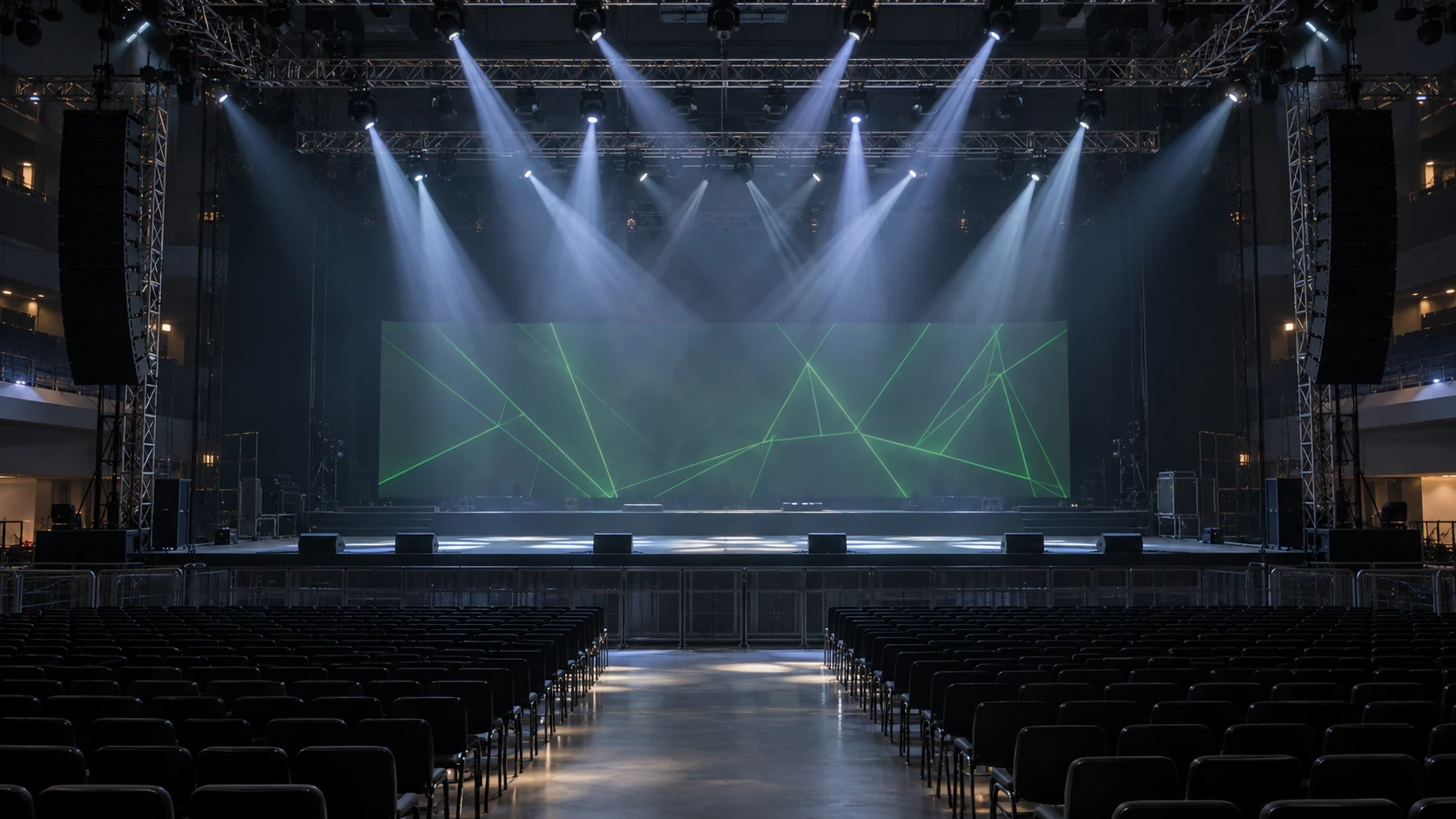
For stage buyers comparing beam light vs laser light, the main difference is the required effect: a beam moving head creates model-supported lamp or LED looks, while a laser fixture must support the exact laser cue and its operating requirements. A beam fixture uses its documented lamp or LED source and optics to create moving beams, colors, gobos or prism effects. A laser product uses laser sources and its particular optical/control system to create the effects that configuration supports. Choose by the required cue and project conditions, not by which product name contains “beam.”
Some fixtures combine LED or lamp effects with laser effects. That does not make the technologies interchangeable or prove that a combined product can perform every task of a dedicated show-laser projector. Identify each output layer and verify it separately.
1. Define the effect cue before comparing the catalogue
A useful cue describes what must appear, where it must appear, and under what room conditions. Start with a specific visual task such as moving prism fans above a stage, a projected pattern on scenery, or a laser graphic in a controlled projection zone.
| Buying question | Beam-fixture direction | Laser-product direction |
|---|---|---|
| What output must be visible? | Narrow moving shafts, prism patterns or model-supported gobos | The exact scanned, patterned or other laser effect supported by that product |
| Which features need proof? | Optics, beam angle, colors, gobos, prism structures and movement | Source configuration, supported content/effects, optical system and control implementation |
| What control must match? | Actual fixture channel chart, firmware and console profile | Actual projector/fixture interfaces, profiles and compatible show workflow |
| Which room conditions matter? | Throw, atmosphere, ambient light, sightlines and target | Those conditions plus the documented projection zone and operating requirements |
| What approves the purchase? | A configuration-matched sample completing the cue | Suitable equipment evidence and the required project/operating arrangements, plus a controlled demonstration |
The table is a procurement framework. It does not establish that all laser products create graphics, that all beam products have the same optics, or that a catalogue demonstration approves a live installation.
Beam light vs laser light: a three-cue planning example
Consider an indoor stage brief with three requests: rotating prism fans above the set, a readable logo on scenery, and a laser graphic in a designated projection zone. These requests need separate checks; buying three identical effects fixtures does not automatically solve all three.
For prism fans, review the beam fixture’s actual prism structure, movement, working distance and permitted atmosphere. RG-132 provides four documented prism geometries, but a haze-free room will not reproduce the air shafts of a hazed demo. Use the no-haze selection checklist to set a realistic acceptance target.
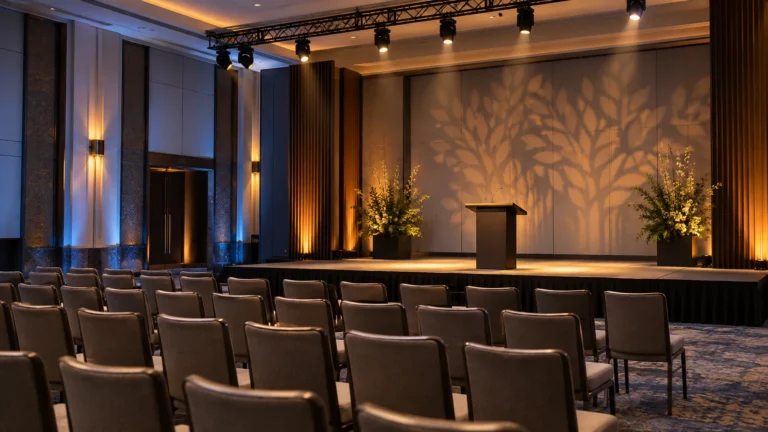
For a readable logo, compare the required image, focus and footprint on the actual scenery. A fixed decorative gobo is not evidence that a fixture can reproduce your logo. Review the spot and profile product range and confirm a compatible custom-gobo configuration before placing the order.
For the laser graphic, confirm that the exact model supports the required content and control workflow, and that the documented operating arrangements fit the destination and venue. An RGB laser bar or an LED/laser combination must not be treated as an arbitrary-graphics projector simply because it includes laser sources. This is a planning example, not a tested installation or a product-approval claim.
2. Separate lamp watts, laser output and electrical input
A wattage can describe source configuration, emitted laser power or whole-fixture electrical input. Those are different quantities. Comparing a beam fixture’s lamp wattage with a laser-source label does not give a brightness ratio, energy comparison or safety classification.
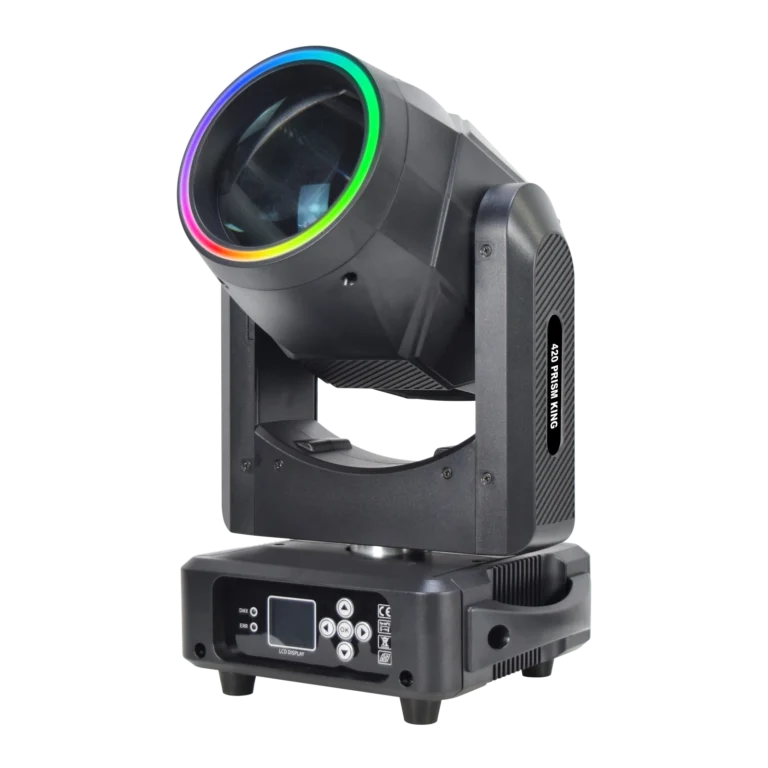
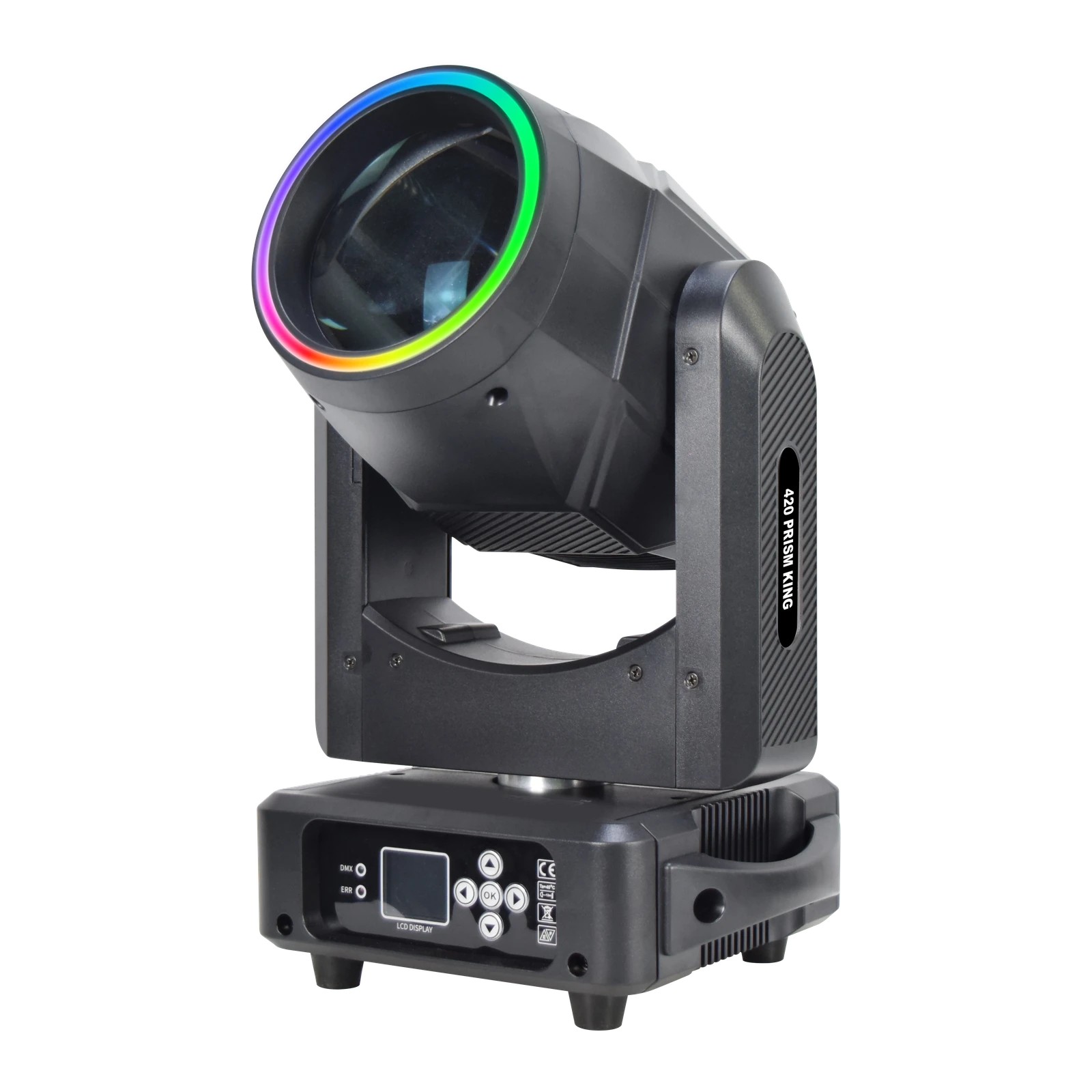
For the RG-132 420 Prism King, 300W describes the lamp and 450W is the declared fixture rating. Its documented 2° beam, four prism structures and RGB front ring define an optical/effect configuration. The name 420 is not a source wattage.
For a laser quotation, request the exact source/output definition and complete-fixture input separately, together with model-specific documentation. Keep those labels in the comparison sheet. Do not convert a small laser wattage into an assumed electrical load or presume that a higher optical-power label guarantees a more suitable show effect.
3. Test atmosphere and surface targets explicitly
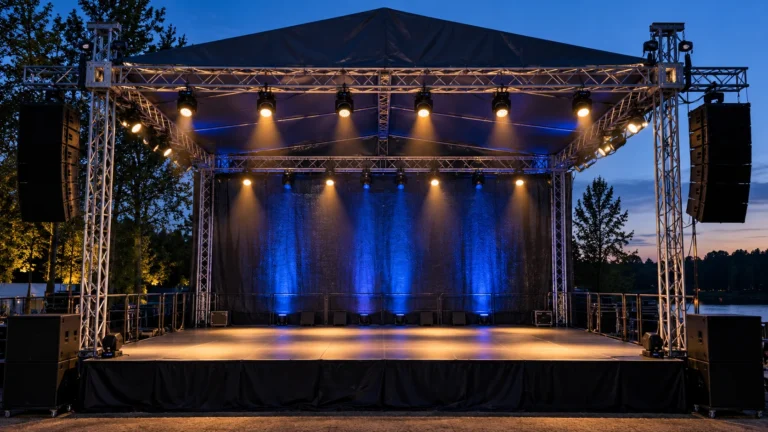
Airborne particles scatter some of the light toward a viewer, making the light path easier to see from the side. San Diego State University’s scattering explanation describes this general optical mechanism. A spectacular demonstration in haze is therefore not a direct prediction for a clear-air room.
If the venue prohibits haze, identify whether the proposed cue can succeed on a permitted surface or whether the visual plan needs to change. Replacing a beam fixture with a laser product does not automatically solve the requirement for visible suspended light paths.
For surface effects, record the actual target, throw, ambient light, viewing position and required image or pattern size. For an aerial demonstration, record the atmospheric conditions. Keep any filmed comparison’s camera settings and exposure consistent enough to understand what is being compared.
Beam, Spot and Wash also remain separate optical roles. Use the controlled role-comparison guide when the requirement includes readable gobos, broad color coverage or performer lighting. A laser effect is not a generic replacement for lighting faces.
4. Confirm the real control workflow
List the controller or playback system you intend to use and the exact cues it must reproduce. Obtain the ordered version’s control documentation before approving the demonstration.
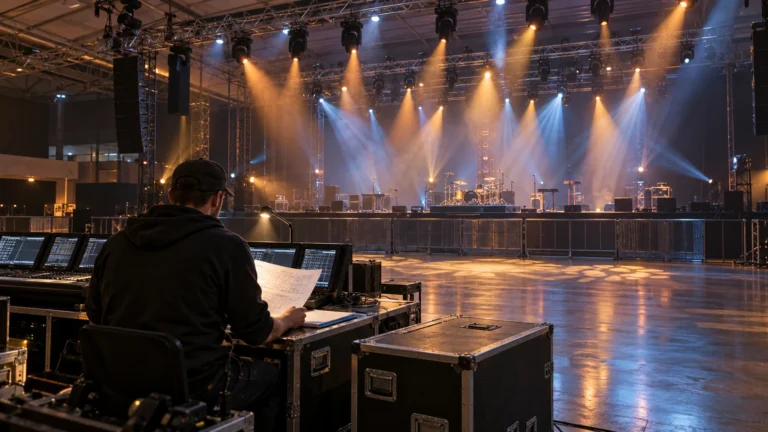
For a beam moving head, that includes its channel mode, firmware and matching console profile. For a laser product, confirm the interfaces and content/control functions provided by that particular configuration. An interface name such as DMX or ILDA does not, by itself, prove that every requested graphic, cue or playback workflow is available.
A combination fixture needs an additional check: which controls affect each output layer, whether the needed layers can be used as the cue requires, and what limitations remain. Do not infer independent control, scanning capability or arbitrary graphics from the presence of a laser source.
5. Confirm laser project requirements before ordering
Before selecting a laser product, establish the intended destination, venue, projection zones, responsible operator and applicable requirements. Obtain the exact model’s documentation and have the proposed use reviewed by the person responsible for the laser installation and operation. This guide does not provide alignment, audience-scanning or power-limit instructions.
For a US example, the FDA’s current Laser Light Shows guidance describes product/show reports and variance requirements for higher-class laser-show equipment. It also makes clear that the relevant approval conditions matter before producing those shows. This is a US regulatory example, not a statement that one rule applies everywhere or that any listed supplier product already has the required approvals.
Ask which documentation applies to the exact product and which approvals or responsibilities belong to the buyer’s planned project. A generic certificate image or a supplier video cannot answer those configuration-specific questions. A combined LED/laser fixture still needs its laser component and proposed use considered.
Build a shortlist by task, then request matched evidence
Use the Beam moving-head category when the main task is a documented beam/prism configuration and moving aerial cues. Use the Laser category when the project calls for a specific laser effect and its operating requirements can be established.
Keep two separate lists in the request: evidence available now and evidence still needed before approving the order. For example, a specification sheet may identify the source and interfaces while a configuration-matched demonstration still needs to show the required cue. Neither list should be silently replaced with a claim that the equipment is suitable for every venue.
Send the effect brief, destination, room layout, targets, atmosphere policy, controller/workflow, required quantity and delivery schedule. Ask for a documented exact-model proposal rather than a general “best beam or laser” recommendation.
Beam and laser comparison FAQ
Are beam moving heads and laser lights the same thing?
No. They describe different source/effect directions, although a fixture may combine several output layers. Identify the actual source, optics and supported functions for the configuration you are considering.
Which produces a brighter effect?
There is no universal answer from the wattage labels alone. Those labels can describe different quantities. Compare the required visual cue under documented conditions rather than claiming a brightness ratio.
Will a laser make aerial effects visible without haze?
Do not assume it. Visibility depends on atmosphere, ambient light, geometry and the effect. A no-haze venue needs a clear-air demonstration of the actual permitted cue, not a haze-heavy video of another installation.
Can an LED/laser combination replace a dedicated laser projector?
Only if its documented functions and applicable project requirements meet the task. Laser-source presence alone does not establish arbitrary graphics, scanning capability, compatible playback or approved use.
Request a task-based comparison
Send WUYESTAGE your required effect and venue conditions. We can review the relevant product directions and available model information against the brief; exact configuration and applicable project requirements should be confirmed before an order is approved.