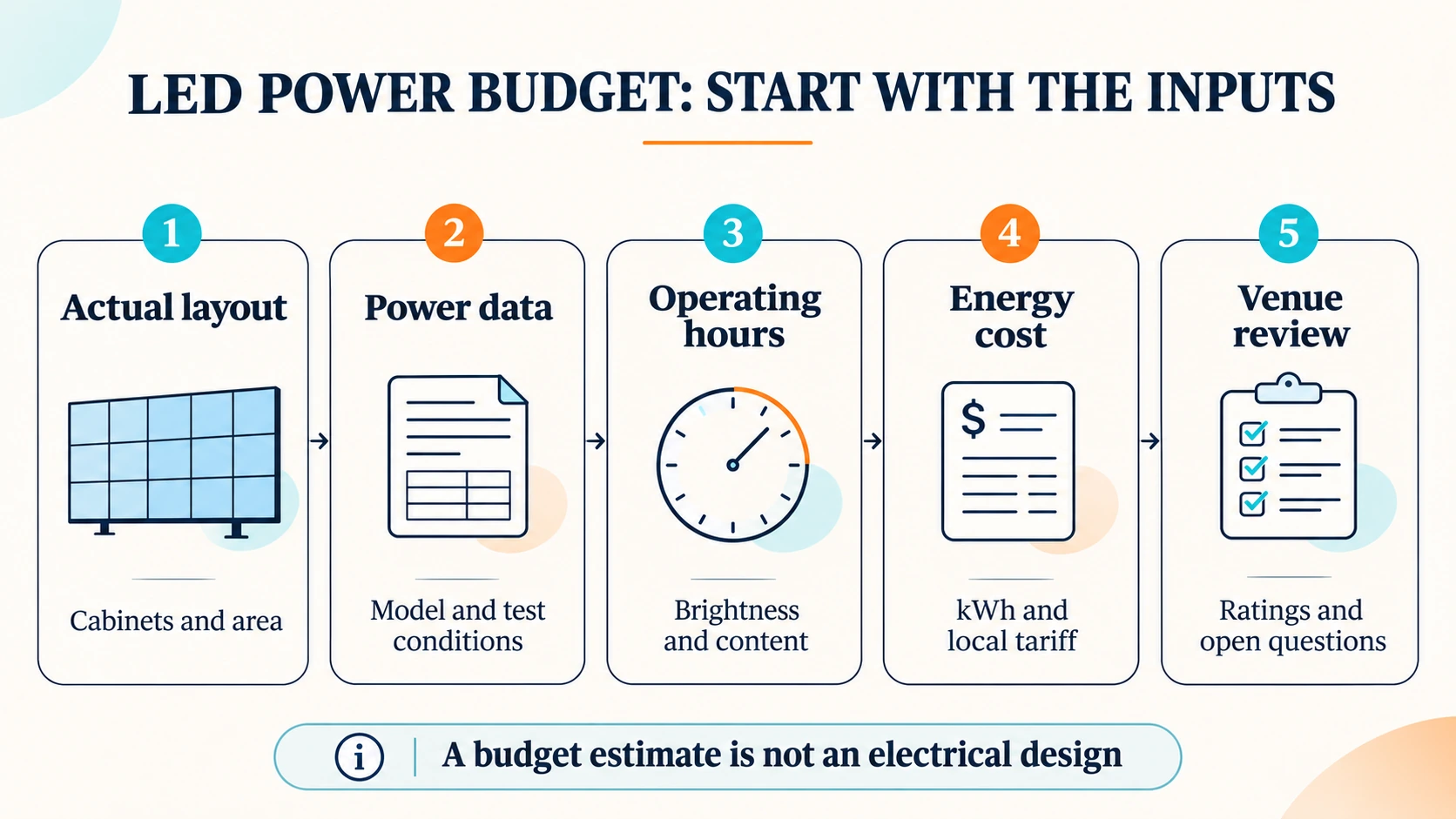
LED display power consumption describes power draw at a stated operating condition. To estimate energy use, multiply the average real AC input power in kilowatts by operating hours. To estimate the energy charge, multiply the resulting kilowatt-hours by the applicable local rate.
The useful work starts before the multiplication: identify the installed cabinet layout, choose the correct power figure, and check what that figure includes. This guide gives you a quotation comparison sheet, an energy-cost worksheet and a venue handover checklist you can copy into your project workbook.
Keep operating costs and electrical supply planning separate. A running-cost estimate does not establish a suitable circuit, cable, protection device or generator.
1. Start with the actual layout and the right unit
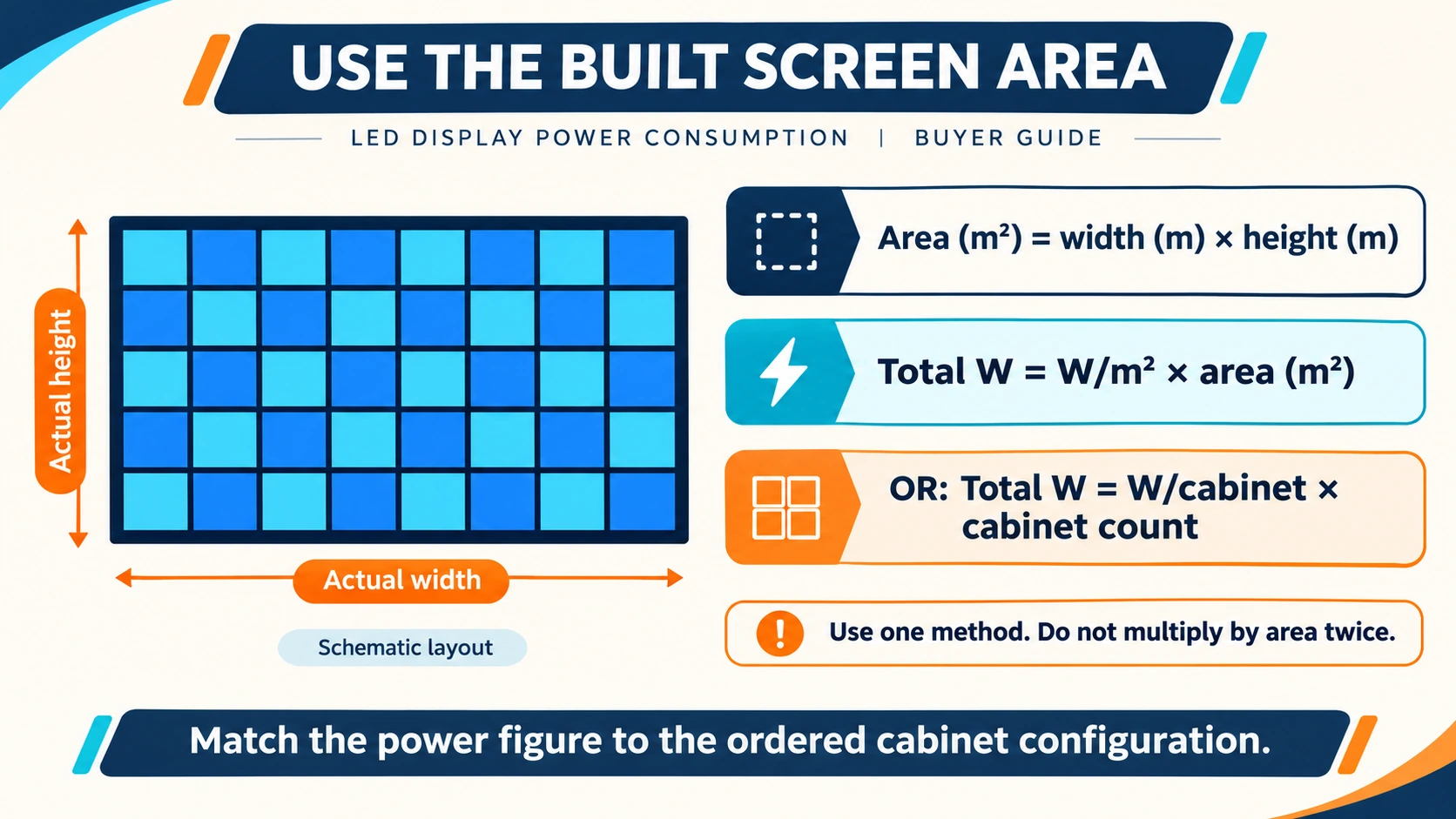
An LED wall is assembled from complete cabinets. Establish the buildable dimensions and actual area, rather than multiplying a rough target area by a power figure. Our LED wall calculator covers cabinet counts, installed dimensions and native resolution.
Then read the unit on the power specification. Use one of these two methods, with a figure that matches the exact cabinet configuration:
- Area method: total kW = power density in W/m² × installed area in m² ÷ 1,000.
- Cabinet method: total kW = power in W/cabinet × cabinet count ÷ 1,000.
For example, twenty 500×1000mm cabinets have a combined display area of 10m². A W/m² figure is multiplied by 10; a W/cabinet figure is multiplied by 20. Do not multiply by both cabinet count and area. When cabinet types differ, calculate each matched group separately.
| Figure | Meaning | How to use it |
|---|---|---|
| Maximum power | A manufacturer-stated high-load rating and its test conditions. | Include it in the electrical information supplied for venue review; do not assume it is everyday draw. |
| Typical or average power | A reference for specified brightness, content and operating conditions. | Use it for a preliminary energy budget only where those conditions are relevant. |
| Measured operating draw | Power recorded at a defined point during a documented operating condition. | Use it for the measured condition; do not generalize one reading to every show. |
| W/m² or W/cabinet | Power normalized to display area or one cabinet. | Scale by the matching area or cabinet count, respectively. |
| kW | Real power; 1kW equals 1,000W. | Describes the rate of energy use, not an accumulated energy total. |
| kWh | Energy over time. | For a known average load, multiply kW by hours. |
A full-white pattern at a specified brightness is a common maximum-load test condition. Read the supplier’s actual method instead of assuming every “maximum” or “average” figure was obtained in the same way.
2. Compare LED screen power consumption on the same basis
A smaller average wattage in a quotation does not by itself prove lower running costs. The figures may use different brightness levels, different video content or different measurement points. One may describe DC module load while another includes the complete cabinet’s AC input.
Use this comparison sheet before accepting a low-power claim. Leave missing information blank and ask for clarification; do not turn an unknown into a zero.
| Check | Quote A | Quote B |
|---|---|---|
| Exact model, configuration and revision | — | — |
| Maximum / typical / measured figure and unit | — | — |
| AC input or DC output measurement point | — | — |
| Brightness, content and test conditions | — | — |
| Included cabinets, controls and auxiliaries | — | — |
| Document source and revision date | — | — |
| Unresolved questions | — | — |
For a useful comparison, request the same light output and content conditions—not just the same percentage setting on two different displays. Keep the operating schedule and equipment boundary consistent too. If these inputs differ, record the difference instead of publishing a savings percentage.
Recent industry attention to energy-saving displays makes this check useful, but a newer efficiency claim is still a claim about a particular product and comparison. It is not a substitute for matched project data.
3. Separate PSU efficiency from power factor
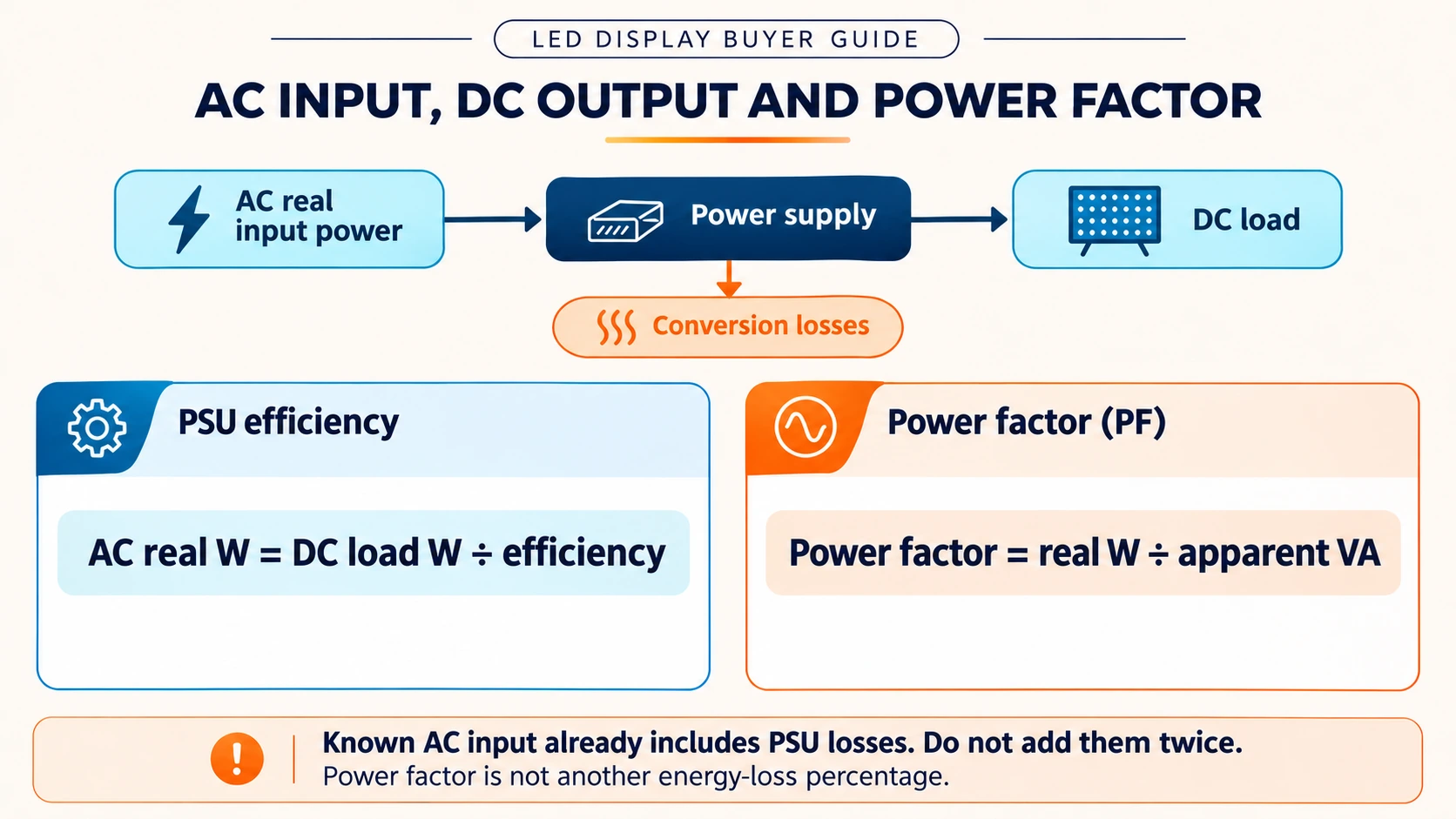
Adding the output ratings printed on the internal power supplies gives installed DC supply capacity. It does not tell you the actual AC power drawn by an LED wall during a show. The operating load and conversion losses also matter.
If you start from a known DC load, an estimate of the power supply’s real AC input is DC load W ÷ efficiency, using the efficiency for the relevant load and conditions. If the specification already gives the complete display’s AC input, do not add the same PSU losses again. Check separately whether external processors or cooling are included.
Power factor = real power in W ÷ apparent power in VA. It describes a different relationship from conversion efficiency. For a given real power and supply voltage, power factor affects current and apparent-power requirements; the venue’s qualified electrical team needs the relevant equipment data.
Do not divide known real AC watts by power factor to calculate kWh. Energy budgeting uses real power over time. A tariff may have additional demand or power-factor charges, so a simple kWh calculation is only the energy-charge part of the bill.
4. Fill in the energy and electricity-cost worksheet
Split the schedule into periods with a documented average real AC input: rehearsal, show operation, a dimmed session or energized standby, as applicable. LED video wall power consumption can change with content and brightness, so one reading may not represent the entire event.
- Energy per period: average real AC input kW × hours = kWh.
- Energy charge per period: kWh × the applicable rate per kWh.
- Project total: add the confirmed periods and any separate loads, avoiding double counting.
A black picture does not necessarily mean zero system power: active electronics can still draw power. Record the actual operating state. Design headroom is available capacity, not energy that must be added to every running-cost calculation.
| Period / load | Source and conditions | Average AC kW | Hours | kWh | Rate / kWh | Energy charge | Open input |
|---|---|---|---|---|---|---|---|
| Period 1 | — | — | — | — | — | — | — |
| Period 2 | — | — | — | — | — | — | — |
| Separate auxiliaries, if excluded above | — | — | — | — | — | — | — |
| Confirmed subtotal | — | — | — | — | — | — | — |
Copy this table into your workbook. Identify the source and conditions beside each input. If some periods remain unknown, call the total a confirmed subtotal, not a complete event estimate. Use one currency and the tariff that applies to each period. Fixed, demand, temporary-power or other charges may need separate budgeting.
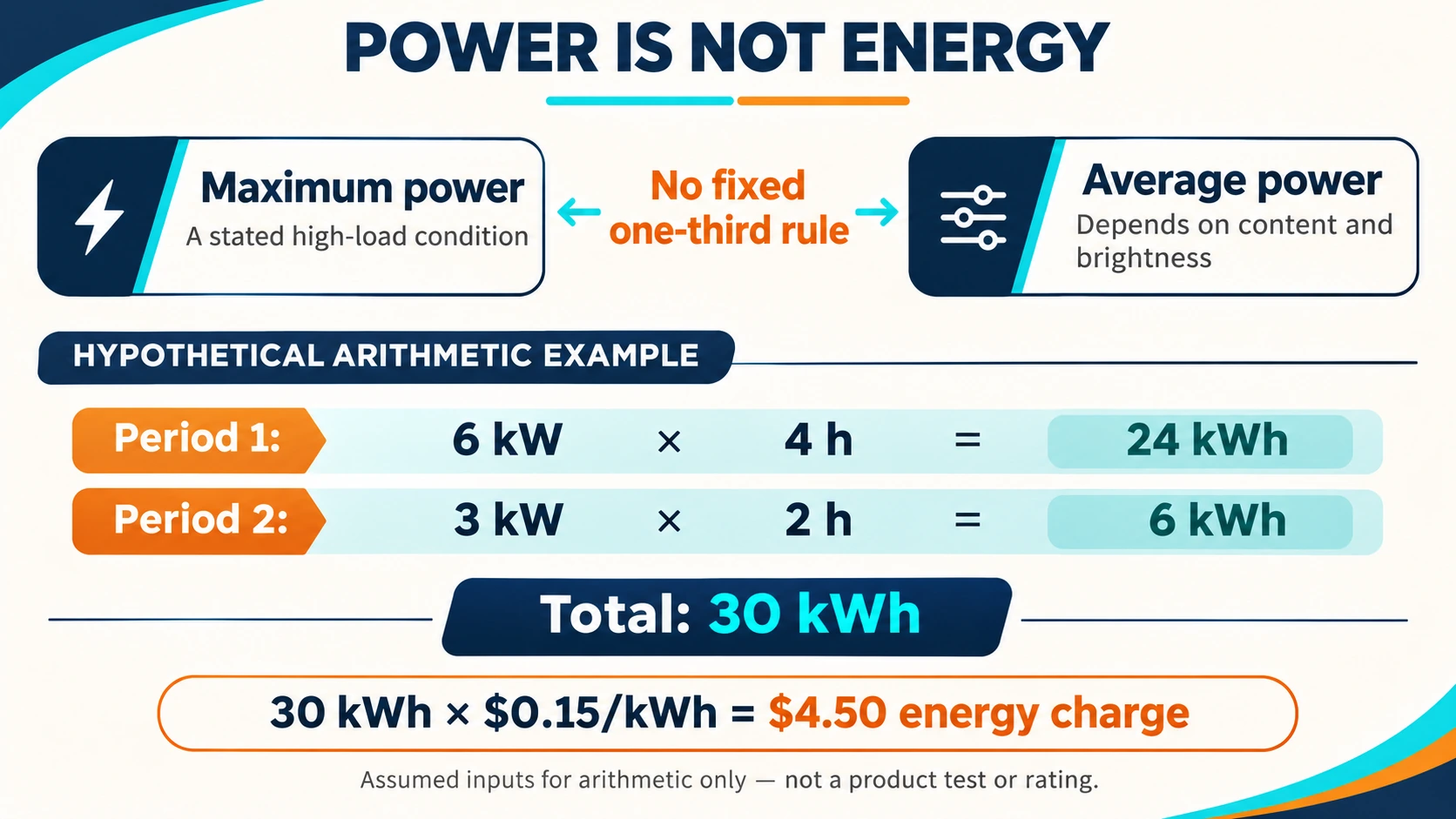
A hypothetical worked example
Assume a project has already established average real AC input of 6kW for four hours and 3kW for two hours. These numbers are for arithmetic only; they are not a WUYESTAGE product rating, test result or promised operating profile.
- Period 1: 6kW × 4h = 24kWh.
- Period 2: 3kW × 2h = 6kWh.
- Total: 24 + 6 = 30kWh.
- At an assumed flat rate of US$0.15/kWh: 30 × 0.15 = US$4.50 energy charge.
This result does not determine the maximum electrical load, suitable circuits or a generator size. It also does not include any charges outside the assumed energy tariff.
5. Check what changes the operating draw
Pixel pitch alone cannot predict LED wall power consumption. A useful budget connects the exact hardware to the way it will be used:
- Brightness and ambient light: compare the same required light output. Outdoor visibility requirements may differ from indoor use, but neither label establishes a universal wattage.
- Content: a bright presentation and a dark backdrop can produce different loads on the same system. Use representative content rather than a universal average-to-maximum ratio.
- Operating state and hours: distinguish show operation, energized black-screen periods and shutdown in the schedule.
- Configuration and system boundary: LEDs, drivers, controls and power supplies affect the result. Count processors, media servers and cooling separately only where the original figure excludes them.
For outdoor LED screen power consumption, also confirm the intended daytime and evening settings. A change in brightness is a reason to obtain relevant data—not permission to assume a fixed percentage reduction.
6. Prepare the venue power handover
The energy worksheet helps with the budget. The venue still needs the manufacturer’s electrical ratings and a suitable distribution plan. Multiple outlets may share a circuit; counting sockets does not establish independent capacity.
Give the supplier and the venue electrical lead a clear list of confirmed information and open items. For the wider layout and commissioning workflow, use the LED video wall installation guide.
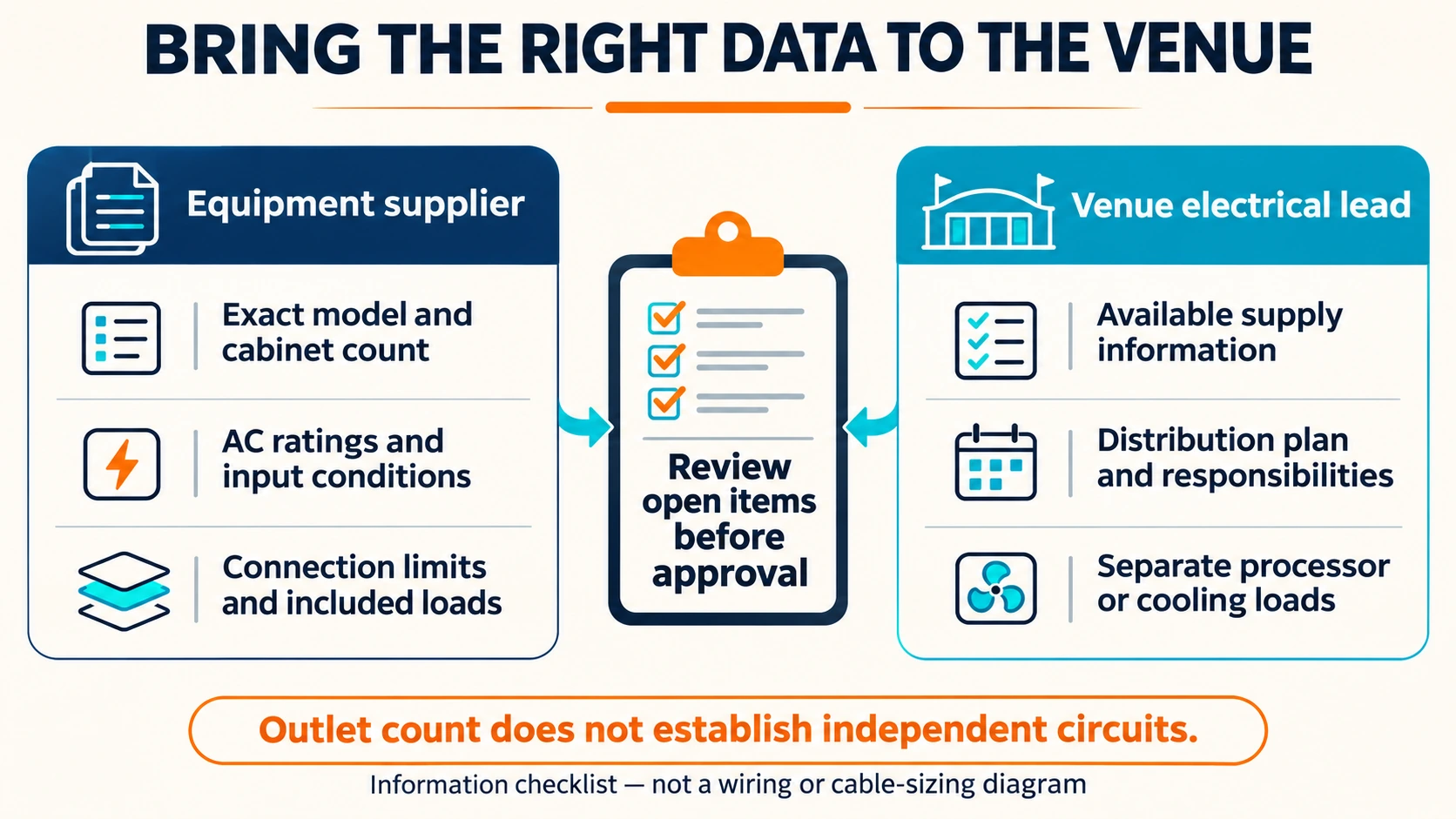
| Information | Source / responsible party | Confirmed record | Open item |
|---|---|---|---|
| Ordered model, revision, cabinet sizes and quantities | Equipment supplier / buyer | — | — |
| AC electrical ratings and supported input conditions | Equipment supplier | — | — |
| Connection limits and connector specifications | Equipment supplier | — | — |
| Separate processors, control and cooling loads | Supplier / system team | — | — |
| Venue supply and approved distribution plan | Venue electrical lead | — | — |
| Content, brightness and operating timetable | Operations team | — | — |
| Remaining review items and approval responsibility | Named project owners | — | — |
Cable selection, protection, circuit allocation and generator suitability depend on the actual equipment, installation conditions and applicable requirements. Use the completed handover for qualified review rather than a generic panel-per-circuit rule. Cooling loads also need their own project basis; screen area alone does not select an air-conditioning system.
7. Apply the method to a P3.91 rental configuration
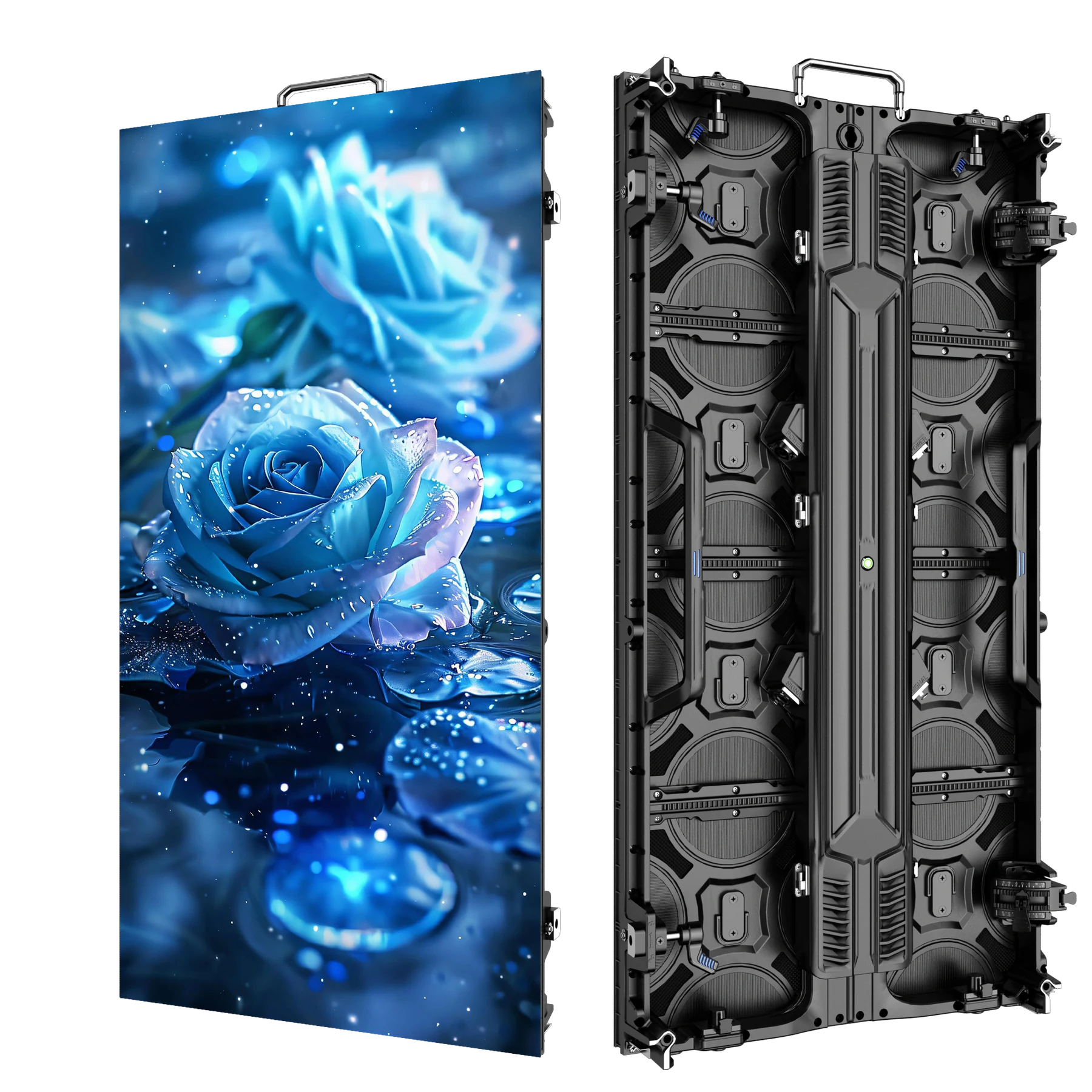
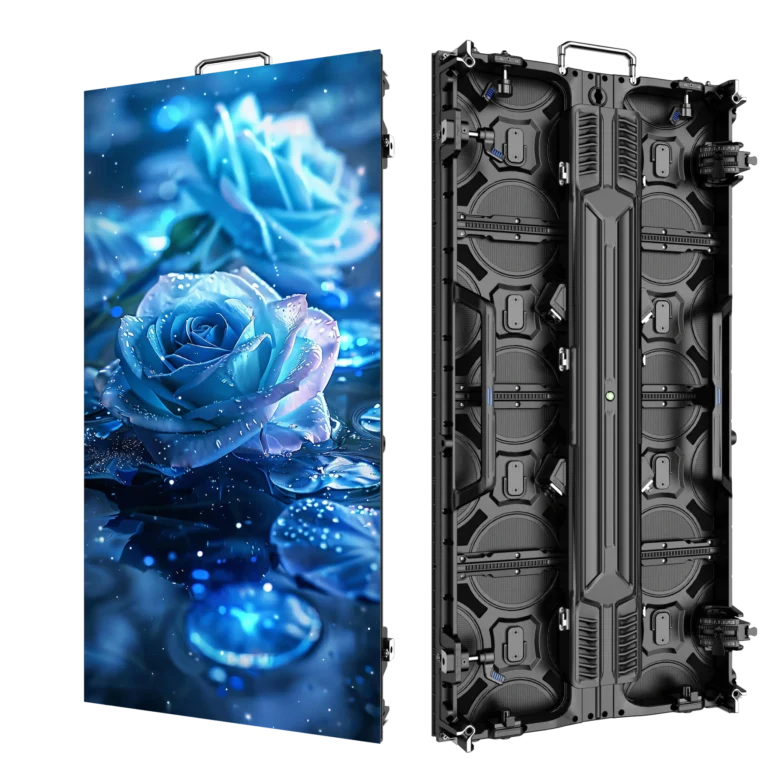
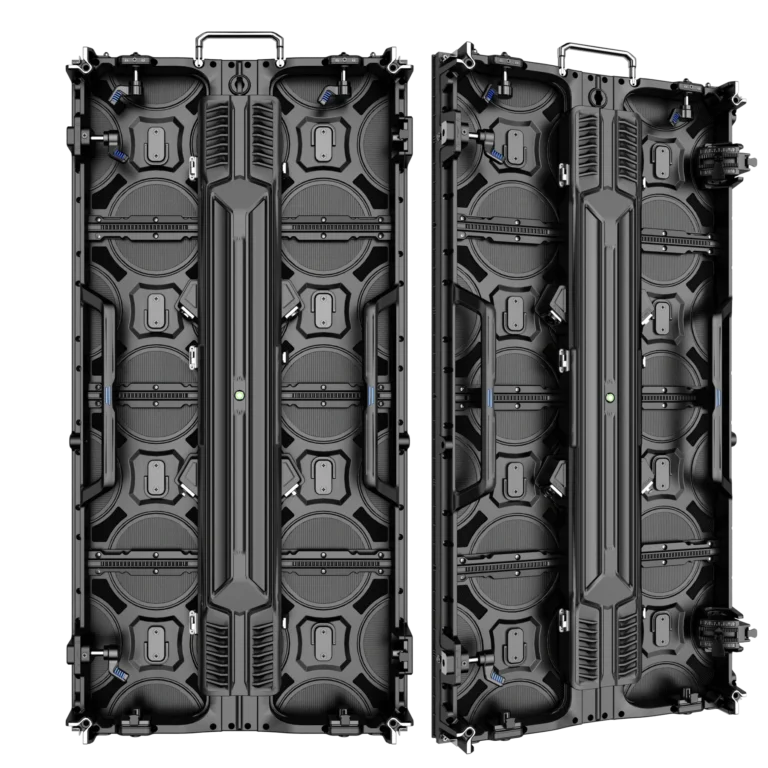
Our P3.91 outdoor rental LED display uses a 500×1000mm cabinet format, with a 500×500mm option for appropriate configurations. Their display areas are 0.5m² and 0.25m² respectively; confirm compatibility when combining formats.
The outdoor rental series has reference figures of 800W/m² maximum and 240W/m² average. Match these references to the ordered configuration before using them. They are not metered consumption from your event, and the average figure alone does not establish its brightness, content or AC/DC measurement boundary.
During quotation, confirm the relevant test conditions, full AC ratings, connection limits and included equipment. Then enter the applicable data into the comparison and budget sheets. Do not assume a particular PSU brand, efficiency or power factor from the cabinet’s appearance.
Frequently asked questions
Is average LED display power consumption always one-third of maximum?
No. A ratio on one specification sheet describes its reference conditions. Actual average draw depends on the configuration, brightness, content and operating state. Ask for the conditions behind the figure you plan to use.
Can I use PSU output wattage as actual screen consumption?
No. Installed PSU output ratings describe supply capacity, not the system’s measured AC input. Use a matching complete-system AC figure where available, or a component estimate with explicitly stated losses and boundaries.
What if the quote does not state average-power test conditions?
Mark the conditions as unresolved and ask the supplier to clarify. If you prepare a provisional budget, label its assumptions and sensitivity scenarios. Do not present an unverified reference as a guaranteed operating cost.
Does a larger number of outlets mean more power is available?
Not necessarily. Several outlets can share an upstream circuit. The venue electrical lead must verify the supply and distribution arrangement for the equipment; the number of outlets alone is insufficient.
What should I send for a configuration quotation?
Send the intended layout or cabinet count, cabinet sizes, indoor or outdoor use, content and brightness requirements, operating schedule, included processors and any available venue electrical information. Attach the existing equipment datasheets if you are integrating a system.
Prepare a power budget for your next LED wall
Send WUYESTAGE your screen dimensions or cabinet layout, intended use, operating timetable and available power documents. We can review the display configuration and identify the specification details that need confirming for a quotation and venue handover. Keep unresolved electrical-design items with the responsible venue or project specialist.