16-bit moving head control provides a finer numerical command range for documented attributes such as pan and tilt. It does not by itself prove mechanical accuracy, smoothness or repeatable positioning. To judge a fixture, verify the coarse/fine mapping in the selected mode, use the correct console profile and test the actual slow movement and return cues.
This guide concerns positioning commands and acceptance. It does not repeat the general DMX address-allocation guide or describe a new way to wire fixtures. A small numerical step, a fast movement and an accurate return are different qualities, and each needs its own evidence.
1. Separate command resolution from measured movement for 16-bit moving head control
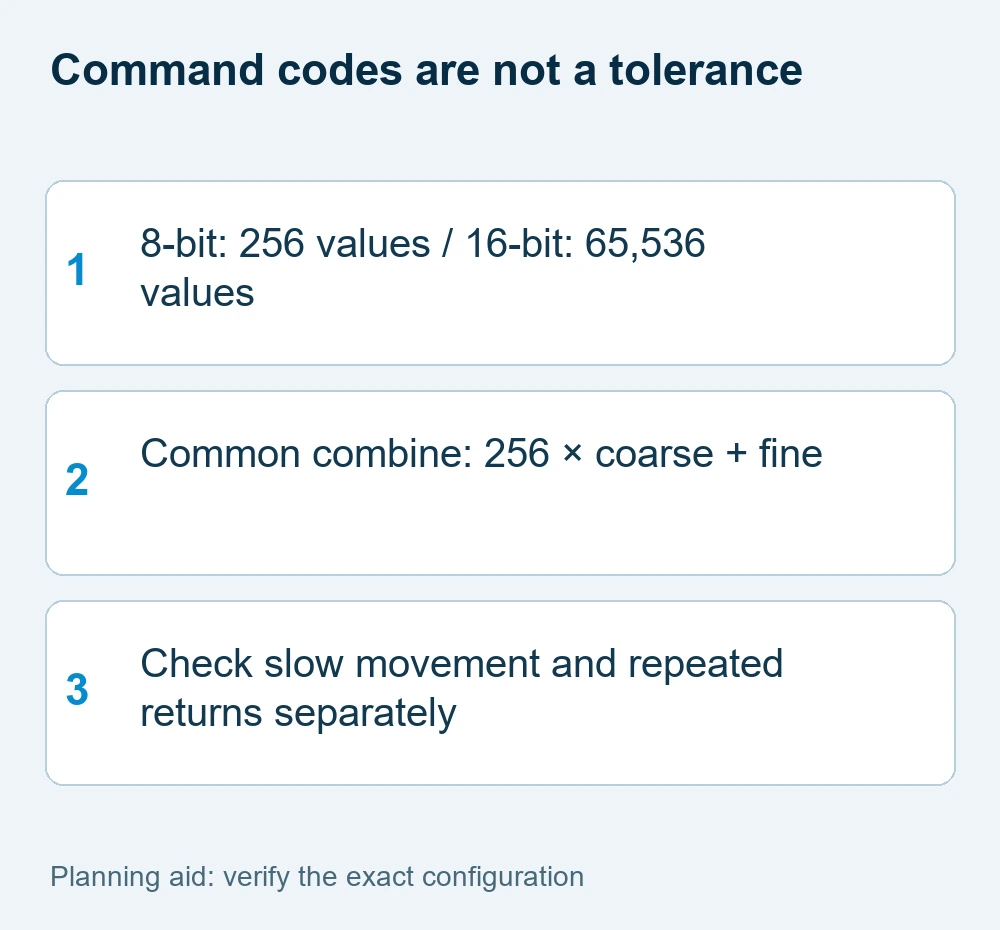
An eight-bit value has 256 possible codes, from 0 to 255. A combined sixteen-bit value has 65,536 possible codes, from 0 to 65,535. That increases the number of numerical instructions available; it does not mean the motor physically completes 65,536 distinct, perfectly accurate positions.
Resolution describes the command representation. Accuracy describes how close the actual result is to the requested target. Repeatability describes whether the fixture returns to the same result over repeated cues. Smoothness describes the observed movement through the selected transition. Do not replace those four questions with a single “16-bit” checkbox.
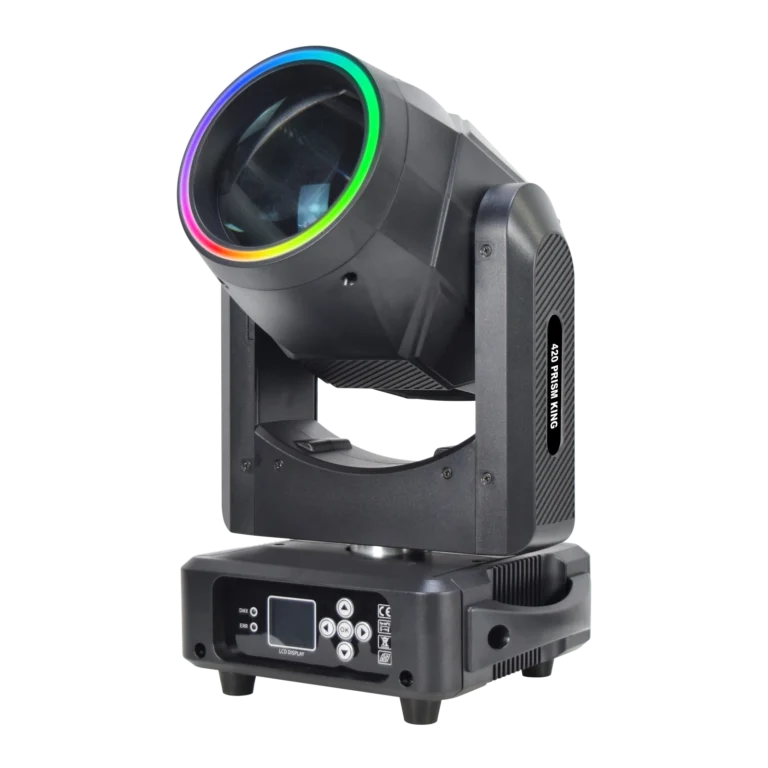
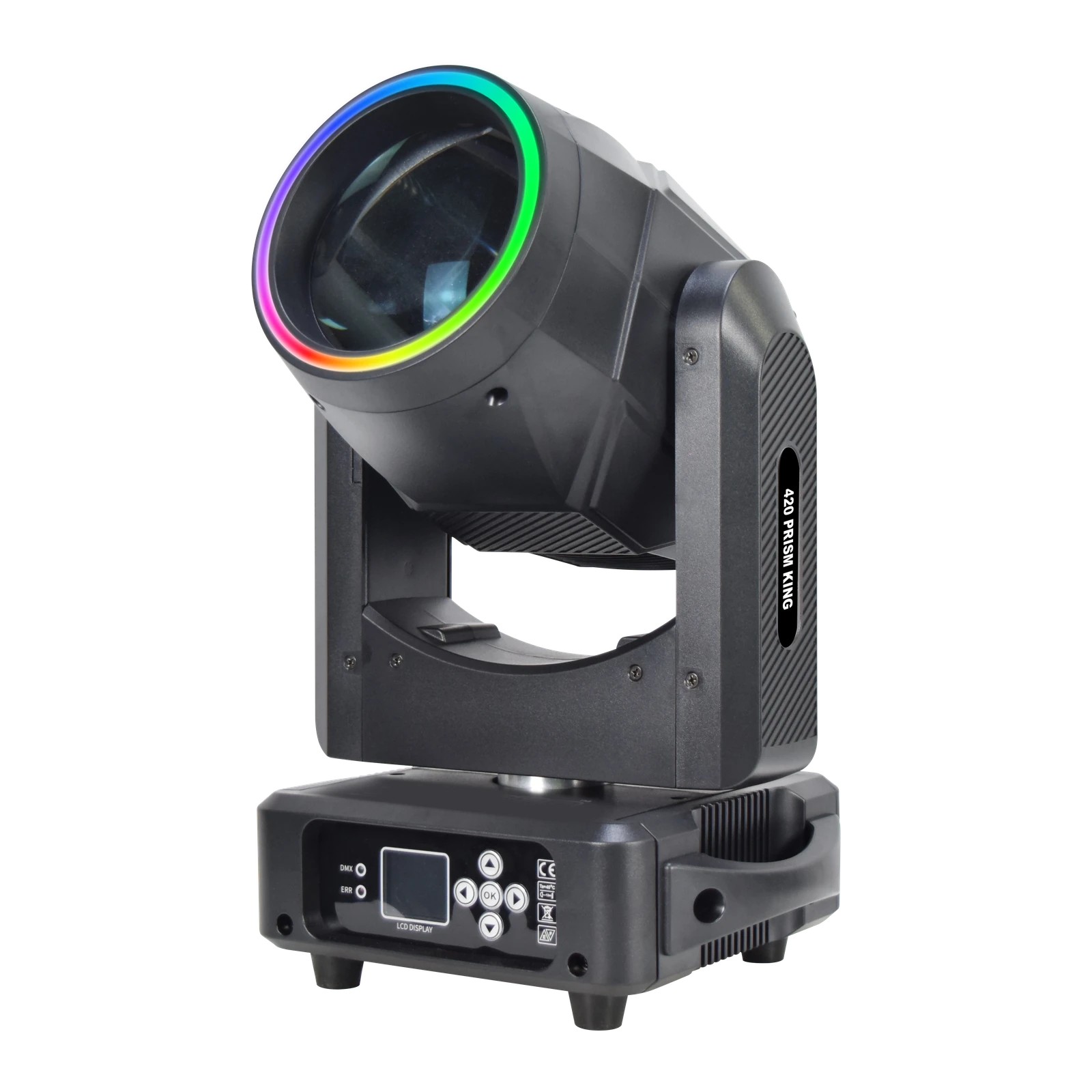
The current RG-132 420 Prism King records sixteen-bit movement with 540° pan and 270° tilt. Those are supplied specifications. They do not establish a measured positioning tolerance, speed curve or tracking performance at your throw.
2. Confirm the coarse and fine attribute mapping
In a common two-byte representation, the combined value is 256 × coarse + fine. Both individual values range from 0 to 255. For example, coarse 1/fine 0 gives 256, while coarse 1/fine 128 gives 384. A different value representation or byte assignment must be handled according to the actual channel chart.
A console profile combines the relevant slots into the intended attribute. The operator should not have to guess whether a neighboring channel is pan fine, tilt fine or an unrelated function. Obtain the exact chart for the ordered mode and firmware, then compare it with the profile before testing motion.
Do not assume the longest mode always provides the right map. A mode can spend channels on other effects, and the location of a fine slot can differ between versions. The supplied footprint is an address-budget fact; the chart establishes the attribute behavior.
The ESTA DMX512-A guide explains conventional control slots and the 512-slot universe. Fixture-specific zone or coarse/fine assignments still come from the ordered version’s chart.
3. Test a slow transition at the working geometry
Define two permitted scenic targets and a repeatable transition time. Run a slow movement between them using the actual profile and mode. Observe the path and the target boundary for visible steps, uneven motion or unexpected changes. Keep the relevant speed settings and optical configuration recorded.
Use representative working distance and beam or pattern size. The same angular change can look different on a nearby target and at a long throw. A wide wash can also make small position differences less obvious than a narrow shaft or a sharply defined projection. Compare fixtures on the task that matters, not on unrelated showroom movement.
Do not direct the test at people or rely on a camera clip alone to measure motion. Filmed material can document the cue, but frame rate, shutter and exposure influence the apparent result. A video of rapid sweeps does not demonstrate smooth low-speed positioning.
4. Test repeatable returns independently
Store a reference cue, move to another approved position and return to the reference several times. Record the target marks, mode, profile, movement settings and any observed variation. A successful first return is useful but is not a universal accuracy or lifetime claim.
Keep mounting and mechanical conditions consistent. A changing stand, support or fixture orientation can affect the visible target independently of command resolution. The responsible technician should review the support and permitted movement arrangement before the cue test.
If the return is unsuitable, first confirm the selected mode and profile against the supplied documentation. Record the issue and ask for an exact-version review. Do not claim that fine control alone will correct every mechanical or setup problem, and do not invent a tolerance from the catalogue movement range.
| Question | Meaning | Required evidence |
|---|---|---|
| Resolution | Number of command codes | Chart and attribute representation |
| Smoothness | Visible transition behavior | Slow cue at working distance |
| Repeatability | Return to the same target | Repeated reference-cue test |
| Accuracy | Result versus required target | Defined target and observed tolerance |
5. Approve the position cues with the complete configuration
A useful acceptance sheet separates numerical representation, slow-transition behavior and repeated reference returns. Include working distance, target size, mounting orientation, optical effect, cue time, mode, firmware and console personality. Compare the result to the buyer’s requirement rather than a generic ranking of “better” movement.
For RG-132, the supplied 18/22-channel modes and sixteen-bit movement belong to the current product record. Request the current exact chart before building the show file; an older reference manual with conflicting channel information should not replace the confirmed version. This preserves the distinction between documented specification and accepted performance.
Use the beam geometry guide to organize the target footprint, and the Beam product range for shortlisted effect fixtures. Send the supplier your slow cue and return requirement, controller, target geometry and quantity. This makes 16-bit moving head control a practical selection question rather than a standalone marketing label.
For an acceptance session, keep a reference position near each important scenic target and repeat the same transition after changing to another cue. Record the result in terms meaningful to the production: the illuminated footprint returns inside the accepted target, and the slow move is visually suitable at the intended distance. If a tighter result is required later, run another defined test rather than converting the catalogue bit depth into a new accuracy claim.
16-bit moving head control FAQ
For 16-bit moving head control, does 16-bit control guarantee accurate positioning?
No. It describes numerical command resolution. Mechanical accuracy, smoothness and repeatability must be judged on the exact fixture and working setup.
What are coarse and fine channels?
They are documented slots commonly combined into a higher-resolution attribute. In a common representation the value is 256 × coarse + fine; use the exact chart and profile for byte mapping.
Why can an advertised 16-bit fixture still move in steps?
Mode or profile mismatch, movement settings, mechanical behavior and the observation conditions can all matter. Confirm the documentation and test the slow cue rather than assuming one cause.
What should be included in a movement acceptance record?
Record target geometry, slow-transition cue, repeated returns, mounting orientation, mode, firmware, console profile and optical setup. Compare observed results with the required task.
Request a configuration-specific proposal
Use these 16-bit moving head control checks to record the mandatory task and the information already available. Send WUYESTAGE your project brief, required quantity, destination and controller or system needs. The exact supply configuration and acceptance conditions should be agreed before an order is approved.