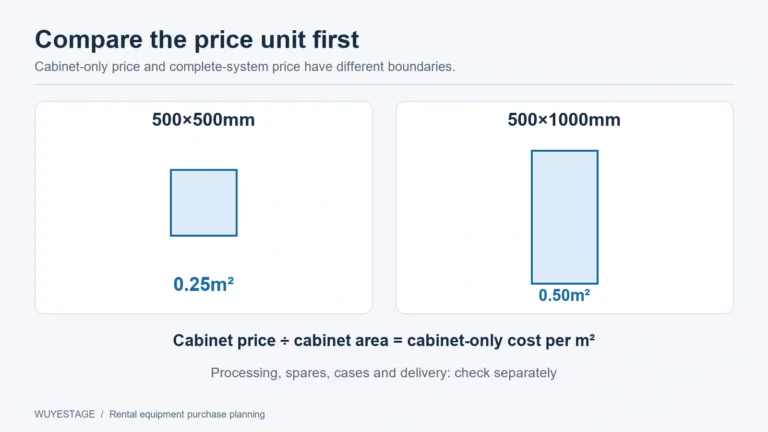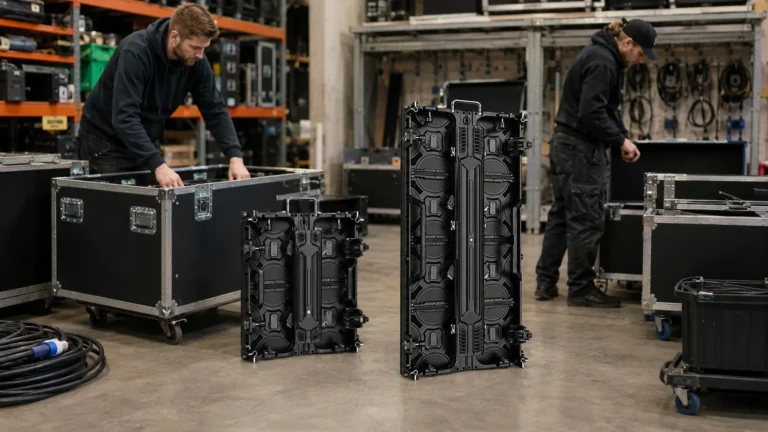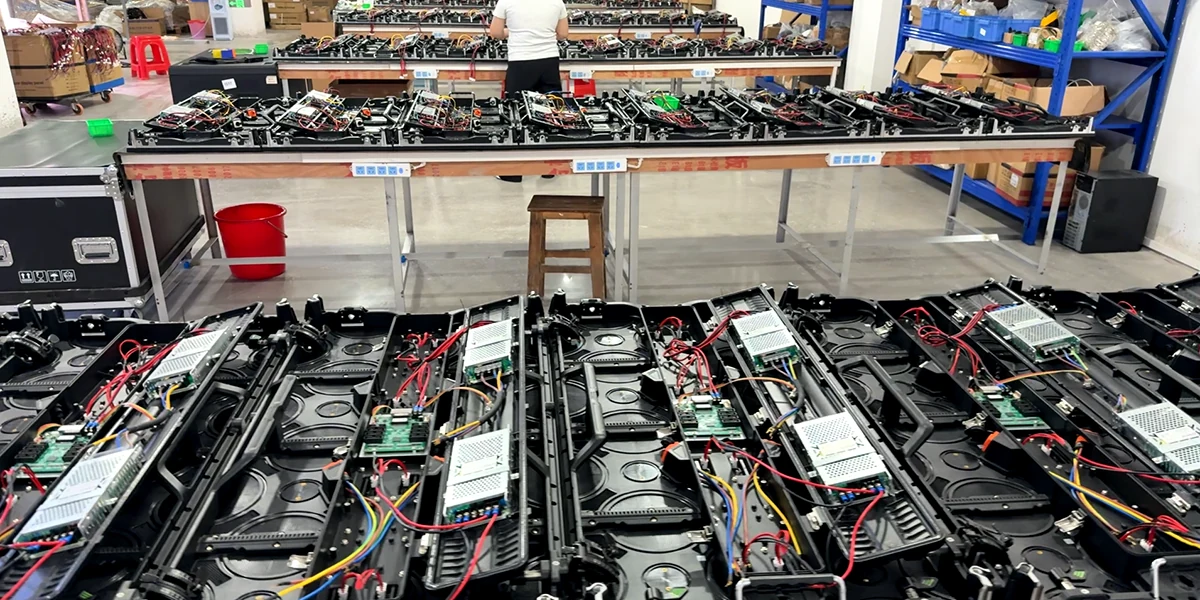
Front vs rear service LED display describes where maintenance access is provided. Front service uses the viewing side for specified components; rear service uses the back. The important purchase question is which components are accessible, through which route, in the final installed screen.
A front-removable module does not automatically make the power supply, receiving hardware and cables accessible from the front. Likewise, a rear-service cabinet can be difficult to maintain if a wall, support or cable route blocks the required opening. Choose from the documented cabinet design and installation layout together.
For rental companies, this decision affects fault recovery between shows, storage of tools and spare parts, and how a technician reaches the screen safely. This guide focuses on five checks before approving a sample or order. For the wider procurement decision, see the rental LED panel fleet-value guide.
1. Compare front vs rear service LED display component access
Ask for a component-level explanation rather than accepting a single “front maintenance” or “rear maintenance” label. A cabinet can provide different access arrangements for different parts. The quotation should identify the exact version being supplied and the service method documented for each replaceable item.
| Component | Question to resolve before approval |
|---|---|
| LED module | From which side is it released and removed? Which approved tool or release method is needed? |
| Power supply | Which enclosure or cover must be opened, and through which side can the unit be removed? |
| Receiving hardware | What access path reaches the board and its connectors? Which version and replacement configuration apply? |
| Signal and power connections | Can the connections be reached in the assembled layout without obstructing another component’s removal? |
| Covers, locks and service tools | Is there room to operate the specified release and retain removed parts safely? |
For a concrete documentation example, Absen’s official K V3 brochure separates its curved-panel module access from rear access to the power supply, receiving card and HUB board. It illustrates why access must be checked by component and version. For your order, use the documentation for the exact cabinet being supplied.
This separates module access from complete-system servicing. A demonstration that removes one module establishes only the demonstrated module operation. It does not prove that every other component can be exchanged from the same side.
Ask the supplier to explain any work that needs additional access or a different procedure. Keep unsupported items open in the approval record. A clear limitation is more useful than a broad service claim that fails when the cabinet is installed.
2. Review the complete mounting layout
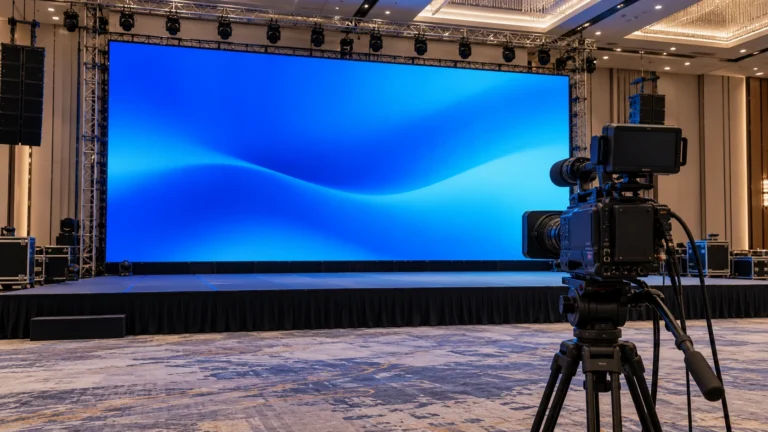
Start with a drawing of the installed screen, its supporting structure and the surrounding area. Show walls, doors, platforms, cable routes and the side from which a technician would approach. A cabinet photograph alone cannot establish access in a particular venue.
For a temporary rental wall, consider both the installed operating position and the planned maintenance position. Hanging and ground-supported systems may place brackets, beams, ballast or connection routes in different locations. Have the selected support arrangement reviewed together with the cabinet’s documented service route.
For a screen close to a wall, first identify which components still need rear access. Front module removal does not resolve a rear power-box obstruction. If a proposed layout blocks a required route, resolve the layout or select a documented configuration that provides the needed access before approving the installation.
Do not assume that a fully assembled display can simply be moved or tilted for maintenance. Such a plan needs approval for the actual structure, load, cables and working conditions. Servicing a cabinet in an open workshop is a different condition from servicing the same cabinet inside a finished installation.
The rental LED display category helps identify the relevant cabinet families. Use the exact model information and installation review to decide how those cabinets fit your venue.
3. Check working space and the removal path
Rear access requires more than a visible gap behind the screen. The technician needs the documented working position, room to use the required tool, and enough space for the part to clear its enclosure. The removal direction may differ from the direction of approach.
There is no single clearance value in this guide. The required space depends on the cabinet version, component, cover movement, tools, support arrangement and site requirements. A generic 50 cm or 1 m recommendation cannot approve an unspecified system.
Record the relevant dimensions on the actual layout drawing. Include the opening or cover movement, the component’s removal envelope and any adjacent obstructions. Ask the supplier to mark the required service space for the supplied version rather than estimating it from the front view.
Front access also needs a practical working position. Check the route to the viewing side, any protective surface or finish, the specified tool and the room required to remove and handle a module. “Front service” does not remove the need to assess the job’s actual access conditions.
Build a component access matrix
Use one row per replaceable component. The blank fields below are a checklist, not confirmed access dimensions or a completed WUYESTAGE installation assessment.
| Component | Access and removal direction | Cover/tool and removal space | Support or cable obstruction | Exact-version evidence | Unresolved condition |
|---|---|---|---|---|---|
| LED module | — | — | — | — | — |
| Power supply | — | — | — | — | — |
| Receiving hardware | — | — | — | — | — |
| Connections and service covers | — | — | — | — | — |
The matrix links a service claim to a model, drawing or demonstration and then to the actual installation. It also makes exceptions visible. If one component’s removal path is unclear, do not declare complete front or rear service on the basis of the other rows.
4. Ask for evidence that matches the installed condition
Request the exact cabinet drawing, approved service documentation and a sample demonstration for the proposed version. Agree which components the demonstration will cover. Keep the model, configuration and relevant documentation references with the sample record.
A useful demonstration shows access to the agreed components and explains the required tools and conditions. It should distinguish an operation performed on a loose cabinet from one that remains possible in the proposed assembled layout. Neither a photograph nor a short attractive clip substitutes for that distinction.
Safety requirements and the supplier’s approved procedures govern the work. Have qualified personnel follow the applicable instructions; this article does not provide a live electrical maintenance procedure or authorize working at height. Ask for the documented isolation and handling requirements before planning a service demonstration.
Record what was actually demonstrated and what remains unverified. If the installation drawing changes after approval, review the affected access routes again. A sample can establish the cabinet’s mechanical arrangement, while the final mounting layout still needs its own access review.
5. Match the quotation to the verified cabinet version
WUYESTAGE’s current outdoor rental LED display cabinet series lists rear maintenance for P2.604, P2.976 and P3.91. The current indoor rental cabinet series also lists rear maintenance for P2.604, P2.976 and P3.91. Do not extend that statement to the indoor P1.953 GOB configuration without version-specific confirmation.
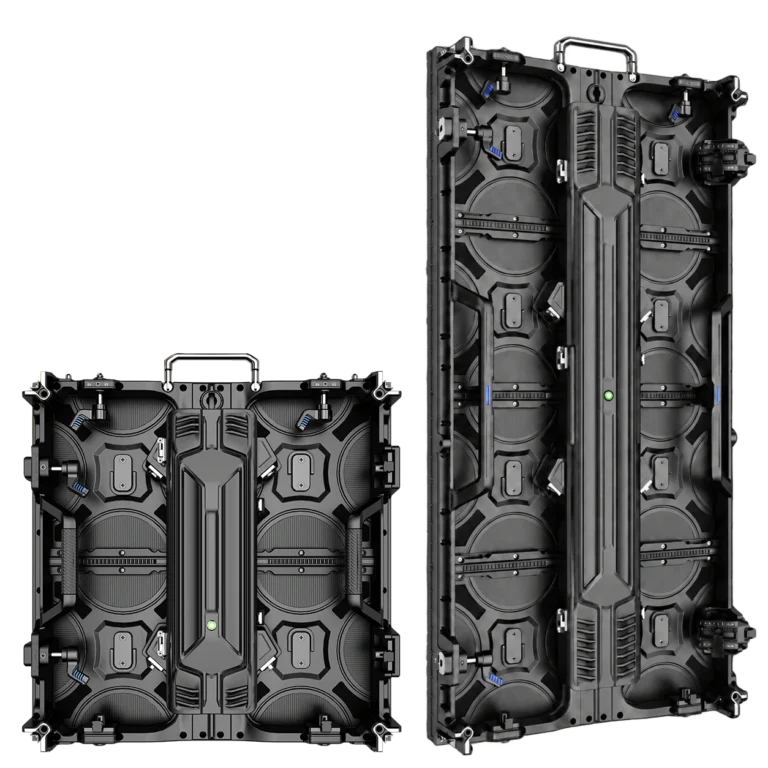
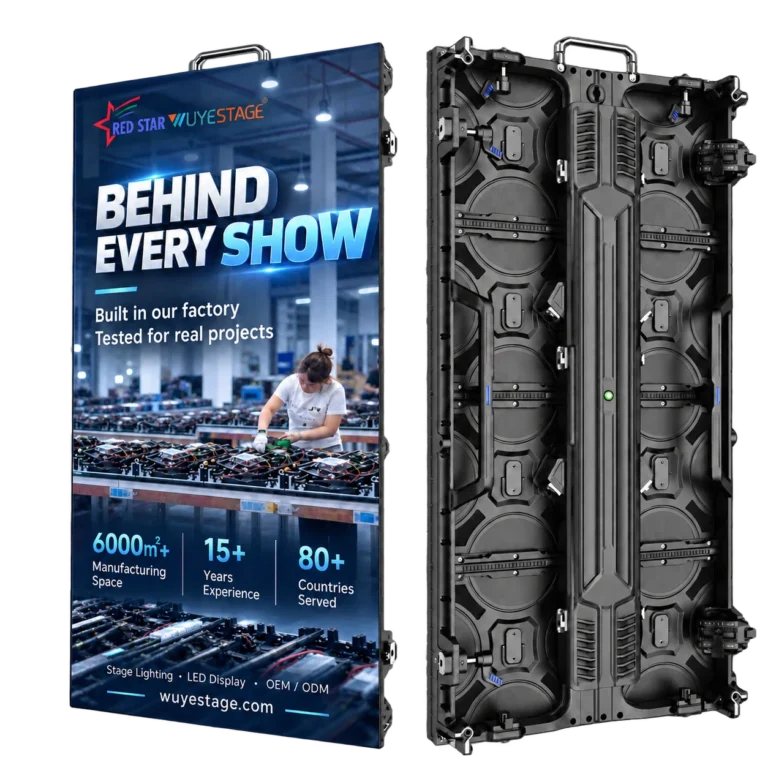
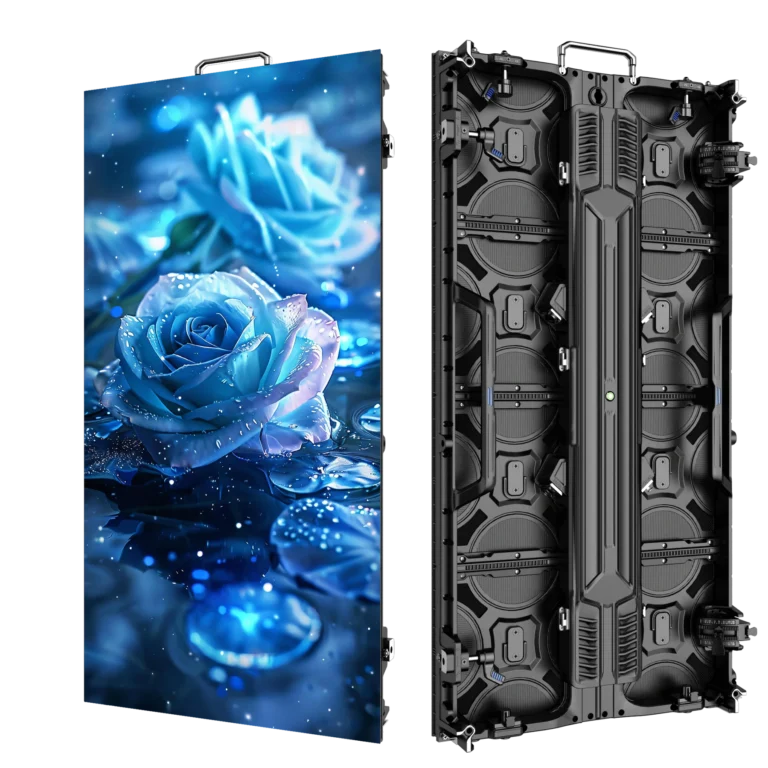
The P3.91 500×1000 outdoor rental LED display is a relevant rear-service product reference. Its approved photographs show the cabinet’s rear arrangement and internal structure. They help identify the product being discussed; they do not establish a universal service clearance or a maintenance procedure for your venue.
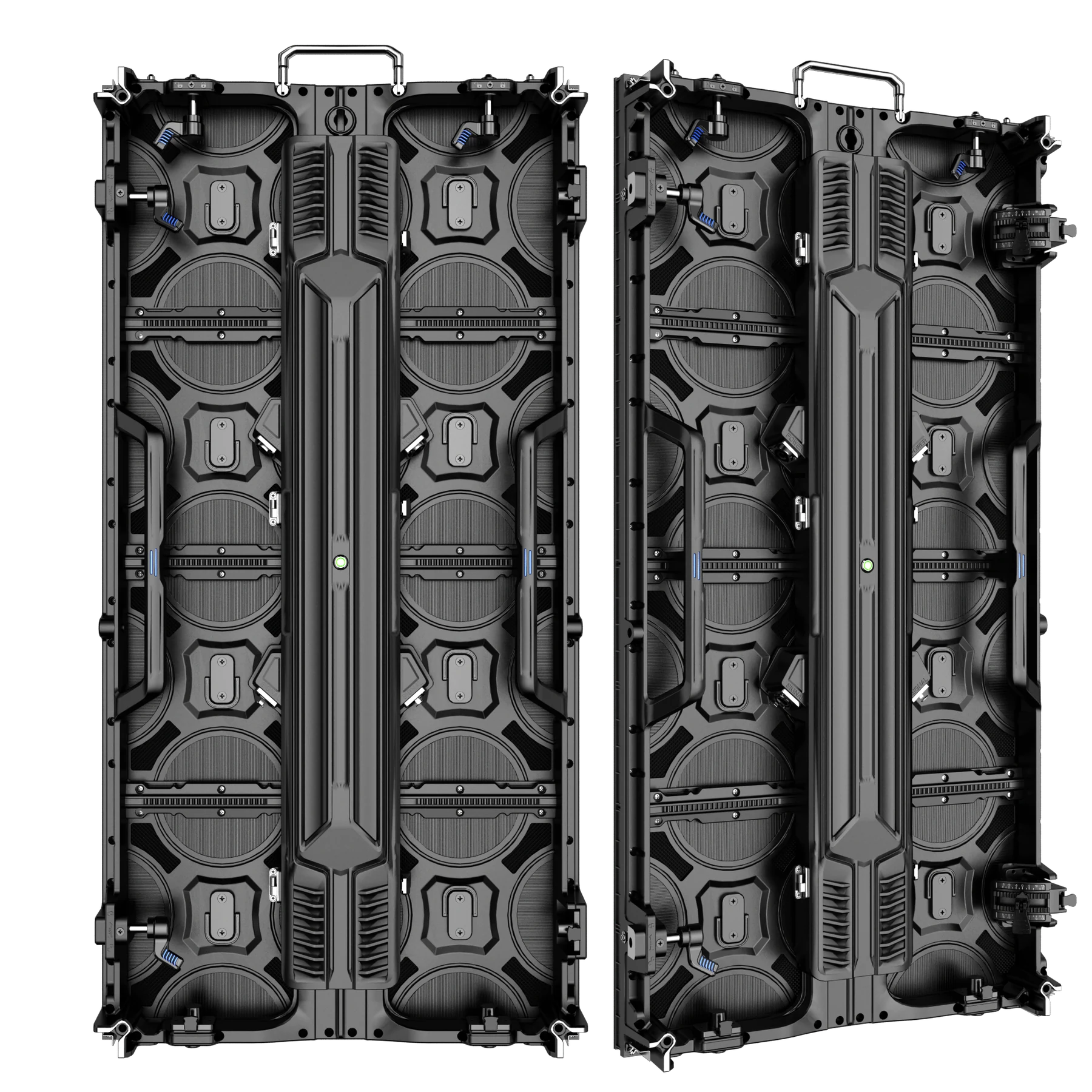
Approved P3.91 product photographs. Confirm the exact supplied version and its documented access requirements.
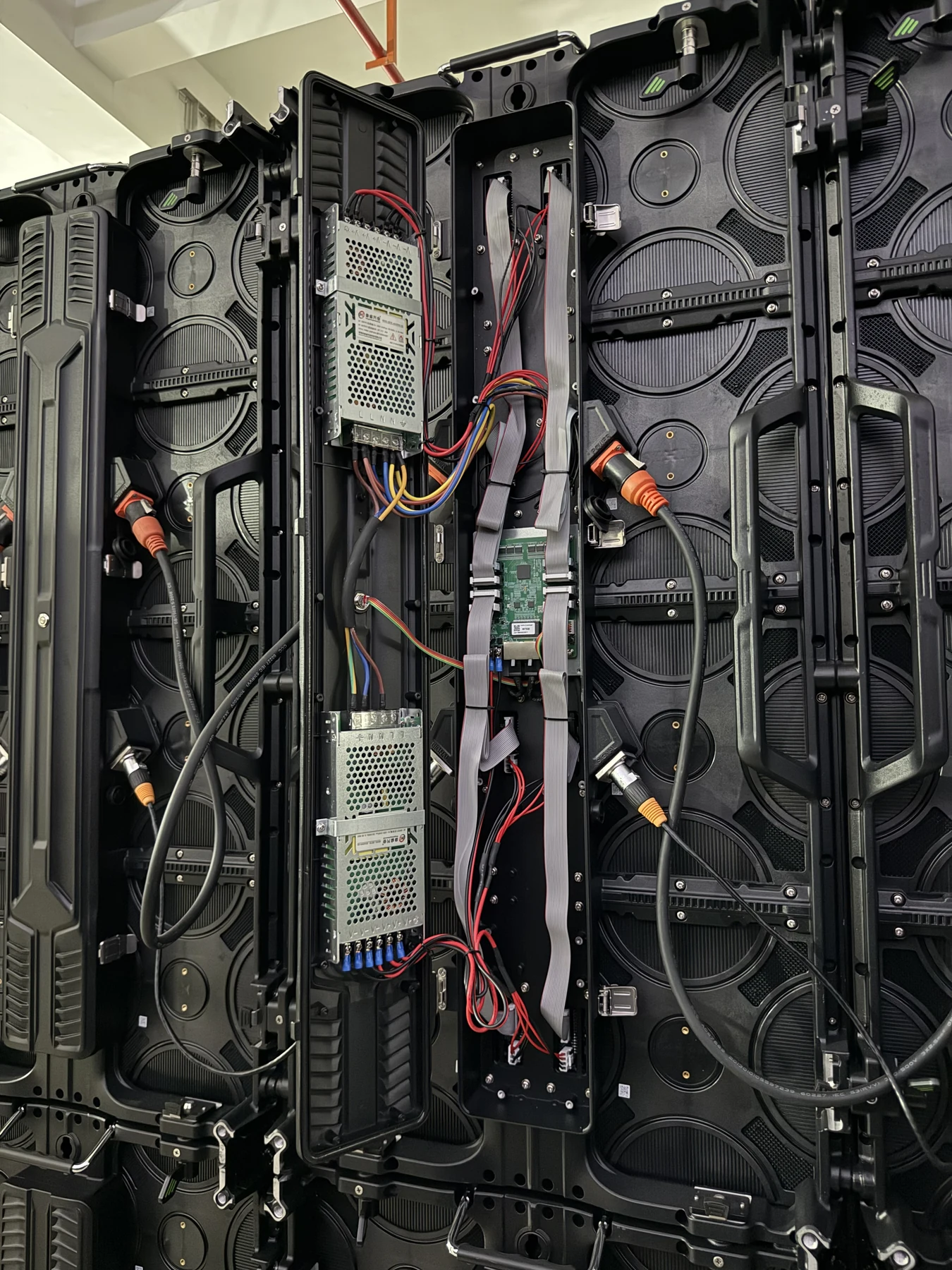
Approved product photograph of the internal arrangement; not an instruction to open or service an energized cabinet.
Ask the quotation to reference the agreed cabinet version and component access matrix. Specify the service documentation, approved tools and spare-component scope to be confirmed with the order. Do not assume that a spare module includes a power supply, receiving board or configuration file.
| Before accepting the quotation | Evidence to retain |
|---|---|
| Service access is described for each relevant component | Exact-version matrix and supporting drawing or documentation |
| The final mounting layout permits the required operations | Reviewed layout with marked access and removal space |
| The sample matches the proposed supply | Cabinet identification and demonstration record |
| Tools and replacement items are agreed | Documented tool requirements and quoted spare scope |
| A version, support or layout change is proposed | Review of the affected access routes before approval |
The right choice is the documented design that your installation can actually support. A rear-service rental cabinet may suit a layout with planned rear access. A restricted location may require a different documented design or a revised layout. Resolve that requirement before buying rather than expecting an unspecified field conversion.
Front and rear service FAQ
Does a front-removable module mean complete front service?
No. It establishes an access method for that module only. Confirm the power supply, receiving hardware, connections and covers separately for the exact cabinet version and installed layout.
How much space does a rear-service LED display need?
Use the exact-version documentation and installation drawing to establish working space, cover movement and component removal space. There is no universal clearance that approves every cabinet, tool and mounting arrangement.
Can a rear-service cabinet be installed directly against a wall?
Do not approve a layout that blocks a required service route. Review which components need rear access and how the documented operations remain possible. Resolve the layout or select a suitable documented configuration before installation.
Are WUYESTAGE rental LED cabinets all front-service models?
No. Current outdoor P2.604, P2.976 and P3.91 configurations, and indoor P2.604, P2.976 and P3.91 configurations, list rear maintenance. Confirm other versions individually rather than applying one series statement to every product.
Send WUYESTAGE your cabinet and installation requirements with the screen layout, mounting method, accessible sides and components you need to replace. These details allow the proposed service route and supply configuration to be reviewed together.