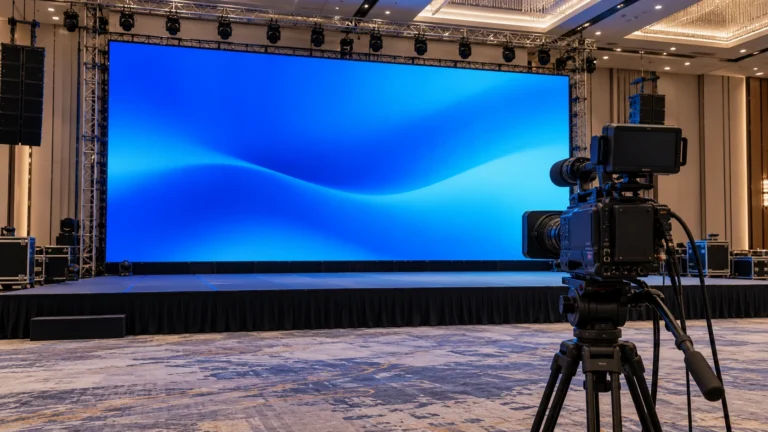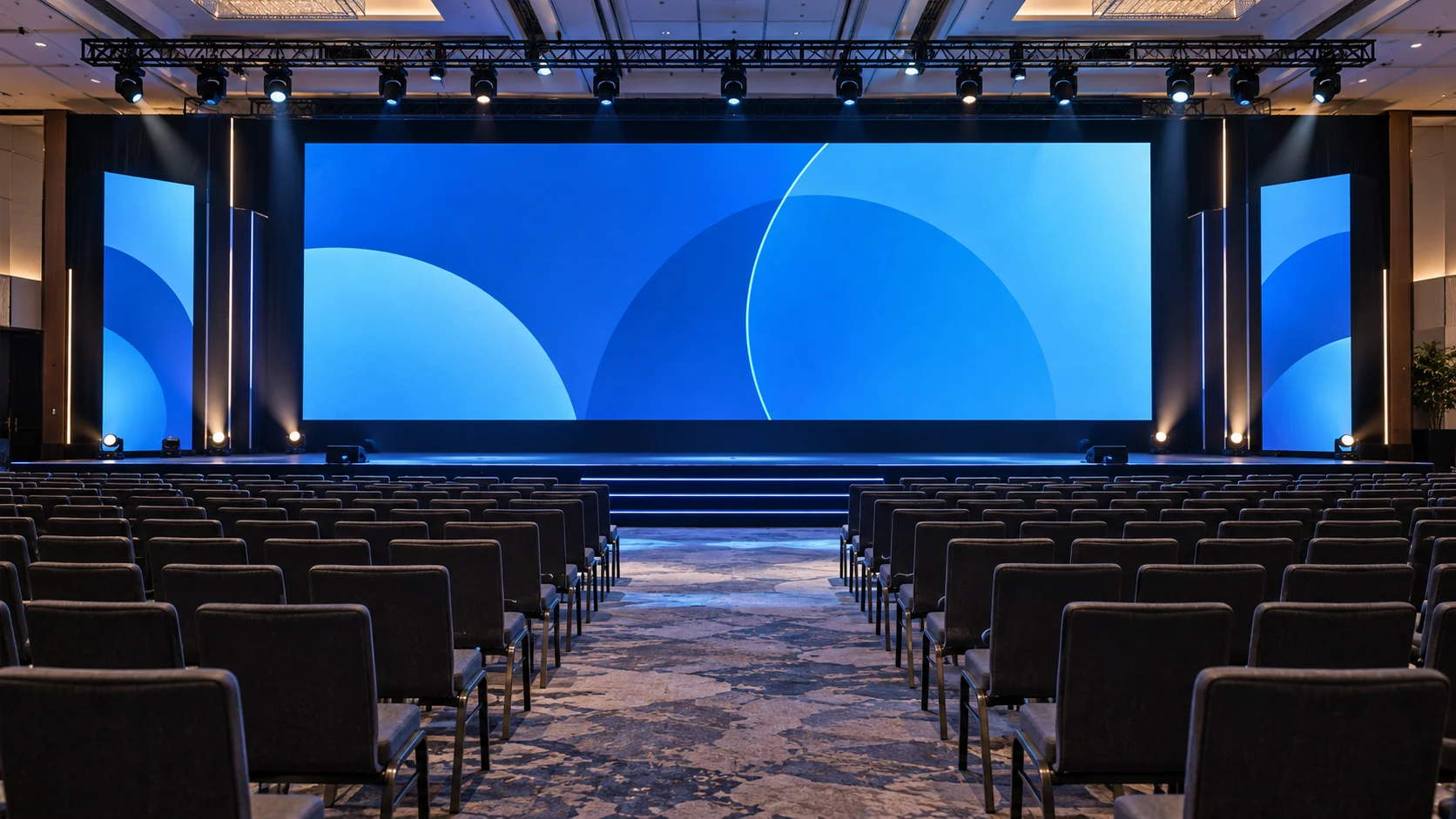
LED screen aspect ratio is the screen width divided by its height. It describes shape, not resolution, pixel pitch or refresh rate. For a modular rental wall, calculate the ratio from the buildable cabinet layout, then decide how the content fits that canvas. A wall does not become 16:9 merely because the source video is 1920×1080.
Start with the event’s visible task: full-screen video, presentation slides, a wide scenic composition or several content regions. The best shape depends on that task and on the cabinets, venue and production workflow. This guide adds content-fitting decisions to the existing cabinet calculator; it does not replace the structural, electrical or processor design.
1. Calculate the physical shape from whole cabinets for LED screen aspect ratio
Divide the assembled width by the assembled height using the same units. A 6m-wide and 4m-high wall has a ratio of 6:4, or 3:2. A 16:9 wall has a width-to-height ratio of approximately 1.778. These shapes are different even if both display the same video source.
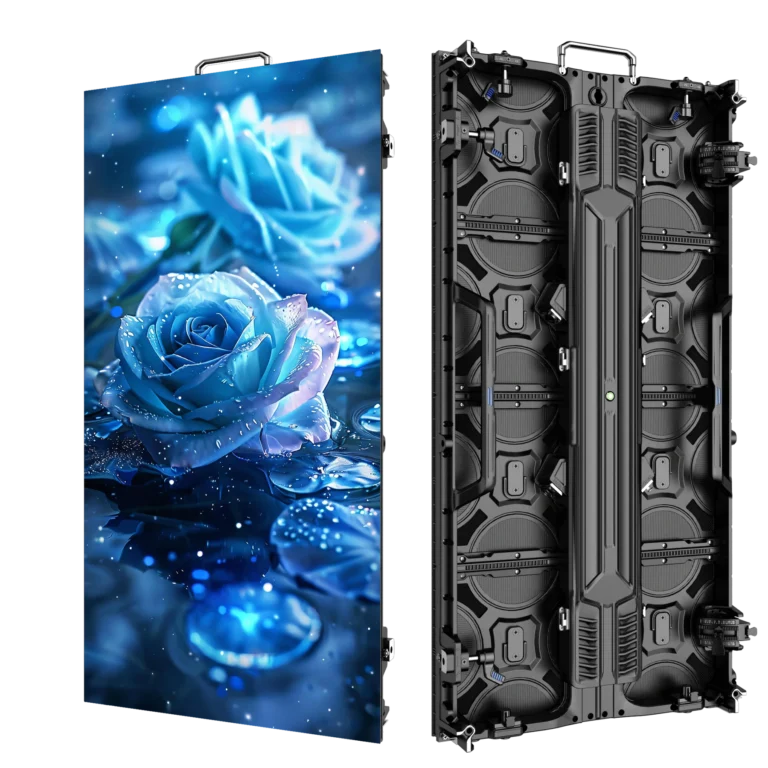
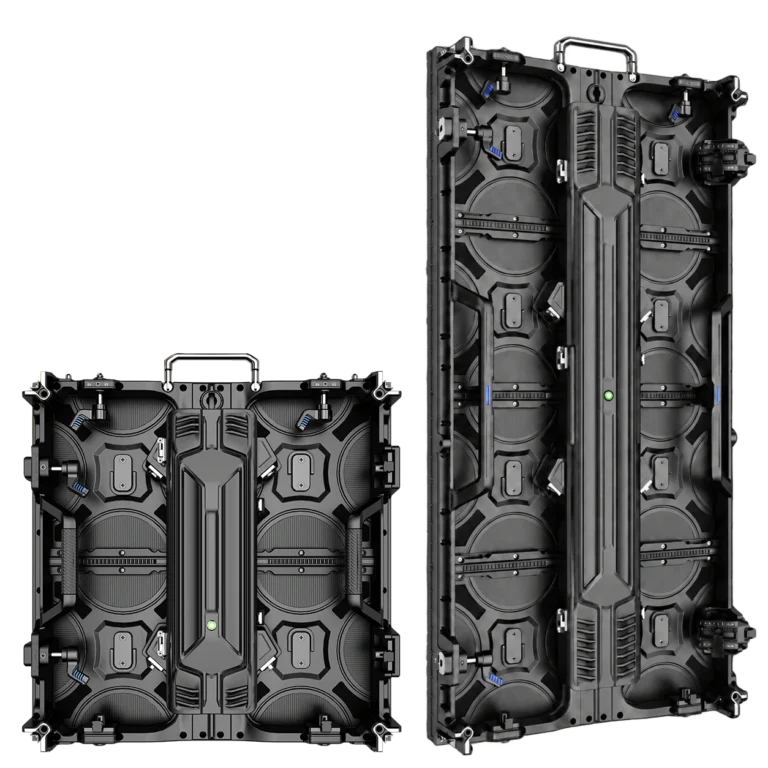
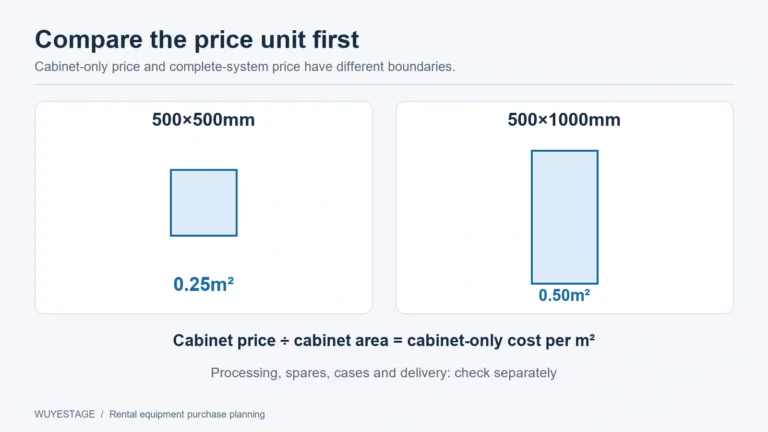
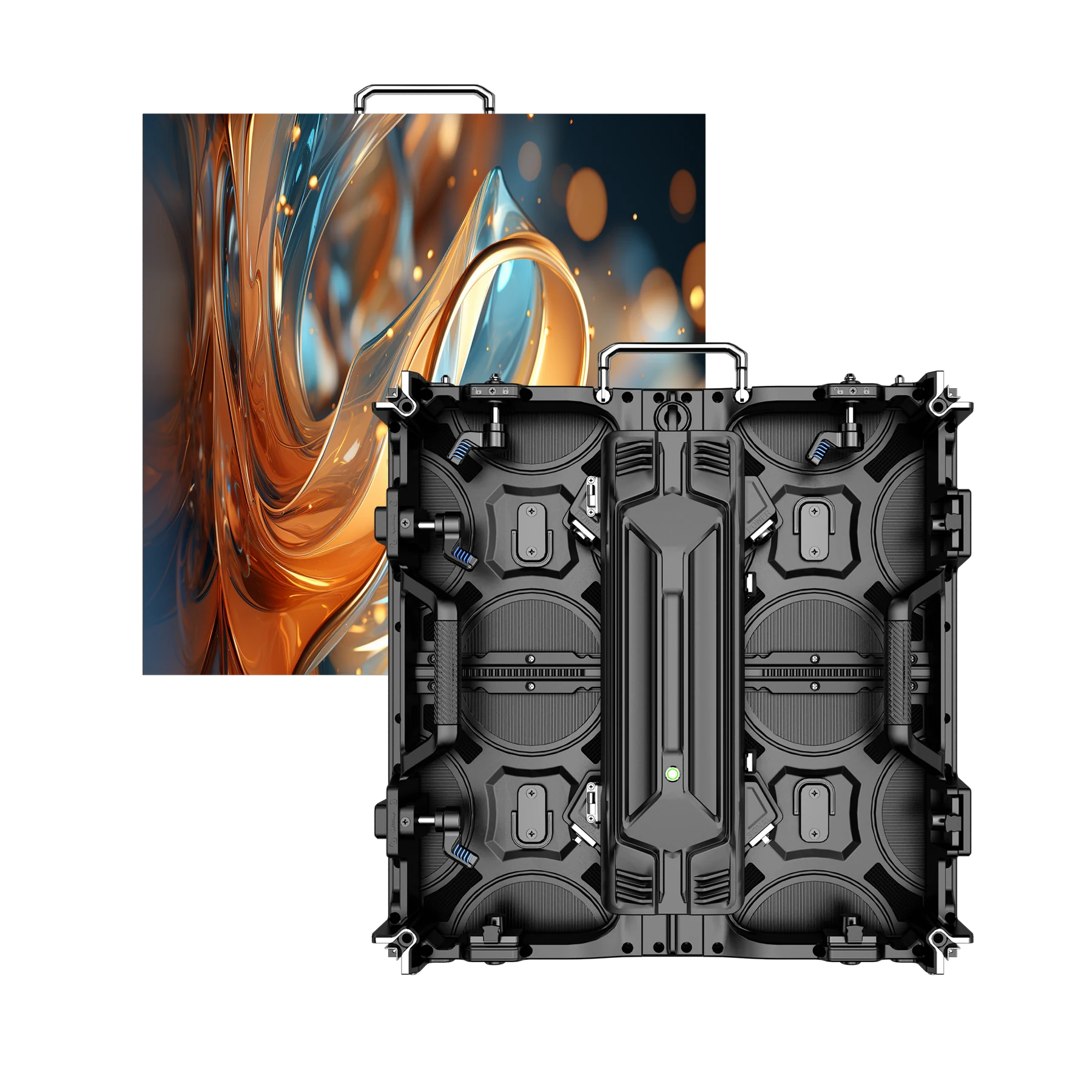
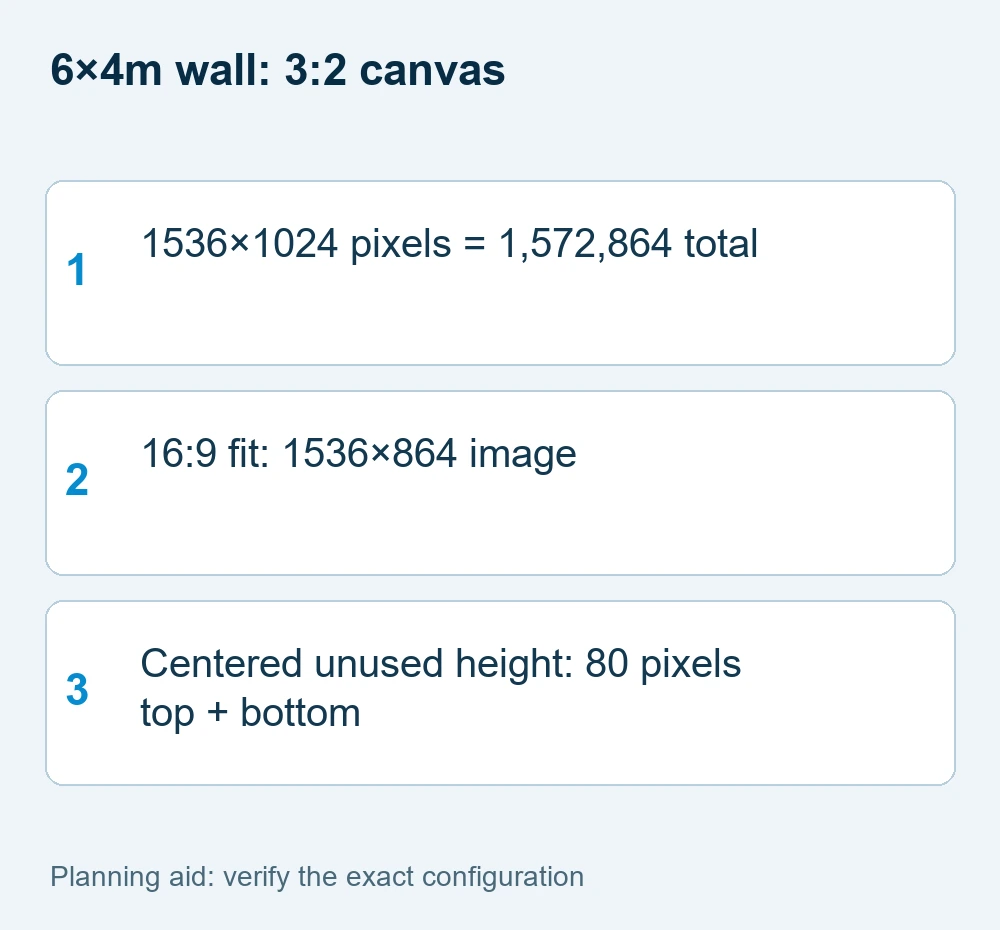
Using the current P3.91 500×1000 rental cabinet vertically, a 6×4m rectangle uses twelve columns and four rows: 48 cabinets. Each supplied 128×256-pixel cabinet yields a 1536×1024-pixel screen. Both the physical rectangle and the pixel canvas are 3:2 in this example.
If the event requires exact 16:9 geometry, do not round a target height and continue calling the result exact. For a 6m-wide screen, the mathematical 16:9 height is 3.375m. A particular cabinet system may not build that height using its standard increments. Review the buildable options and the content plan together.
2. Decide between fitting, cropping and stretching
Fitting preserves the source proportions and shows the whole image, with unused space when shapes differ. Cropping preserves proportions but removes part of the image to fill the wall. Stretching changes horizontal and vertical scales independently, which can distort circles, faces, logos and text.
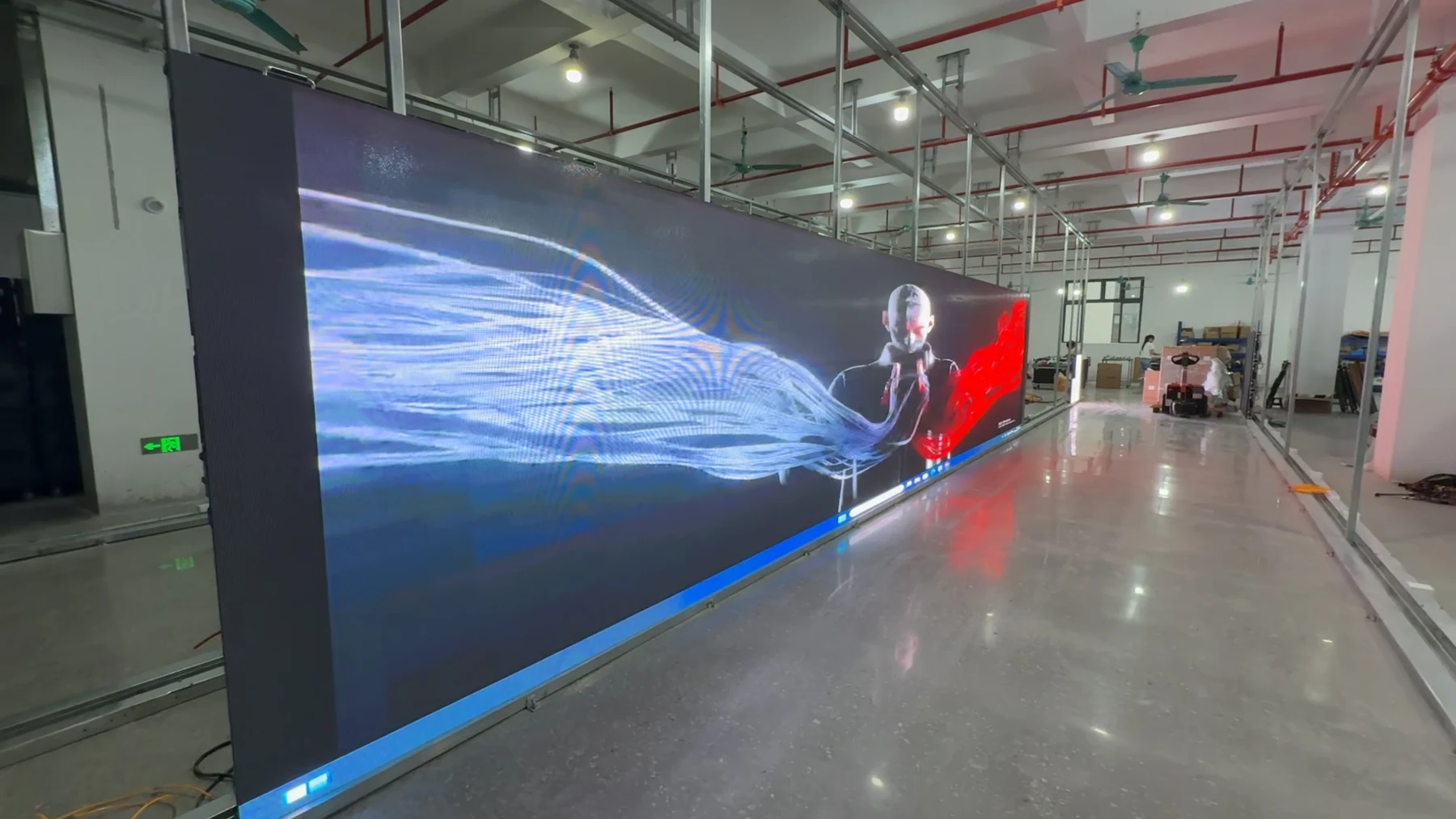
For a 16:9 source fitted to a 1536×1024 canvas, the image can occupy 1536×864 pixels. That leaves 160 pixels of unused height, or 80 pixels above and below if centered. Filling the same canvas without distortion requires cropping the source horizontally. Neither choice is inherently correct; it depends on what must remain visible.
The W3C description of image fitting distinguishes proportion-preserving contain and cover behavior from filling a box. It explains the geometry, not the capability of a particular LED processor. Confirm the equivalent fitting behavior in the actual production equipment.
3. Make the pixel canvas part of the content brief
Give the content designer the final screen resolution, layout and visible regions before producing graphics. “HD video” is not a complete delivery instruction for a non-HD-shaped wall. Include the chosen fit or crop policy and identify text, logos and people that must remain inside the visible area.
For the 1536×1024 example, a designer can prepare a native canvas with a central video window and additional background or information regions, provided the playback workflow supports that composition. This is a content-layout option, not a promise that every processor can create independent windows.
Check slides and text at the intended viewing positions. Pixel count alone does not approve readable type size. Leave useful margins based on the actual composition and sightlines rather than claiming a universal safe-area percentage. Use a recognizable test image with a circle, a grid and corner markers to reveal distortion and cropping.
4. Confirm source, processor and cabinet mapping separately
The input resolution describes the incoming signal. The screen canvas describes the mapped LED pixels. The processor’s total load, output dimensions, port limits, input support and configured mapping determine whether the proposed system can deliver that canvas. These quantities should be recorded separately.
A 1536×1024 canvas contains 1,572,864 pixels. That arithmetic is only the first load check. Do not approve a processor from its total-pixel capacity alone; also verify width and height limits, port allocation, inputs and the intended refresh and receiving-card configuration.
The LED wall calculator organizes preliminary dimensions and pixels. Request the final mapping and processor configuration for the ordered screen. Keep the camera and refresh-rate checks separate: changing the aspect ratio does not establish camera suitability.
| Layout item | Calculated result | Interpretation |
|---|---|---|
| 6×4m physical wall | 3:2 | Not an exact 16:9 rectangle |
| 12×4 tall cabinets | 48 cabinets | Vertical 0.5×1m format |
| 128×256 pixels/cabinet | 1536×1024 canvas | 1,572,864 pixels |
| 16:9 content fitted | 1536×864 active image | 80 pixels top and bottom when centered |
5. Test the complete content path before dispatch
Run representative content through the intended playback source, processor and mapped cabinet layout. Show the grid, circle, corner labels, slides and video. Record which content is fitted, cropped or composed into regions. Check that the operator can switch between these states without losing essential information.
Include the cabinet drawing and canvas settings in the handover. If a rental job later changes from 6×4m to another size, recalculate both the cabinet arrangement and the content mapping. Do not reuse the original export blindly or silently stretch it to make the wall look filled.
Send the supplier the desired physical size, cabinet preference, source files or representative content, final canvas, inputs, processor needs, viewing conditions and installation plan. Use the outdoor rental cabinet series to compare buildable formats while preserving the final LED screen aspect ratio decision in the quotation.
Keep the full canvas and the active video area as separate deliverables in the production brief. A presentation operator may need to place slides inside the active region while a designer fills the surrounding space with a deliberate background. If the whole wall must show one undistorted image, prepare content at the accepted wall ratio instead. Send the final grid file to the screen operator before the event so the mapping can be checked without relying on improvised scaling on site.
LED screen aspect ratio FAQ
For LED screen aspect ratio, does 1920×1080 content require a 16:9 LED wall?
No. It can be fitted, cropped or incorporated into a different canvas. Decide which approach preserves the required content and verify the selected playback and processor workflow.
Is a 6×4m LED wall 16:9?
No. Its width-to-height ratio is 3:2. Calling it 16:9 would confuse the physical screen shape with the source video format.
Does changing aspect ratio change pixel pitch?
No. Pixel pitch describes spacing between pixels. Changing the cabinet layout changes the screen dimensions and resolution, while the supplied cabinet pitch remains the same.
What should I provide before ordering?
Provide the buildable screen dimensions, cabinet arrangement, resulting pixel canvas, input source, representative content and fit/crop policy. Processor and installation checks remain separate.
Request a configuration-specific proposal
Use these LED screen aspect ratio checks to record the mandatory task and the information already available. Send WUYESTAGE your project brief, required quantity, destination and controller or system needs. The exact supply configuration and acceptance conditions should be agreed before an order is approved.