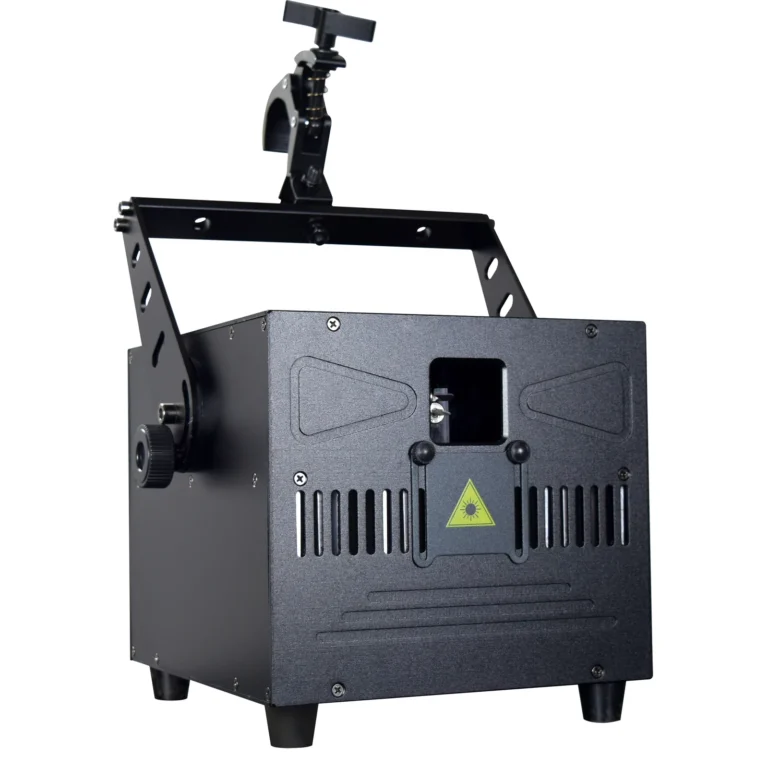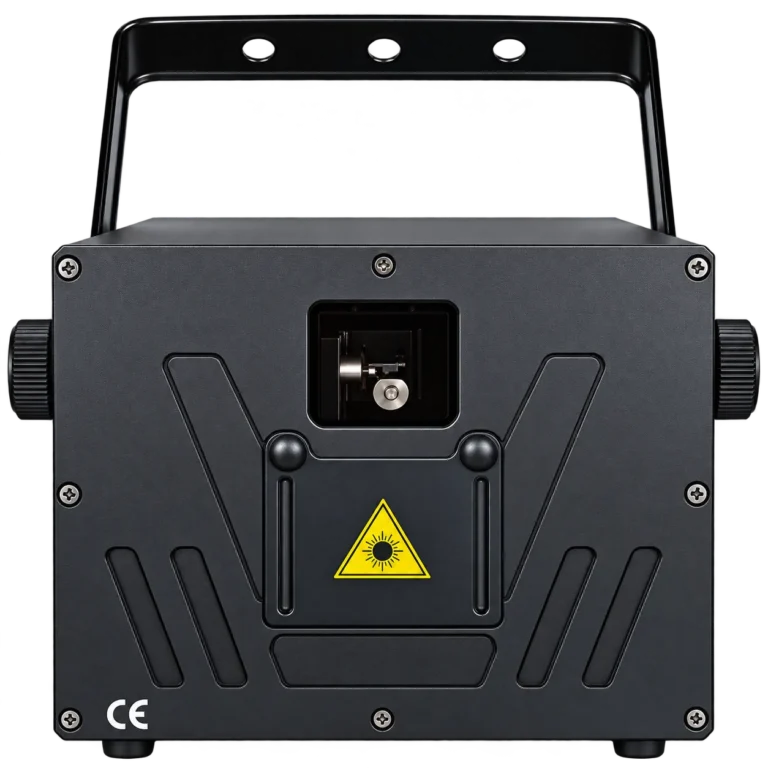
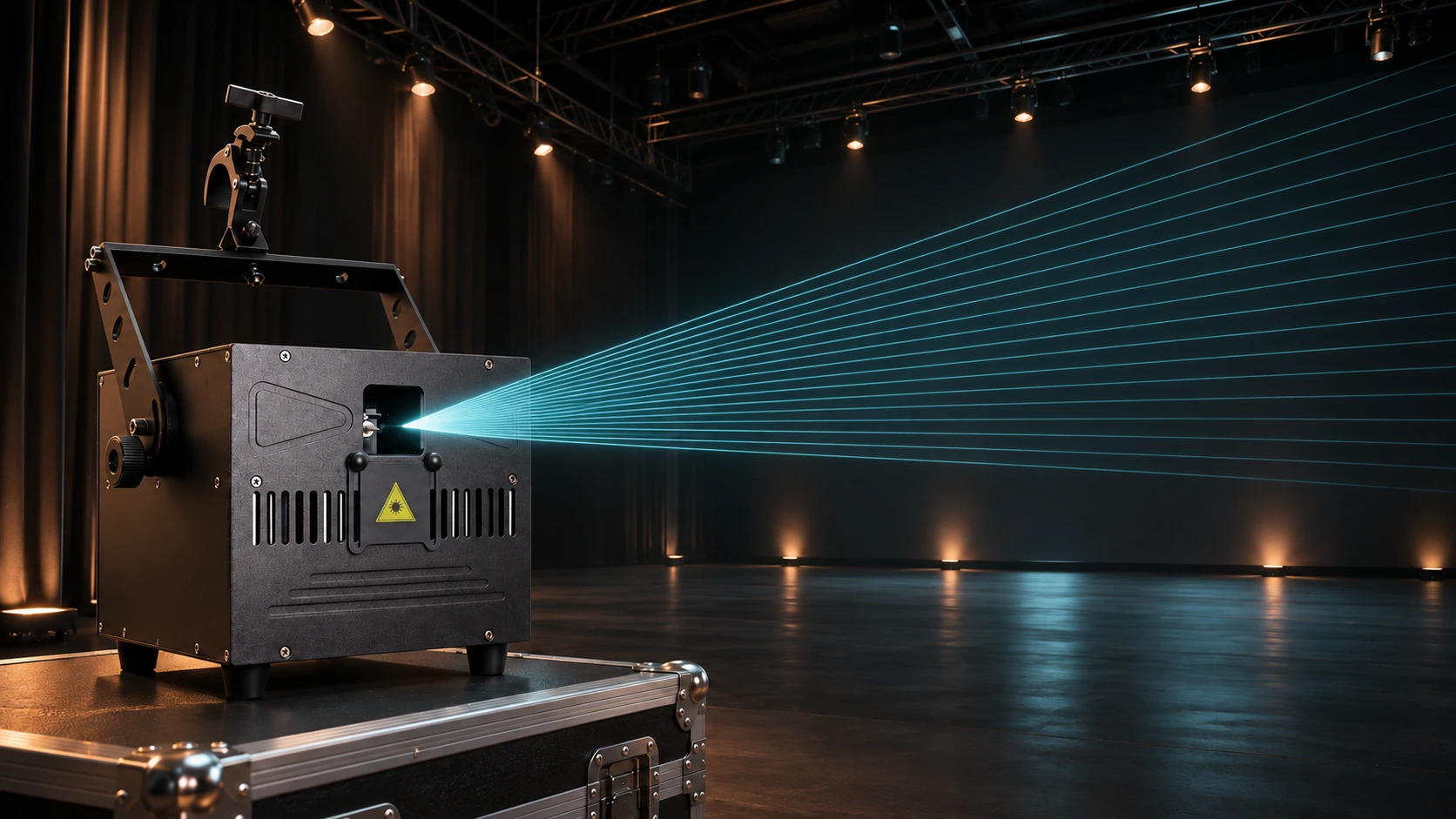
A laser light show uses controlled laser output to create moving beams, patterns and projected images. In a scanned animation projector, small moving mirrors steer a narrow beam along a programmed path. Repeating that path quickly creates the appearance of a line, fan or graphic.
The useful distinction is what you want people to see: light travelling through the air, or a drawing on a surface. Those results place different demands on the content, atmosphere and equipment. Music synchronization is another part of the control plan; turning on a laser does not create a timed show by itself.
Two Ways to See a Laser Show
Aerial beams, fans and tunnels
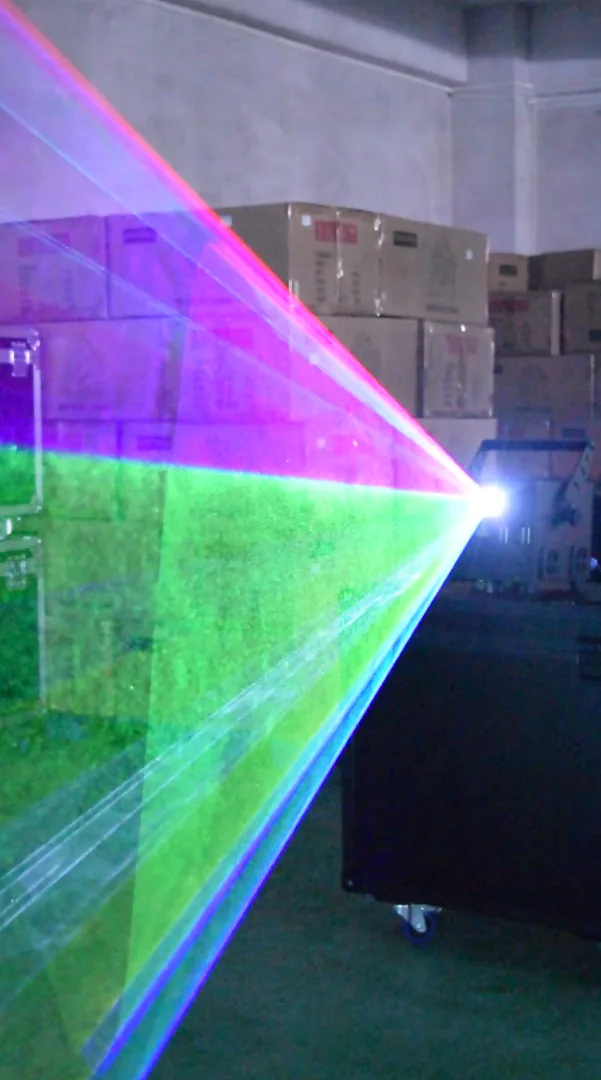
In an aerial display, viewers see light scattered from particles in the air. Stage haze can make the beam path visible across a space, helping a scanned fan, cone or tunnel read as a larger shape.
A scanned fan is a rapidly repeated sweep. The projector directs its output through successive positions, and the eye or camera records the resulting pattern over time. This differs from a multi-eye effect bar with several separate laser outputs.
Atmosphere and viewing conditions matter. A clear room may still reveal some beam paths through natural particles, but an effect demonstrated in haze is a poor prediction for that room. When haze is prohibited, define a visual result that can work under the permitted conditions. Our haze machine vs fog machine guide explains the atmospheric difference.
Graphics and animation on a surface
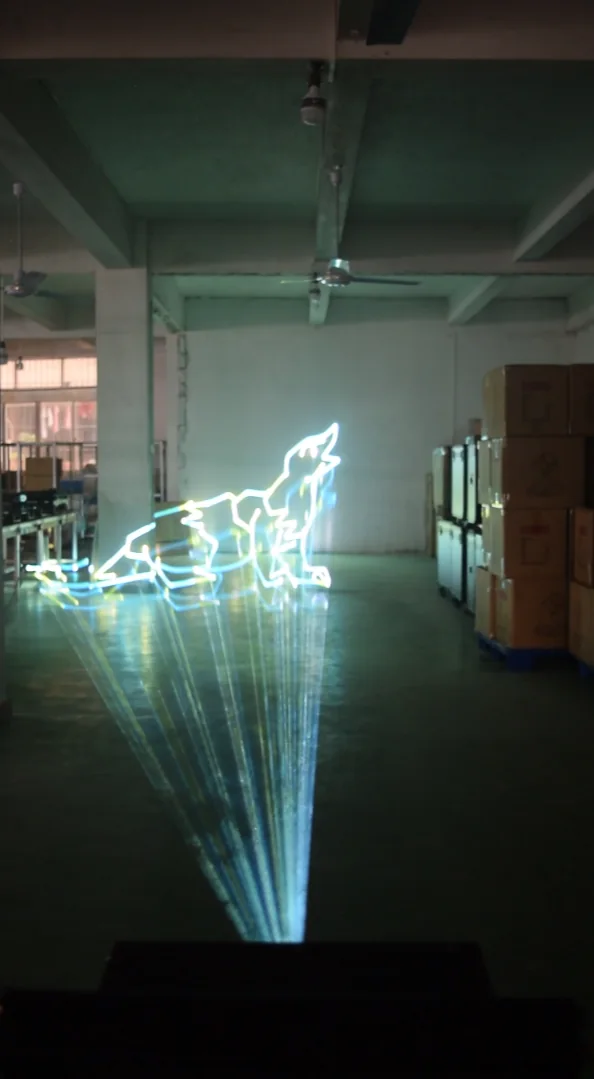
For surface graphics, viewers watch the moving spot where it lands on a screen, backdrop or another suitable target. A scanned projector traces outlines, lettering and animation paths across that surface.
These drawings do not inherently require haze. Their legibility depends on the artwork, scanner performance, projected size, surface and ambient light. A simple outline and a detailed image make very different demands, even when both files contain the same company logo.
A laser beam also has divergence: its spot can grow with distance. Laser output wattage alone cannot establish a readable logo size or usable projection distance.
How Do Laser Light Shows Work Inside the Projector?
Sources create the light and color
An RGB animation laser combines red, green and blue sources. Controlling their relative output produces different colors along the drawn path. Available colors and their balance depend on the actual sources and implementation.
The color system and steering system have separate jobs. RGB describes a source arrangement; it does not establish that a fixture can draw custom graphics.
Small mirrors steer a scanned image
A typical XY scanning system uses two galvanometer-driven mirrors to deflect the beam in two directions. Coordinated movement traces a path across the projection field. Successive passes redraw the image, while changes to that path create animation.
The moving parts are small optical components. A beam moving head instead changes the direction of its lamp or LED optics by moving the fixture’s head. For the equipment comparison, use beam light vs laser light.
Other laser effects use different optical arrangements. A multi-eye bar or decorative grating effect should be judged by its documented functions rather than assumed to have an XY graphics scanner.
Blanking separates the strokes
Imagine drawing two letters with a pen. You lift the pen between them to avoid a connecting line. In a scanned laser graphic, blanking suppresses visible output while the scanners move between strokes.
That travel still takes time. Visible lines, corners and blanked moves all contribute to the complete path. This is why adding small text or disconnected details can make an apparently simple image harder to reproduce cleanly.
Vector Laser Graphics and Pixel-Based Video
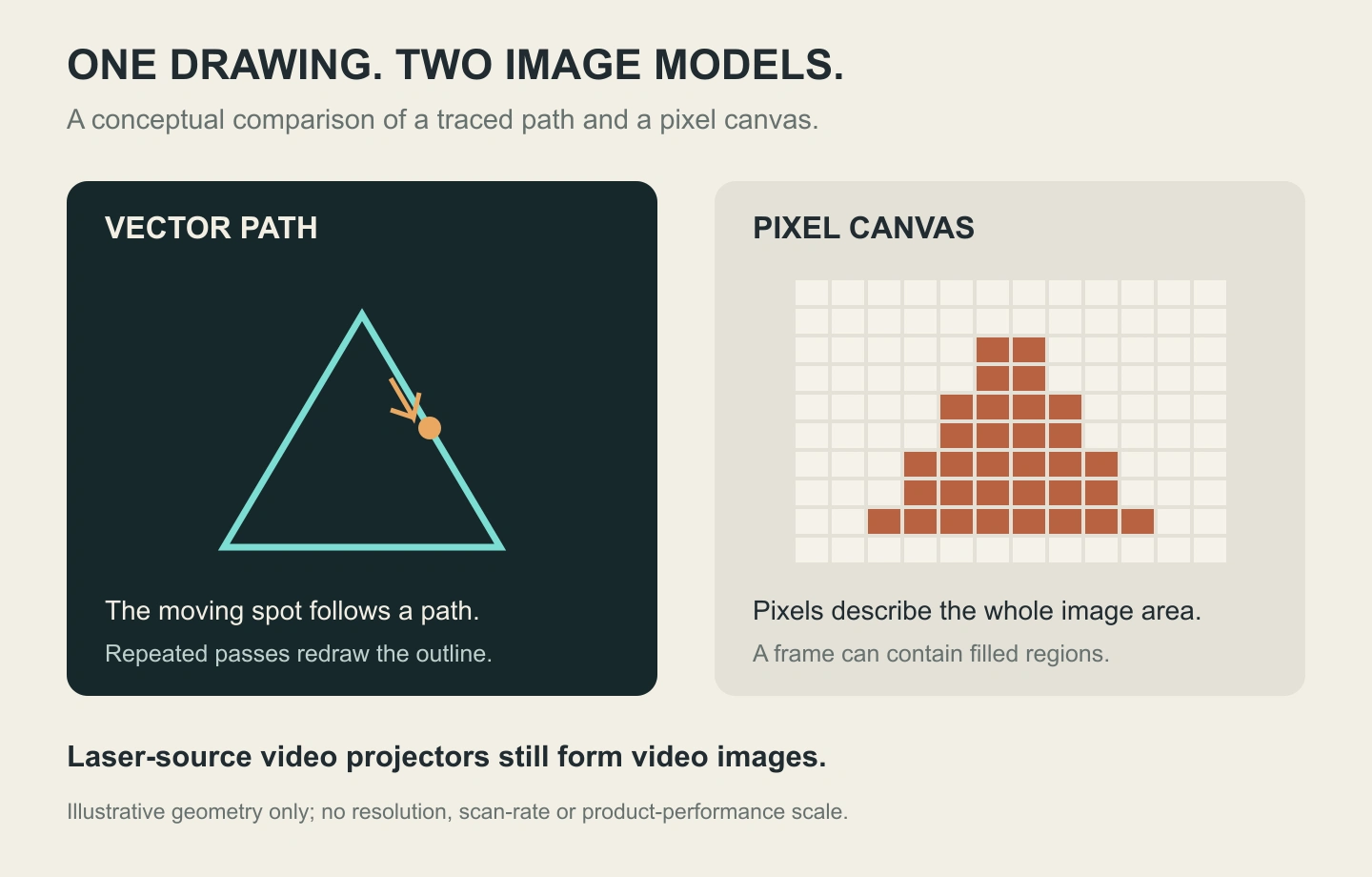
A scanned show laser commonly follows vector paths: lines and curves that form the drawing. Conventional video content describes a rectangular pixel image, including filled areas, photographs and gradients. The ILDA controller FAQ explains this distinction and the different roles of controllers and projectors.
| Required image | More suitable starting point | What to check |
|---|---|---|
| A bright line emblem or geometric outline | Scanned laser graphics | Actual path, corners, image size and refresh quality |
| A photograph, presentation slide or shaded video | Video projection | Pixel resolution, contrast, brightness and the surface |
| An aerial laser fan | A suitable show-laser system | Scan implementation, atmosphere and the approved projection plan |
Some video projectors use lasers as their illumination source. Their imaging engine still produces video imagery; the source label does not give them show-laser scanner controls. Video projectors can also create visible light paths in haze, but that observation does not make their output or control interchangeable with a scanned show laser.
Why 30Kpps Does Not Mean 30fps
Kpps means thousands of points per second. A 30Kpps label describes a scan-rate specification, rather than 30 complete animation frames each second. It is also separate from the pixel resolution used to describe a video projector.
For a repeated scanned image, refresh depends on the actual output sample rate and the samples used for the complete path. Those samples include more than an artwork file’s visible vertices: corners, transitions and blanked travel can require additional treatment.
Scanner performance also depends on the scan angle and test conditions. A product listing that says 30Kpps does not establish every detail of that rating. Ask for the applicable conditions and a demonstration of the actual content. Pangolin’s technical explanation of vectors and points describes how artwork geometry becomes output samples and affects timing.
A simpler outline can therefore be a better starting point than a dense filled logo. Final image quality still needs checking with the intended projector and content.
The Content and Control Chain
A programmed laser show brings together four roles:
Artwork or cues → compatible control or playback → projector → visual output.
Some projectors integrate playback hardware; others use an external computer and controller. Establish the roles before deciding which connections and accessories the system needs.
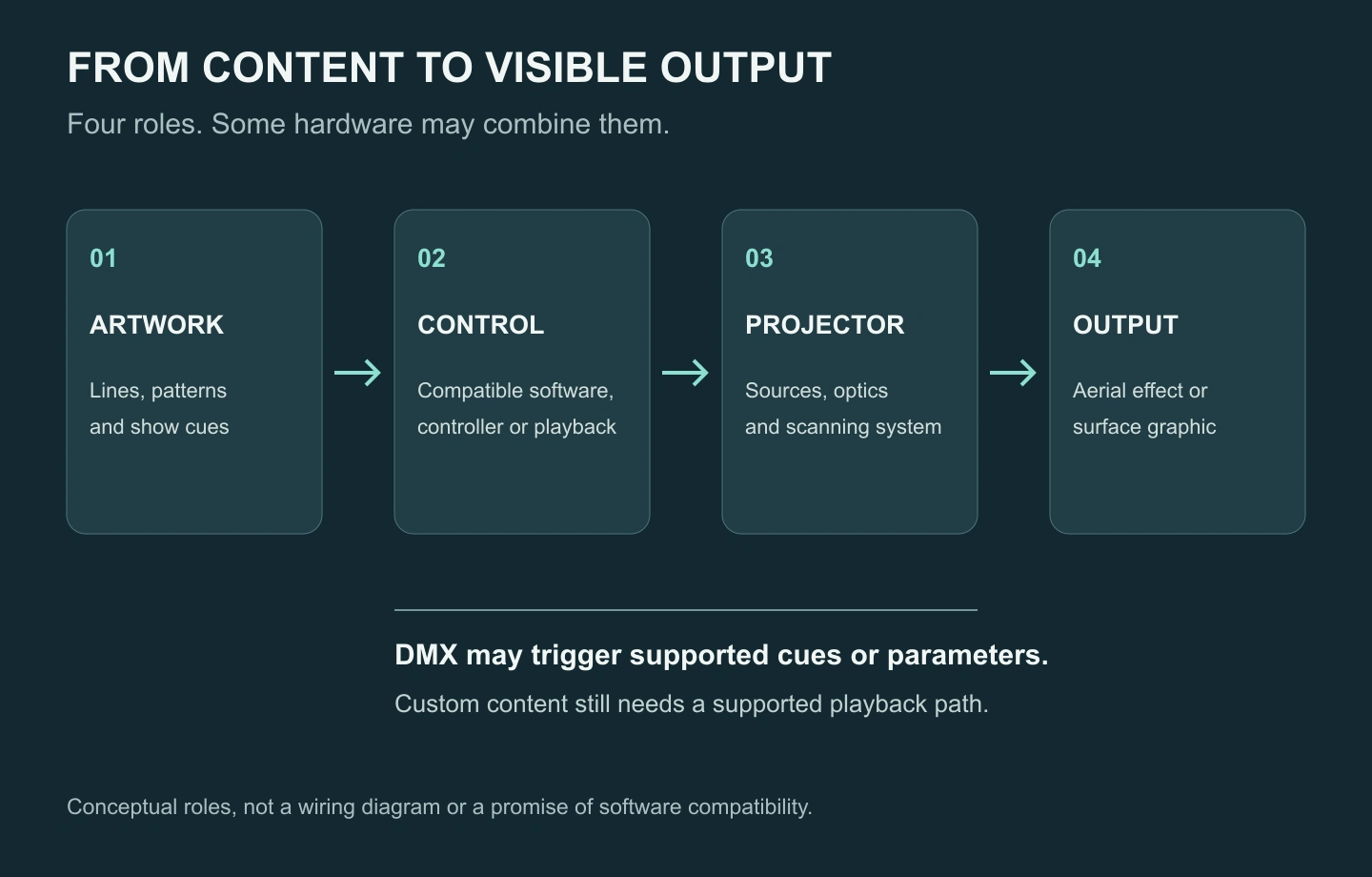
Artwork and show cues
Artwork defines what will be drawn. Cues determine what appears and when. Preparing a line graphic, arranging a sequence and synchronizing that sequence to music are related tasks with different requirements.
Software, controller and ILDA workflow
In a computer-driven system, the software needs a compatible way to deliver scanner and color commands to the projector. A DAC, or digital-to-analog converter, can provide that bridge through an appropriate ILDA interface. Other systems integrate control or network hardware.
Confirm the complete software, controller and projector combination. A connector or interface name on its own does not establish that every software package will work or is included with the equipment.
Where DMX512 fits
DMX512 can select documented cues or adjust functions exposed by the actual channel chart. Depending on the implementation, a lighting console may trigger onboard playback or cues in a separate laser-control system.
The custom content still needs a supported preparation, transfer and playback method. A DMX label does not prove that a projector can accept an arbitrary image file from the console. Equally, DMX control does not mean playback is restricted to factory patterns in every system.
An Example: One Aerial Fan and One Line Logo
Consider an indoor launch brief with two requested looks: an aerial fan during an introduction, followed by a simple line emblem on a backdrop. This is a planning example, not a tested installation.
For the fan, the technician needs to establish the permitted atmosphere and projection area. For the emblem, the important evidence is the actual drawing on the intended surface, at the required size and under representative ambient light.
The control question is how the operator will recall each cue. If a lighting desk must trigger the emblem, confirm where the custom content will be stored and which hardware or software will play it. The projection geometry also needs review: two looks do not automatically fit one projector position.
These checks turn “we need a laser show” into a brief that an equipment supplier and responsible show professional can assess.
Relating the Effect to Real Equipment
The RED STAR RG-757 RGB animation laser lists 10W, 20W and 30W laser-output options, a 30Kpps scanner and PC/ILDA and DMX512 control directions. It is a non-waterproof series for protected installations. The required content and control package belong in the specification alongside the chosen output version.
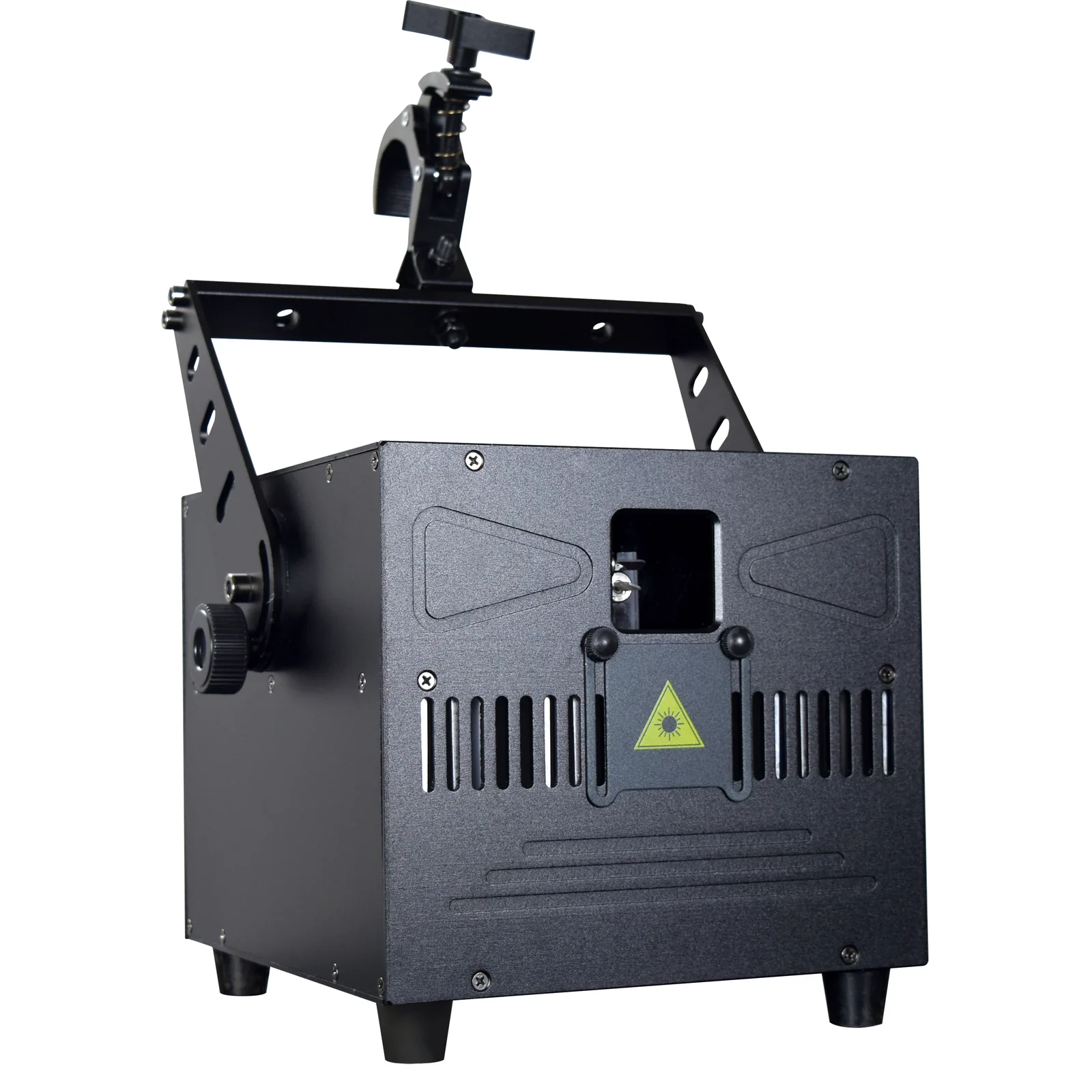
The RG-735 compact RGB animation laser provides another format, with listed standalone, DMX512 and ILDA/software workflows. Optional SD-card playback needs confirmation for the ordered configuration.
Use the laser lighting range to compare equipment after defining the visual task. A fixture’s source power or interface list does not approve a particular installation or audience exposure. For a US example of the separate product and show responsibilities, consult the FDA’s laser light show guidance; other destinations have their own requirements.
Laser Light Show FAQ
Do laser graphics need haze?
Surface-projected line graphics do not inherently need haze. Aerial beam paths depend on light scattering toward the viewer, so atmosphere has a much greater role in the appearance of fans and tunnels. Check the intended effect under the venue’s permitted conditions.
Is a laser video projector the same as a show laser?
They perform different imaging jobs. A laser-illuminated video projector produces pixel-based video images. A scanned show laser steers a beam along paths. Choose around the required image and control workflow rather than the shared word “laser.”
Can DMX control a custom laser logo?
It can trigger a custom logo when the complete system supports preparing, storing and playing that content. DMX support alone does not establish those functions. Confirm the playback method and channel chart for the exact configuration.
What is a laser show synchronized to music?
It is a display whose cues follow an audio timeline or another coordinated control method. That workflow differs from a fixture reacting to sound through a built-in microphone. Confirm the timing method when a production needs repeatable synchronization.
Prepare a Clear Laser-Show Brief
Send the required beam effect or artwork, target surface and approximate throw, venue and country, atmosphere policy, intended software/controller, quantity and schedule. With those inputs, contact WUYESTAGE to discuss the relevant equipment configuration and documentation for your project.