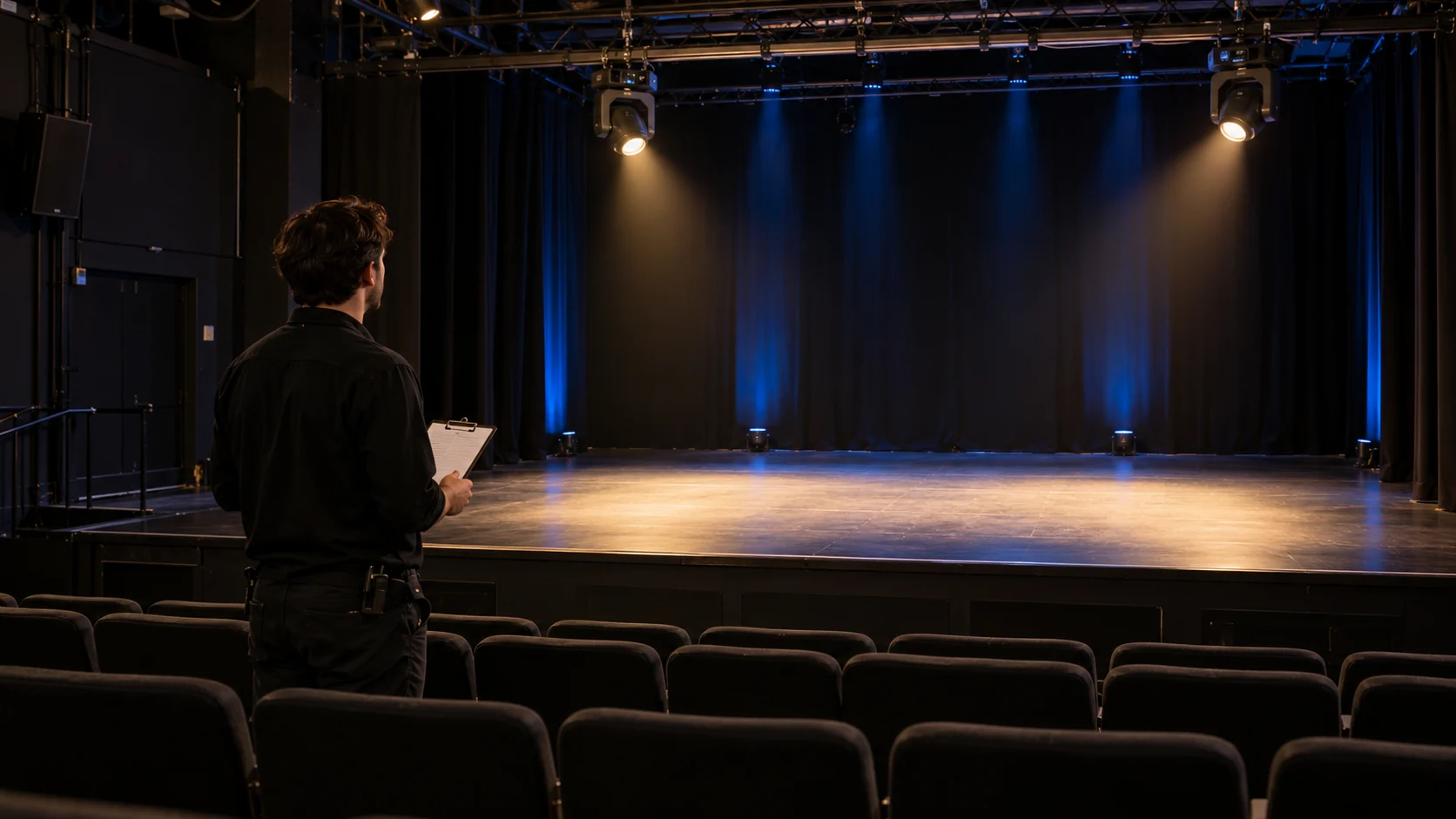
Cover illustration: a technician listening from the audience area during a theatre rehearsal.
Moving head light noise varies with the fixture, operating state and installation. A useful buying decision needs more than a “silent” label or a single decibel figure. Compare the same lighting job under documented conditions, then check whether the sound is acceptable where people listen and where microphones capture it.
For a theatre, conference room or performance venue, make the sample test part of the purchasing brief. The result should identify which fixture configuration and settings you accept, what lighting performance they deliver, and which conditions still need an installed-system check.
Start with the moment that must remain quiet
Choose an actual cue: a spoken introduction, an unamplified passage, a pause in dialogue or a recorded interview. Write down what the light must do during it. A stationary wash and a moving gobo cue impose different requirements.
Also identify the listening positions. Include a relevant audience seat and performer position. If the event is recorded or reinforced, include the microphone position and the resulting audio signal. Listening beside a fixture on a supplier’s bench answers a different question from listening in the room.
For wider planning of fixture positions and lighting roles, use the theatre lighting design guide.
Make the samples comparable
Give each sample a condition sheet before comparing it:
| Record | Include |
|---|---|
| Fixture identity | Model, ordered configuration, sample ID and firmware |
| Operating state | Available cooling mode, intensity, color, zoom and enabled effects |
| Geometry | Mounting arrangement, orientation and distance to each listening position |
| Environment | Room, ambient temperature and ventilation condition |
| Time | Time since switch-on and duration at the tested settings |
| Sound method | Meter/microphone, position, settings and measurement duration |
| Audio path | Microphone, gain and processing used for recording or reinforcement |
Use the same positions and procedure for competing samples. A level measured close to one fixture cannot be directly compared with a level measured farther from another. An average and a peak are also different results; label the quantity being reported.
If you use an app for preliminary checks, record the device and microphone. NIOSH explains its app’s validated conditions and microphone requirements. That does not make an arbitrary phone reading proof of low-level acoustic performance. Use suitable calibrated equipment when numerical acceptance matters.
Separate the room, the fixture and the recording
First record the room with the test fixtures off. Keep the other conditions representative of the intended event. Note changing background sources rather than quietly removing them from one sample’s test.
Next operate the fixture and repeat the observation at the same position. If the room sound masks the fixture, record that limitation. Do not subtract two decibel readings arithmetically and call the difference the fixture’s noise level.
Finally check the event’s audio path. Use unchanged microphone position, gain and processing when comparing samples. A phone clip with automatic gain adjustment can make a quiet interval sound louder and cannot establish a reliable acoustic ranking. Keep an unprocessed comparison recording where the audio system permits it, alongside the normal production signal.
Use a test matrix instead of one listening check
The following is a purchasing worksheet, not a standardized laboratory test. Add the cues your production actually uses; omit functions the sample does not have.
| Test state | Sound observation | Lighting or control observation |
|---|---|---|
| Room baseline; fixtures off | Background at the marked positions | Record room and audio settings |
| Stationary working look | Steady sound after operation at the required settings | Record usable illumination and any change over time |
| Same look in each supported cooling mode | Compare the available modes under matched conditions | Record output and whether the mode can sustain the required look |
| Slow pan/tilt cue | Note sound during movement and after arrival | Check cue timing and the intended visual transition |
| Required optical changes | Note sound during zoom, focus or effects actually fitted | Check completion of the required cue |
| Representative fixture group, where available | Listen to the combined installation | Check the same look and the production audio path |
Choose the run duration from the intended duty and the manufacturer’s instructions. Record how the result changes as the fixture operates. A brief cold demonstration does not establish its behavior during a longer production.
Keep the lighting target consistent. If a quieter setting no longer delivers the necessary look, that is a purchasing tradeoff to record. A cooling-mode name alone does not establish what happens to output or movement on a particular model.
Do not disable cooling or alter mounting hardware to improve a sample result. Use the supported operating settings and installation instructions.
Turn the observations into an order decision
Set the acceptance conditions before selecting the winner. They should describe the real production: the required look and cues, listening positions, intended audio chain and acceptable disturbance. There is no universal decibel cutoff that approves every theatre or speech venue.
Use a short outcome record:
| Outcome | Purchasing consequence |
|---|---|
| Meets the agreed sound and lighting conditions | Retain the sample ID, configuration, settings and evidence as the approved reference |
| Acceptable only in a different supported mode | Record that mode and its performance limits in the order specification |
| Acceptable only at a different position or during different cues | Recheck the layout or programming before committing to the quantity |
| Does not meet the required production conditions | Compare another configuration or fixture role |
| Test was masked, incomplete or used an unrepresentative setup | Keep acceptance open and specify the missing check |
One sample is useful for screening. It does not certify the sound of the complete installed rig. Where a representative group is unavailable, leave that system check visible in the acceptance plan rather than assuming the single-unit result scales directly.
Choose the lighting role and the sample together
Noise is one selection requirement alongside coverage, color, projection and control. Use the moving head range to compare the optical roles needed for the project, then evaluate the exact proposed configuration. A narrow aerial beam and a broad stage wash should not be selected solely by which sample sounds quieter.
For a configuration discussion, send WUYESTAGE your project requirements: the fixture’s job, mounting and listening positions, quantity, quiet cue, microphone use and delivery country. Include the completed comparison record if you have tested a sample. Those inputs give the quotation discussion a specific performance requirement to address.