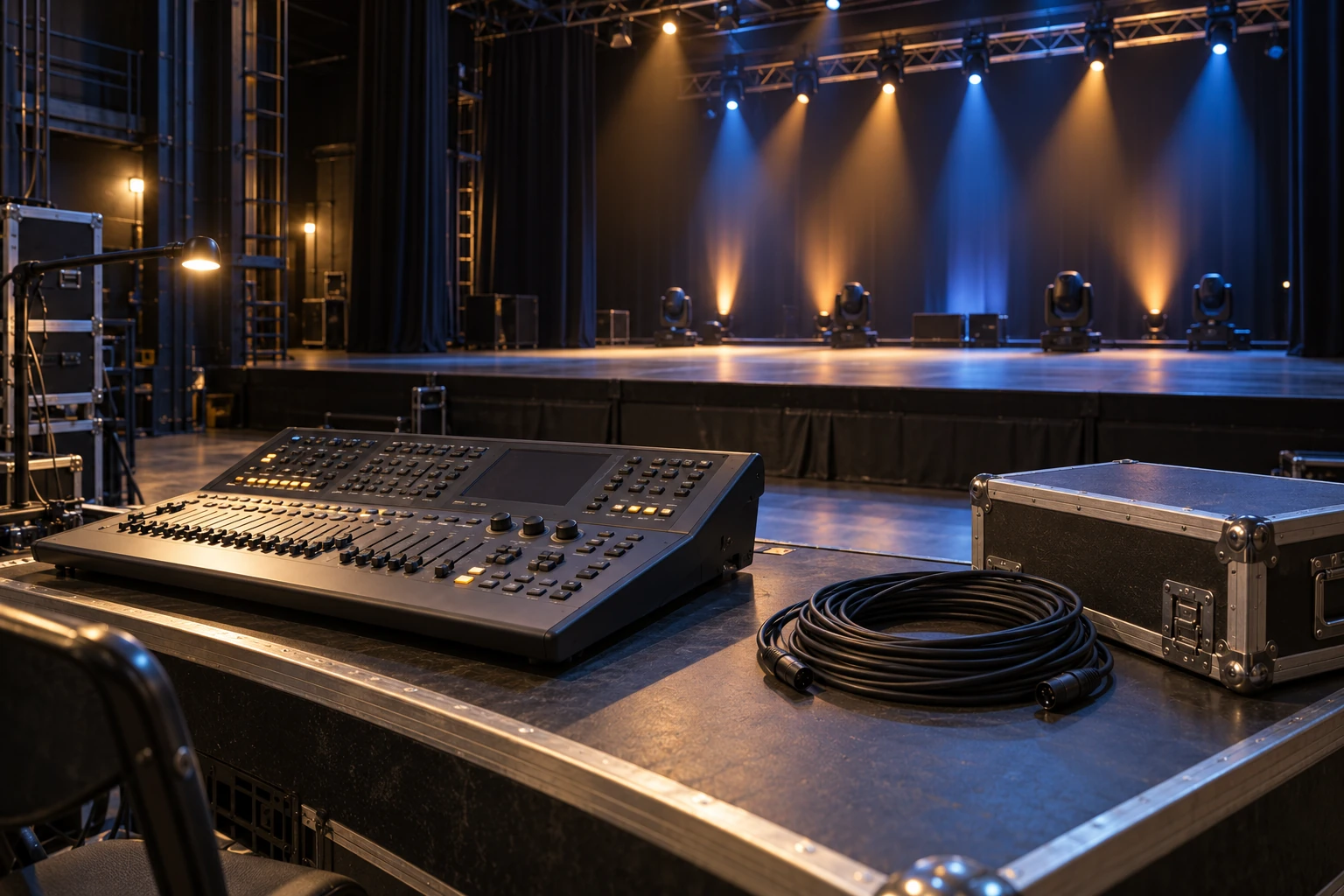
The DMX cable vs XLR comparison mixes two kinds of names: DMX512 is a lighting-control protocol, while XLR identifies a connector family. A DMX data cable can use XLR connectors. A microphone lead can also use XLR connectors. Matching plugs do not establish that the cables have the same electrical characteristics or suit the same job.
The practical difference between DMX and XLR is that a familiar connector does not establish the cable’s data specification. For a lighting rig, choose a cable documented for DMX data and compatible with the equipment’s connections. Do not use “it fits” as the acceptance test.
Are DMX and XLR cables the same?
What is a DMX cable? It is a data cable specified for DMX lighting-control signals. Start with the cable’s manufacturer, model and stated application. Check the jacket marking against its datasheet or purchase record. A label identifying DMX use is more useful than guessing from the connector’s color, the cable’s stiffness or how glossy its jacket looks.
Look for the specified characteristic impedance and data-cable construction. Typical DMX lines use impedance-matched, shielded twisted-pair cable; approximately 120 ohms is a common nominal reference. This is a transmission-line property, not a claim that every microphone cable has one fixed alternative value.
The ESTA DMX512-A guide explains why cable characteristics and termination matter: an unmatched line end can reflect the transmitted signal and contribute to data errors.
If an unidentified lead has no useful markings or traceable specification, keep it out of the planned DMX cable set until it is identified. Do not automatically relabel it for audio either. An unknown cable remains unknown, even if its connectors look familiar.
XLR vs DMX: separate connector format from cable suitability
DMX512-A specifies five-pin XLR connections, while many products on the market use three-pin connections. Check the actual controller and fixture documentation rather than assuming every unit in a package has the same sockets.
A suitable three-to-five-pin adapter can resolve a documented connector mismatch. It does not change the electrical construction of the cable attached to it. Adding an adapter to an unspecified microphone lead does not qualify that lead as DMX data cable.
Nor do extra pins establish extra lighting universes or more fixture functions. Those depend on the equipment and its documented interfaces. Keep the physical connection question separate from the selected channel mode.
For portable cabling, ANSI E1.27-1’s published scope covers cable types, connectors and internal wiring for DMX equipment. A connector-only description is therefore incomplete information when specifying an assembled lead.
Can you use XLR cables for DMX?
A microphone lead may appear to carry DMX successfully in one small setup. That observation does not establish its performance after the line, equipment arrangement or operating conditions change. Record what was tested instead of turning one successful cue into a general compatibility claim.
Unexpected flashing or poor response also does not prove that the cable is the cause. The fixture’s address, channel mode, console profile, connections and line termination all belong in the check. A fixture responding to the wrong function is a different problem from a signal path that cannot carry dependable data.
Use a known, documented DMX lead when isolating the data connection. Compare the result with the same controller, fixture mode and cue, and record which part changed. If the result is still wrong, continue the equipment-specific checks rather than repeatedly swapping unverified leads.
Do not connect a lighting data path to an audio output simply because the plugs fit. Identify the ports by their documented function before connecting equipment.
DMX vs XLR cable checks for a fixture order
Before adding or replacing lights, make a short connection record. This is particularly useful when the new fixture will join an existing rental inventory with several cable and adapter types.
| Record | Information to establish |
|---|---|
| Control source | Exact console/interface model and the intended DMX output |
| Fixture connection | Documented input/output connector format for the supplied configuration |
| Cable | Manufacturer/model, stated DMX application, electrical specification and required length |
| Adapter | Required connector conversion and documented wiring compatibility |
| Line arrangement | Which devices share a line, where it ends and the applicable termination requirements |
| Operating setup | Selected fixture mode, start address and matching console profile |
The line’s termination must follow the equipment and system requirements; more plugs or resistors are not automatically better. Where the rig needs separate branches, use the DMX splitter and branch-planning guide rather than treating a passive Y-adapter as a substitute for proper distribution.
If the connection is established but the controls do not match, the DMX channels guide explains modes, addresses and profiles. For the roles of the controller, data connection and fixture, start with DMX lighting explained.
DMX cable vs XLR: checks for the fixture you are buying
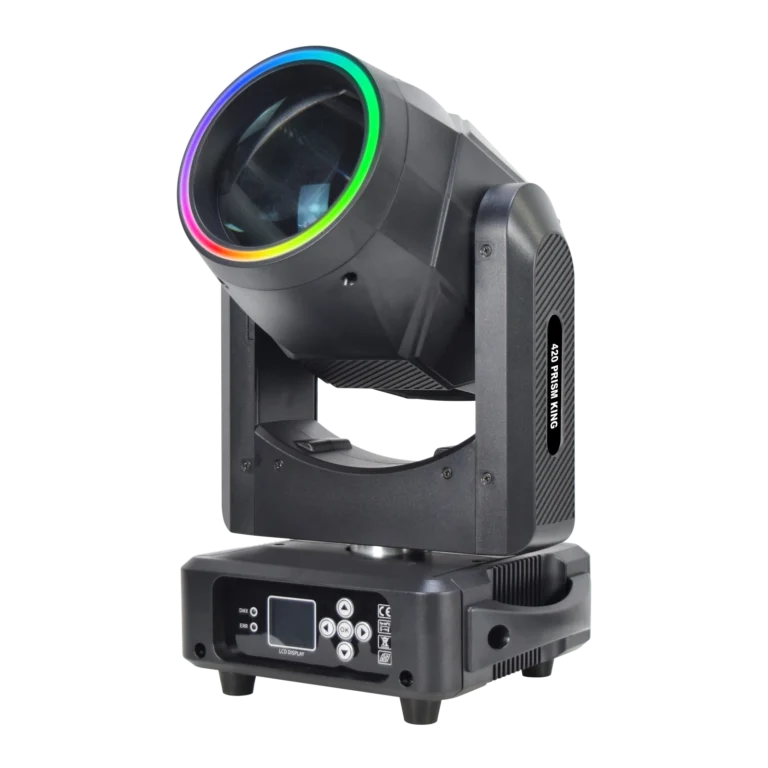
WUYESTAGE’s 420 Prism King 300W beam moving head is a beam-effects fixture with DMX operation among its listed control options. That description establishes a control option; it does not identify every cable, adapter or console profile your existing rig needs.
When requesting a quotation for stage fixtures, include the controller/interface, required fixture modes, existing cable specifications, connector requirements, quantities and destination. Describe the planned line or branch arrangement so the configuration discussion starts with the actual system.
Send the stage-lighting requirement with those details and any relevant specification sheets. Confirm the quoted fixture configuration and the included items explicitly, rather than assuming a DMX label means that all connection accessories are supplied.