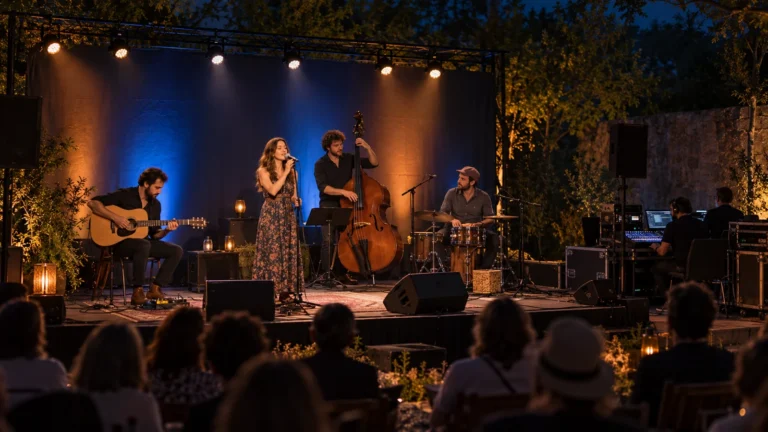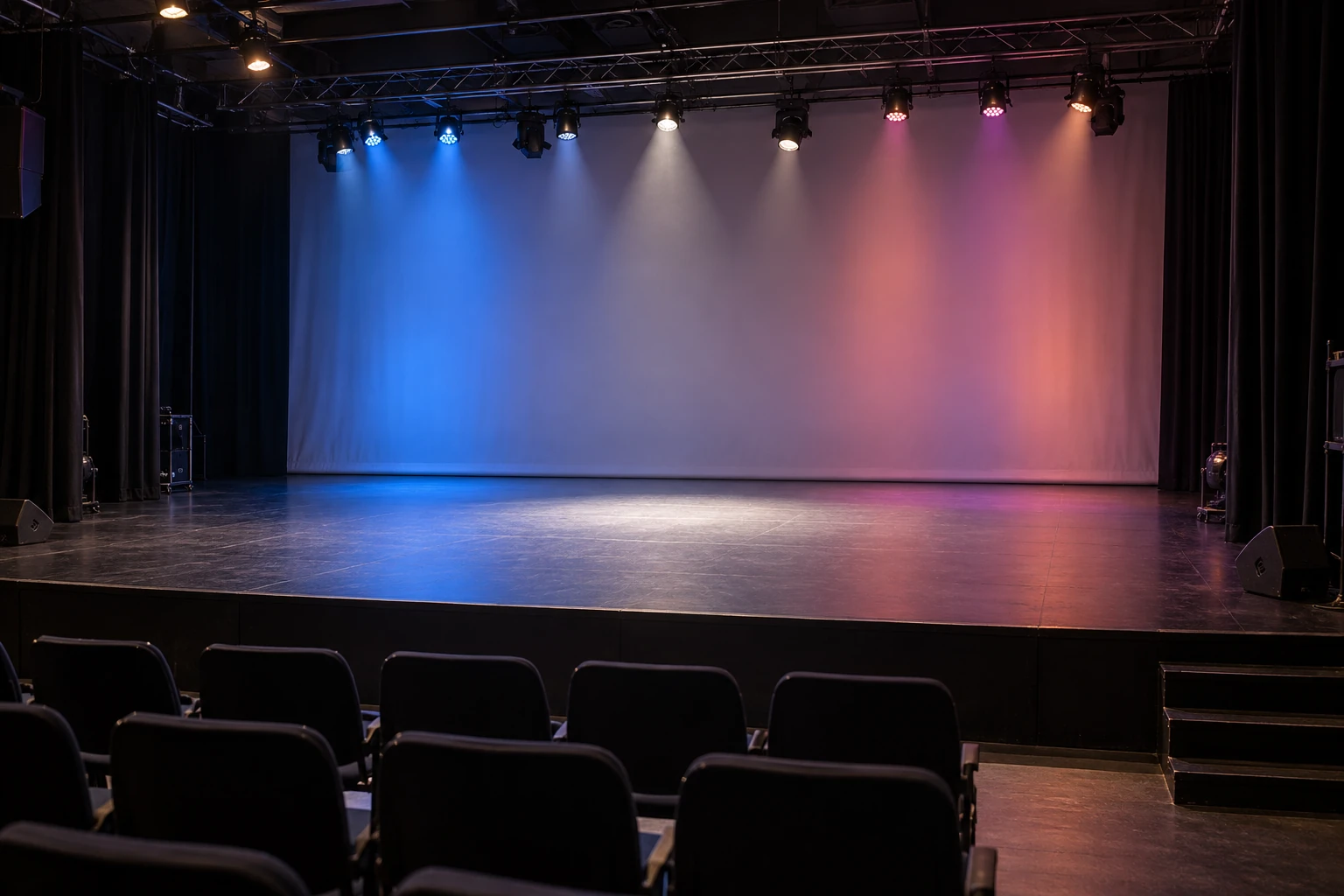
RGB vs RGBW describes the available light sources: RGB combines red, green and blue; RGBW adds a dedicated white emitter. That extra source gives the fixture another way to produce white and less saturated colors. It does not, by itself, establish color-rendering quality, output, camera performance or the number of DMX channels the complete fixture uses.
Choose by the required cue. A colored accent, an audience-facing effect and light falling on a presenter are different jobs, even when the product descriptions use the same letters.
What is the difference between RGB and RGBW?
An RGB vs RGBW LED comparison should distinguish white appearance from color rendering. RGB sources can mix light that appears white. The proportions depend on the emitters and the fixture’s calibration; equal control values are not a universal recipe for matching another light. White is therefore not something that only an RGBW fixture can produce.
The more useful question is how that light makes the intended subject look. A white-looking patch on a wall does not establish how skin, fabric or scenery will appear. Two lights can have a similar white appearance while their spectral distributions differ.
NIST’s overview of white-LED color quality treats chromaticity and color rendering as distinct aspects of light quality. Read the relevant measurements for the proposed operating condition rather than treating “W” as a high-CRI certificate.
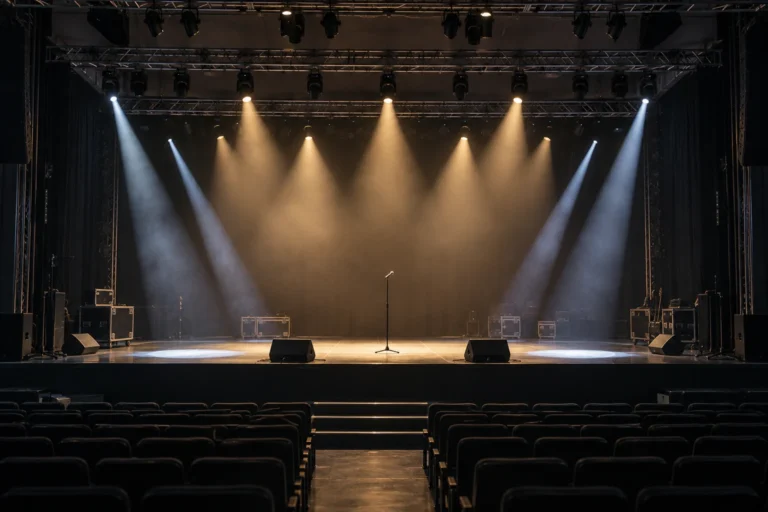
For a stage effect seen directly by the audience, the emitter pattern may be the main attraction. For light illuminating a person, evaluate the person and relevant materials under that light. A successful effect demonstration does not establish a suitable front-light result.
What is RGBW lighting able to do with white?
RGBW identifies a dedicated white source, but does not specify its color temperature or the range of whites the complete fixture can produce. One white emitter may have a fixed nominal white point. A fixture might mix that source with its colored emitters or offer calibrated presets, but those capabilities need to be stated and checked.
The U.S. Department of Energy’s explanation of color-tunable products distinguishes white tuning from full-color tuning. The source arrangement and control method matter, and similar stated color temperatures can still produce different appearances and rendering results.
| What you need | What to confirm for the supplied fixture |
|---|---|
| One repeatable white cue | Specified white setting, selected mode and repeatability at the required dimming levels |
| Warm-to-cool white changes | Actual tuning range, available controls and behavior across that range |
| Light on people or colored materials | Relevant rendering data and a demonstration with those subjects |
| Camera use | Results with the intended camera, frame rate, shutter setting and operating cues |
Adding white to a color mix can reduce its saturation. Whether the resulting pastel is useful depends on the desired color and the fixture’s output. It is not a guarantee that every RGBW product will match another RGBW product.
Likewise, a white emitter does not guarantee a flicker-free camera image. Driver behavior, dimming settings and camera conditions still require their own checks. Do not accept the color-engine label as a substitute for that demonstration.
Four emitter colors do not mean four DMX channels
A fixture can offer direct red, green, blue and white controls, but its complete mode may also include a master dimmer, movement, strobe functions, macros, segmented effects or finer-resolution controls. Other modes may provide a different set of functions.
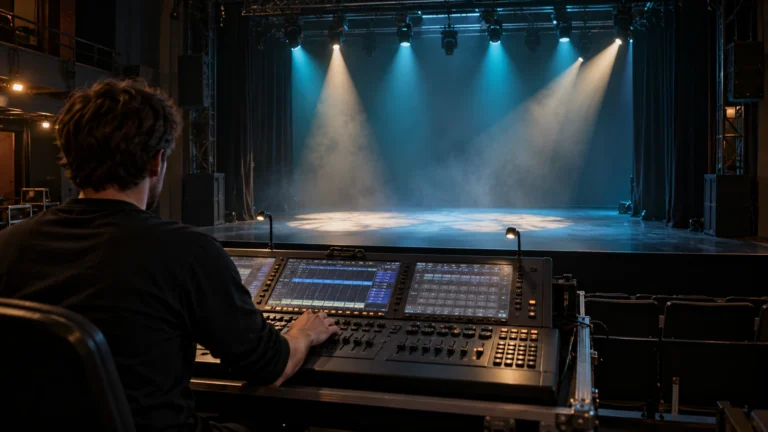
Read the supplied channel chart and select the matching console profile. The emitter description tells you which sources exist; the channel mode tells you how the fixture exposes its functions to the controller. Neither replaces the other.
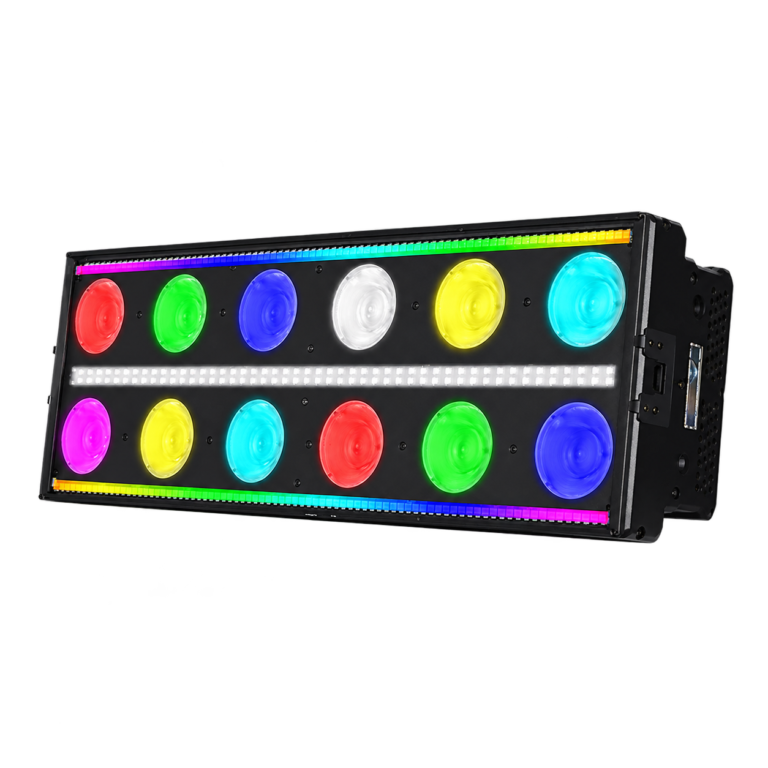
For example, WUYESTAGE’s RGBW Stage Effect Light lists 10, 46 and 119-channel modes. Its stated construction includes RGBW main sources, a separate white strobe layer and an RGBW pixel bar. That is a multi-layer effect fixture, not a four-channel white-wash specification.
The listed mode numbers alone do not prove that a particular console profile exposes every layer in the way your cue requires. Match the chart, profile and fixture setting before programming. The DMX channel guide explains that distinction in more detail.
Identify which layer the RGB description belongs to
Some fixtures combine different light sources in one housing. A decorative RGB strip around a moving head does not necessarily describe its main optical engine.
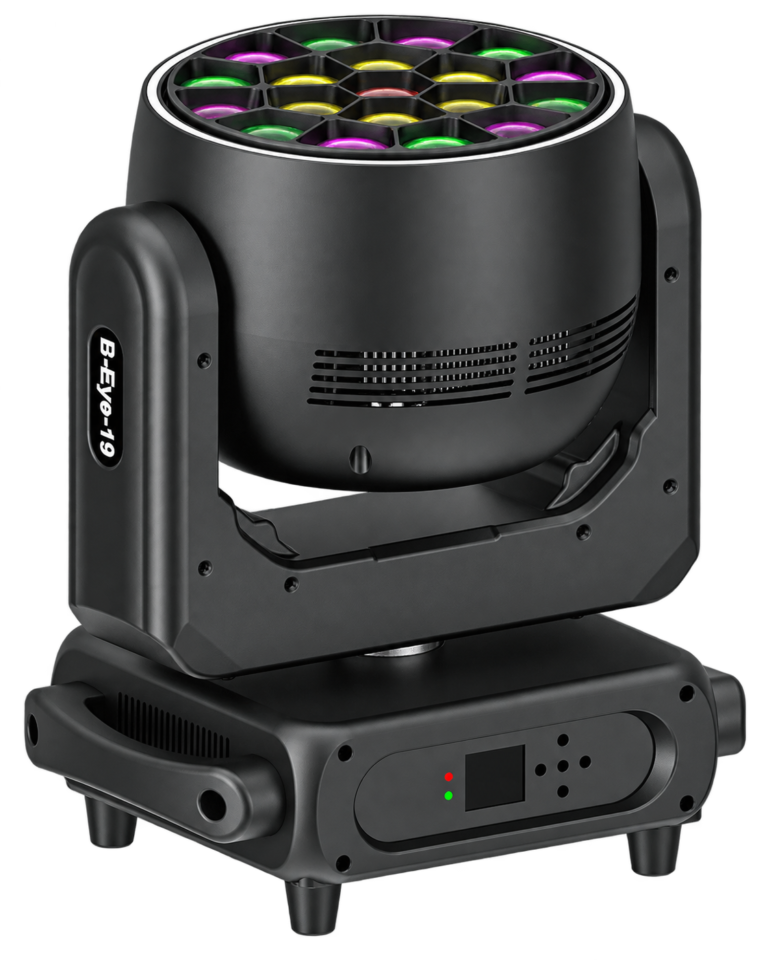
The 19×40W rotating bee-eye moving head lists four-in-one main LED sources and a separate strip of 74 RGB LEDs. Treat those as separate layers when discussing the required look. Confirm the main emitter combination rather than translating “four-in-one” into an assumed color specification.
This distinction also helps with demonstrations. Ask whether you are watching the main output on a surface, the visible front lens, the surrounding strip or a combination. A vivid lens-face pattern does not demonstrate even light across a performer area.
Compare the cue you will actually use
For an RGBW vs RGB decision, prepare a short demonstration record around the intended job. Keep the target, working distance and relevant settings comparable, and record any differences that prevent a fair comparison.
| Demonstration | What to record |
|---|---|
| Saturated color cue | Required color, useful illuminated area and whether visible emitter effects matter |
| White or pastel cue | Selected white/mix, subject appearance and the operating brightness |
| Fade or cue change | Behavior at the levels and transition speeds used in the show |
| Console operation | Selected fixture mode, corresponding profile and access to the required functions |
Compare measured output and electrical input under the relevant settings if those affect the purchase. An emitter count or summed LED wattage cannot establish which complete fixture produces more useful light or consumes less power for that cue.
Send WUYESTAGE the intended effect or coverage task, working distance, required white/color cues, camera conditions, controller and preferred mode, quantity and destination. Include any specification sheets you are comparing. Discuss the stage-lighting requirement so the quotation can identify the relevant configuration and the remaining demonstration points.