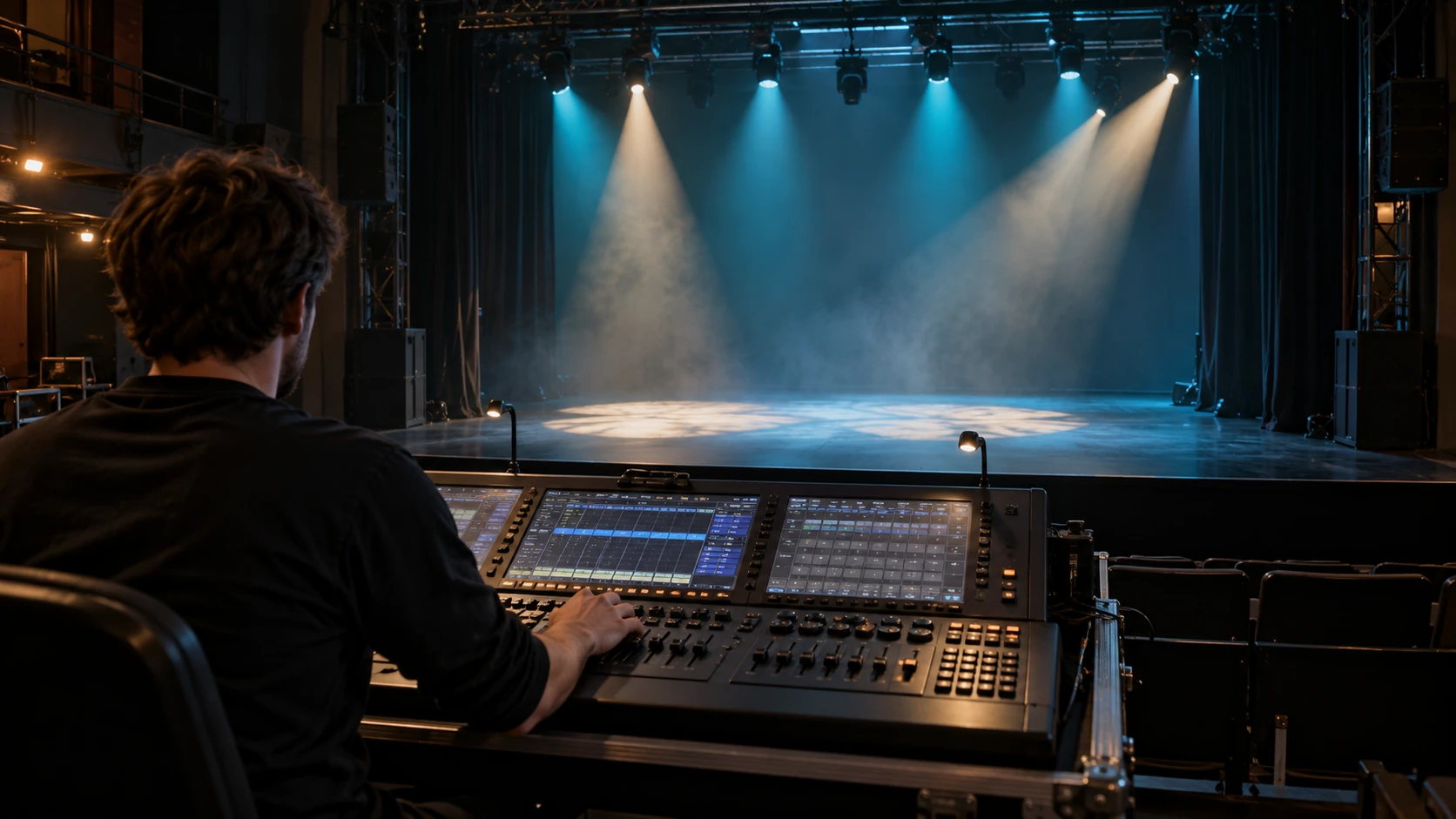
DMX lighting uses digital control data to tell compatible fixtures what to do. Depending on the light, those instructions may change brightness, colour, movement or effects. The fixture’s design and selected mode determine which functions are available.
A useful starting point is to separate three things: the light’s capabilities, the instructions it receives, and the power it needs. Understanding that relationship makes both your first system and your next fixture purchase easier to assess.
What Is DMX Lighting?
DMX stands for Digital Multiplex. DMX512 is a communication standard used to control stage lighting and effects equipment. It connects a control source, such as a lighting console, with equipment that can interpret its commands. The ANSI E1.11 DMX512-A standard describes digital data transmission for controlling lighting equipment and accessories.
“DMX light” therefore describes a control capability. It does not tell you whether the fixture produces a narrow beam, a broad wash or a projected pattern. Those are optical jobs you still need to choose for the event.
DMX also does not create a show on its own. A cue sequence, operator or suitably configured control system determines what commands are sent. Music synchronisation requires an appropriate control workflow.
What You Need in a DMX Lighting System
The components have different jobs. Identify each role before comparing products or buying extra equipment.
| Component | Its job | What to establish |
|---|---|---|
| Control source | Lets an operator or programmed show choose lighting actions | Whether its controls suit the functions and playback you need |
| DMX output or interface | Provides the DMX output from the chosen control system | Compatibility with the console or software and the required outputs |
| Data connection | Carries control information to the fixtures | Suitable cable, connectors and distribution for the equipment |
| DMX-compatible fixture | Receives data and operates its available functions | Exact model, selected mode and channel documentation |
| Power supply | Powers the controller, interface and lights as required | Each device’s documented electrical requirements |
A hardware lighting console may have DMX outputs built in. A computer-based system needs a supported way to output DMX, such as a compatible interface. Check the software’s supported hardware before buying it; a matching USB connector alone does not establish compatibility.
Plan power separately from control data. For a conventional stage fixture, connecting its DMX input does not provide the operating power required by its light source, motors or electronics. Follow the power requirements for each device.
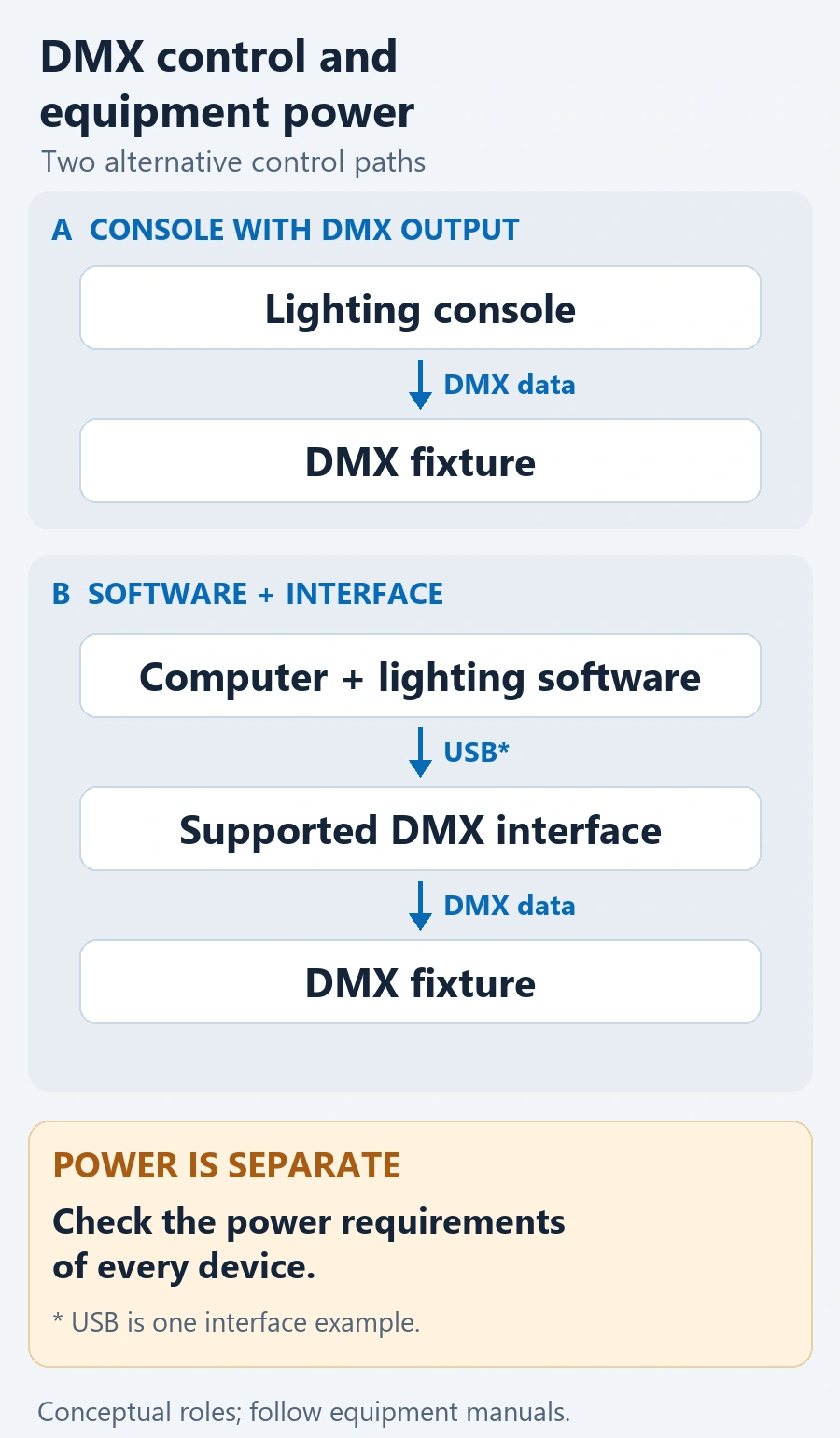
Use DMX data cable with connectors suited to the equipment; matching XLR plugs alone do not make a microphone cable suitable. A basic wired line runs from controller OUT to fixture IN, then OUT to the next fixture’s IN. Follow the equipment’s termination requirements at the line end. For separate branches, use the DMX splitter and branch-planning guide.
How Does DMX Lighting Work?
Imagine a fixture mode whose chart assigns its first slot to intensity. If its start address is 1, the console sends that intensity command in slot 1.
Each basic DMX data slot carries a value from 0 to 255. The channel chart defines what the value does: it may adjust intensity, select a colour range or trigger another function. Some controls use multiple slots for finer adjustment.
Four terms explain how the command reaches the right function:
- Address: where the fixture starts reading its assigned data.
- Mode: the fixture’s selected layout of control functions.
- Universe: a separately identified group of up to 512 DMX data slots.
- Fixture profile or personality: the control system’s description of how to operate that model and mode.
The profile belongs to the control side. The fixture does not need to read a console’s profile file; its own mode determines how it interprets received data.
This is why a connected light can respond incorrectly even when a signal reaches it. The console may be sending values for a different function layout. Confirm that the selected console profile matches the actual fixture and its selected mode.
For worked address allocations, mode changes and capacity calculations, continue with the DMX channels and address guide.
What a DMX Fixture Specification Tells You
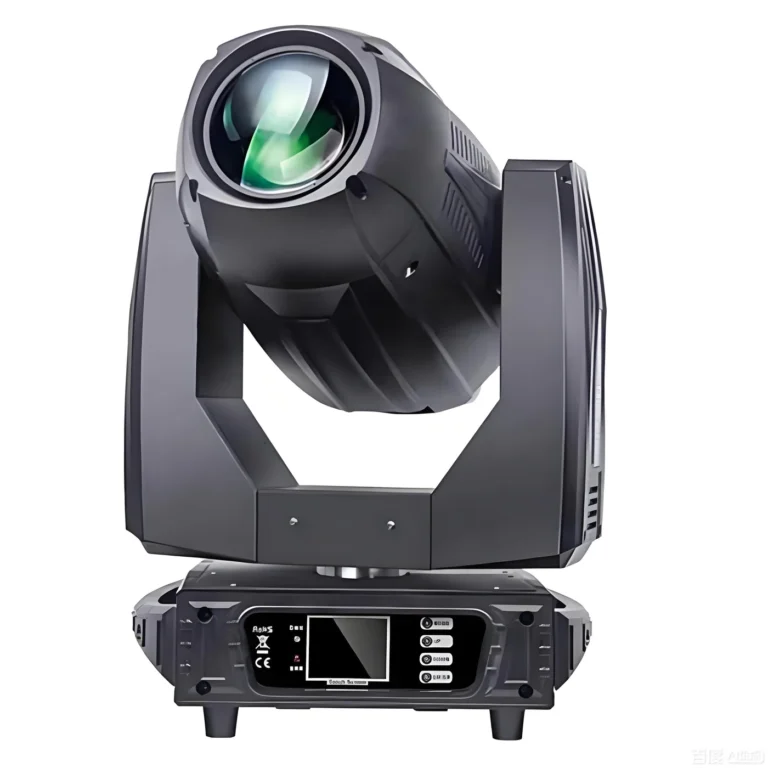
Consider the listed control specification for the RG-108A 380W BSW moving head with CMY. Its confirmed configuration lists standard 24-channel DMX512 operation, together with Auto, master/slave and Sound control modes.
That information helps you start a comparison, but each label answers a different question.
| Listed detail | What it establishes | What to check next |
|---|---|---|
| DMX512 | The fixture lists DMX control | Connection requirements and compatibility with your intended control system |
| 24CH | The listed DMX mode occupies 24 data slots | The function and value ranges assigned to those slots |
| Auto / Sound | Standalone playback options are listed | Whether their available behaviour suits the event |
| Master/slave | Linked operation is listed | The exact compatible configuration and connection instructions |
Twenty-four channels does not mean 24 lights, 24 effects or 24 physical outputs. It describes the listed mode’s footprint. The channel chart explains the functions within that footprint.
When assessing the fixture for an existing console, use the chart for the supplied configuration to confirm the corresponding profile. A profile with the same channel count may still describe a different layout.
This distinction matters when two products both say “DMX512.” They share a control protocol, while their functions, modes and optical results can differ. Choose the visual job first, then confirm how your control system will access it.
When Do You Need DMX Rather Than Standalone Modes?
Standalone operation can suit a simple effect that does not need an operator to recall specific cues. Sound-active operation may be useful where the fixture’s built-in response is appropriate. Master/slave can provide linked playback when the equipment’s documented configuration supports it.
DMX becomes useful when the event needs central control: recalling positions, coordinating scene changes, selecting colours or managing blackout from a control system.
For a speech followed by a dance set, the practical question is whether you need to select the right look at the right moment. A built-in programme may suit one part of the event; prepared cues can give the operator more deliberate control.
The available results still depend on the fixture and control setup. Choosing DMX does not add missing optical functions or automatically synchronise a rig to music.
DMX Lighting FAQ
Does DMX512 mean a fixture will work correctly with any console?
DMX512 identifies the control protocol; it does not guarantee a correct patch or complete access to every function. Check the fixture’s exact model, selected channel mode, channel chart and matching console profile, as well as the physical connection requirements.
Do I need a DMX controller to use standalone modes?
A fixture with documented Auto or Sound modes can use those modes without a DMX controller. Its built-in programmes determine the available behaviour. Use DMX when you need deliberate central control of functions supported by the fixture, such as recalling a particular scene or blackout.
Does one DMX universe control 512 lights?
A universe provides up to 512 data slots, rather than a fixed number of lights. Each fixture’s selected mode uses a channel footprint. Fixtures that need independent control require non-overlapping allocations; fixtures intentionally sharing the same addresses and compatible modes may respond together. Plan capacity from the actual modes and addressing requirements.
What to Confirm Before Choosing Fixtures
Turn the system explanation into a short equipment brief:
- Describe the required actions. Do you need a steady wash, projected patterns, repeatable movement or coordinated changes?
- Identify the control source and output. Record the console or software and the interface or output hardware you intend to use.
- Confirm the exact fixture configuration. Obtain the relevant mode information and current channel chart, then check the corresponding console profile.
- Describe the rig. Include fixture quantities, intended positions and operating environment so control, optical and installation requirements can be considered together.
You can then compare the moving head light range by optical role and actual control requirements.
For a WUYESTAGE fixture enquiry, send that brief with the quantity, delivery destination and required schedule. It gives the discussion a clear starting point: which lighting job the fixture must perform, what will control it, and which configuration needs confirmation.