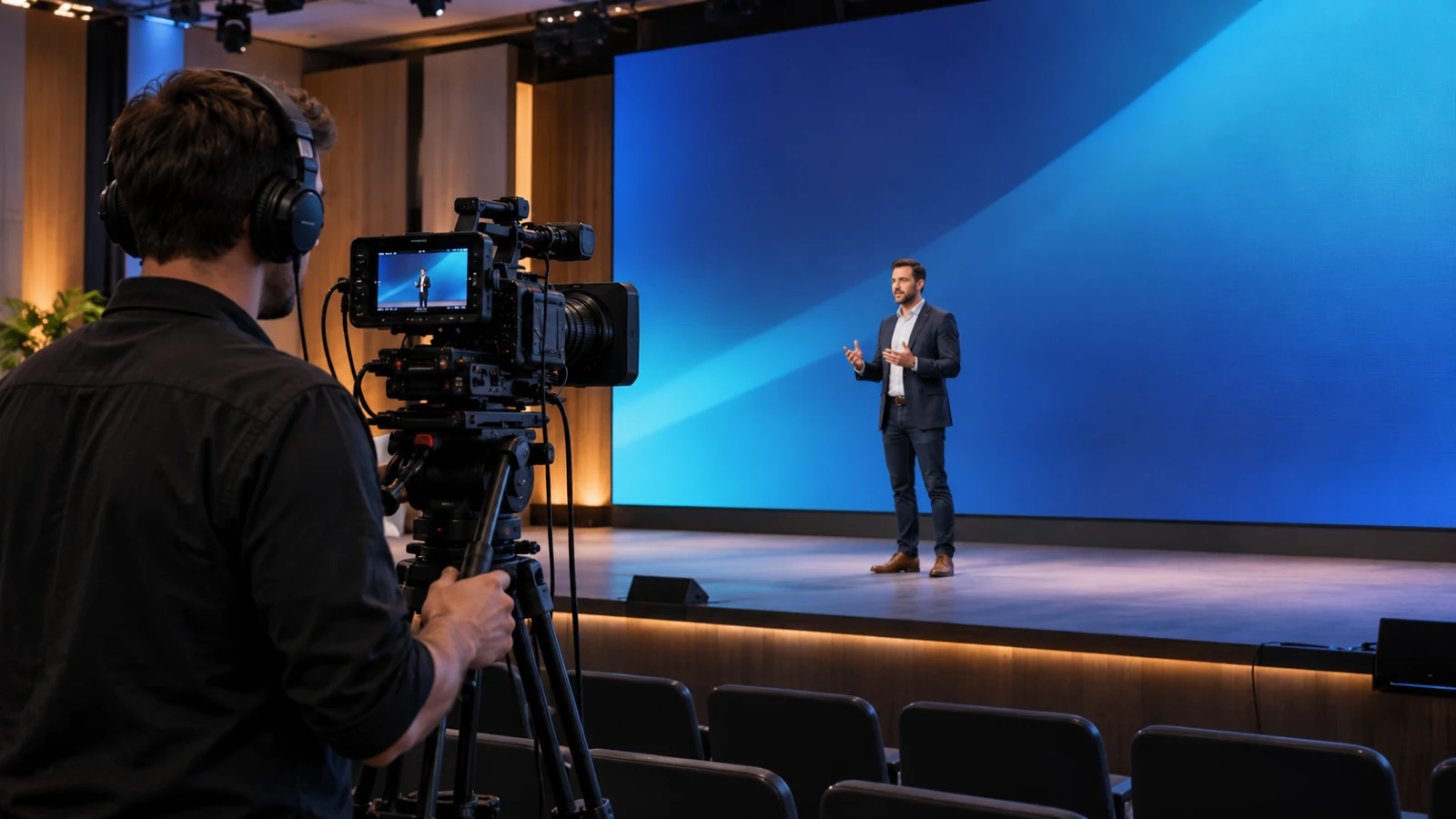
Cover illustration: a camera operator filming a presenter with an LED wall behind the stage.
The LED wall looks clear from the audience seats. On the camera monitor, a moving ripple crosses the background. It disappears in a wide shot, then returns as the operator zooms in. Should you change the camera setup, specify a finer pixel pitch, or reject the display?
Start by identifying the artifact. To reduce LED wall moiré, test how the camera and lens resolve the screen’s pixel structure. Changes to framing, camera position, focus and subject-to-screen separation can help, but the adjustment must preserve the shot you need. For a purchase decision, the useful result is a setup that works through the required shots, with any restrictions understood before you order.
First separate moiré from rolling bands
Moiré is associated with spatial sampling: fine repeating detail can be captured as a different, larger pattern. An LED wall provides a regular pixel structure, while a digital camera samples the image. MIT’s explanation of image sampling and aliasing describes how inadequate sampling can produce misleading image patterns.
This is different from a display and camera timing problem. Use these observations to decide what to investigate; they are clues, not a diagnosis from a single screenshot.
| What you observe | What to investigate first |
|---|---|
| A ripple or false-colour texture changes with focus, framing or camera position | How the camera samples the screen’s visible pixel structure |
| Dark bands roll through the recorded screen | Camera exposure and the display’s timing behaviour |
| The artifact changes between the original recording and a resized preview | Scaling and processing in the viewing or delivery path |
More than one artifact can be present. If rolling bands are the problem, use the separate LED screen refresh-rate and camera checklist. Increasing refresh rate alone is not a reliable solution to spatial moiré.
Decide what must remain sharp
There are two different production requirements, and they lead to different tests.
The wall is a background. A presenter or performer must stay sharp while the LED image provides context. Separating the subject from the wall and using a shallower depth of field may soften the pixel structure. Check that the subject’s full movement area remains acceptably sharp and that background logos or text still do their job.
The wall itself must be readable. A product presentation, detailed slide or display demonstration may require sharp screen content. Simply defocusing the wall could remove the pattern while making the shot unusable. Compare camera position, framing, lens and candidate display configuration while keeping the required detail visible.
Write down which requirement applies before accepting a demonstration. Otherwise, the supplier and production team may be judging two different images.
Change one condition and preserve the intended shot
Start with the production camera and lens, the intended recording format, representative content and the proposed screen configuration. Mark the camera, subject and screen positions. Record a baseline clip before adjusting anything, so you can return to the original setup and compare the results.
Work through the changes the production can actually accommodate:
- Check the required focal lengths. Record the wide, medium and close shots, then zoom between them. Note where the pattern appears rather than saving only the cleanest framing.
- Try a permitted camera-position change. Test a different distance or a small angle change. If you also change focal length to restore the composition, record both changes; the result belongs to that combination.
- For a background wall, test subject separation. Keep focus on the person and check whether a different position or aperture reduces the visible screen texture. Review the person’s full movement area, not just a stationary face.
- Evaluate filters or camera-mode changes as separate options. Compare the complete image, including required text and fine detail. An improvement in the background is only useful if the resulting picture still meets the production requirements.
Changing distance or focal length changes the scale of the LED structure in the image. A setting that works for one framing may not work for the next. Avoid turning one successful adjustment into a universal minimum distance or lens recommendation.
Do not evaluate only the wall. Check faces, fine text, exposure and movement as well. A soft image with no visible pattern is not a successful result if it fails the production brief.
Test the movement between the clean frames
A wide shot and a close-up can each look acceptable while a troublesome pattern appears during the zoom between them. Include the transition in the test.
Record the required camera moves, focus changes and subject positions. Use the actual presentation or show content, including detailed graphics that matter to the production. Do not choose an unusually forgiving background merely to obtain a clean demonstration.
Review the original recording at its native pixel scale where possible, then review the intended delivery output. If an artifact appears only after resizing or in one preview, compare the paths before deciding to replace the display. Keep the recording format, playback scale and processing conditions with the result. An artifact-free preview does not, by itself, establish that the recorded image is clean.
Choose pixel pitch using the camera task
Pixel pitch is relevant, but a finer pitch does not guarantee that every camera, lens and framing will be free of moiré. The required audience view and the recorded camera image are separate acceptance conditions.
A human-viewing-distance guideline therefore cannot serve as a camera-safe distance. A clean phone video also cannot approve a different production camera.
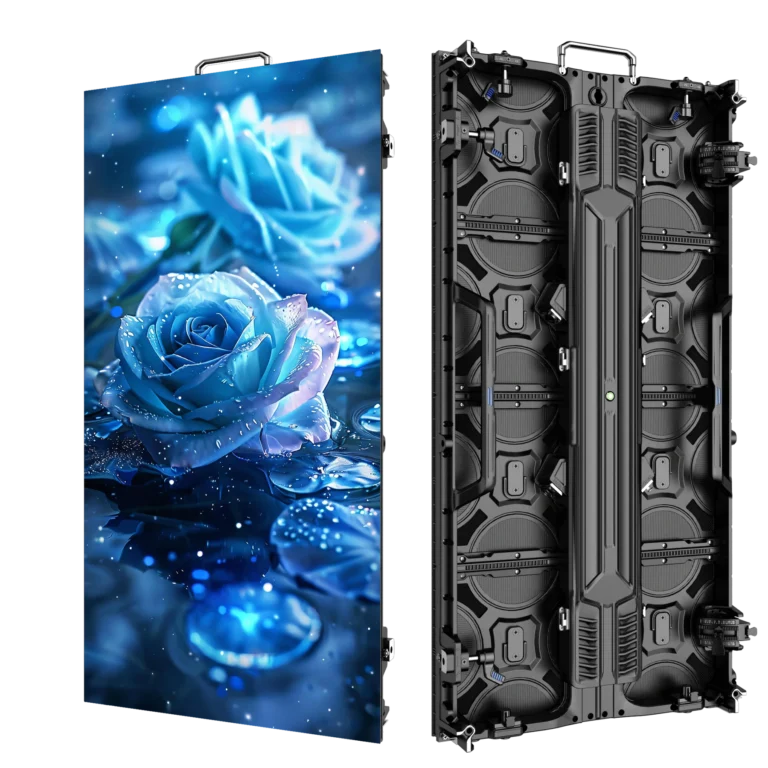
When comparing rental LED display systems, consider the viewing task, camera positions, required content detail and operating environment together. For an outdoor rental configuration, the P3.91 500×1000 display provides a specific cabinet option to review. Its listed refresh rate is a specification to check within the proposed system, not a promise of moiré-free footage.
Keep a shot record with the quotation
Make the outcome useful to both purchasing and production. A short record can identify what worked and the limits that remain.
| Record | Include |
|---|---|
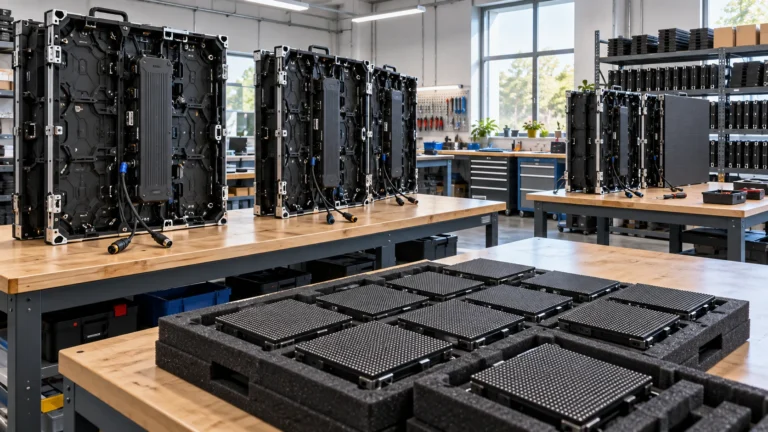
| Display system | Exact cabinet or sample configuration, processor and relevant settings |
| Camera setup | Camera, lens, recording mode, focal length, aperture and focus target |
| Geometry | Camera position, subject position and screen position |
| Required shot | Static framing, zoom, pan or subject movement |
| Result | Clip reference, visible artifact, retained detail and any operating restriction |
Consider a hypothetical presenter setup: the medium shot looks acceptable, but the required zoom reveals a ripple across the wall. If that zoom is part of the show, the setup has not passed that requirement. If production can use fixed shots instead, record that restriction and have the production team agree to it. Do not describe either outcome simply as “camera-safe.”
Keep the accepted configuration with the quotation. If the ordered cabinet, camera or other relevant part of the setup changes, identify which checks need to be repeated.
Bring the camera requirements into the equipment enquiry
Before requesting a display quotation, prepare the screen size, indoor or outdoor use, audience distance, camera and lens information, and the shots that must work. Include the available camera positions and whether the wall is a soft background or must remain readable.
Send those requirements with your equipment enquiry to WUYESTAGE. They give the configuration discussion a useful starting point: which display options to consider, what the production needs to retain, and which camera conditions must be checked before accepting the system.