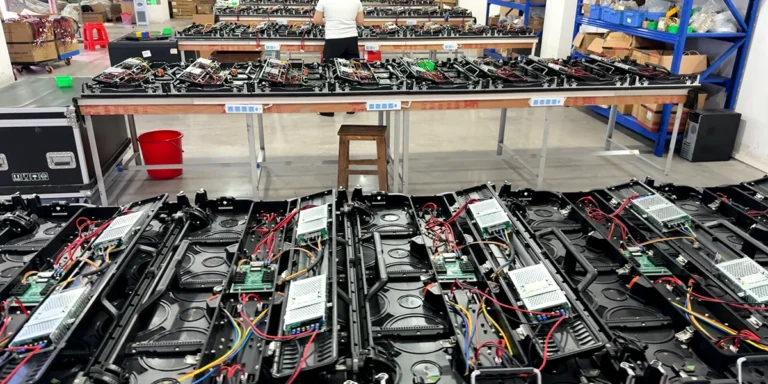
LED display spare parts should be specified against the exact screen configuration, not selected by pixel pitch alone. A replacement module, receiving card or power supply can look familiar while differing in connectors, mounting, electronics or configuration. Build a parts list that records compatibility evidence and the service task each item is meant to support.
For rental companies, the useful question is how a spare helps return the accepted system to service. A loose module, a complete cabinet and an electronic component address different failure scenarios. The appropriate quantities depend on fleet size, utilization, transport exposure, service resources and the support arrangement; there is no defensible universal percentage for every buyer.
1. Identify the cabinet and component versions for LED display spare parts
Record the product, cabinet format, production batch or serial identifiers, module dimensions, pixel resolution, receiving-card configuration and applicable assembly drawing. Ask the supplier which identifier ties the offered spare to the supplied screen. A catalogue description such as “P3.91 module” is insufficient for approval.
For the current outdoor P3.91 rental configuration, the recorded module format is 250×250mm with 64×64 pixels. A 500×1000mm cabinet contains eight such module positions in a regular two-by-four layout; a 500×500mm format contains four in a two-by-two layout. Those are layout counts, not proof that modules or cabinets from different versions can be interchanged.
Module size and pixel count are useful first filters. Connector position, scan/driver configuration, mask, fixing arrangement and the approved electrical interface must also match. Preserve the exact-version identification in both the purchase order and the service inventory.
2. Distinguish module spares from complete-cabinet spares
A module spare addresses a module-level replacement where the cabinet and supporting electronics remain suitable. A complete cabinet may address a different situation, such as damage to the cabinet assembly or a service task that cannot be completed with a loose module. Do not count the two as interchangeable stock.
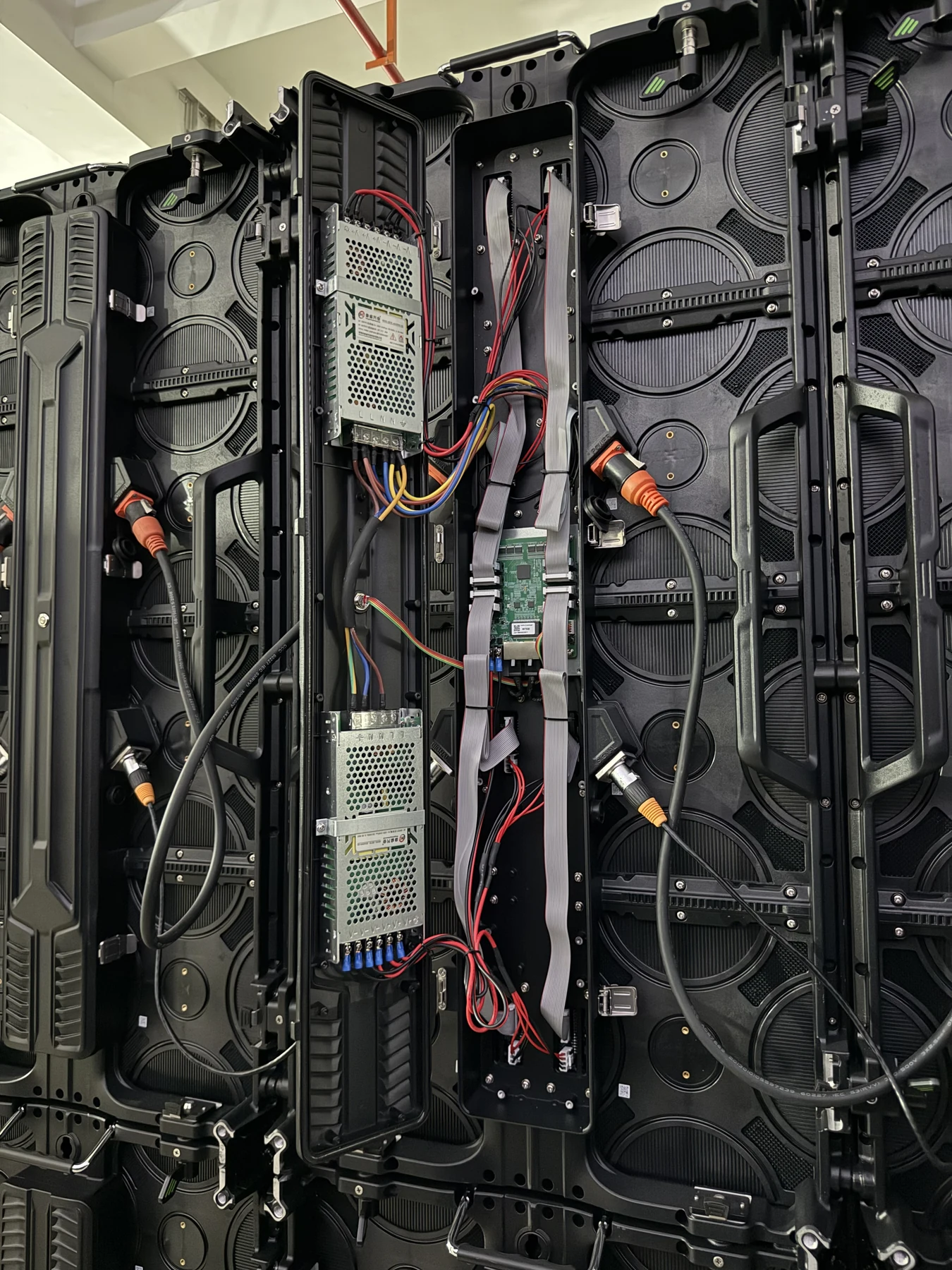
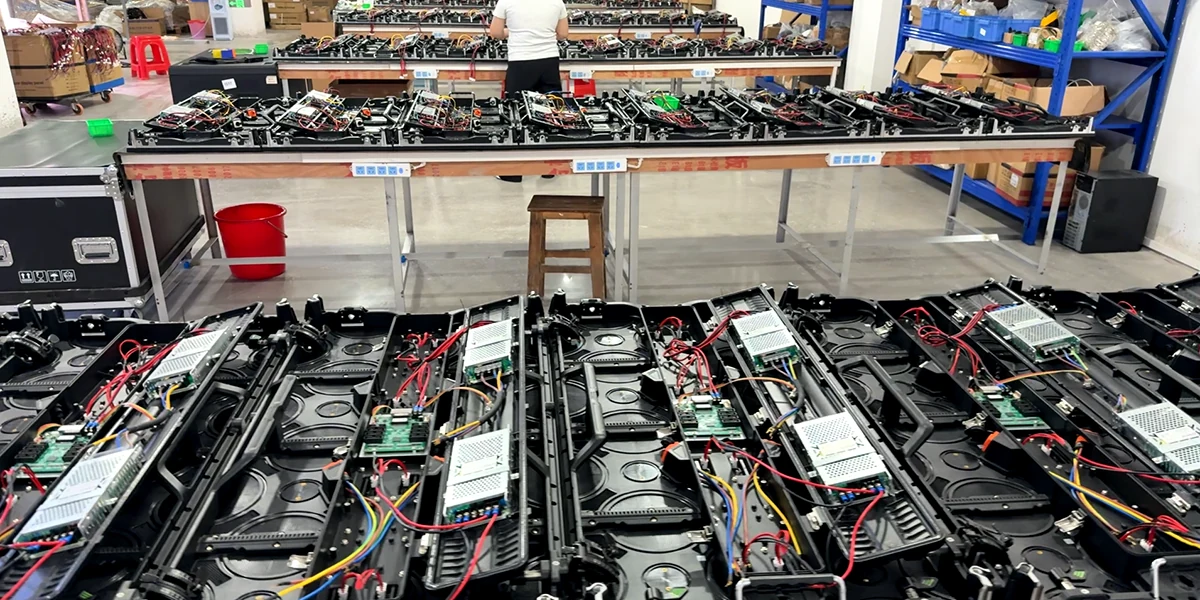
List electronics separately: receiving cards, power supplies, HUB boards and approved signal or power components. Request part numbers, compatible versions and the authorized service route. A power supply with a similar wattage label is not automatically an approved replacement, and a connector that physically fits does not establish electrical suitability.
The front-versus-rear service guide explains why access must be checked by component. If a part cannot be reached in the installed arrangement, owning the correct spare alone does not complete the recovery plan. Plan service access before approving the installation.
3. Preserve image and configuration records
Ask how the screen’s receiving-card configuration, mapping and any applicable calibration data are stored, identified and restored. Keep a verified copy with the inventory record. A replacement should be accepted as part of the system, not merely because it powers on.
Check the replacement on the intended screen with suitable static colors, low-gray material, grid lines and representative content. Look for a visible patch, changed brightness or a mapping discontinuity under the intended settings. Record the result and the approved configuration rather than promising perfect matching from a batch label alone.
Calibration and configuration are different questions. One concerns accepted image consistency; the other includes how the electronics drive and map the screen. A file name without the version, application method and result is not a complete handover. Obtain the supplier’s documented workflow for the selected system.
4. Choose LED display spare parts quantities from service scenarios
Begin with the screen layouts you regularly deploy, the number of concurrent events and the route to approved repairs. Identify the components that your trained crew can replace under the supplied procedure and those that require workshop support. Stock to those tasks rather than adopting an unsupported fixed spare ratio.
For example, a 6×4m wall assembled from 48 tall cabinets has 384 module positions under the recorded eight-module layout. This describes the operating inventory. It does not tell you a failure rate or how many modules to buy as spares. Decide the stock level from your service exposure, concurrent jobs and agreed replenishment arrangements.
If your operation also uses square cabinets or another pitch, keep compatibility and stock groups explicit. Similar dimensions do not guarantee a shared parts pool. Use the rental fleet-value scorecard to compare the wider effects of compatibility, handling and recovery on working inventory.
| Stock line | Identification | Acceptance condition |
|---|---|---|
| LED module | Cabinet version, size, electronics | Mechanical fit and accepted image |
| Receiving card | Exact compatible part/version | Configuration and mapping verified |
| Complete cabinet | Mechanical and electronic version | Approved replacement within the fleet |
| Power component | Approved rating, connectors and version | Documented service procedure |
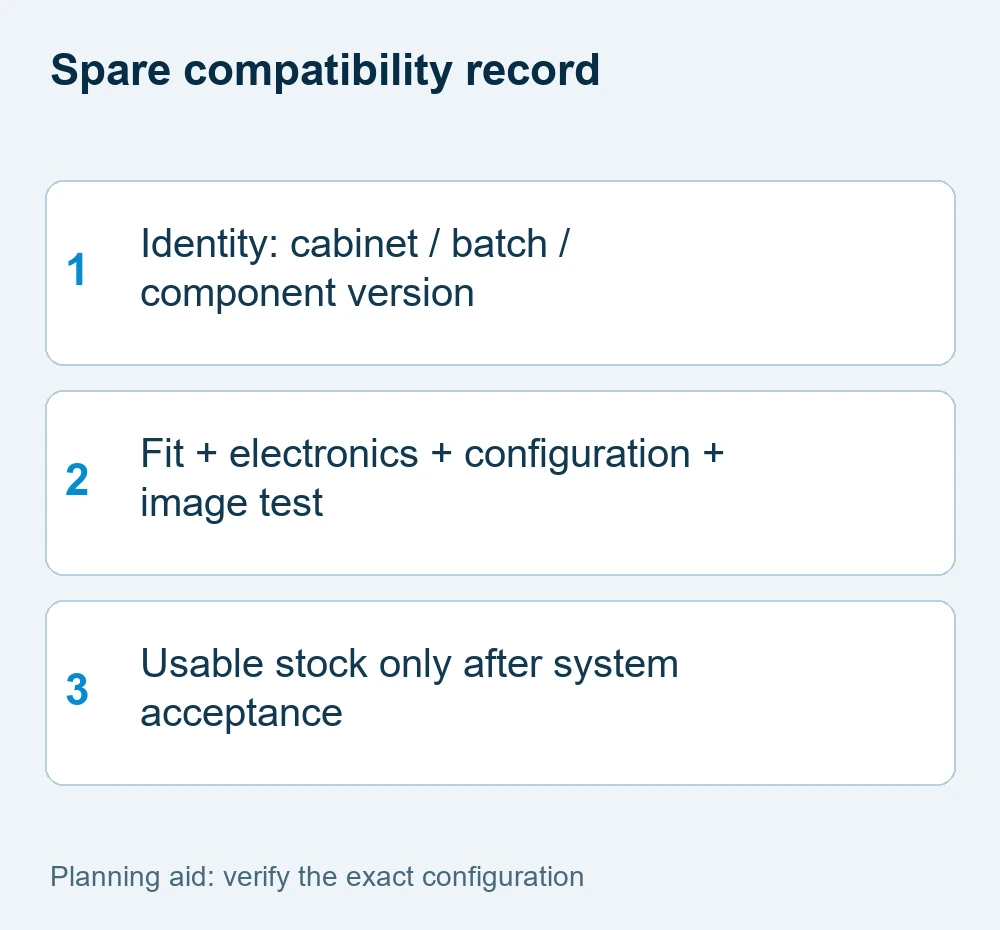
5. Label, accept and replenish LED display spare parts
The delivery record should identify each item, part number/version, quantity, intended cabinet or batch, storage method and accepted test result. Separate verified usable stock from returned or untested components. Protect delicate LED faces and connectors using the agreed handling and packing method.
Have the service procedure reviewed by the responsible technician. Follow the exact system documentation for isolation, access, handling and reassembly; this purchasing guide is not an instruction to replace energized parts. “Hot-swap” should not be assumed from a product’s service label or a generic online demonstration.
Put replenishment responsibilities and availability questions into the quotation. Do not invent a guaranteed dispatch time, warranty, free-spares allowance or interchangeability promise. Send the cabinet/version list, deployed quantities, service access, crew capability and requested spare items to WUYESTAGE for a configuration-specific proposal.
Treat the spares list as controlled inventory rather than an unlabelled box of similar parts. A useful record ties each piece to the compatible cabinet group and notes whether it is new accepted stock, returned stock awaiting inspection or a confirmed usable replacement. Check that the crew can find the relevant configuration files and service instructions along with the physical part. This organization does not imply a promised repair time; it removes avoidable uncertainty before a job.
LED display spare parts FAQ
For LED display spare parts, can any P3.91 module replace another P3.91 module?
No. Pitch is only one identifier. Mechanical fit, connector arrangement, electronics, driving configuration and accepted image matching must be confirmed for the exact system.
How many spare modules should a rental company buy?
There is no universal percentage. Define the fleet, concurrent jobs, service capability, failure scenarios and replenishment arrangement, then agree a suitable stock package.
Is a receiving-card spare ready as soon as it powers on?
Not necessarily. Its compatible version, configuration, mapping and accepted image output need confirmation before it is counted as ready-to-use stock.
Does rear service mean parts can be changed while powered?
No. A service-access label does not establish live replacement. Follow the exact component procedure and have the recovery workflow reviewed by the responsible technician.
Request a configuration-specific proposal
Use these LED display spare parts checks to record the mandatory task and the information already available. Send WUYESTAGE your project brief, required quantity, destination and controller or system needs. The exact supply configuration and acceptance conditions should be agreed before an order is approved.