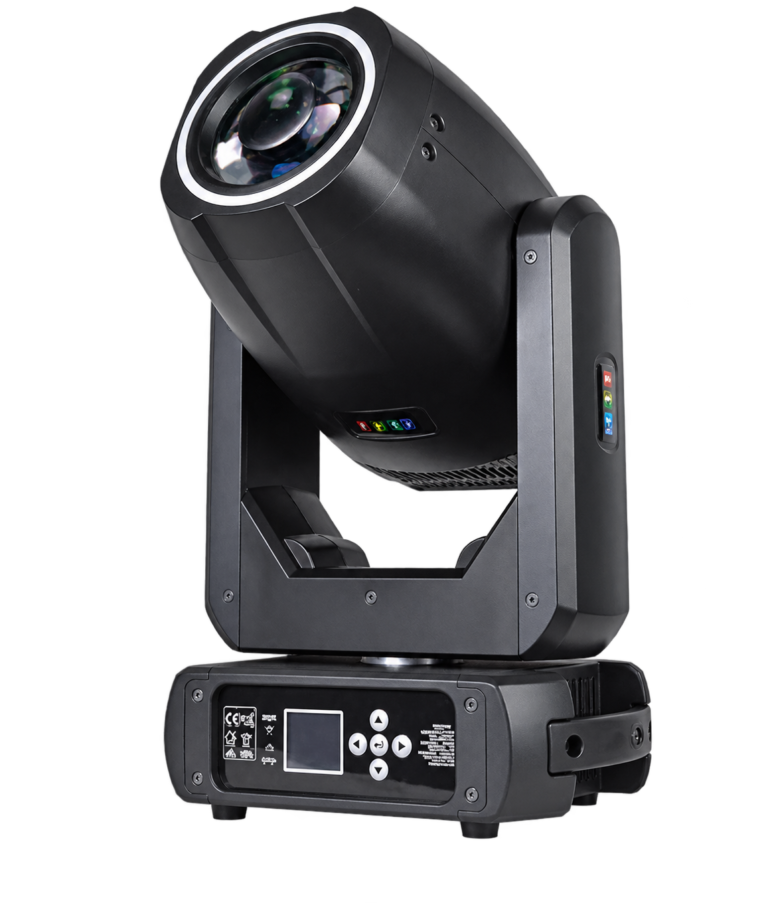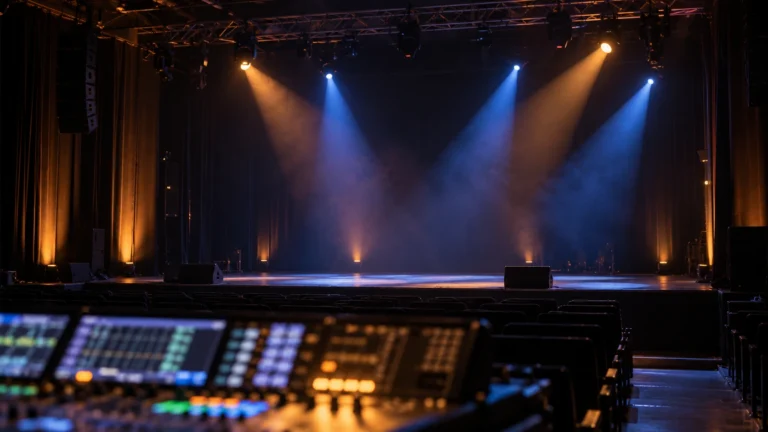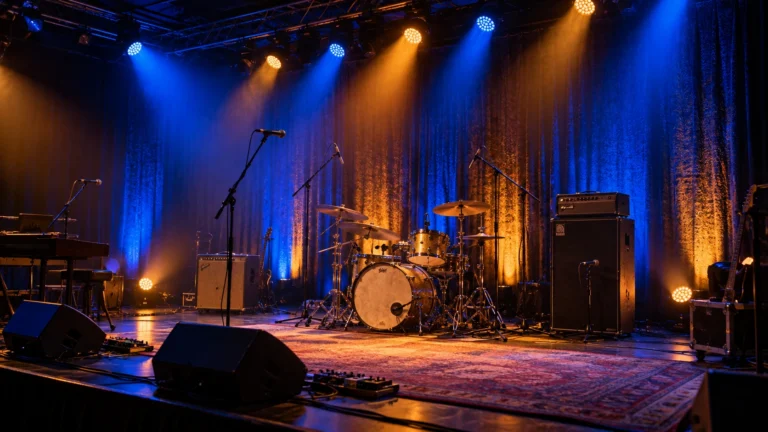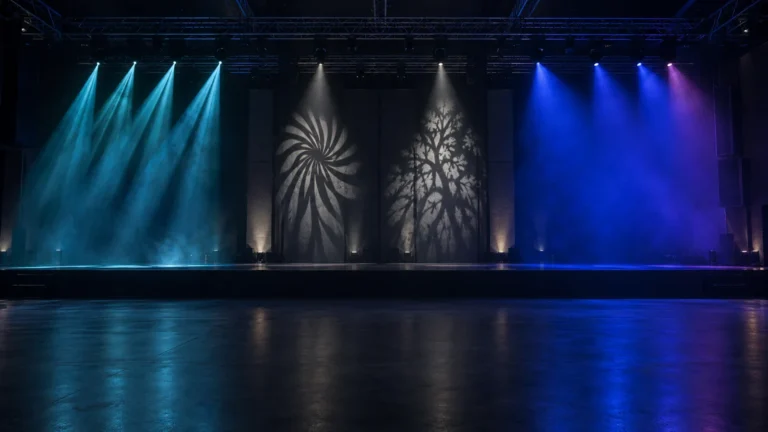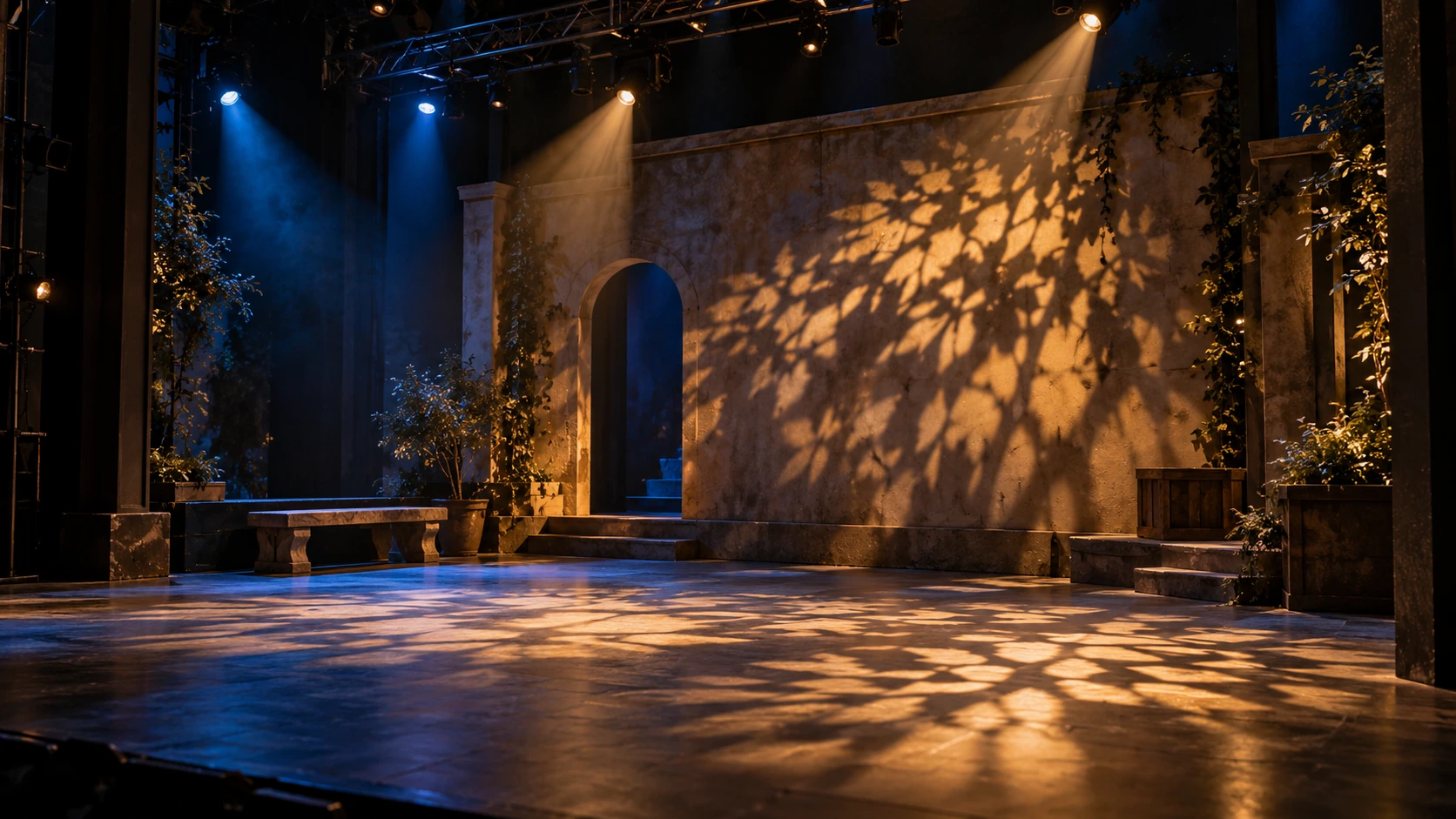
A gobo light is a fixture that projects a pattern using a patterned insert, called a gobo, and suitable projection optics. In stage lighting, the result may be a window shape, foliage texture or another defined image on scenery or a floor. The gobo shapes the light; the fixture’s optics, control and working position determine how that shape appears.
If you are asking “what is a gobo light?” before buying stage equipment, separate three questions: what pattern is available, what can move, and how well the image works on your actual target. A catalogue photograph of a patterned beam cannot answer all three.
A fixture may produce an attractive aerial effect yet struggle with the readable surface image your cue requires. Conversely, a static projector can be suitable for one permanent pattern even though it cannot sweep the image between positions. Start with the required visual job rather than assuming every light with a gobo wheel performs it equally well.
The pattern, the fixture and the cue are different things
The gobo is a physical pattern-forming component, often metal or glass in conventional stage applications. The fixture holds and illuminates it, and its optical system projects the result. “Gobo light” can describe a dedicated projector, a suitable fixed theatrical fixture, a moving-head spot or a multifunction fixture used for that purpose.
This makes the term useful for describing an effect, but incomplete as a purchase specification. A built-in patterned insert is not proof of interchangeable gobos, a custom-logo service, a specified image size or a motorized focus range. Those details belong to the exact model and ordered configuration.
Do not confuse gobo projection with framing. A gobo introduces a pattern. Framing shutters shape the illuminated area’s boundaries. A fixture can have gobos without a framing system, so a focused moving-head spot should not automatically be called a framing profile. The Profile & Spot Moving Head Lights category separates those optical jobs and their selection conditions.
Selecting a pattern is not the same as rotating it
A wheel can move between different gobos while each selected pattern remains fixed in its holder. A rotating-gobo system can also turn the selected pattern around its own axis. Meanwhile, pan and tilt move the entire projection toward a different target. These actions can happen independently and should be checked separately.
| Action | What the viewer sees | What to confirm |
|---|---|---|
| Pattern selection | One shape changes to another | Available patterns, open position and selection behavior |
| Individual gobo rotation | The chosen image spins around its own center | Direction, speed and stopping or indexing behavior where documented |
| Head movement | The image travels between target positions | Pan/tilt control, usable focus and return to the programmed position |
A rotating wheel that selects patterns does not, by itself, prove individual gobo rotation. Ask the supplier to demonstrate the action you need and identify its control function in the current channel chart. If the cue needs a logo held upright, request that specific orientation test; the word “rotating” alone does not promise indexing or repeatable angle control.
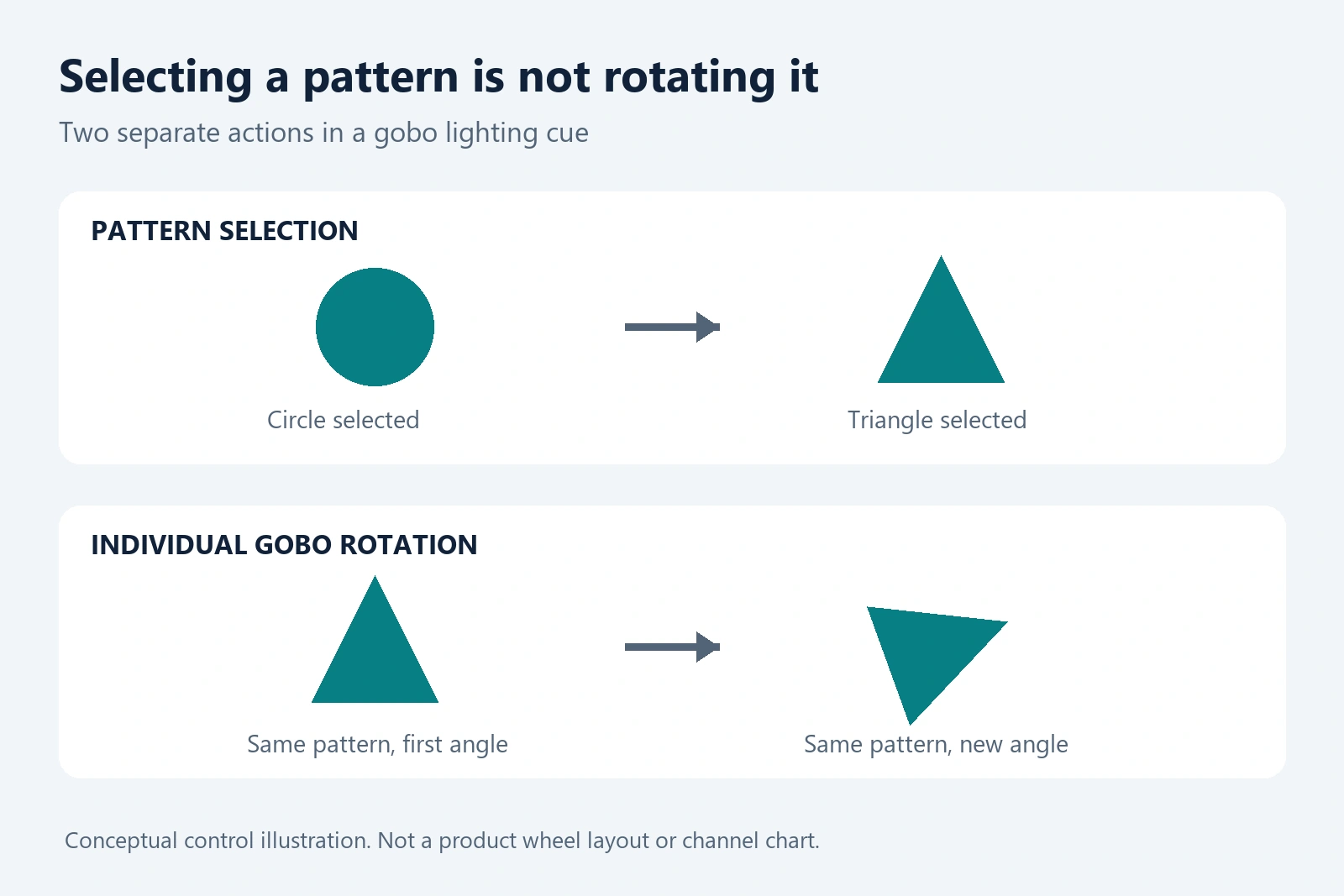
Conceptual control illustration, not a particular product’s wheel layout or channel map. Selecting another pattern and rotating the current pattern are different commands.
Five checks before accepting a projected pattern
The useful question after “what is a gobo light?” is whether the ordered fixture can reproduce your intended pattern under the real operating conditions. Define the target and cue first, then test the following five points. These are project acceptance checks, not universal performance thresholds.
1. Set the image size at the actual working distance
Record the mounting position, distance to the surface and required image width. Ask the supplier to demonstrate the proposed lens or zoom setting there. A close-up pattern photograph does not establish how a fine design will read across a large scenic area.
Check the whole image rather than its center alone. If the setup can focus the center but leaves useful edges unclear, decide whether that is acceptable for a soft texture or disqualifying for a readable design. Do not approve an unspecified “long-throw” claim without a matching test or usable model-specific data.
Rosco’s technical guide to gobo projections explains how projector/lens selection, surrounding light, surface characteristics and projection angle influence the image. That manufacturer guidance supports checking the complete setup; it does not establish WUYESTAGE model performance.
2. Use the actual surface and mounting angle
Test on the intended wall, floor or scenery where practical. A plain light-colored flat surface is a useful comparison baseline, but it is not a substitute for a dark, colored or textured final target. A cue that is attractive as texture can still be unsuitable for reading small letters or recognizing precise edges.
Include the intended projection angle. Oblique placement can stretch the apparent image and make a geometric design look different from the artwork. If readable branding is required, confirm that the fixture, mounting position and any artwork adjustment suit the task rather than assuming focus alone corrects the shape.
3. Check contrast with the other cue lights on
Approve the pattern with the ambient and stage lighting expected during the cue. Testing in a black room can hide a contrast problem that appears when front light, scenic washes or LED backgrounds are active.
For recording, include the intended camera and exposure settings. A photograph can make the projected pattern appear more prominent than it is to the audience. Keep visual acceptance and camera acceptance as separate observations, with the settings recorded so another sample can be compared fairly.
4. Test the required motion and return cue
For a rotating pattern, observe it at the intended slow and fast settings, then test the stop or orientation behavior the show needs. For a moving head, move away from the target and return to the stored position; inspect whether the resulting image still meets the cue requirement.
If you need a stationary design, test that stationary state rather than accepting an attractive spinning demonstration. Smooth movement, accurate return and usable focus are different acceptance points. Also verify that the console personality matches the selected fixture mode; the Beam, Spot and Wash comparison guide explains the broader role-specific sample tests.
5. Confirm the exact supplied configuration
Write the approved model, gobo selection, control mode and relevant settings into the sample record. If the project depends on replacement or custom gobos, obtain the exact holder dimensions, material and installation requirements from the supplier before ordering. Do not infer compatibility from a generic pattern-wheel photograph.
Record what passes and what remains unresolved. For example, a sample can pass a scenic-texture cue but still require another test for fine artwork. This distinction is more useful than one overall label saying “good gobo effect.”
| Record for the quotation | Why it matters |
|---|---|
| Target surface, position, distance and required image size | Makes the projection setup reproducible |
| Pattern or artwork and desired movement | Separates texture, readable image and rotation needs |
| Focus/lens settings and selected DMX mode | Connects the physical setup to the show file |
| Other cue lights and camera conditions | Makes contrast and recording observations comparable |
| Pass criteria and unresolved requirements | Prevents a partial sample approval becoming a broader promise |
RG-330A: a rotating-gobo example within a BSW fixture
The RG-330A 300W LED BSW Moving Head Light is a relevant example when a stage or rental rig needs pattern-led spot looks as well as other cue roles. Its published configuration lists a rotating wheel with seven patterns plus open, adjustable focus, nine colors plus white, and a rotating three-facet prism. The 300W specification refers to the LED source module.
The demonstration shows six glass-gobo looks; that visible count should not be read as a second independent wheel or a different total slot specification. Use the exact product record and ordered configuration when comparing the available looks.
Watch the RG-330A demonstration for pattern appearance and movement, then test the sample on your own target.
Verified RG-330A product demonstration. It shows visual behavior, not a calibrated test of projected size, sharpness, brightness or suitability at your venue.
This is a useful candidate for a multifunction cue position; it is not an automatic recommendation for every logo-projection task or precise shutter-framing requirement. Request a separate sample check for the needed surface image. When the task is mainly broad color coverage rather than a readable pattern, compare the appropriate wash role instead of paying for functions that do not answer the brief.
Gobo lighting FAQ
What is a gobo light used for in a theatre?
It can add scenic texture or a defined projected shape, such as a window or foliage impression, to a surface. The chosen fixture must support the required pattern, focus, position and cue behavior. This is separate from illuminating performers’ faces or creating a precisely shuttered acting area.
Does every moving-head light have gobos?
No. Moving head describes automated positioning, not a guaranteed pattern system. Check the exact model’s documented gobo features. Wash and other moving-head designs can serve different jobs without providing focused gobo projection.
Can a rotating gobo be held still?
That depends on the fixture and its control functions. Request a demonstration of the stop or indexing behavior required by the cue and check the channel chart. A system that can spin a pattern should not be assumed to hold a repeatable artwork orientation without evidence.
Can I put a custom logo into any gobo light?
No. Replacement support, dimensions, holder, material and optical requirements are model-specific. Confirm those details and test the artwork before purchasing. The presence of built-in gobos is not a promise of universal compatibility or custom-gobo supply.
For a project enquiry, send WUYESTAGE your projection brief: target surface, mounting position, working distance, desired pattern size, movement and lighting conditions. That gives the supplier a concrete task to check instead of only a request for a “gobo light.”