
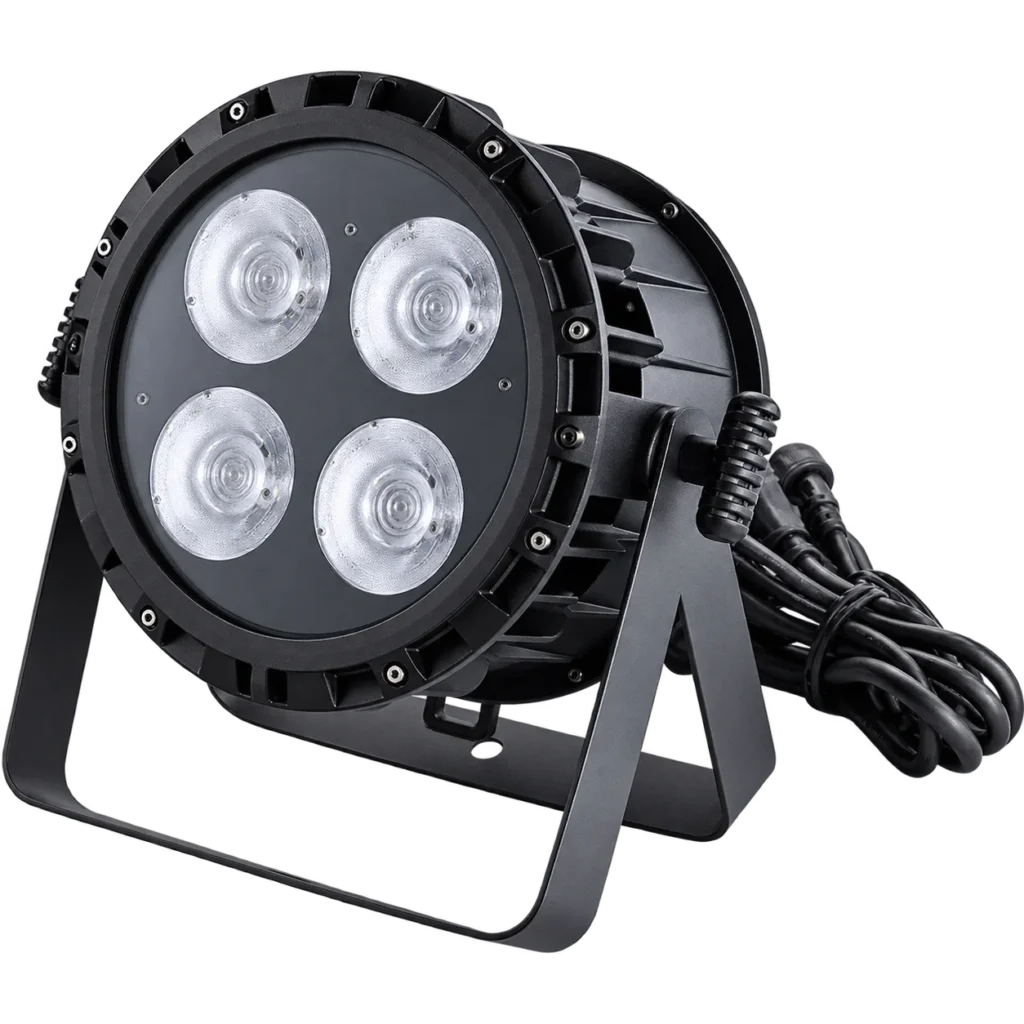
FOUR-EYE W/WW FACE LIGHT
180W Four-Eye IP65 COB Face Light overview
The source package uses four nominal 50W COB LEDs while the complete fixture is rated at 180W. Keep these two ratings separate when planning power and comparing products.
White / warm white
Choose white or warm-white output around the desired stage tone; confirm the supplied configuration rather than assuming an unlisted CCT range.
9CH DMX
One listed control profile plus Auto, Master-slave and Sound.
32-bit dimming
Listed 0–100% linear dimming for intensity control.
1–30Hz strobe
A supplied range for burst-flash and programmed cues.
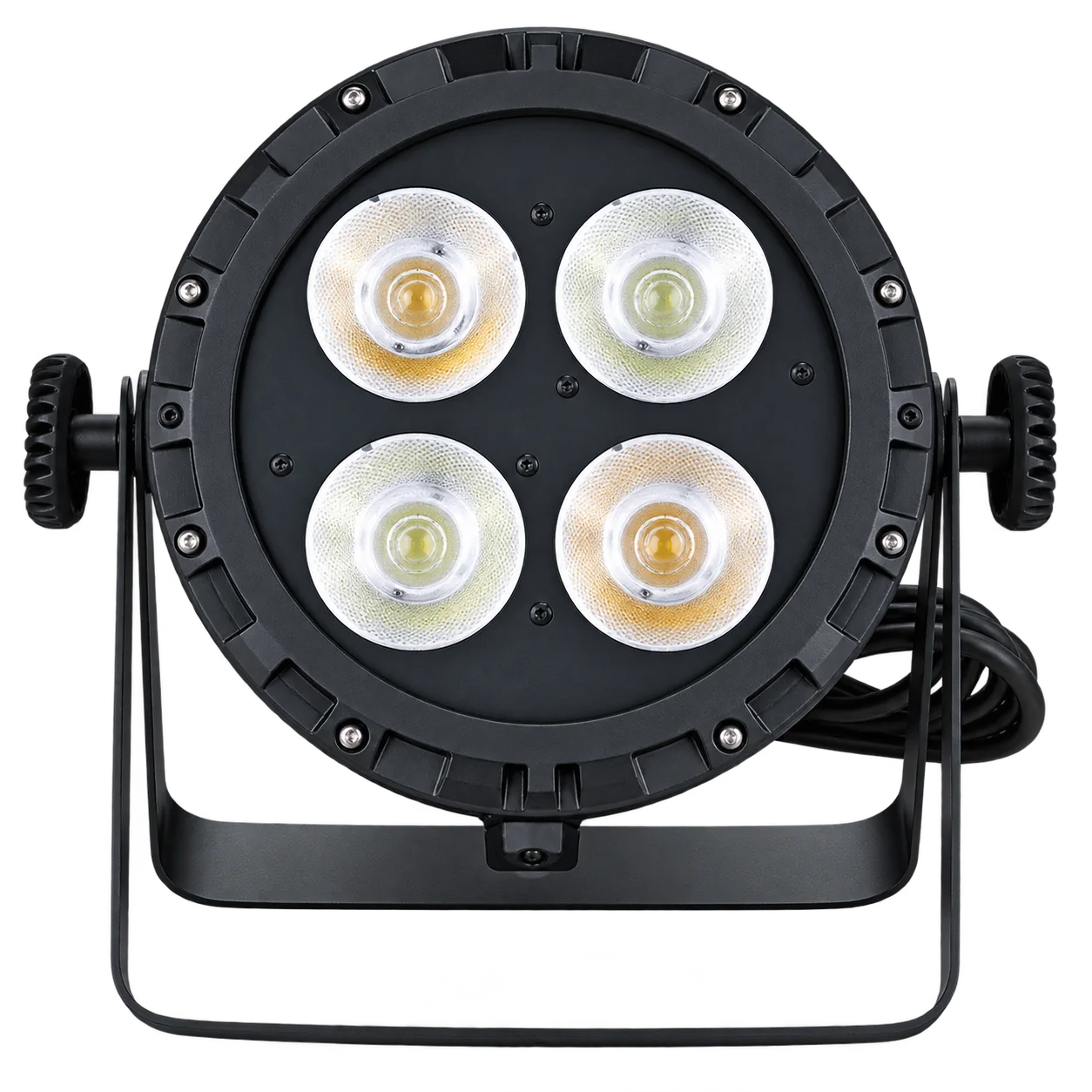
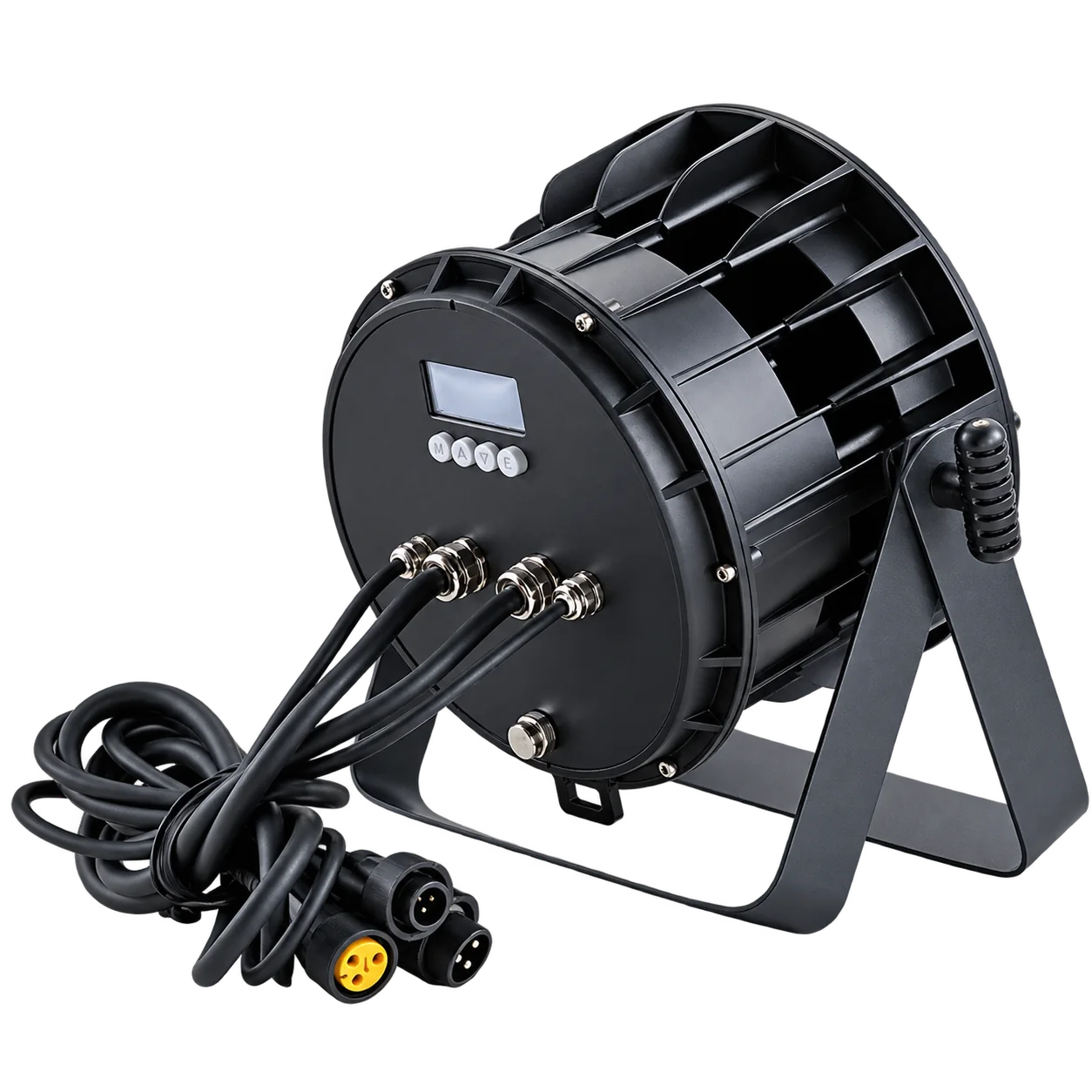
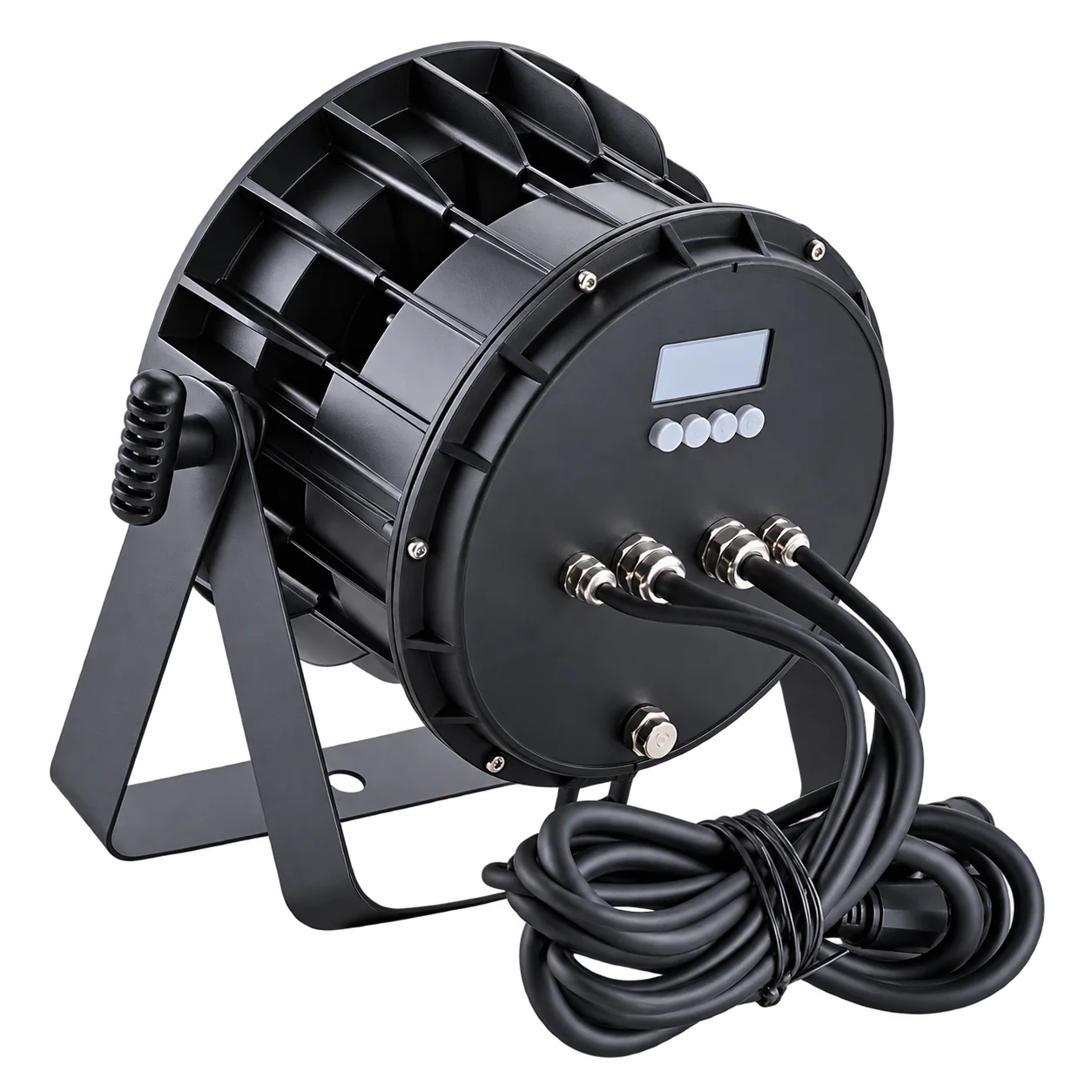
PRODUCT & EFFECT VIEWS
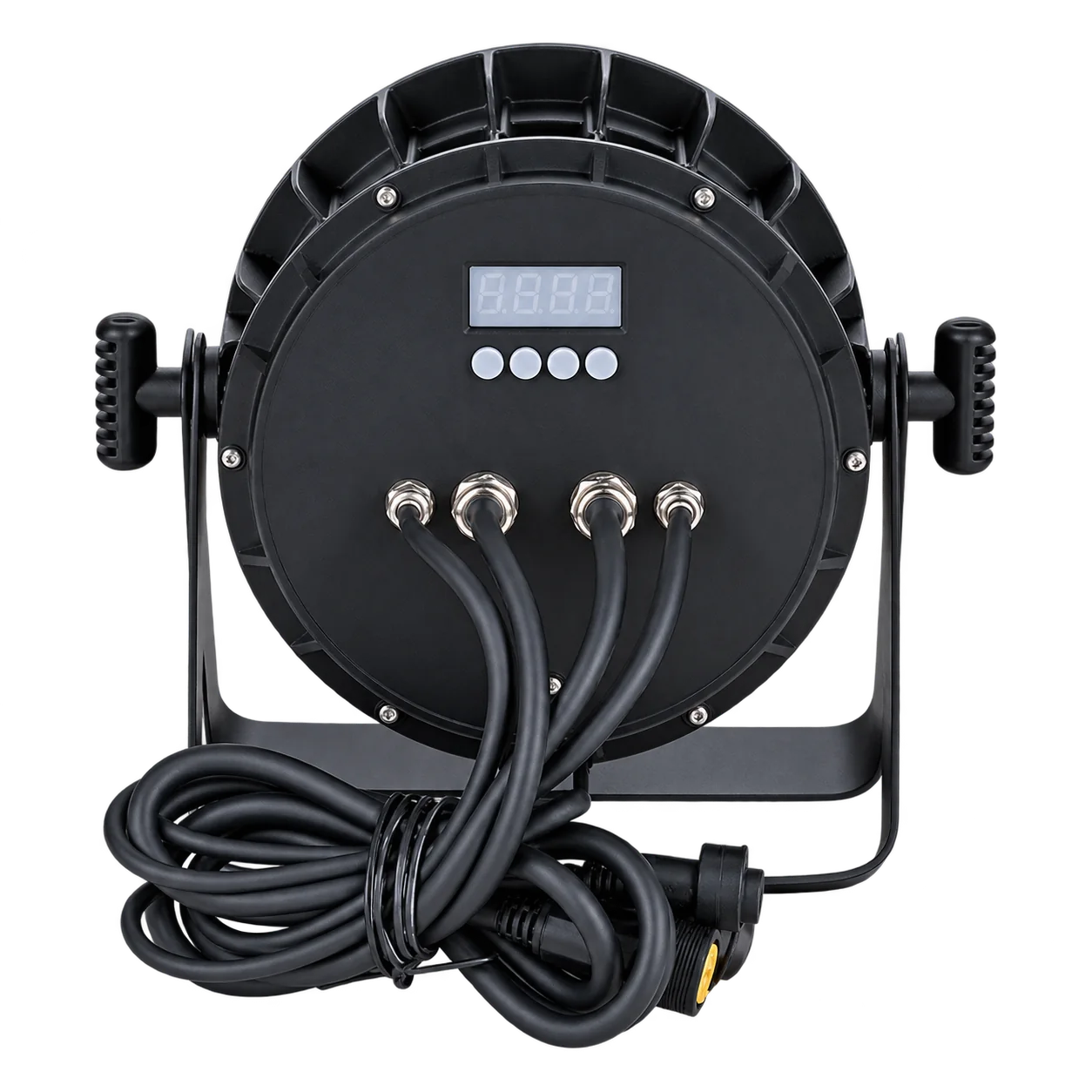
Inspect the four-eye face, alloy housing and rear controls.
The supplied transparent views show the optical face, cooling structure, display, buttons and fixed cable area.
Specifications
Technical specifications
| Model | RG-404 |
|---|---|
| Public product power | 180W |
| Light source | 4 × 50W COB LEDs |
| Voltage | AC 100–240V, 50/60Hz |
| DMX channels | 9CH |
| IP rating | IP65 |
| Product dimensions | 31 × 24 × 24cm |
| Net weight | 4kg |
| Control modes | DMX512 / Auto / Master-slave / Sound |
| Color system | White / warm white |
APPLICATION FIT
Match the fixture to the real venue role.
Use this four-eye COB face light for a fixed white-light task, starting with the performer or stage area, working distance and desired white tone. Check overlap and intensity at the planned positions before setting quantity. The listed 9-channel mode controls the fixture; it does not establish photographic color quality. Compare other LED PAR lights for color-source roles, and plan outdoor connections separately from the IP65 body.
B2B ORDER FLOW
Prepare a complete quotation brief.
For the order, send the quantity, destination, selected source configuration, voltage, control workflow, venue conditions, mounting and accessory needs. For DMX network planning, consult ESTA’s DMX512-A guide and request this fixture’s current channel chart.
PRODUCT FAQ
Questions Before You Order.
Source configuration, control, installation and order planning.
How many COB sources are used?
Four nominal 50W COB sources are listed.
Is 200W the complete fixture power?
No. The source package totals four nominal 50W LEDs, while the complete fixture is listed at 180W.
Which colors are available?
White and warm-white output is listed.
Which control modes are listed?
DMX512, Auto, Master-slave and Sound.
How many DMX channels are listed?
One 9-channel mode is supplied.
What dimming and strobe specifications are listed?
32-bit 0–100% linear dimming and a 1–30Hz strobe range.
Does IP65 cover the complete outdoor installation?
No. Connections, power distribution and mounting require suitable protection.
What should I send for a quotation?
Quantity, destination, voltage, white-light requirements, control, mounting and accessories.
START YOUR PROJECT
Request Product Information.
Tell us the quantity and delivery requirements. Our sales team will prepare suitable options for your project.