
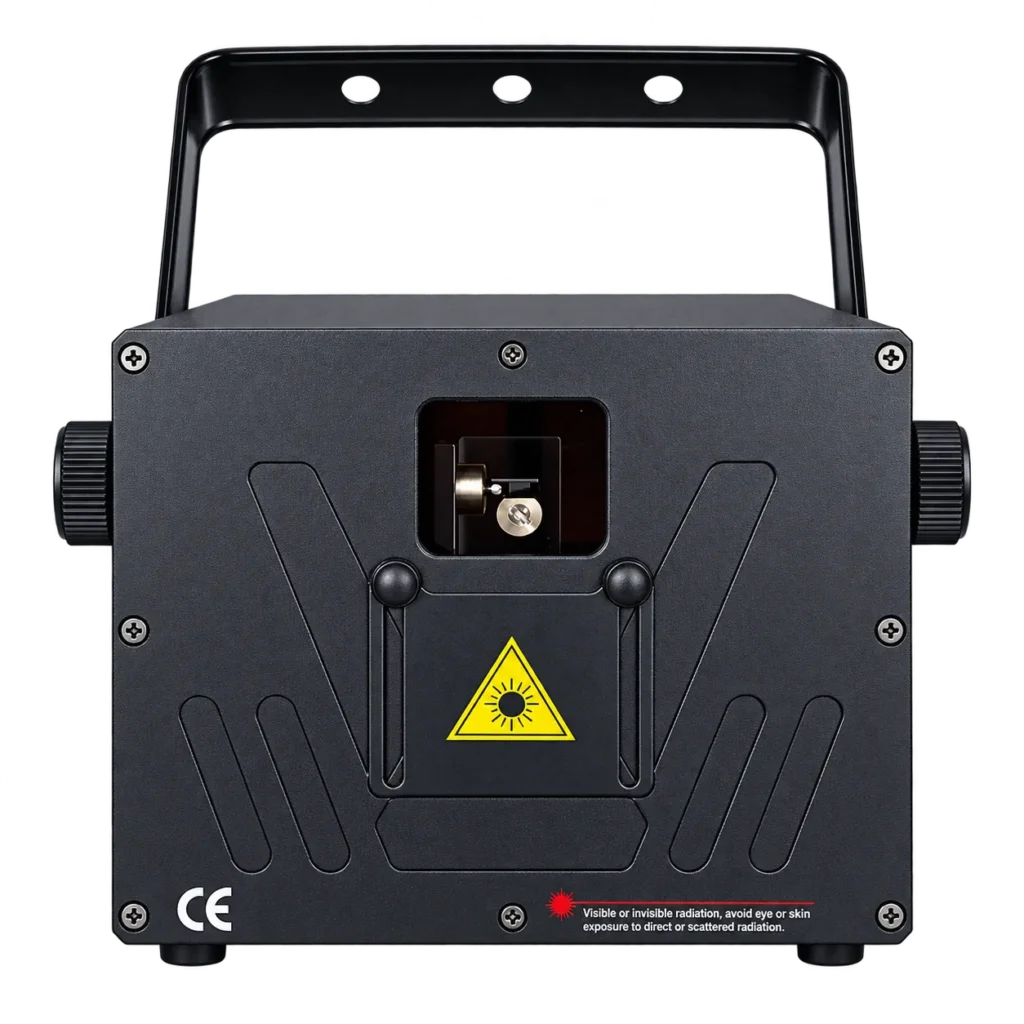
TWO OUTPUT OPTIONS
3W & 5W RGB Animation Laser overview
The fixture combines a 30Kpps ILDA scanner with 12CH DMX512, computer and standalone control. The 100W figure is complete fixture power, not laser output.
3W
Listed lower laser-output version.
5W
Listed higher output with a confirmed RGB split.
30Kpps
ILDA scanning galvanometer rating.
12CH
Stated DMX512 channel mode.
SCANNING & CONTROL
Build the animation workflow around the controller.
The supplied specification lists a 30Kpps ILDA scanner, computer control and 12CH DMX512, together with sound, auto and master-slave modes.
PRODUCT VIDEO
Watch the RGB animation laser demonstration.
Use the supplied product video to discuss animation and beam direction, then confirm the selected power version and controls.
Specifications
Technical specifications
| Model | RG-741 |
|---|---|
| Public product power | 3W / 5W laser output |
| Light source | Diode-pumped all-solid-state / semiconductor laser |
| Rated fixture power | 100W fixture power |
| DMX channels | 12CH |
| Control modes | Sound, auto, master-slave, DMX512, computer |
| Effect type | RGB animation laser with 30Kpps ILDA scanner |
APPLICATION FIT
Plan the 3W or 5W version for a controlled indoor show.
For 3W & 5W RGB Animation Laser projects, coordinate animation content, fixture positions and the DMX or computer workflow. Laser-output wattage alone does not define permitted viewing geometry or audience exposure. Compare related laser lighting options when planning your lighting rig.
B2B ORDER FLOW
Specify 3W or 5W and the animation control workflow.
Select 3W or 5W laser output, then send the animation content, projection surface, mounting positions and control brief. Specify computer/ILDA, 12CH DMX or the listed standalone workflow. The 100W fixture figure is separate from optical output; include supply, connectors and the operating documents needed for the installation. For DMX network planning, consult ESTA’s DMX512-A guide and request this fixture’s current channel chart.
PRODUCT FAQ
Questions Before You Order.
3W & 5W RGB Animation Laser: specifications, control and order planning.
Which laser-output versions are available?
The listed options are 3W and 5W.
What is the 5W RGB breakdown?
The supplied 5W configuration lists red 2000mW, green 1000mW and blue 2000mW.
Does that RGB split apply to the 3W version?
No. The supplied color-power breakdown is confirmed only for the 5W version.
Is 100W the laser output?
No. 100W is the listed complete fixture power; laser output is 3W or 5W.
What scanner is specified?
The product lists a 30Kpps ILDA scanning galvanometer.
How is the 3W & 5W RGB Animation Laser controlled?
12CH DMX512, computer, sound, auto and master-slave control are listed.
Is it rated for outdoor use?
No verified IP rating was supplied, so outdoor suitability is not claimed.
What should I include in my inquiry?
Send output version, quantity, destination, venue, control workflow, power and accessory requirements.
START YOUR PROJECT
Request Product Information.
Tell us the quantity and delivery requirements. Our sales team will prepare suitable options for your project.