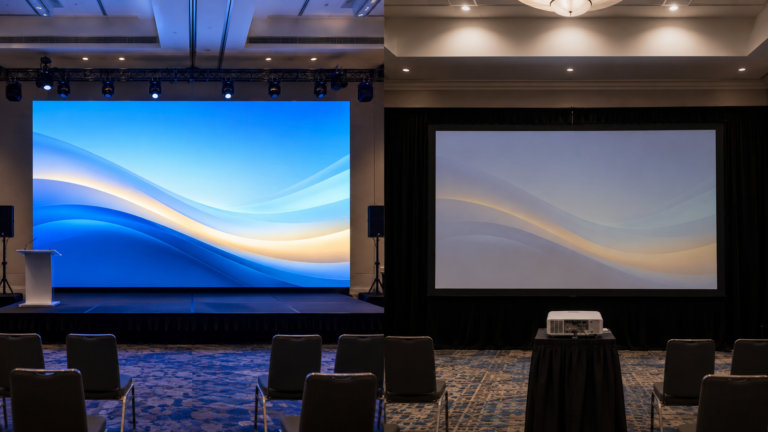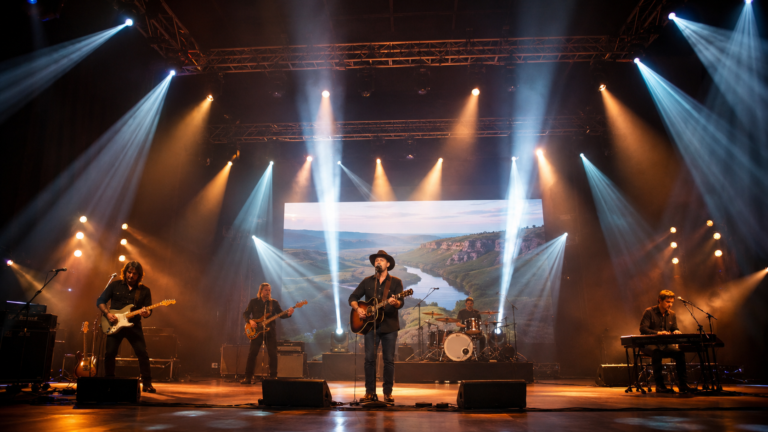




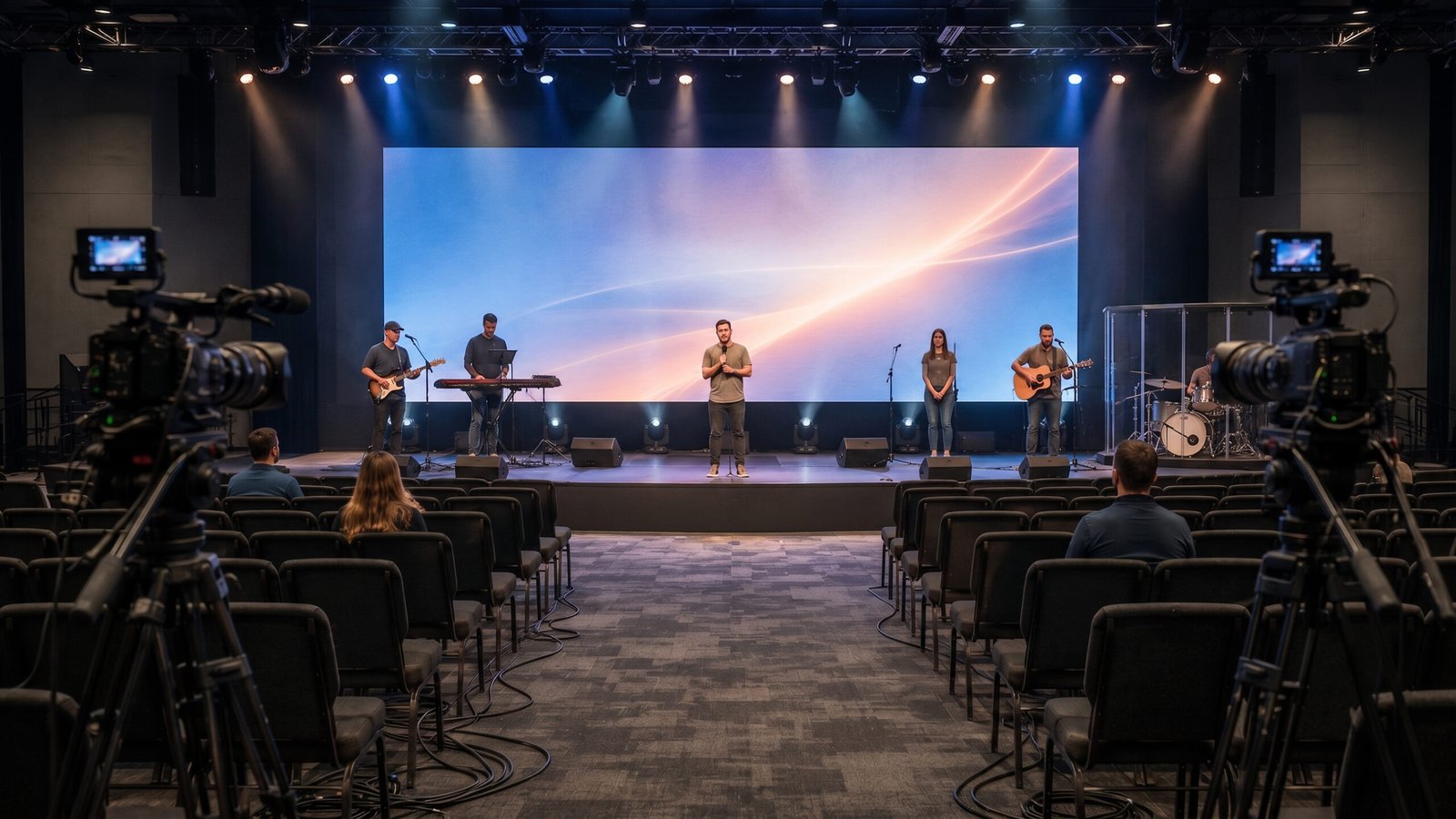
Choosing an LED screen for church should begin with the sanctuary, not a supplier’s shortest pixel-pitch number. The screen must serve people seated near the stage and at the back of the room while also supporting lyrics, scripture, presentations, IMAG camera feeds and livestream production.
A technically impressive panel can still be the wrong system if text is difficult to read, the wall dimensions do not fit cabinet increments, the display overpowers faces on camera, or maintenance requires removing the complete installation. The best specification is the one that keeps content readable, camera exposure manageable and service work practical in the real room.
Do not describe the project only as “a church video wall.” Record the three jobs the display must perform:
| Viewing job | What to measure | Why it changes the specification |
|---|---|---|
| Congregation viewing | Closest regular seat, typical seat and farthest seat | Determines useful pixel-pitch range and minimum readable text size |
| Platform use | Speaker and worship-team positions relative to the screen | Affects brightness comfort, scenic balance and whether the display sits behind people |
| Camera production | Camera locations, framing, frame rate, shutter and livestream path | Affects refresh-rate testing, exposure, color, scan behavior and processor workflow |
Then collect representative content. Include the smallest lyric text, a scripture slide, a white announcement page, a dark worship background, a prerecorded video and the live camera feed. A pitch comparison has little value if it is tested only with colorful promotional footage.
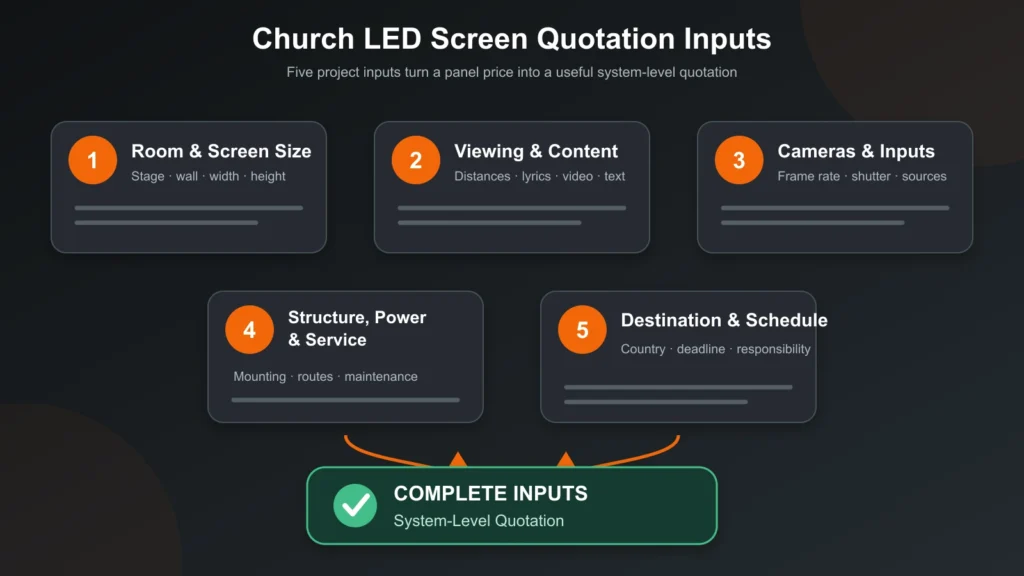
Before requesting a quotation, record:
These inputs allow a supplier to configure a complete display rather than quote panels by square metre alone.
Pixel pitch is the center-to-center distance between adjacent pixels. A smaller number increases pixel density and can support closer viewing, but it also affects product selection, processing load and budget. Smaller is not automatically better when the room cannot show the difference.
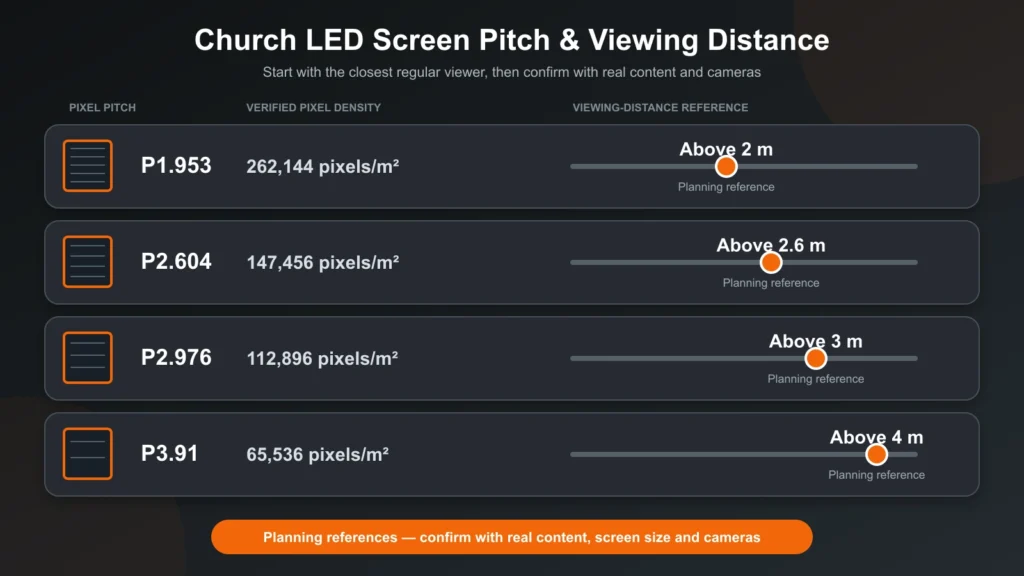
The verified WUYESTAGE indoor rental reference provides these planning points:
| Pixel pitch | Verified density | Viewing-distance reference | Initial church-planning use |
|---|---|---|---|
| P1.953 | 262,144 pixels/m² | Above 2 m | Close seating and detailed indoor content |
| P2.604 | 147,456 pixels/m² | Above 2.6 m | Medium-close seating and detailed slides |
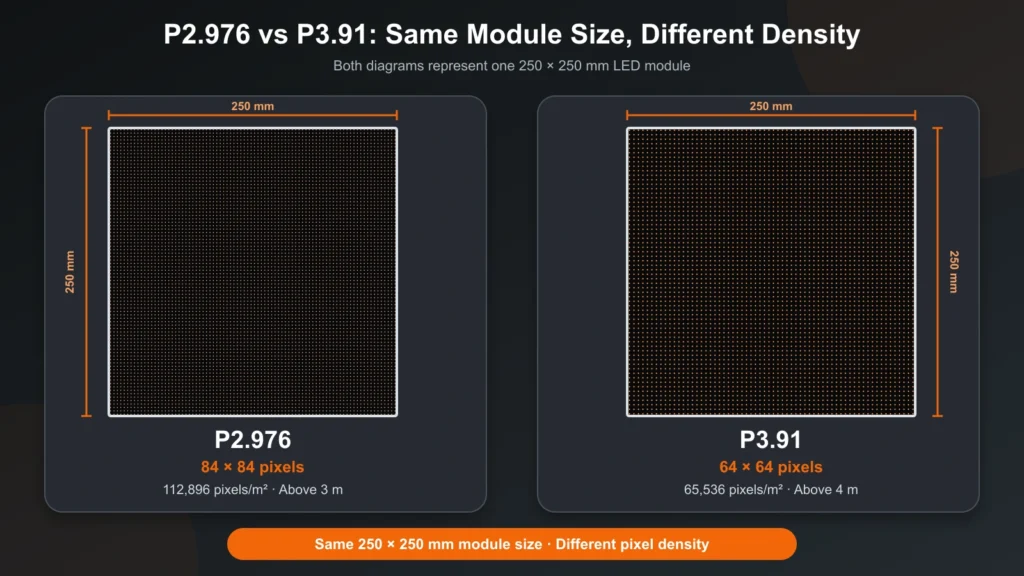
| P2.976 | 112,896 pixels/m² | Above 3 m | Lyrics, presentations and video in many medium rooms |
| P3.91 | 65,536 pixels/m² | Above 4 m | Larger rooms with longer regular viewing distances |
These are planning references, not universal minimum distances. The final shortlist must also account for font size, screen dimensions, camera framing and content detail. A real cabinet or representative screen section should be tested from the closest seat with the church’s own presentation files.
P3.91 may be unsuitable when regular seating is materially closer than the four-metre reference or when the display must reproduce small text and fine graphics at short range. Conversely, selecting P1.953 for a room whose audience starts much farther away may add cost and processing demand without a useful visual gain.
The available wall area is only a starting point. Stage proportions, sightlines, loudspeakers, doors, acoustic treatment, scenic elements and camera composition may reduce the usable display area.
Use the following preliminary calculation:
Cabinets across = target width ÷ cabinet width
Cabinets high = target height ÷ cabinet height
Total cabinets = cabinets across × cabinets high
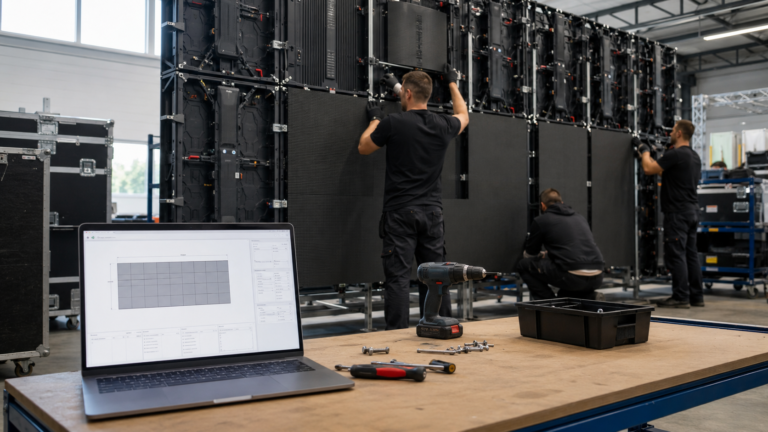
Round each direction to whole cabinets and calculate the resulting physical size. Then multiply the cabinet resolution across the complete layout and confirm that the video processor supports the total pixels, canvas, inputs and backup design.
The LED wall calculator can provide a preliminary cabinet and resolution layout. Its output does not approve the mounting structure, power distribution, signal system or final quotation.
Check the finished screen aspect ratio against the church’s content. A wide wall can work well for lyrics and video, but an unusual ratio may require custom presentation templates. Resolve this before the media team rebuilds slides around dimensions that the selected cabinets cannot produce.
The verified indoor rental reference is 800–1200 cd/m² for the P1.953, P2.604, P2.976 and P3.91 configurations. This describes a supported configuration range, not the brightness that every service should use.
Test the useful operating level with house lights and stage lights set as they are during worship. White lyric slides, dark backgrounds and camera feeds can require different exposure decisions. Excessive screen brightness may cause visual discomfort and make speakers appear underexposed when they stand in front of the display.
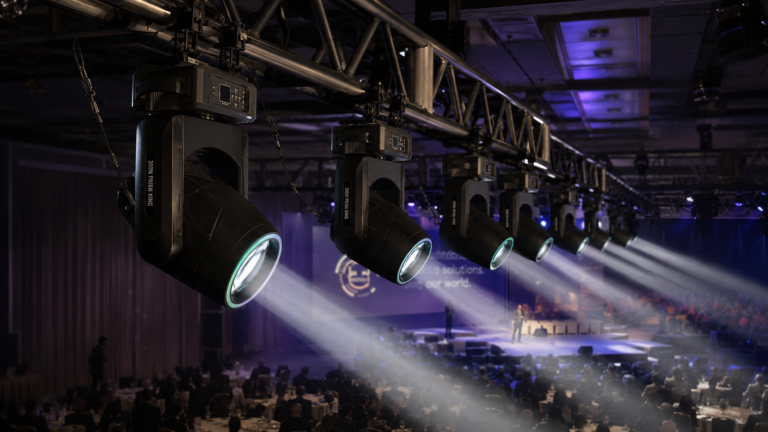
Front light should remain the primary tool for showing speakers and worship leaders clearly. Scenic wash and moving effects should not replace controlled face light. The church stage lighting guide explains fixture placement and camera-facing lighting without taking over the display-selection intent of this article.
The indoor protection reference is IP31. It is not an outdoor rating and does not approve the wall structure, ventilation, electrical distribution or installation method. Direct sunlight, exterior humidity, rain or wind requires a separately verified configuration and professional project planning.
The verified rental configurations use a 7680 Hz refresh-rate reference, which is relevant for camera-facing services. It does not by itself guarantee a flicker-free or scan-free image.
Recorded performance also depends on driver and receiving-card configuration, scan behavior, grayscale, operating brightness, processor settings, signal stability, camera frame rate, shutter, exposure and content.
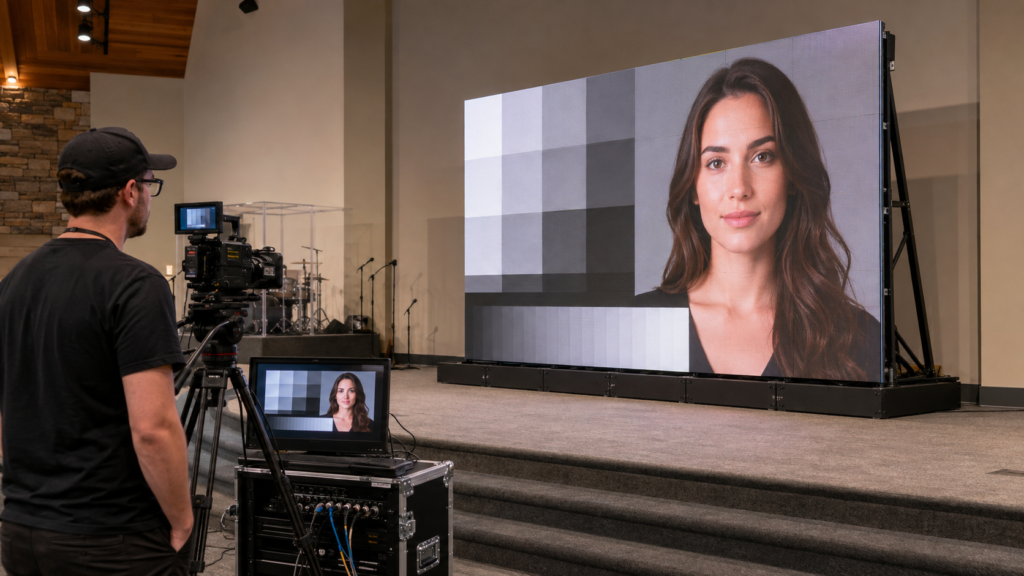
Run a practical acceptance sequence with the intended system:
The acceptance record should identify the module, cabinet, receiving card, processor, firmware and camera settings used. That record is more useful than a refresh-rate claim without the tested system context.
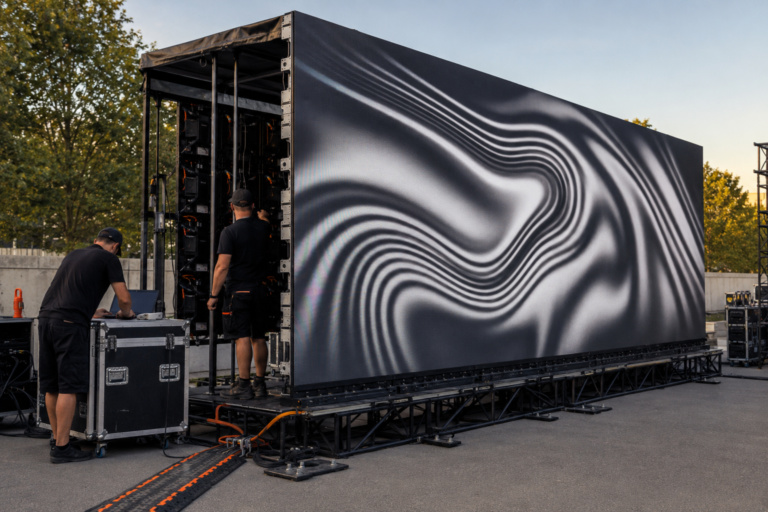
A church that holds temporary events or expects to reconfigure its stage may value rental cabinets. A permanent sanctuary wall may prioritize front service, integrated structure, cable routing and long-term maintenance access.
| Requirement | Rental cabinet direction | Fixed-wall direction |
|---|---|---|
| Repeated assembly or portable events | Strong fit | Usually unnecessary |
| Future size reconfiguration | More flexible | More constrained by structure |
| Permanent clean installation | Possible but requires project planning | Often the more direct design direction |
| Rear access is unavailable | Confirm front-service capability | Front-service design may be essential |
| Transport and temporary storage | Relevant | Usually not a primary requirement |
The verified rental reference supports 500×500 mm and 500×1000 mm formats, with corresponding weight references of 7.5 kg and 12.5 kg. A 500×1000 mm cabinet can reduce unit and connection count on a regular rectangular wall, while a 500×500 mm cabinet provides finer half-metre dimensional control.
Matching pixel pitch does not prove that cabinets can be mixed. Locks, modules, receiving cards, firmware, calibration, power and color must be verified as one compatible configuration.
For regular viewing above approximately three metres, the P2.976 indoor rental LED display provides a 500×500 mm cabinet direction with 112,896 pixels/m² and the verified indoor 7680 Hz reference. It is the stronger starting point when closer seating or detailed lyric and presentation content needs more density than P3.91.
For regular viewing above approximately four metres, the P3.91 indoor LED panel provides a 500×500 mm cabinet direction for flexible dimensions. A larger regular wall can also evaluate the P3.91 indoor 500×1000 mm rental screen, which can reduce cabinet quantity.
Together, these three examples show how viewing distance and cabinet format narrow the product shortlist.
These are product-format examples rather than universal church packages. Confirm screen dimensions, structure, service direction, power, processor, cameras, spare parts and local requirements before ordering. The P3.91 LED display guide provides a deeper P3.91 indoor/outdoor and cabinet-format comparison, while the rental LED display page covers the broader rental system range.
A sample cabinet or representative wall section should be evaluated with real church content. Check:
Record the accepted hardware and settings before approving production. If the final order differs from the tested sample, identify the change and repeat every affected test.
The broader LED screen category can be used to compare other indoor, outdoor, rental and creative display directions without changing this page’s church-specific role.
Provide the supplier with:
A complete brief helps suppliers quote the working display system rather than presenting a panel-only square-metre price that excludes essential equipment and project work.
Choose the pitch from the closest regular viewer and the smallest real content. Verified planning references begin above 2 m for P1.953, 2.6 m for P2.604, 3 m for P2.976 and 4 m for P3.91. Confirm the shortlist with real lyrics, video and camera tests.
P3.91 can suit a larger sanctuary when regular viewing begins above approximately four metres. Closer seating, small text or detailed graphics may require evaluation of P2.976, P2.604 or P1.953.
The verified indoor rental reference is 800–1200 cd/m², but the operating level should be adjusted for the room and cameras. Test white slides, dark scenes, skin tones and live feeds under normal service lighting.
No. Refresh rate is only one factor. Receiving cards, scan behavior, grayscale, brightness, processor settings, signal stability, camera frame rate, shutter, exposure and content also affect the recorded image.
Rental cabinets suit portable, temporary or reconfigurable systems. A permanent wall may need a fixed structure, front maintenance, dedicated ventilation and project-specific cabling. Choose according to installation and long-term service requirements.
Provide dimensions, viewing distances, content, cameras, installation method, service access, processor inputs, power, signal routes, spare parts, destination and schedule. This supports a system-level quotation.
Planning a church display for worship lyrics, sermon presentations, IMAG, video or livestream production? Send WUYESTAGE the room dimensions, target screen size, closest viewing distance, content examples, camera settings, installation method, service needs, destination and schedule through the contact page. We can compare suitable pixel pitches and cabinet formats and prepare a project-specific configuration.