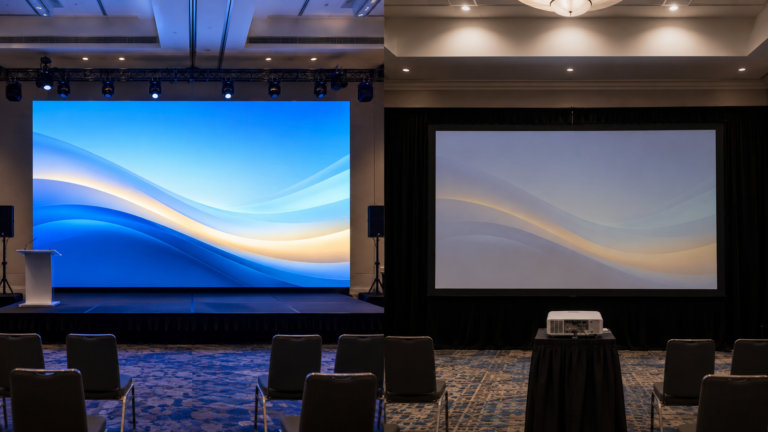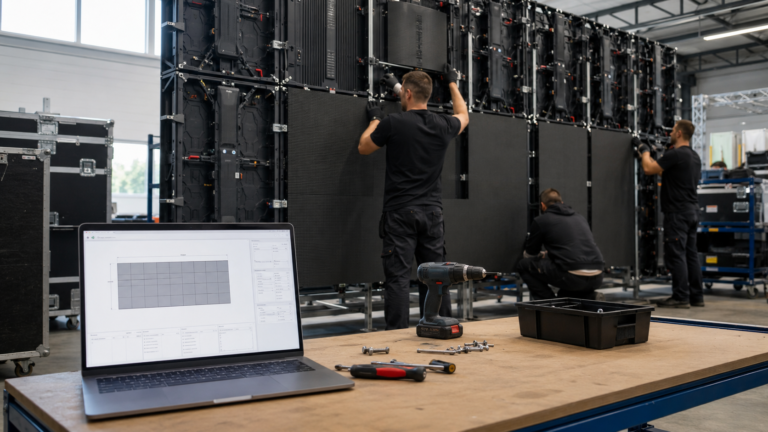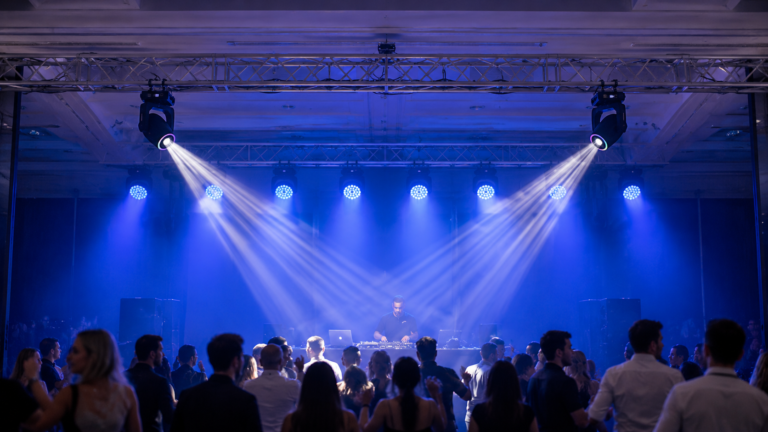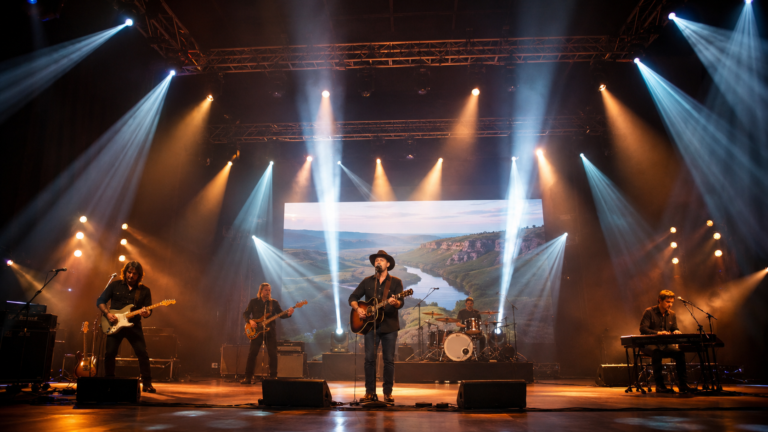



Learning how to choose outdoor LED screen systems starts with the operating conditions, not the pixel pitch printed on a quotation. A screen can have an attractive specification sheet and still be the wrong choice if it is too dim for the site, too coarse for the nearest viewer, inefficient to assemble, unsuitable for the camera workflow or quoted without the equipment required to operate it.
For an event buyer, the useful question is not “Which panel is best?” It is “Which complete screen system can be installed, viewed, recorded, serviced and transported under this project’s real conditions?”
A successful outdoor screen is therefore a matched system of LED cabinets, structure, power, signal processing, cabling, accessories, spares and operating procedures.
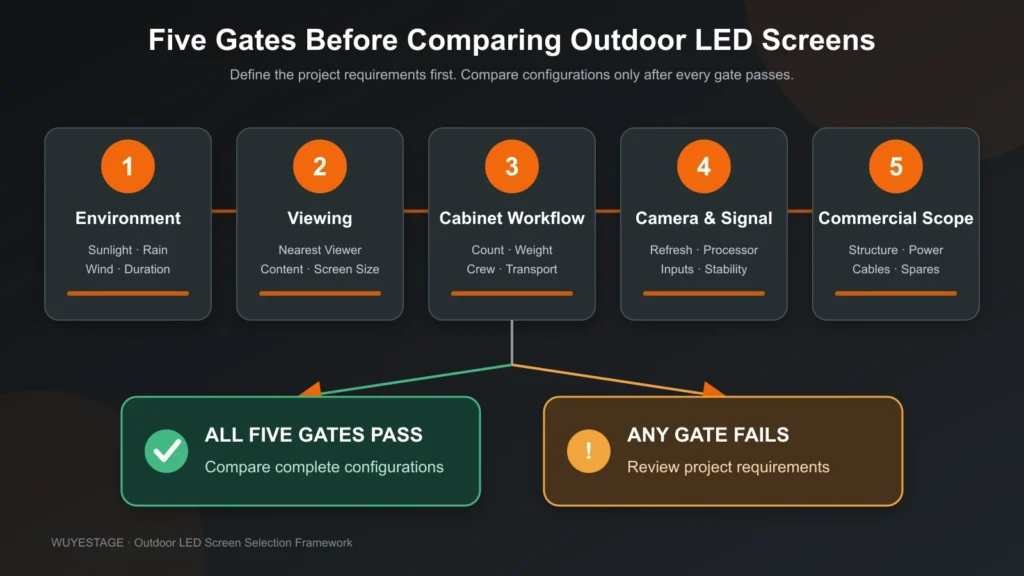
Treat each requirement below as a pass/fail gate. Do not compensate for a failed gate with an unrelated headline specification.
| Decision gate | Buyer must define | What goes wrong if it is ignored |
|---|---|---|
| Environment | Day/night use, rain exposure, temperature, wind plan and installation duration | Poor visibility, unsuitable protection or unsafe project assumptions |
| Viewing | Nearest important viewer, typical audience distance and screen dimensions | Visible pixel structure or unnecessary cost from excessive resolution |
| Cabinet workflow | Screen size, build schedule, crew, transport and repeated-use frequency | Too many cabinets, connections and handling operations |
| Camera and signal | Live camera, IMAG, broadcast, input formats and processor plan | Scan artifacts, unstable signal workflow or missing equipment |
| Commercial scope | Cabinets, processor, structure, power, cables, spares, packing and service | Quotations appear comparable but exclude different system components |
If one gate fails, the screen should return to configuration review before price comparison begins.
“Outdoor” is not one operating condition. A daytime festival, a covered evening stage and a permanent roadside installation create different demands.
Start with five facts:
Brightness should be evaluated against ambient light and viewing conditions. More brightness is not automatically better: excessive output at night can reduce visual comfort and make camera exposure harder. For a verified WUYESTAGE P3.91 outdoor rental reference, brightness is 3500–4200 cd/m² and the protection reference is IP65. These figures apply to that verified configuration; they must not be copied to every outdoor product or treated as approval for the whole installed system.
An IP rating for an LED cabinet also does not approve the structure, power distribution, processor, cables or connection practice. Ask the supplier to identify exactly which component and which side of the product the stated protection covers.
Reject or reconfirm the configuration when: the supplier uses “waterproof” as a system-wide promise, cannot identify the tested product configuration, or treats temporary event protection as a substitute for a structural and electrical plan.
Pixel pitch is the distance between adjacent LED pixels. A smaller pitch increases pixel density, but it should be selected from viewing needs rather than from the assumption that smaller is always better.
The verified P3.91 reference uses a 250 × 250 mm module with 64 × 64 pixels, giving 65,536 pixels per square metre. Its planning reference is a viewing distance above 4 m. This makes P3.91 a practical candidate for many medium-distance outdoor event screens, but not an automatic choice for guests standing very close to the display.
Use three viewing points in the project brief:
Then confirm the required content. Large camera images and bold show graphics tolerate different pixel structures than small text, detailed schedules or close-range product demonstrations.
For preliminary dimensions and cabinet quantities, use the LED wall calculator. Treat its result as a layout estimate, not final approval of structure, power, signal or quotation.
P3.91 may not be suitable when: the nearest important viewer is substantially closer than the verified planning reference, the display must reproduce small text at short range, or the project requires a different environment, cabinet or maintenance design.
Cabinet size changes the number of physical units, locks, signal connections, power connections and handling actions required for the same wall.
Use this preliminary calculation:
Cabinets across = target width ÷ cabinet width
Cabinets high = target height ÷ cabinet height
Total cabinets = cabinets across × cabinets high
Round each direction up when the target dimension is not an exact multiple. The result will create an actual screen size that may be larger than the original target.
For a 6 m × 3 m wall, 500 × 1000 mm cabinets in portrait orientation require 12 cabinets across and 3 cabinets high, or 36 cabinets; 500 × 500 mm cabinets require 12 across and 6 high, or 72 cabinets.
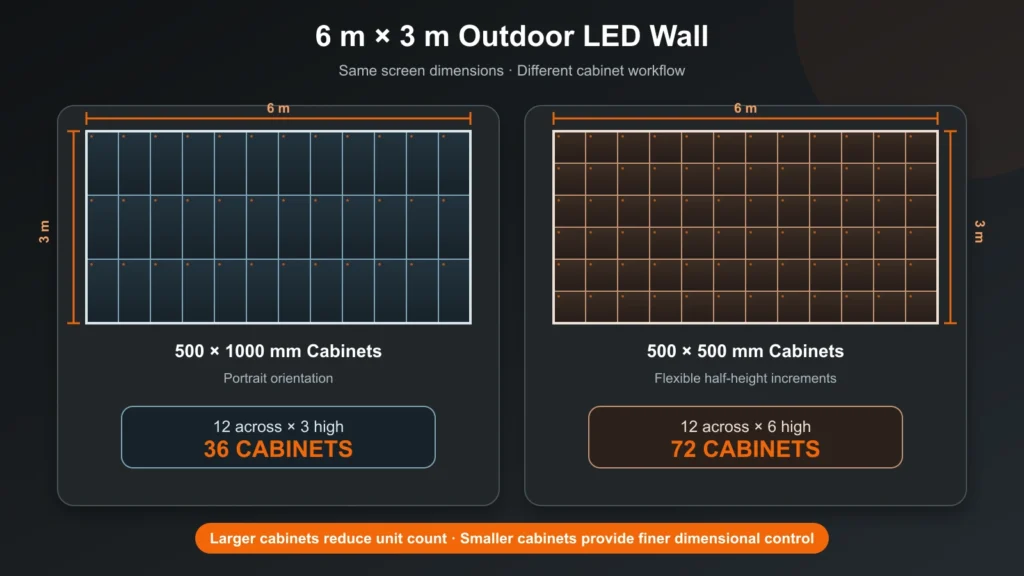
This does not mean the larger cabinet always wins. The verified P3.91 references show:
| Cabinet | Verified weight | Practical fit | Tradeoff |
|---|---|---|---|
| 500 × 1000 mm | 12.5 kg | Large standard rectangular walls where reducing cabinet count matters | Less granular for irregular edges and some mixed-height layouts |
| 500 × 500 mm | 7.5 kg | Flexible dimensions, edge completion and layouts needing half-height increments | More cabinets and connection points for the same wall area |
Both formats support hanging or stacking in the verified reference, but the final structure, locks, compatibility, rigging accessories and orientation must be confirmed for the ordered version.
The larger cabinet reduces unit count, while the smaller cabinet gives the designer finer dimensional control.
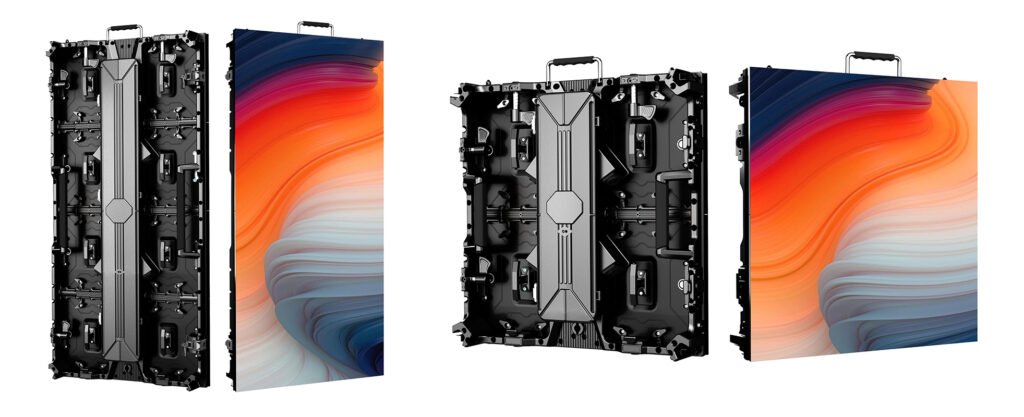
Compare the P3.91 500 × 500 outdoor panel with the P3.91 500 × 1000 outdoor panel after the desired wall dimensions are known.
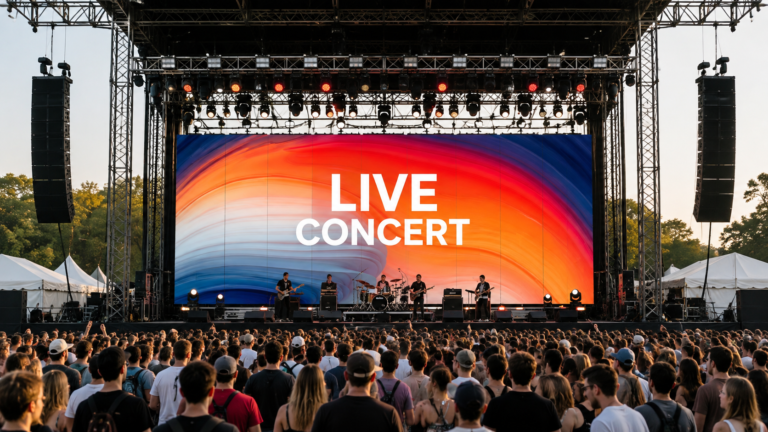
An outdoor screen used behind performers or presenters must work for both the live audience and the camera.
The verified P3.91 reference lists a 7680 Hz refresh rate, which is relevant for camera-facing event use. However, refresh rate alone does not guarantee a clean recorded image. Camera shutter, frame rate, scan behavior, brightness, processor settings, signal stability and content can all affect the result.
Before ordering, state:
CMS130, CMS260 and NovaStar VX1000 are verified processor options currently used with WUYESTAGE P3.91 projects. They are project options, not a fixed accessory included with every cabinet order. Final selection depends on total pixels, inputs, outputs, backup requirements and production workflow.
If the screen is central to IMAG or broadcast, request a camera test using the intended operating brightness and representative content. Do not accept a phone video as the only evidence for a professional camera workflow.
Searches for outdoor LED screen price often lead buyers to compare incomplete numbers. A low cabinet price can become an expensive project if the quotation excludes control, structure, power, signal, spares, packing or support.
Ask every supplier to separate the quotation into the same scope:
This is why the cost of an outdoor LED screen cannot be calculated reliably from square-metre price alone. Pixel pitch, cabinet design, screen dimensions, processor capacity, accessories, packing, destination and service scope can all change the final quotation.
Use the outdoor LED screen category to review current outdoor options. If the project is repeatedly installed and transported, compare the deeper workflow considerations in the rental LED display guide.
A sample or pre-shipment test should reproduce the risks that matter to the project rather than showing only a bright promotional video.
Use this sequence:
The acceptance test should reproduce the event workflow closely enough to expose configuration, camera, assembly and service problems before shipment.
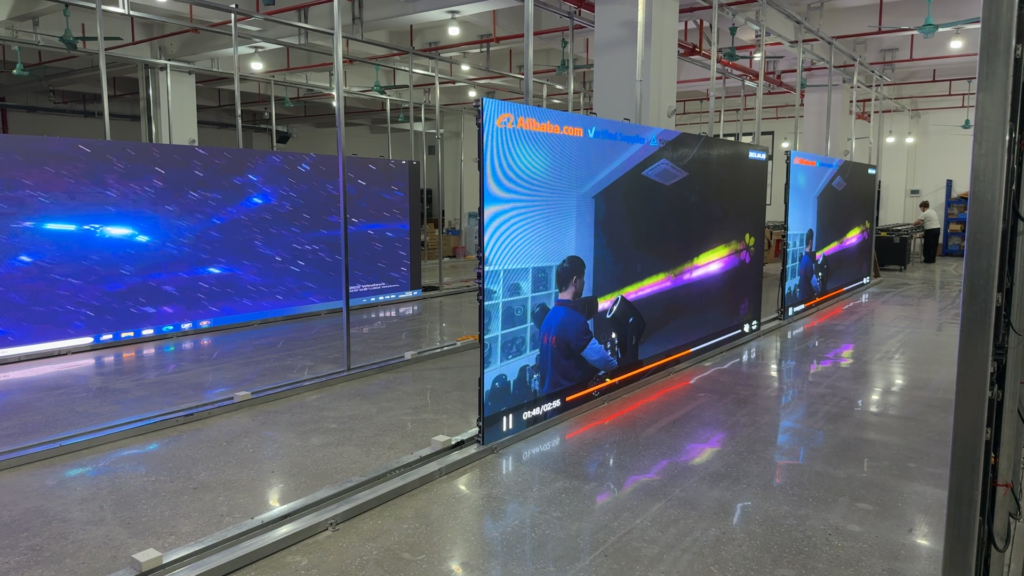
Document the accepted settings and configuration. A test that passes with one processor, brightness level or cabinet revision should not be assumed to approve a different order automatically.
Send the same structured brief to each supplier:
This brief makes quotations easier to compare and reduces the chance that a critical component is discovered after the cabinet order is placed. For a broader event-focused overview, read the stage LED screen buyer guide.
Choose from the nearest important viewing distance, content detail and screen size. The verified P3.91 reference uses a planning distance above 4 m, but closer viewing or small text may require a different configuration.
Brightness depends on direct sun, shade, operating time, content, camera use and local conditions. The verified WUYESTAGE P3.91 outdoor reference is 3500–4200 cd/m²; confirm the exact ordered product rather than applying this range to every screen.
IP65 is a product-level protection reference for the verified P3.91 outdoor configuration. It does not approve the support structure, power distribution, processor, cables, connectors or complete event installation.
Use 500 × 1000 mm cabinets to reduce cabinet count on large regular walls. Use 500 × 500 mm cabinets when half-height increments or more flexible dimensions matter. Confirm structural compatibility and the final mixed-cabinet plan before ordering.
No. It is a useful camera-facing specification, but the final result also depends on scan behavior, processor settings, camera shutter, frame rate, brightness, signal stability and content. Test with the intended camera workflow.
Provide screen dimensions, environment, viewing distance, installation method, camera requirements, destination, voltage, schedule, processor inputs, accessories, spares and packing requirements.
WUYESTAGE supports outdoor LED screen projects for event suppliers, rental companies, distributors and project contractors. Send your required screen dimensions, viewing distance, environment, installation method, camera workflow, destination and schedule. We can review the available P3.91 cabinet formats and identify the remaining configuration points that must be confirmed before quotation.